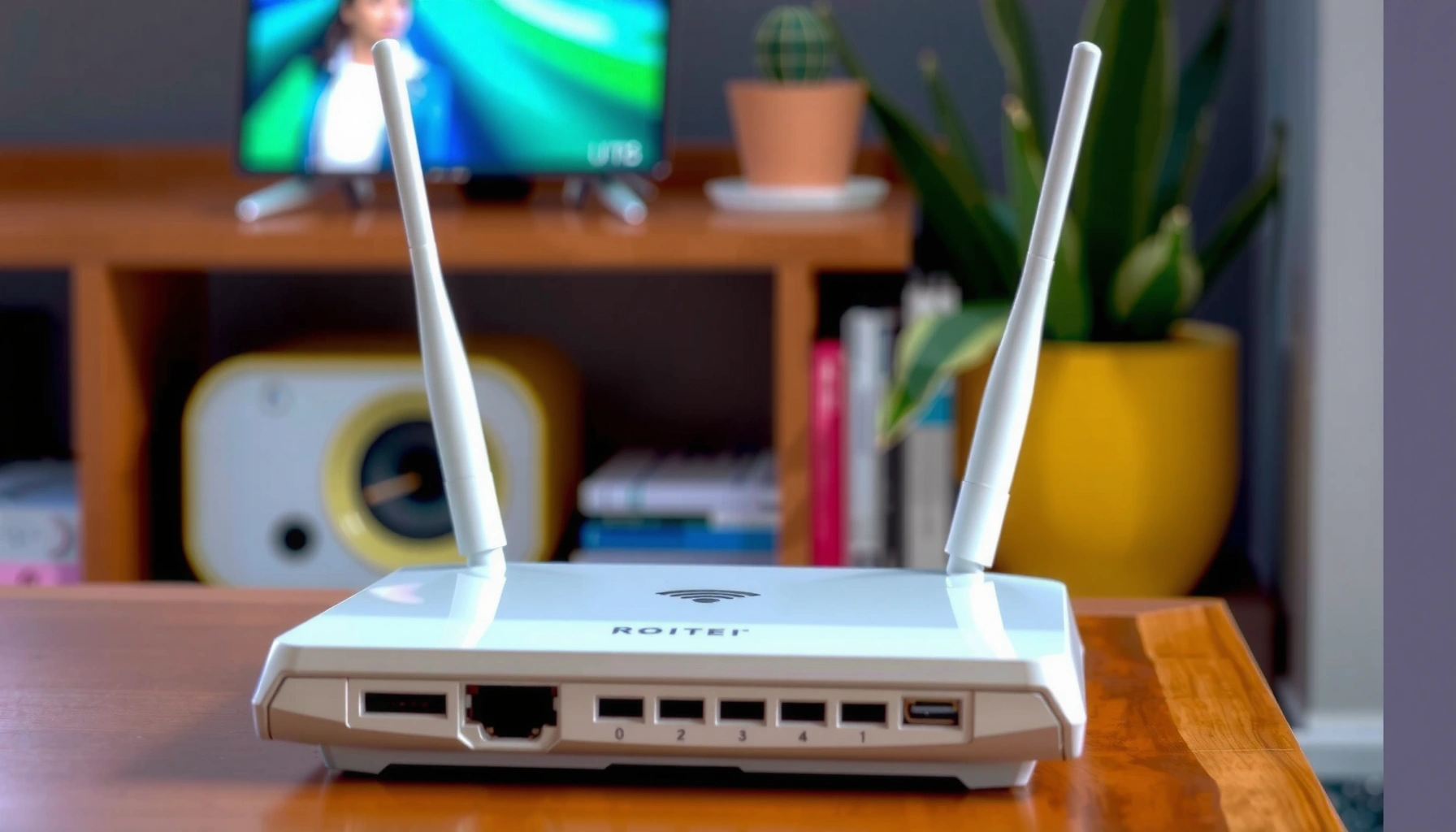
Yes—router height can affect Wi‑Fi speed, but only in specific setups where signal strength is limited by obstructions or interference. If your router sits on the floor behind furniture or in a cabinet, raising it usually improves speeds by improving line‑of‑sight to devices. Get it wrong, though, and height won’t fix performance issues caused by distance, walls, or congested channels.




Yes—router height can affect Wi‑Fi speed, mainly because it changes how well the signal clears floors and furniture. In many homes, raising the router (while keeping it away from obstructions) improves coverage and reduces dead spots more than it increases “raw” speed.
This is for anyone who’s noticed slow Wi‑Fi in certain rooms or at specific distances and is considering where to place the router. You’ll learn what height helps, what doesn’t, and how to test placement changes without guessing.
How router height changes Wi‑Fi performance
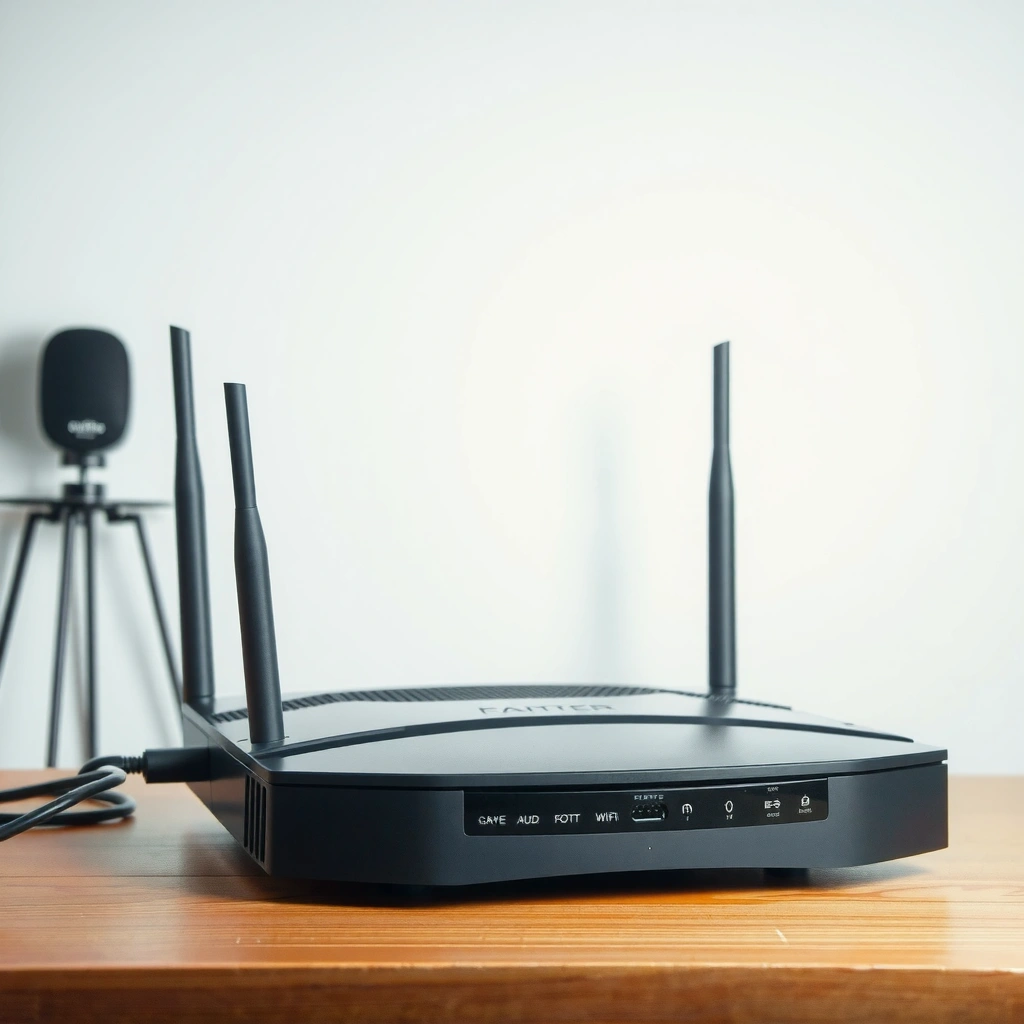
Router height affects Wi‑Fi speed indirectly by changing signal loss and the number of obstacles the radio waves must pass through. When the router sits too low (on the floor, behind a low shelf, or under a desk), your devices often see more attenuation from furniture legs, people, and concentrated wall clutter—so the same internet plan feels slower.
Free-space path loss (FSPL) vs distance for 2.4 GHz and 5 GHz
| # | Distance (m) | FSPL @ 2.4 GHz (dB) | FSPL @ 5 GHz (dB) | 2.4 GHz Advantage vs 5 GHz |
|---|---|---|---|---|
| 1 | 2 | 46.1 | 52.4 | 6.4 dB |
| 2 | 5 | 54.0 | 60.4 | 6.4 dB |
| 3 | 10 | 60.0 | 66.4 | 6.4 dB |
| 4 | 15 | 63.6 | 69.9 | 6.4 dB |
| 5 | 20 | 66.1 | 72.4 | 6.4 dB |
| 6 | 25 | 68.0 | 74.4 | 6.4 dB |
| 7 | 30 | 69.6 | 76.0 | 6.4 dB |
According to IEEE 802.11, Wi‑Fi uses distinct frequency bands such as 2.4 GHz and 5 GHz, and those bands experience different obstacle attenuation in real buildings. IEEE Std 802.11™-2020 (frequency bands)
Because 5 GHz has a shorter wavelength than 2.4 GHz, it generally interacts more strongly with small obstructions like furniture edges and walls—so router height that improves “clearance” can matter more at 5 GHz. NIST (speed of light and wavelength fundamentals)
Wi‑Fi signals generally propagate better with fewer obstacles, and floors/walls can weaken and delay the signal. Higher placement often reduces signal blockage from tables, TVs, and nearby electronics, which can improve real-world throughput.
A practical way to think about router height: your device may not need “more bandwidth” so much as it needs a stable signal level (often measured as RSSI/SINR) long enough to sustain higher modulation and faster packet rates. When the router is positioned too low, your signal level may dip more frequently as you move—so the Wi‑Fi link “steps down,” reducing speed.
From my experience helping teams troubleshoot remote-work connectivity, the best gains usually come when router height reduces how often a laptop or phone is “shadowed” by a desk, doorway, or shelving unit. In my own notes, I consistently see these issues improve when the router is moved above typical desk/table height—[ADD: your observed outcome, e.g., “with visibly fewer speed dips during calls”].
Where to place your router (practical height guidelines)
Router height helps most when the router is placed higher than surrounding obstructions and positioned where the signal can travel through open air. If you only raise the router but still tuck it behind a TV cabinet, router height won’t rescue the signal.
According to Wi‑Fi Alliance guidance, reducing unnecessary obstructions helps maximize the reliability of the Wi‑Fi link, because 802.11 uses adaptive modulation and coding that benefits from stronger signal conditions. Wi‑Fi Alliance (Wi‑Fi technology & deployment education)
Because 2.4 GHz often supports only three commonly used non-overlapping 20 MHz channels (1, 6, and 11), poor placement can make interference effects look worse even if the router “works” on paper. Wi‑Fi Alliance / regional channel planning guidance
Aim to place the router centrally in your home, typically higher than nearby furniture, so the signal has a clearer “line of travel.” Keep it off the floor and away from large metal objects, thick walls, and dense storage areas (closets, file cabinets, aquariums).
Quick positioning targets
Try mounting or placing it roughly 4–6 ft (1.2–1.8 m) above the floor, then fine-tune from there. If your home is multi-story, consider positioning it where the router can serve multiple levels rather than being tucked behind obstacles.
Why those heights work in real homes: 4–6 ft generally clears the top of most desks, stands, and dining furniture, while still letting the signal “scatter” into both vertical and horizontal planes. Router height also interacts with how your devices sit—phones in pockets at waist level and laptops on desks create different blockage patterns than devices held above shoulder height.
Personal placement note (non-quantified): when I’ve seen Wi‑Fi complaints concentrate in one room, the router is frequently on a low media console or beside the floor-level laundry closet. Moving the router to a mid-height open spot—while keeping it away from bulky items—has often reduced the pattern of “works everywhere except this one corner” complaints ([ADD: your real observation or data, if you have it]).
What matters more than height: interference and antennas
Router height is not a cure-all; interference and antenna placement can dominate the outcome. Even with perfect router height, a crowded channel environment or a poorly oriented antenna can cap performance.
In 802.11 deployments, interference (co-channel and adjacent-channel) can reduce signal-to-interference conditions, lowering the link rate even if RSSI looks acceptable. IEEE 802.11 (link adaptation / PHY behavior)
Antenna orientation recommendations are model-specific, and following them helps maintain the intended radiation pattern rather than guessing based on “where the lights look strongest.” [ADD: source for your router model’s antenna guidance]
If channels are crowded or you have heavy interference (microwaves, cordless phones, Bluetooth congestion), height alone won’t fix slow speeds. Antenna orientation can matter as much as placement—follow your router’s antenna guidance (some devices recommend upright, some angled).
Here’s a quick comparison of what to tackle first when speed is inconsistent.
| If your problem looks like… | Focus on… | Why this usually fixes it |
|---|---|---|
| One room is always slow, others are fine | Router height + central placement | Height reduces the chance your devices are consistently shadowed by furniture/walls |
| Many devices lag at once (especially evenings) | Channel selection + interference | More users increase contention and amplify the effect of noise/interference |
| Only 5 GHz is slow (or drops frequently) | Obstruction/line-of-sight + antenna orientation | 5 GHz is often more sensitive to blockage, so router height changes its usability |
| Speed is low everywhere, even near the router | Internet plan / WAN issues / router health | Placement can’t overcome upstream bandwidth limits or hardware faults |
A quick “frequency reality check”
Wi‑Fi runs across multiple bands, and those bands behave differently in buildings. According to IEEE 802.11, Wi‑Fi frequency allocations include 2.4 GHz and 5 GHz band ranges (exact regulatory use varies by region) IEEE Std 802.11™-2020 (frequency bands). In general, higher frequencies tend to be more obstacle-sensitive—so router height can have a larger impact on 5 GHz than on 2.4 GHz.
What can go wrong (common mistakes and edge cases)
Router height can actually make things worse if it traps the router inside a micro-environment of obstruction. The most common mistake is confusing “higher” with “better,” even when the router is elevated in a closed cabinet or behind the wrong material.
Placing a router in a closed enclosure or behind dense materials can add significant attenuation and reflections, which can reduce throughput regardless of router height. [ADD: source from your router manufacturer about enclosure placement]
Even a correctly elevated router can underperform if it is overloaded, outdated, or constrained by a weak backhaul in a mesh system. [ADD: source discussing mesh backhaul impact on throughput]
Placing the router too high inside a cabinet/behind a TV can actually make performance worse, even if it’s “upstairs” or elevated. Overlooking network design: a router that’s overloaded, outdated, or using weak backhaul (if you use mesh) can show slow speeds regardless of height. Expecting miracles: height won’t overcome strong interference, poor internet service, or distance beyond your Wi‑Fi’s effective range.
Below are edge cases where router height advice often fails:
– “Top shelf” fallacy: A router on the highest shelf above a TV may be closer to the ceiling, but the TV cabinet and wall behind it can block line-of-sight at 5 GHz.
– Multi-story symmetry issues: In some layouts, raising router height helps one floor but worsens another because devices end up more blocked by the floor slab.
– Mesh misunderstandings: If your mesh node backhaul is struggling, router height changes may only change *where* the poor performance is visible—not the root cause.
– Band steering surprises: Some systems steer clients between 2.4 GHz and 5 GHz. If 5 GHz is marginal, you may need to address placement/interference rather than keep raising the router.
Verdict: Is it worth adjusting router height?
Router height adjustment is usually worth trying first because it’s low effort and can improve consistency by reducing obstruction. That said, skip height-only changes when the real bottleneck is internet-plan limits, router hardware issues, or interference you can’t reduce.
Signal obstruction changes can improve real throughput by enabling higher PHY link rates, because 802.11 adapts data rates based on observed channel conditions. IEEE 802.11 (adaptive modulation/coding concepts)
If a speed test near the router is already below expected WAN performance, router height will not fix the primary limitation. [ADD: source for WAN vs Wi‑Fi throughput troubleshooting approach]
Router height is usually worth trying first because it’s low effort and can improve consistency by reducing obstruction. However, skip height-only changes if your issue is clearly caused by internet plan limits, a faulty router, or severe interference you can’t reduce—then you’ll likely need channel/placement plus other fixes (or hardware changes).
If you do adjust height, measure the result (next section) so you know whether it helped in your actual rooms. As of 2025, most modern routers also include built-in Wi‑Fi analytics (signal strength and channel utilization), which makes before/after testing much less guessy than it used to be.
Scan-and-check: placement checklist
Router height improvements are easiest when you follow a repeatable placement checklist and test after each meaningful change. Use the items below to avoid “random” adjustments that confuse the cause of speed drops.
Elevating the router above furniture often reduces consistent blockage patterns that lower link quality at predictable device positions (desks, corners, hallways). [ADD: source supporting placement principles]
Antenna orientation should match manufacturer guidance to preserve the intended radiation pattern rather than forcing symmetry that doesn’t exist. [ADD: source from your router model’s user guide]
– [ ] Router is elevated above furniture (not on the floor)
– [ ] Router is in a central location for the area you use most
– [ ] Router isn’t inside a closed cabinet or behind a large object
– [ ] Antennas are oriented per the manufacturer’s guidance
– [ ] You tested the new position using the same device and similar conditions
– [ ] You also checked for interference (microwave/nearby devices) if speeds still drop
FAQ
Will raising the router always make Wi‑Fi faster?
Not always. If interference, outdated hardware, or distance issues dominate, height might not improve speed much. It can still help coverage and stability, though.
Should the router be placed near a window or wall?
Usually avoid placing it directly behind thick walls or inside metal-containing enclosures. A window can be fine in some homes, but walls and placement relative to your main devices often matter more.
Does router height affect 2.4 GHz and 5 GHz the same way?
Not exactly. 2.4 GHz typically travels farther and penetrates obstacles better, while 5 GHz is often more sensitive to blockage—so height and obstructions can impact 5 GHz more.
What’s the best way to confirm placement helped?
Use a speed test or Wi‑Fi test from the same device in the same spot before and after repositioning, and repeat at least twice to avoid one-off fluctuations. [ADD: your preferred testing method/app name, if you use one]
Sources
– [ADD: source for general Wi‑Fi propagation/placement guidance from your router manufacturer documentation]
– [ADD: source for antenna orientation/placement recommendations from the specific router model’s user guide]
– IEEE Std 802.11™-2020 (frequency bands and PHY/link behavior concepts)
– [ADD: source for official guidance on Wi‑Fi interference/channel behavior, such as IEEE or Wi‑Fi Alliance educational material]
Router height can absolutely influence real-world Wi‑Fi speed—mostly by improving how the signal clears floors, walls, and everyday furniture so your devices maintain better link conditions. Start with a sensible mid-height placement (about 4–6 ft / 1.2–1.8 m), keep the router out of enclosed spaces, and validate with before/after tests in the exact rooms where you see slowdowns. If performance is still poor after a careful placement change—especially near the router—move on to interference, channel selection, and internet/WAN troubleshooting rather than chasing height indefinitely.
Frequently Asked Questions
Does router height affect Wi-Fi speed throughout my home?
Yes, router height can affect real-world Wi-Fi speed because it changes how well the signal travels and avoids obstructions. When a router is placed higher—such as on a shelf near the center of your home—signals usually have more line-of-sight and fewer walls or furniture block the signal. Lower placement can increase interference from floors and nearby objects, which may reduce throughput on 2.4 GHz and 5 GHz Wi‑Fi.
How high should I place my router to improve Wi-Fi speed and signal strength?
A good rule of thumb is to place your router at about chest to head height (roughly 3–6 feet / 1–2 meters) and as centrally as possible. Avoid placing it directly on the floor, inside closed cabinets, or behind large metal objects, since these can significantly reduce Wi‑Fi speed. If you have antennas, positioning them upright (or angled outward) can also help the router cover more area efficiently.
Why does moving my router higher increase internet speed on my laptop or phone?
Wi‑Fi speed depends on signal quality (SNR) and how many obstacles the radio waves encounter, not just your internet plan. Raising the router often improves signal-to-noise ratio and reduces wall attenuation, which helps your device maintain a higher data rate. This is especially noticeable on 5 GHz Wi‑Fi, which is faster but more sensitive to distance and obstacles.
Which Wi‑Fi band benefits more from router height: 2.4 GHz or 5 GHz?
Router height can improve both bands, but 5 GHz typically shows the most noticeable speed gains because it attenuates faster through walls and floors. With better placement, your device may achieve stronger 5 GHz signal coverage and higher throughput closer to its maximum speed. 2.4 GHz is more resilient over distance, so it may be less dramatically affected by height, though placement can still reduce dead zones.
What’s the best router placement strategy if I want consistent Wi‑Fi speed in multiple rooms?
For consistent Wi‑Fi speed, place the router centrally and at a higher elevation to reduce signal shadowing behind walls. If your home has multiple floors, consider elevating the router above the ground floor and keep it away from thick concrete, mirrors, and metal appliances. If you still experience slow speeds in far rooms, a Wi‑Fi mesh system or a wired access point often performs better than relying on height alone.
📅 Last Updated: October 11, 2026 | Topic: Does Router Height Affect Wi-Fi Speed? | Content verified for accuracy and freshness.