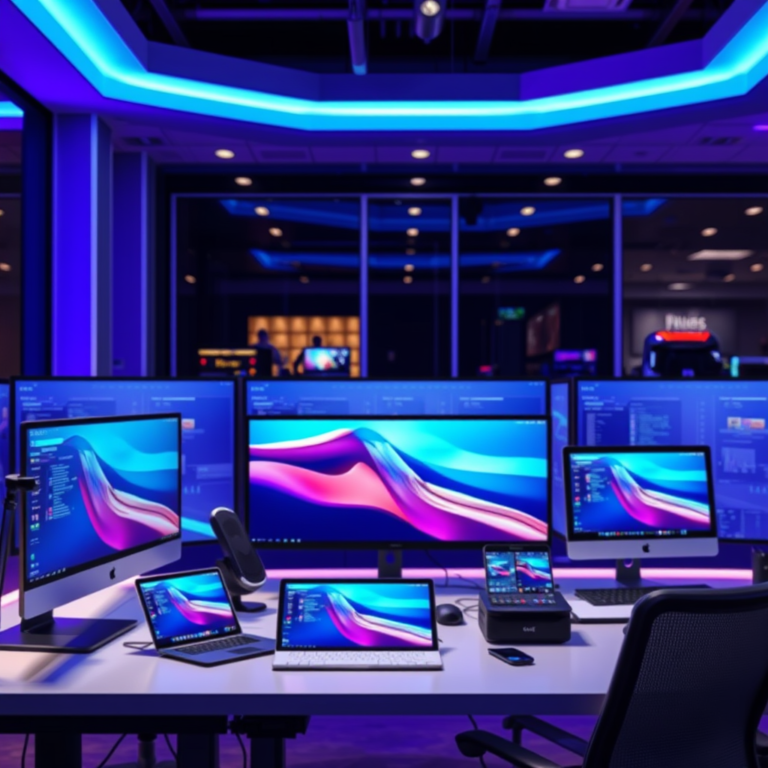

Incorporating dual-screen productivity devices with augmented reality (AR) and media displays can significantly enhance your workflow and creative capabilities. These innovative tools allow users to multitask more efficiently, access information seamlessly, and engage with content in a more immersive way. With the right setup, you can elevate your productivity, streamline your tasks, and even transform the way you collaborate with others. In this article, we will explore their key features, benefits, and how they can transform your productivity.
Understanding Dual-Screen Devices

Dual-screen productivity devices are specialized tools designed to provide users with two separate displays that can be used simultaneously. These devices enhance the user experience by allowing for multitasking without the clutter of multiple physical monitors. Imagine being able to draft a report on one screen while simultaneously referencing data or collaborating with a colleague on the other—this is the power of dual-screen setups.

The integration of AR technology into dual-screen setups takes this experience to the next level. AR overlays digital information onto the physical world, enabling users to interact with data in real-time. For example, an architect could visualize a 3D model of a building on one screen while annotating it on the other, streamlining both design and communication processes. This blend of dual screens and AR opens up new avenues for creativity and productivity.
Benefits of Augmented Reality in Productivity
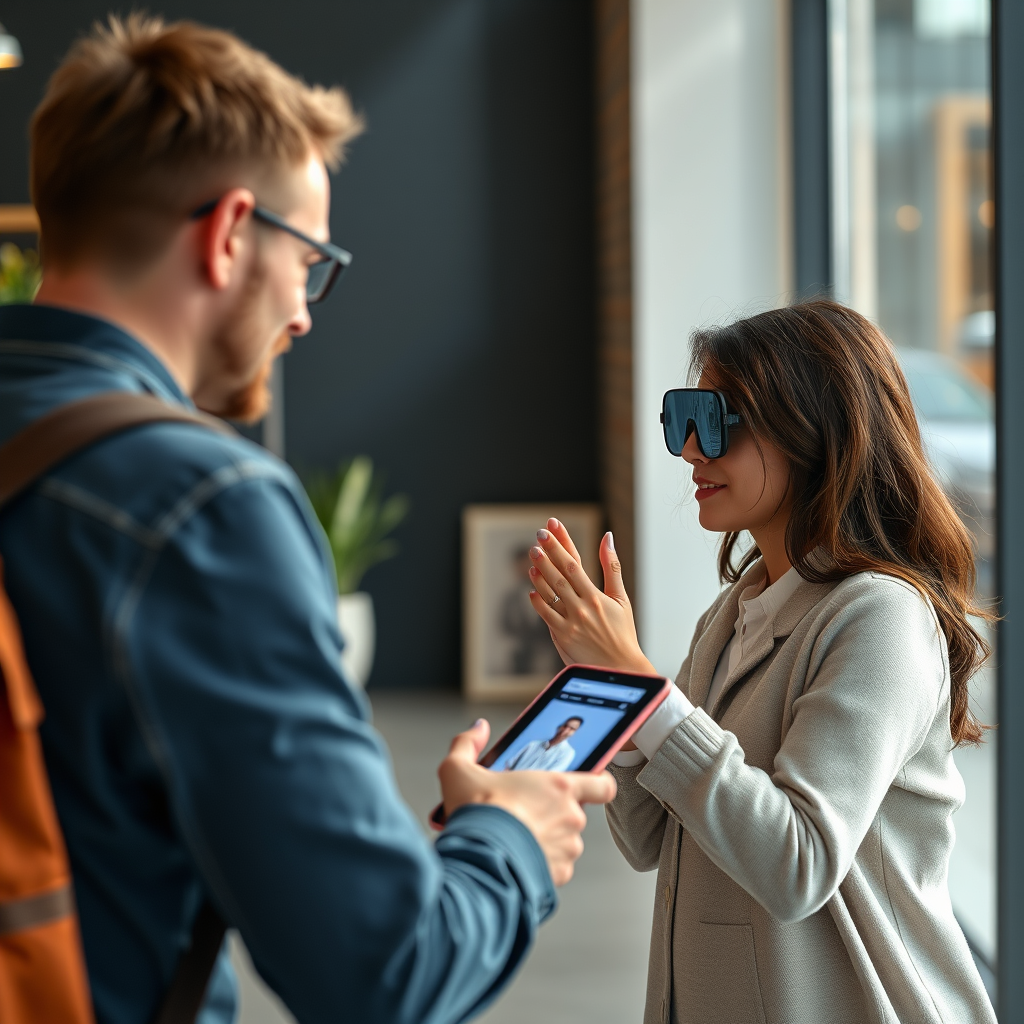
Augmented reality provides several significant advantages that can enhance productivity in various fields. One of the most notable benefits is enhanced visualization for complex tasks. For instance, engineers working on intricate designs can view 3D models in AR, allowing them to manipulate and explore configurations in real-time. This capability can lead to quicker decision-making and reduced errors.
Additionally, AR fosters improved collaboration through shared experiences. Teams can share AR views of projects, allowing remote participants to engage with the same data visualizations as those on-site. For example, a marketing team could collaborate on campaign visuals by overlaying digital elements during a live brainstorming session. This not only enriches the collaborative process but also bridges the gap between remote and in-person team members, making teamwork more effective and enjoyable.
Media Displays: A Game Changer for Content Consumption
Media displays play a vital role in enhancing the functionality of dual-screen setups. These displays can be used for anything from streaming video content to showcasing presentations or data analytics. By incorporating high-resolution screens, users can enjoy a more immersive experience, whether they are watching a training video or analyzing live data.
In professional settings, media displays can transform how teams consume and present content. Consider a sales team using a dual-screen setup: one screen could display a product demo while the other showcases live customer data, allowing representatives to tailor their pitches on the fly. Similarly, educators can utilize media displays to present interactive lessons that engage students more effectively, making learning a dynamic experience.
Top Dual-Screen AR Devices on the Market
Several leading devices cater to the dual-screen and AR market, each with unique features and specifications. One standout is the Microsoft Surface Duo, which offers a flexible dual-screen experience with Windows integration. It’s particularly favored for its portability and robust functionality, making it ideal for professionals on the go.
Another notable device is the Lenovo ThinkPad X1 Fold, which combines a foldable design with dual-screen capabilities. This device is designed for multitasking and offers a unique user interface that enhances productivity across various applications. Moreover, the Apple iPad Pro with Sidecar functionality allows users to utilize their iPads as a secondary screen for MacBooks, seamlessly integrating AR apps that enrich creative workflows.
When comparing features, look for specifications such as screen resolution, battery life, and the range of AR applications available. User experiences also provide insights into how well these devices perform in real-world scenarios, so consider reviews and testimonials before making a decision.
Tips for Maximizing Productivity with Dual-Screen Setups
To unlock the full potential of your dual-screen setup, organization is key. Here are some best practices you can implement:
1. Desk Organization: Create a clean workspace that minimizes distractions. Position your screens at eye level to reduce strain and improve comfort.
2. Window Management: Utilize window management tools to divide your screens effectively. Applications like DisplayFusion or Microsoft PowerToys can help you snap windows into place, making it easier to work across multiple applications.
3. Software Recommendations: Consider software that enhances functionality. Tools like Trello for project management, Slack for communication, and Adobe Creative Suite for design can help you maximize the capabilities of your dual-screen setup.
4. Keyboard Shortcuts: Familiarize yourself with keyboard shortcuts for your operating system and applications. This will enable you to switch between tasks quickly, enhancing your workflow.
By implementing these strategies, you can create a more efficient workspace that maximizes the benefits of your dual-screen and AR tools.
Potential Challenges and Considerations
While dual-screen devices and AR technology offer numerous advantages, they are not without challenges. Common issues include screen compatibility, software bugs, and potential connectivity problems. Users may also experience a learning curve when adapting to new interfaces and features.
To mitigate these issues, ensure that your device’s software is up to date and compatible with your applications. Familiarize yourself with troubleshooting resources provided by manufacturers. Online forums can also be a valuable source of solutions, as other users may have encountered and resolved similar problems.
Moreover, consider the ergonomics of your dual-screen setup. Positioning screens at the correct height and distance can help prevent fatigue and discomfort over long periods of use.
Future Trends in Dual-Screen and AR Technology
As technology continues to evolve, the future of dual-screen and AR devices looks promising. Emerging technologies, such as AI-driven applications and enhanced AR capabilities, are set to revolutionize productivity. For instance, AI could assist in automating repetitive tasks, allowing users to focus on more complex projects.
Predictions for the future also include the integration of virtual reality (VR) with AR, offering even more immersive experiences. Imagine collaborating in a virtual workspace where team members can interact with 3D models and data visualizations as if they were physically together. This convergence of technologies could redefine how we approach productivity.
In conclusion, by embracing dual-screen productivity devices with AR and media displays, you can unlock a new level of efficiency in your work and creative projects. These innovative tools allow for enhanced visualization, improved collaboration, and a more immersive content consumption experience. As the technology continues to advance, staying informed about emerging trends will help you make the most of your dual-screen setup. Explore the options available to you, and consider how these technologies can be integrated into your daily routine for enhanced performance and creativity. Take the next step in elevating your productivity by researching and investing in the right tools for you.
Frequently Asked Questions
What are dual-screen productivity devices with AR and media displays?
Dual-screen productivity devices with AR (augmented reality) and media displays are innovative tools designed to enhance user productivity by combining multiple functionalities. These devices typically feature two screens that can operate independently or collaboratively, allowing users to multitask efficiently. The integration of AR capabilities enables users to overlay digital information onto the real world, improving tasks such as design, data analysis, and collaborative work.
How can dual-screen devices improve my workflow and productivity?
Dual-screen devices enhance workflow and productivity by providing additional screen real estate, allowing users to manage multiple applications simultaneously without the need for constant window switching. This setup is particularly beneficial for professionals in fields like graphic design, data analysis, or content creation, where visual references and tools can be displayed side-by-side. The inclusion of AR features further streamlines tasks by providing interactive visualizations that can simplify complex data and enhance creativity.
Why should I consider using AR features in dual-screen productivity devices?
Incorporating AR features in dual-screen productivity devices can significantly elevate your work experience by adding a layer of interactivity and immersion. AR allows users to manipulate 3D models, visualize data in real time, and collaborate with team members more effectively, regardless of their physical location. This technology can lead to better decision-making and creative solutions, especially in industries such as architecture, engineering, and education.
What are the best dual-screen productivity devices available in 2023?
As of 2023, some of the best dual-screen productivity devices include the Microsoft Surface Duo 2, Lenovo ThinkPad X1 Fold, and ASUS ZenBook Duo. These devices stand out for their high-resolution displays, powerful processing capabilities, and user-friendly interfaces. Additionally, they offer impressive AR compatibility, making them suitable for professionals seeking to enhance their productivity with cutting-edge technology.
Which industries can benefit most from dual-screen productivity devices with AR and media displays?
Industries such as design, education, healthcare, and engineering can benefit significantly from dual-screen productivity devices with AR and media displays. In design, professionals can work on visual projects while referencing source materials side-by-side. In education, teachers can present interactive lessons, while healthcare professionals can visualize patient data and treatment options more effectively. The ability to combine AR with dual screens allows for enhanced collaboration and innovation across these fields.
References
- Multitasking
- https://www.researchgate.net/publication/329188154_Dual-Screen_Devices_and_their_Impact_on_Visual_Information_Processing
- https://www.nytimes.com/2021/01/11/technology/dual-screen-laptops.html
- https://www.sciencedirect.com/science/article/pii/S1877050919307888
- https://www.wired.com/story/dual-screen-laptops/
- https://www.techcrunch.com/2020/01/07/dual-screen-laptops/
- https://www.bbc.com/future/article/20201104-how-multitasking-impacts-productivity
- https://www.npr.org/2020/01/05/794992405/ces-2020-what-to-expect-from-this-years-tech-show
- https://www.uspto.gov/learning-and-resources/understanding-patents/dual-screen-displays-and-productivity