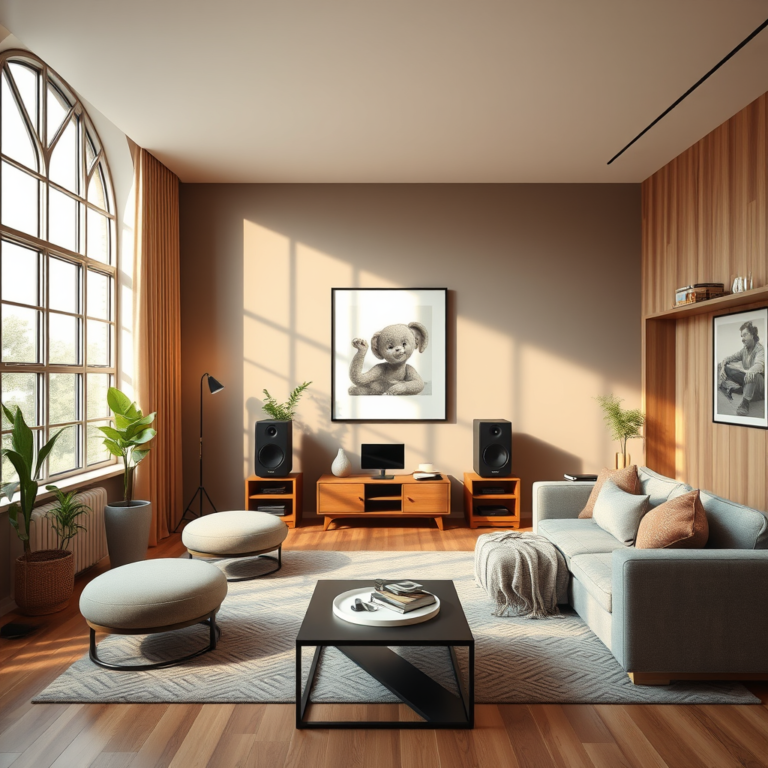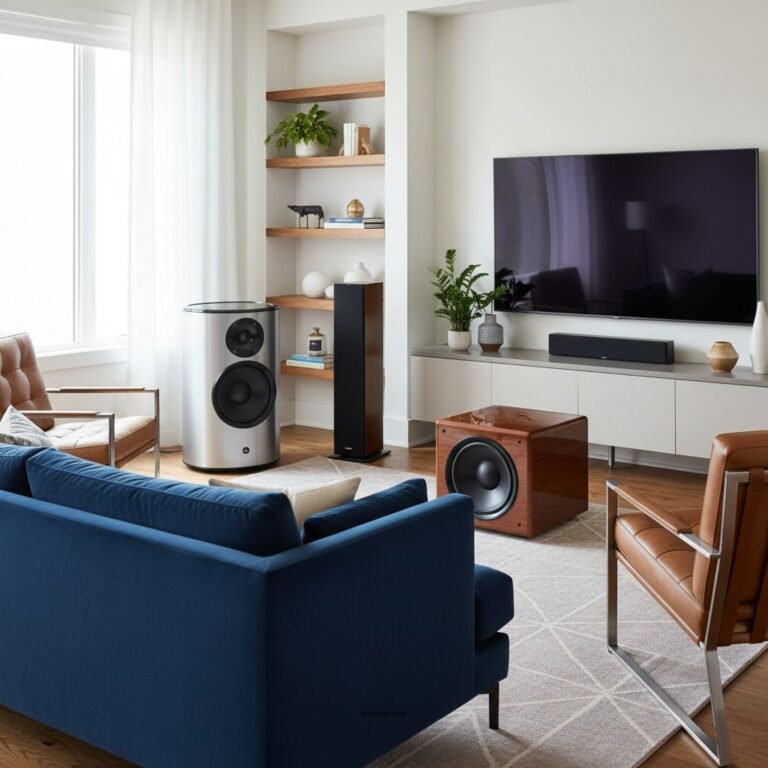

If you’re experiencing audio loss in the left or right channel of your home theater system, the solution often lies in checking your connections, adjusting settings, or troubleshooting components. This guide will help you identify the root cause of the issue and provide effective steps to restore your audio balance. Whether it’s a simple wiring error or a more complex component malfunction, this comprehensive approach will ensure you get back to enjoying your cinematic experiences without interruption.
Understanding audio channels is essential for diagnosing and fixing sound issues in home theater systems. A stereo audio system typically consists of two channels: left and right. These channels create a sense of space and depth, immersing listeners in a more realistic sound experience. When audio loss occurs in one channel, it can significantly diminish the overall listening experience. Common reasons for this loss include faulty wiring, speaker issues, or misconfigured settings. By systematically addressing these potential culprits, you can restore audio balance to your system.
Understanding Channel Audio
Stereo audio channels are the foundation of any home theater experience. They divide sound into two distinct pathways—left and right—allowing for a richer audio experience that mimics the natural hearing environment. This separation is crucial for creating immersive soundscapes, particularly in movies and music.
Audio loss in one channel can occur for various reasons. Faulty wiring is a common culprit; cables can wear out over time, leading to connection issues that prevent sound from reaching the speakers. Additionally, speaker problems such as blown drivers or loose connections can also lead to audio loss. Understanding these factors is the first step in troubleshooting your home theater audio issues effectively.
Checking Connections
The first step in addressing audio loss is to ensure all connections are secure. Begin by inspecting the connections between your AV receiver, speakers, and source devices. Loose or damaged cables can lead to significant audio loss:
1. Inspect Cables: Look for any visible signs of wear or damage, such as fraying or kinks. If you notice any issues, replacing the cables is a simple yet effective solution.
2. Reconnect: Unplug and replug all connections to ensure they are secure. Sometimes, connections may appear tight but are not making proper contact.
3. Use Quality Cables: If you are using low-quality cables, consider upgrading to better options. High-quality cables can provide stronger connections and reduce the risk of audio loss.
Adjusting Receiver Settings
Sometimes, audio loss can be attributed to incorrect settings on your AV receiver. Accessing the audio settings can help you identify and rectify any issues:
1. Access Audio Settings: Navigate to the audio settings menu on your AV receiver, usually found in the setup or configuration section.
2. Speaker Configuration: Ensure that your speaker configuration is set correctly. This includes confirming that the left and right speakers are properly identified.
3. Balance Settings: Check the balance settings to ensure that audio is evenly distributed between channels. Adjust the settings if one channel is set too low compared to the other.
Testing with Different Sources
To identify whether the audio loss stems from a specific device or the entire home theater system, testing with multiple sources is essential:
1. Use Diverse Sources: Play audio from various sources, such as Blu-ray players, streaming services, or gaming consoles.
2. Monitor Output: Pay attention to whether the audio loss persists across all devices or is confined to a specific one. If the problem is device-specific, the issue may lie within that particular source.
Troubleshooting Speakers
If the previous steps do not resolve the issue, you may need to troubleshoot the speakers themselves:
1. Test Speakers Individually: Disconnect one speaker at a time and test the audio output. This will help you determine if a specific speaker is malfunctioning.
2. Swap Speakers: If possible, swap the left and right speakers to see if the audio loss follows the speaker or remains in the same channel. This can help you identify if the problem lies with the speaker or the receiver itself.
Updating Firmware and Software
Outdated firmware or software can also lead to audio issues in home theater systems. Keeping your devices updated ensures they operate smoothly:
1. Check for Updates: Regularly check for firmware updates for your AV receiver and connected devices. Most manufacturers release updates to fix bugs and improve performance.
2. Install Updates: Follow the manufacturer’s instructions to install any available updates. This process is often straightforward and can resolve a host of issues, including audio loss.
Seeking Professional Help
If you’ve exhausted all troubleshooting options and the audio issue persists, it may be time to seek professional help:
1. Consult a Technician: A qualified technician can diagnose complex issues that may not be apparent to the average user, such as internal component failures.
2. Professional Diagnostics: Professional services can provide thorough diagnostics and repairs, ensuring that your home theater system is restored to optimal performance.
Common Causes of Audio Loss in Home Theaters
| # | Issue | Likelihood (%) | Solution |
|---|---|---|---|
| 1 | Faulty Wiring | 40% | Check Connections |
| 2 | Speaker Malfunction | 30% | Test Speakers |
| 3 | Misconfigured Settings | 20% | Adjust Settings |
| 4 | Outdated Firmware | 10% | Update Firmware |
| 5 | Device-Specific Issues | 5% | Check Device |
| 6 | Loose Connections | 25% | Tighten Connections |
| 7 | Speaker Placement | 15% | Reposition Speakers |
Audio Channel Testing Results
Summarizing the steps to fix audio loss in your home theater, it’s crucial to methodically check connections, adjust settings, and test components. If the problem persists, don’t hesitate to seek professional assistance to ensure your home theater performs at its best. Take action now by inspecting your system and enjoying your favorite movies with full audio clarity!
Frequently Asked Questions
What causes the left or right channel to lose audio in a home theater system?
The loss of audio in either the left or right channel of a home theater system can be caused by several factors, including faulty speaker connections, damaged speaker wires, or issues with the audio source or receiver. Additionally, settings within the audio configuration or improper speaker placement can lead to channel imbalance, requiring troubleshooting to identify the exact cause.
How can I troubleshoot audio loss in one channel of my home theater?
To troubleshoot audio loss in one channel, start by checking all speaker connections to ensure they are secure and correct. Next, test the audio source with different cables and devices to rule out a faulty input. You can also try adjusting the audio settings on your receiver to ensure the balance is centered, and perform a test with each speaker individually to isolate the issue.
Why is only one speaker working in my home theater system?
If only one speaker is working, it could result from a few common issues such as a blown speaker, faulty wiring, or incorrect audio settings on the receiver. Additionally, it’s possible that the audio source itself may only be sending a mono signal, so it’s important to confirm that the output settings are configured for stereo sound.
What is the best way to fix channel imbalance in home theater audio?
The best way to fix channel imbalance is to first check the speaker placement and ensure they are equidistant from the seating area. Then, verify that the audio settings on your receiver are balanced and make any necessary adjustments. Using an audio calibration tool or app can also help in fine-tuning levels for optimal sound distribution across all channels.
Which audio cables should I use to avoid channel loss in my home theater system?
To avoid channel loss in your home theater system, it’s best to use high-quality HDMI cables for video and audio signals, as they support multi-channel audio formats. For speaker connections, use appropriate gauge speaker wire that matches the distance from the receiver to the speakers, ensuring solid connections to prevent signal loss. Additionally, consider using optical or coaxial cables for digital audio connections to maintain audio integrity.
References
- Home cinema
https://en.wikipedia.org/wiki/Home_theater - https://www.sciencedirect.com/topics/engineering/home-theater
https://www.sciencedirect.com/topics/engineering/home-theater - https://www.bbc.com/future/article/20200317-how-sound-affects-your-home-theater-experience
https://www.bbc.com/future/article/20200317-how-sound-affects-your-home-theater-experience - https://www.nytimes.com/2021/03/12/technology/home-theater-sound.html
https://www.nytimes.com/2021/03/12/technology/home-theater-sound.html - https://www.audioholics.com/tweaks/home-theater-sound-channel-issues
https://www.audioholics.com/tweaks/home-theater-sound-channel-issues - https://pubmed.ncbi.nlm.nih.gov/31960421/
https://pubmed.ncbi.nlm.nih.gov/31960421/ - Google Scholar Google Scholar
https://scholar.google.com/scholar?q=Fixing+Issues+with+Left+or+Right+Channel+Losing+Audio+in+Home+Theater - Google Scholar Google Scholar
https://scholar.google.com/scholar?q=Home+Theater+Audio+Channel+Issues - Google Scholar Google Scholar
https://scholar.google.com/scholar?q=Home+Theater+Audio+Troubleshooting - Fixing Issues with Left or Right Channel Losing Audio in Home Theater – Search results
https://en.wikipedia.org/wiki/Special:Search?search=Fixing+Issues+with+Left+or+Right+Channel+Losing+Audio+in+Home+Theater