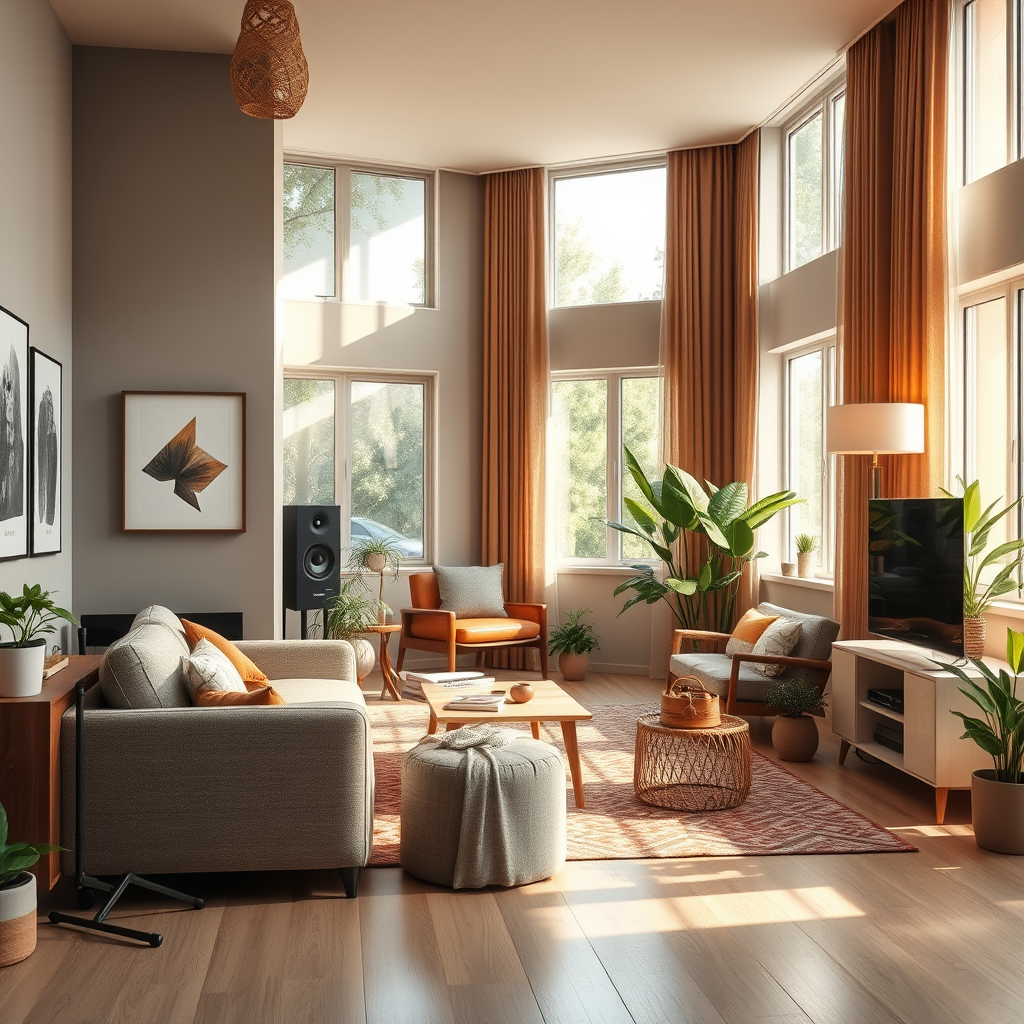

To achieve studio-quality sound at home, focus on investing in the right equipment, optimizing your space, and learning essential recording techniques. With the right tools and knowledge, you can create professional-sounding audio without leaving your house. This guide will walk you through the essential components, from selecting the best microphones to setting up an acoustically balanced room, and mastering the techniques required for high-quality recordings.
Understanding Your Equipment
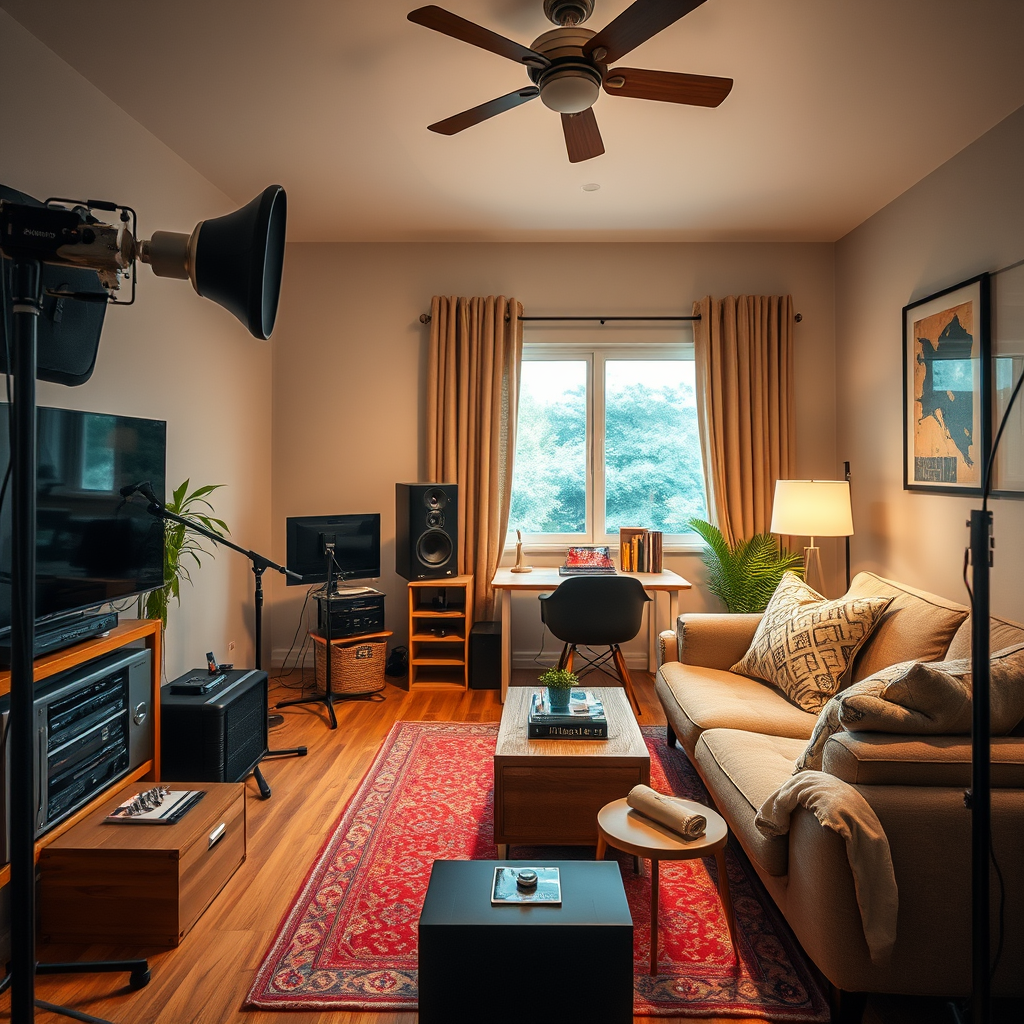
When it comes to achieving studio-quality sound, your choice of equipment is paramount. An investment in quality microphones and audio interfaces can significantly impact the clarity and richness of your recordings.
– Choose Quality Microphones: Microphones come in various types, each designed for specific applications. Dynamic microphones are excellent for live sound and high-volume sources like drums, while condenser microphones are preferable for studio settings, particularly for capturing vocals and acoustic instruments due to their sensitivity and broader frequency response. For a home studio, consider having at least one of each type to cover a wider range of recording needs.
– Invest in Audio Interfaces: An audio interface serves as the bridge between your microphones and your computer, converting analog signals to digital. A high-quality audio interface ensures better sound quality and less latency. Look for interfaces that offer multiple inputs and outputs, high-resolution audio (at least 24-bit/192kHz), and low-noise preamps to capture every nuance of your recordings.
Setting Up Your Space
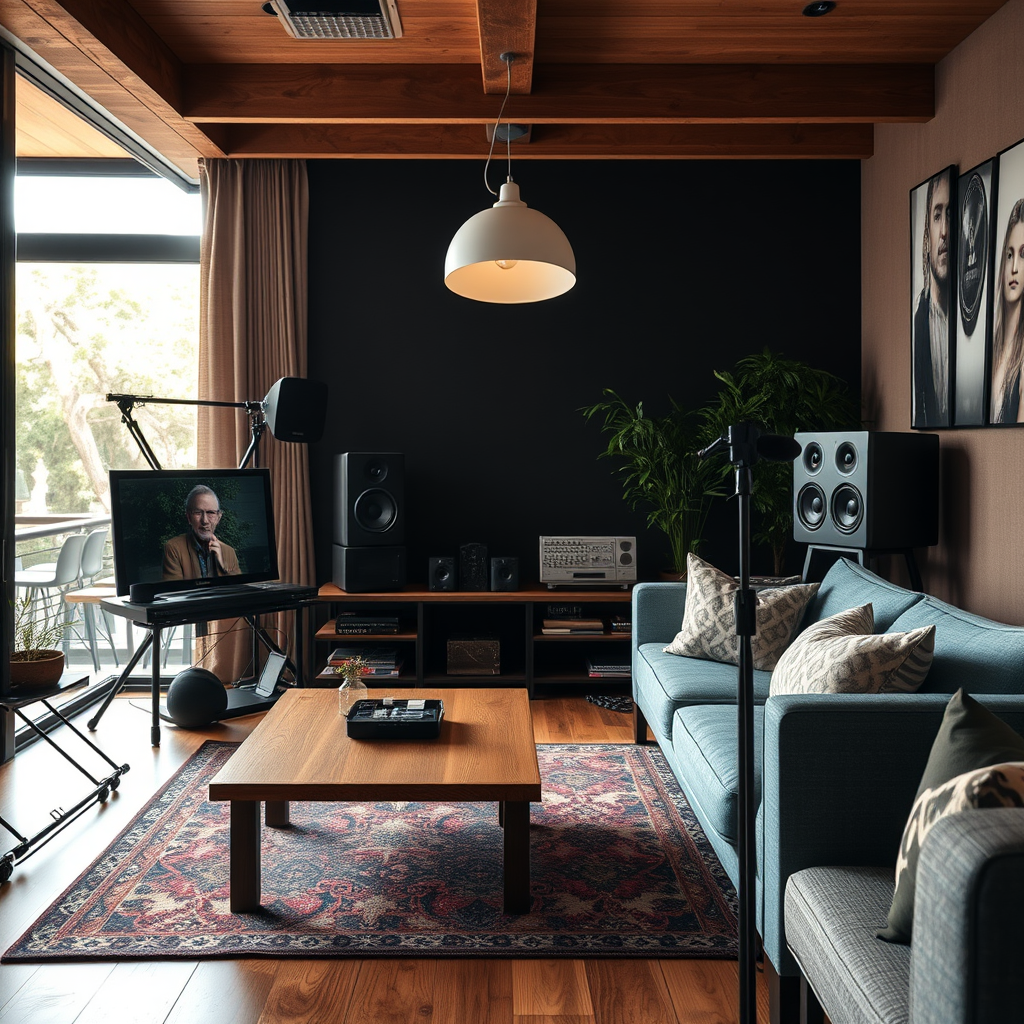
The environment in which you record plays a crucial role in the quality of your sound. Proper acoustics can enhance your recordings, while soundproofing can eliminate unwanted noise.
– Soundproofing Essentials: To minimize external noise, invest in soundproofing materials such as acoustic foam panels, heavy rugs, and thick curtains. These elements absorb sound waves and prevent them from bouncing around the room, which can lead to unwanted echoes and reverberations. Additionally, sealing windows and doors can help keep outside noise at bay.
– Room Acoustics: Pay attention to the arrangement of furniture and equipment in your recording space. Positioning your desk, speakers, and microphones strategically can greatly enhance sound reflection and absorption. Ideally, you want to create a balanced acoustic environment where sound can travel freely without being overly absorbed or reflected.
Recording Techniques
Once your equipment is set up and your space is optimized, mastering recording techniques will help you achieve the best possible sound quality.
– Proper Mic Placement: Experimenting with microphone placement can drastically alter the sound you capture. Different distances and angles will yield unique results, so take the time to find the sweet spot for each instrument or vocal. A general rule of thumb is to start with the mic about six inches from the sound source and adjust as necessary.
– Use Pop Filters: Plosives, or the popping sounds that occur when pronouncing certain consonants, can disrupt vocal clarity. Using a pop filter, which is a simple mesh screen placed in front of the microphone, can significantly reduce these unwanted noises, resulting in clearer recordings.
Mixing and Mastering Basics
Once you have recorded your audio, the next step is mixing and mastering, which enhances the overall quality of your sound.
– Learn the Fundamentals: A basic understanding of EQ (Equalization), compression, and reverb is essential for mixing your tracks. EQ allows you to adjust the balance of frequencies, compression controls the dynamic range, and reverb adds depth to your recordings. Familiarizing yourself with these concepts will help you create a more polished final product.
– Utilize Software Tools: Digital Audio Workstations (DAWs) are pivotal in modern audio production. Programs like Pro Tools, Ableton Live, or FL Studio offer a range of tools for recording, editing, and mixing. Spend time learning your chosen DAW to utilize its full potential, including plugins that can enhance your sound even further.
Testing and Adjusting Your Setup
Regular testing and adjustments are crucial for achieving the best sound quality in your recordings.
– Perform Sound Checks: Always start sessions with sound checks to ensure clarity and balance in your recordings. Listen critically to the playback and make adjustments as needed. This practice will help you identify any issues early on and refine your setup.
– Make Adjustments: Based on the feedback from your sound checks, don’t hesitate to tweak settings on your microphones, audio interface, or DAW. Small adjustments can lead to significant improvements in sound quality, so remain flexible and willing to experiment.
Top 7 Microphones for Home Studios (2024)
| # | Microphone | Type | Price ($) | Best For |
|---|---|---|---|---|
| 1 | Shure SM58 | Dynamic | 99 | Vocals |
| 2 | Rode NT1 | Condenser | 299 | Studio Recording |
| 3 | Audio-Technica AT2020 | Condenser | 99 | Budget Recording |
| 4 | AKG Perception 220 | Condenser | 199 | Vocals & Instruments |
| 5 | Sennheiser e835 | Dynamic | 99 | Live Performances |
| 6 | MXL 990 | Condenser | 79 | Budget Vocals |
| 7 | Rode NTG4+ | Shotgun | 399 | Video Production |
Best Microphones for Home Studios (Popularity Index)
Additional Resources
To further enhance your skills and knowledge in audio production, consider exploring additional resources that can provide valuable insights and practical tips.
– Online Courses: Platforms like Coursera, Udemy, and Skillshare offer a variety of courses focused on sound engineering, music production, and recording techniques. These courses range from beginner to advanced levels, enabling you to learn at your own pace.
– Community Forums: Engaging with online communities such as Reddit’s r/audioengineering or Gearslutz can provide access to discussions, advice, and tips from fellow enthusiasts and professionals. These forums can be invaluable for troubleshooting issues and gaining insights into best practices.
In conclusion, achieving studio-quality sound at home requires a thoughtful approach to equipment selection, space optimization, and the application of recording and mixing techniques. Start with a solid foundation by investing in quality microphones and an audio interface, then create an acoustically balanced environment. Over time, refine your skills through practice and exploration of resources. By following these guidelines, you will be well on your way to producing professional-sounding audio from the comfort of your home studio.
Frequently Asked Questions
What are the essential equipment pieces needed for studio-quality sound at home?
To achieve studio-quality sound at home, you will need a good quality microphone, audio interface, studio monitors, and headphones. Additionally, investing in acoustic treatment materials like foam panels and bass traps can significantly enhance sound quality by reducing unwanted echoes and improving clarity.
How can I improve my home recording environment for better sound quality?
To improve your home recording environment, start by minimizing background noise and optimizing room acoustics. Use carpets, curtains, and acoustic panels to absorb sound reflections, and choose a room that is away from external noise sources. Properly positioning your microphone and monitors can also help capture cleaner sound.
Why is acoustic treatment important for achieving studio-quality sound at home?
Acoustic treatment is crucial because it helps control sound reflections and reverberations that can muddy recordings. By using acoustic panels and bass traps, you create a more balanced listening environment, which allows you to hear your recordings more accurately and make better mixing decisions, ultimately leading to a professional sound.
What are the best microphones for home studios to achieve professional sound quality?
The best microphones for home studios include condenser microphones like the Audio-Technica AT2020 and dynamic microphones like the Shure SM57. These microphones are versatile, reliable, and provide excellent sound quality for vocals and instruments, making them ideal for home recording setups.
Which software should I use for mixing and mastering to get studio-quality sound?
For mixing and mastering, popular Digital Audio Workstations (DAWs) like Ableton Live, Pro Tools, and Logic Pro X are highly recommended. These platforms offer advanced features and plugins that facilitate professional-grade mixing and mastering, allowing you to enhance sound quality effectively at home.
References
- Audio engineer
https://en.wikipedia.org/wiki/Audio_engineering - https://www.bbc.com/news/technology-55849318
https://www.bbc.com/news/technology-55849318 - https://www.sciencedirect.com/topics/engineering/audio-engineering
https://www.sciencedirect.com/topics/engineering/audio-engineering - https://www.nature.com/articles/s41598-019-43277-3
https://www.nature.com/articles/s41598-019-43277-3 - https://www.mayoclinic.org/healthy-lifestyle/adult-health/in-depth/creating-a-home-studio/art-20387168
https://www.mayoclinic.org/healthy-lifestyle/adult-health/in-depth/creating-a-home-studio/art-20387168 - https://www.theguardian.com/music/2020/jul/12/how-to-make-your-home-recording-sound-professional
https://www.theguardian.com/music/2020/jul/12/how-to-make-your-home-recording-sound-professional - Google Scholar Google Scholar
https://scholar.google.com/scholar?q=studio-quality+sound+at+home - Google Scholar Google Scholar
https://scholar.google.com/scholar?q=home+studio+recording+techniques - https://pubmed.ncbi.nlm.nih.gov/31578954/
https://pubmed.ncbi.nlm.nih.gov/31578954/ - https://www.nytimes.com/2021/03/29/technology/home-recording-studios.html
https://www.nytimes.com/2021/03/29/technology/home-recording-studios.html