
Choosing the right audio system for your conference room is critical for effective communication and collaboration. A high-quality audio setup ensures all participants can hear and be heard clearly, which is essential for fostering a productive meeting environment. In this article, you’ll discover the key factors to consider when selecting an audio system tailored to your specific needs, maximizing the efficiency of your team’s interactions.
Understand Your Space

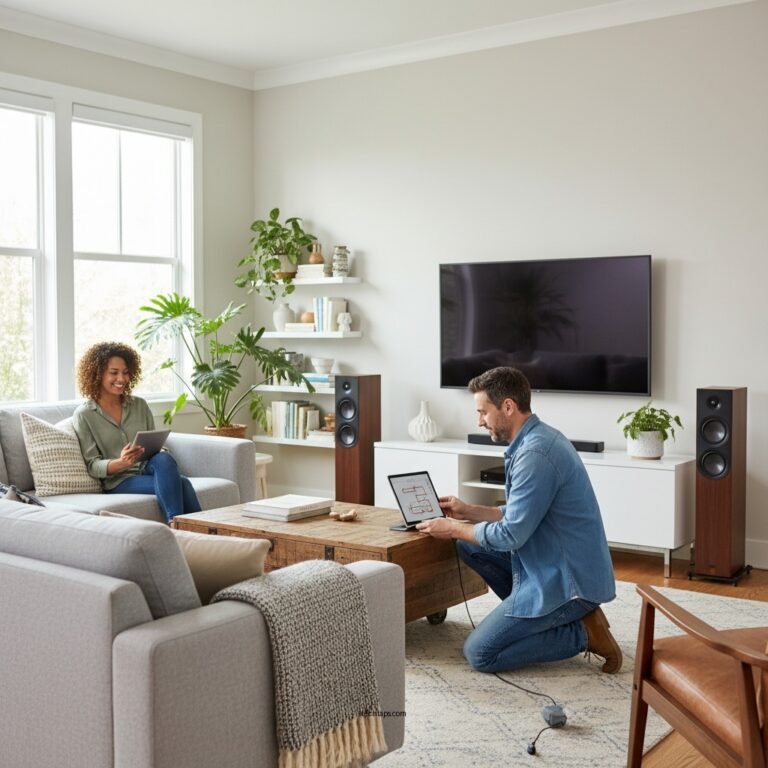
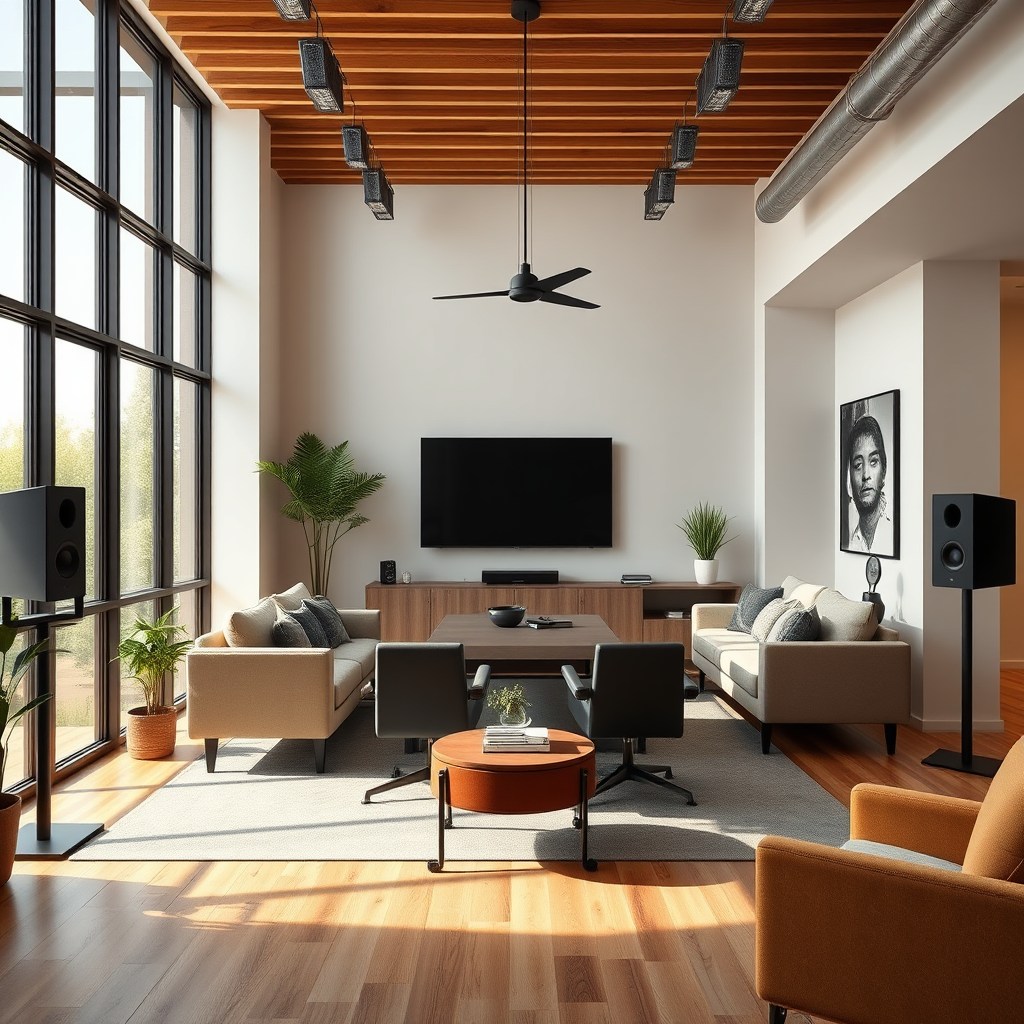
The first step in choosing an audio system for your conference room is to understand the physical space where meetings will take place. Assessing the size and layout of the room is essential, as sound behaves differently in various environments. For example, larger rooms may require more powerful speakers and multiple audio sources to ensure even sound distribution, while smaller rooms might benefit from simpler setups.
Additionally, identifying potential acoustic challenges is crucial. Rooms with hard surfaces like glass or concrete can create unwanted echoes, while background noise from external sources can distract participants. Utilizing sound-absorbing materials, such as carpets, wall panels, or acoustic tiles, can significantly improve audio clarity. Engaging an acoustic consultant can further enhance your understanding of the space and guide you in selecting the right equipment.
Determine Your Needs
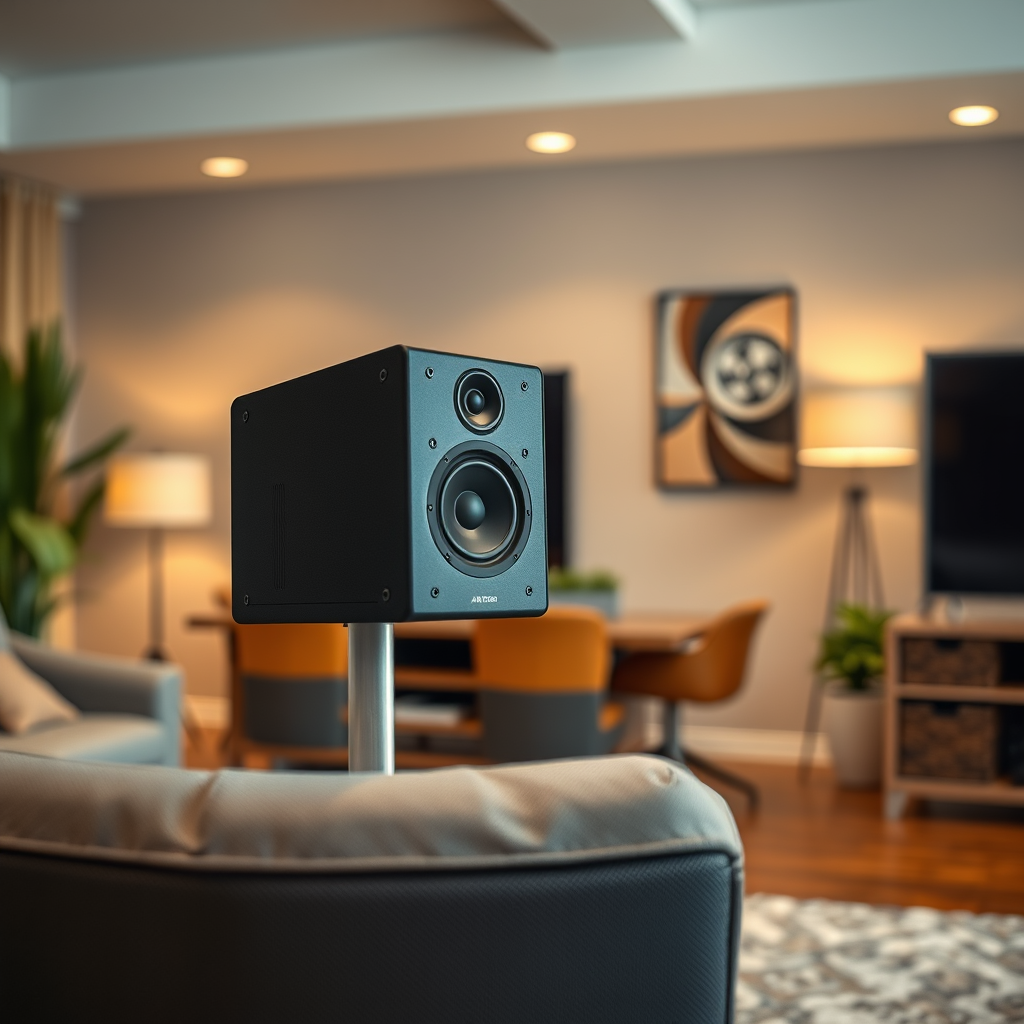
Next, evaluate the types of meetings you will be hosting in the conference room. Will they primarily be presentations, collaborative discussions, or video conferences? Each type of meeting has different audio requirements. For instance, video conferencing typically demands high-quality microphones that can capture voices from various angles, while presentations may focus more on speaker clarity and volume.
Consider the number of participants and their seating arrangements as well. A room designed for 10 people will require a different audio setup than one meant for 30. If participants are seated around a large table, omnidirectional microphones may be necessary to ensure everyone is heard. Conversely, in a theater-style arrangement, a central microphone may suffice. Understanding these details will streamline your decision-making process.
Explore Audio System Types
When it comes to audio systems, there are a variety of types to choose from, including microphones, speakers, and amplifiers. Here’s a breakdown of the key components:
– Microphones: These can be handheld, lapel, or ceiling-mounted. Choose according to the meeting format—handhelds for dynamic discussions, lapels for presenters, and ceiling-mounted options for a clean look.
– Speakers: Consider the size and type of speakers. Wall-mounted speakers are great for aesthetics, while portable speakers offer flexibility.
– Amplifiers: Essential for larger rooms, amplifiers boost sound levels without distortion. Ensure compatibility with your microphones and speakers.
An integrated audio system combines these components, providing a seamless solution with ease of installation. In contrast, separate components offer customization but may require more technical knowledge to set up. Weigh the pros and cons of each approach based on your organization’s needs and technical capabilities.
Audio System Features Comparison
| # | Feature | Microphone | Speaker | Integrated System |
|---|---|---|---|---|
| 1 | Sound Quality | High | Moderate | High |
| 2 | Ease of Setup | Moderate | High | Very High |
| 3 | Flexibility | Low | Moderate | High |
| 4 | Cost | Low | Moderate | High |
| 5 | Portability | High | Low | Moderate |
| 6 | Durability | Moderate | High | Moderate |
| 7 | Maintenance | High | Low | Moderate |
| 8 | User-Friendliness | Moderate | High | Very High |
| 9 | Integration with Other Systems | Low | Moderate | High |
| 10 | Warranty Support | Moderate | High | Very High |
Connectivity Options
In today’s digital age, versatility in connectivity is paramount. Look for audio systems that offer a variety of connectivity options, such as Bluetooth, USB, HDMI, and even traditional audio jacks. This flexibility allows seamless integration with laptops, smartphones, and video conferencing tools, ensuring that any device can connect to the system effortlessly.
Check for compatibility with the existing devices and software used in your organization. For instance, if your team frequently uses video conferencing software like Zoom or Microsoft Teams, ensure that the audio system can easily interface with these platforms. Wireless capabilities can also enhance the user experience by eliminating clutter and allowing for easy mobility.
Budget Considerations
Setting a realistic budget is essential when choosing an audio system. Consider both your immediate needs and future growth. While it may be tempting to opt for the cheapest option, investing in a quality audio system can yield significant long-term benefits, such as improved productivity and reduced technical issues during meetings.
Explore various brands and models to find the best value for your investment. Remember that a higher price does not always guarantee better quality; research customer reviews and product comparisons to make an informed decision. Be sure to account for additional costs, such as installation and maintenance, in your overall budget.
Installation and Support
Professional installation services can optimize the performance of your audio system, ensuring that all components are correctly configured and calibrated. A poorly installed system can lead to sound issues that negate the benefits of a high-quality setup. Seek out vendors who offer installation services as part of the package, or consult with an AV professional for guidance.Additionally, check for warranty and customer support options offered by manufacturers. A robust warranty can provide peace of mind, covering any potential issues that may arise post-installation. Reliable customer support is also vital; you want to ensure that help is available should you encounter any technical difficulties.
User Experience
User experience should be at the forefront of your audio system selection. Focus on systems that are user-friendly and easy to operate for all meeting participants. Complicated setups can lead to frustration and wasted time during meetings, undermining the system’s intended purpose.
Evaluate additional features that enhance user experience, such as remote control capabilities, mobile app integration, and intuitive interfaces. These features can simplify the process of managing audio settings and make it easier for participants to engage fully in discussions.
Audio Systems Market Share Q3 2024 (%)
Summarizing the key points, selecting the best audio system for your conference room involves understanding your space, determining your needs, exploring various system types, evaluating connectivity, considering budget, and ensuring ease of use. Taking the time to research and choose the right solution will enhance your meetings and foster better communication among participants. Start by assessing your current setup and identifying areas for improvement today!
Frequently Asked Questions
What are the key features to look for in a conference room audio system?
When choosing a conference room audio system, prioritize features such as sound clarity, microphone range, and compatibility with video conferencing tools. Look for systems that include noise-cancellation technology and adjustable volume controls to ensure clear communication. Additionally, consider systems with multiple input options for flexibility in connecting devices.
How do I determine the size of the audio system needed for my conference room?
To determine the appropriate size of the audio system for your conference room, assess the room’s dimensions, layout, and typical occupancy. Generally, larger rooms require higher wattage speakers and more microphones to ensure even sound distribution. Consulting with an audio specialist can also help tailor a system that meets your specific needs.
Why is microphone quality important in a conference room audio system?
Microphone quality is crucial in a conference room audio system because it directly impacts voice clarity and intelligibility during meetings. High-quality microphones can minimize background noise and capture voices from different angles, ensuring that all participants can be heard clearly. This is especially important for remote participants relying on audio for effective communication.
What is the best type of audio system for hybrid meetings in a conference room?
The best type of audio system for hybrid meetings combines high-quality microphones, speakers, and integration with video conferencing platforms. Look for systems that offer both wired and wireless microphone options, as well as speaker systems that can project sound evenly throughout the room. This ensures that both in-person and remote attendees have a seamless meeting experience.
Which brands are known for high-quality conference room audio systems?
Some of the top brands recognized for high-quality conference room audio systems include Bose, Shure, and Sennheiser. These brands offer a variety of solutions tailored for different room sizes and requirements, ensuring superior sound quality and reliability. Researching user reviews and expert recommendations can also help you find the best fit for your conference room needs.
References
- Sound system
https://en.wikipedia.org/wiki/Audio_system - https://www.sciencedirect.com/topics/engineering/audio-systems
https://www.sciencedirect.com/topics/engineering/audio-systems - https://www.ncbi.nlm.nih.gov/pmc/articles/PMC7479721/
https://www.ncbi.nlm.nih.gov/pmc/articles/PMC7479721/ - Google Scholar Google Scholar
https://scholar.google.com/scholar?q=Choosing+an+Audio+System+for+Conference+Room - Google Scholar Google Scholar
https://scholar.google.com/scholar?q=Best+Audio+System+for+Meetings - https://www.bbc.com/future/article/20200330-how-to-build-the-perfect-home-office
https://www.bbc.com/future/article/20200330-how-to-build-the-perfect-home-office - https://www.researchgate.net/publication/331391234_Video_Conferencing_Equipment_Selection_for_Conference_Rooms
https://www.researchgate.net/publication/331391234_Video_Conferencing_Equipment_Selection_for_Conference_Rooms - https://www.ncbi.nlm.nih.gov/books/NBK538248/
https://www.ncbi.nlm.nih.gov/books/NBK538248/ - https://www.cdc.gov/niosh/topics/ergonomics/default.html
https://www.cdc.gov/niosh/topics/ergonomics/default.html - Google Scholar Google Scholar
https://scholar.google.com/scholar?q=How+to+Choose+the+Best+Audio+System+for+a+Conference+Room