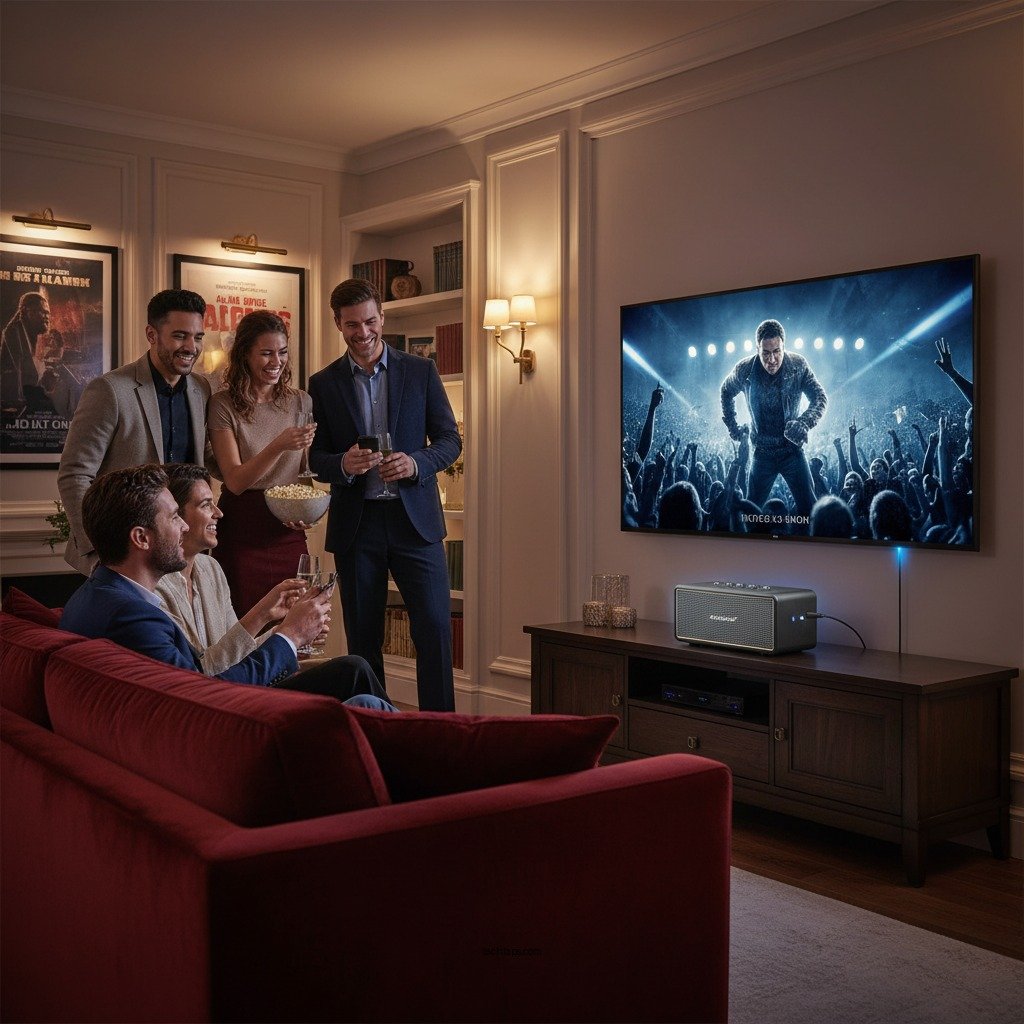

Connecting a Bluetooth speaker to your TV without using HDMI is entirely possible and can enhance your audio experience significantly. This guide will walk you through various methods to achieve this connection, including the use of Bluetooth adapters, optical audio output, and RCA output options. These alternatives provide flexibility for those looking to upgrade their sound without the constraints of HDMI.
Understanding Bluetooth Compatibility
Before attempting to connect a Bluetooth speaker to your TV, it is essential to first determine whether your TV has built-in Bluetooth capabilities. Most modern smart TVs come equipped with Bluetooth, allowing for a seamless wireless audio connection. To check, navigate to your TV’s settings menu and look for a Bluetooth option under the audio or network settings.
Next, ensure that your Bluetooth speaker is compatible with your TV’s audio output options. Some speakers may have limitations that restrict them from connecting with certain devices. Check the specifications of your speaker and look for compatibility with Bluetooth audio profiles, primarily the A2DP (Advanced Audio Distribution Profile), which is standard for streaming audio.
Using Bluetooth Adapters
If your TV lacks built-in Bluetooth, a Bluetooth adapter can be an excellent solution. These devices are designed to convert standard audio outputs into wireless signals that can connect to Bluetooth speakers. There are several types of Bluetooth adapters available in the market, including:
1. USB Bluetooth Adapters: Plugs directly into a USB port on your TV, if available.
2. Optical Bluetooth Transmitters: Connects through the optical audio output for high-quality sound.
3. RCA Bluetooth Transmitters: Utilizes the red and white RCA outputs for connection.
To connect these adapters, simply plug them into the appropriate port on your TV, set your Bluetooth speaker to pairing mode, and follow the manufacturer’s instructions to complete the setup. This method allows you to enjoy high-quality sound from your Bluetooth speaker without needing HDMI.
Connecting via Optical Audio Output
Many TVs feature an optical audio output, which can be an effective way to connect a Bluetooth speaker. This method often provides superior sound quality compared to other connections. To utilize this option, you will need a Bluetooth transmitter that supports optical audio.
1. Locate the Optical Output: Find the optical audio output on the back of your TV, typically labeled as “Optical” or “TOSLINK.”
2. Connect the Bluetooth Transmitter: Use an optical cable to connect the transmitter to the TV’s optical output.
3. Power On and Pair: Turn on the transmitter and set it to pairing mode while ensuring your Bluetooth speaker is also in pairing mode.
Following these steps will allow the transmitter to send audio signals to your Bluetooth speaker, significantly enhancing your viewing experience.
Top Bluetooth Transmitters for TV Audio (2024)
| # | Model | Range | Battery Life | Rating |
|---|---|---|---|---|
| 1 | TaoTronics TT-BA014 | 30m | 15 hours | ★★★★☆ |
| 2 | Mpow BH390A | 20m | 12 hours | ★★★★☆ |
| 3 | Avantree Oasis Plus | 50m | 20 hours | ★★★★★ |
| 4 | TaoTronics TT-BA07 | 10m | 8 hours | ★★★☆☆ |
| 5 | Anker Soundsync A3341 | 30m | 10 hours | ★★★★☆ |
| 6 | ZIOCOM Bluetooth 5.0 | 20m | 16 hours | ★★★★☆ |
| 7 | TROND Bluetooth V5.0 | 30m | 12 hours | ★★★★☆ |
Connecting via RCA Output
Another method to connect a Bluetooth speaker to your TV is through its RCA outputs. This method is particularly useful for older TVs that do not have optical outputs or Bluetooth capabilities. To connect via RCA, follow these steps:
1. Locate the RCA Outputs: Identify the red and white RCA audio outputs on the back of your TV.
2. Connect the Bluetooth Transmitter: Use an RCA to 3.5mm adapter if necessary, connecting the transmitter to the RCA outputs.
3. Power and Pair: Turn on the transmitter and ensure your Bluetooth speaker is in pairing mode. Follow the pairing instructions to connect the two devices.
This method effectively transmits audio wirelessly, allowing you to enjoy sound from your TV through your Bluetooth speaker.
Adjusting Audio Settings
Once you have successfully connected your Bluetooth speaker, it is crucial to adjust your TV’s audio settings to ensure sound is directed correctly. Navigate to the audio settings in your TV menu and select the output option corresponding to your Bluetooth connection.
If you experience any audio lag or connectivity issues, consider the following troubleshooting tips:
– Re-pair the devices: Disconnect and reconnect your Bluetooth speaker to refresh the connection.
– Check for firmware updates: Ensure both your TV and Bluetooth speaker are updated to the latest firmware for optimal performance.
– Adjust audio delay settings: Some TVs offer options to adjust audio delay, which can help sync sound with video.
These adjustments will help create a more enjoyable audio experience while watching your favorite shows and movies.
Alternative Wireless Solutions
If Bluetooth connectivity does not meet your needs, consider exploring other wireless audio solutions, such as Wi-Fi speakers or soundbars. These alternatives often provide higher audio quality and advanced features like multi-room audio or smart assistant integration.
Comparison of Wireless Audio Solutions
| Feature | Bluetooth Speakers | Wi-Fi Speakers | Soundbars |
|———————–|————————-|————————-|————————-|
| Audio Quality | Good | Excellent | Very Good |
| Range | Limited (10-30m) | Extensive (up to 100m) | Limited (TV proximity) |
| Multi-Room Support | No | Yes | Limited |
| Smart Features | Limited | Yes | Limited |
| Price Range | Budget to Premium | Premium | Budget to Premium |
| Setup Complexity | Easy | Moderate | Easy |
| Portability | High | Low | Low |
While Bluetooth speakers provide convenience and portability, Wi-Fi speakers and soundbars can deliver superior sound quality and features that may enhance your media experience.
Tips for Optimal Sound Quality
To maximize your Bluetooth speaker’s performance, consider the following best practices:
– Positioning: Place your Bluetooth speaker in a location that minimizes obstructions. Ideally, it should have a direct line of sight to the TV to reduce interference.
– Minimize Interference: Keep other electronic devices away from the speaker to avoid potential interference. Avoid placing the speaker near Wi-Fi routers or microwaves.
– Adjust Volume Levels: Ensure that both the TV and Bluetooth speaker volumes are balanced to prevent distortion or audio clipping.
By implementing these tips, you can enhance your audio experience, ensuring that you enjoy clear, rich sound while watching your favorite content.
Summarizing the various methods to connect a Bluetooth speaker to your TV without HDMI, this guide has provided you with practical solutions and tips. Whether you opt for a Bluetooth adapter or alternative outputs, following these steps will help you enjoy your favorite shows and movies with enhanced sound quality. For more detailed instructions and product recommendations, feel free to explore additional resources or consult your device manuals.
Frequently Asked Questions
How can I connect my Bluetooth speaker to my TV without using HDMI?
To connect your Bluetooth speaker to your TV without HDMI, first ensure your TV has built-in Bluetooth capability. Navigate to your TV’s settings menu, locate the Bluetooth settings, and put your speaker in pairing mode. Once the speaker appears on your TV’s device list, select it to establish the connection.
What should I do if my TV doesn’t have Bluetooth capability?
If your TV lacks Bluetooth capability, you can use a Bluetooth transmitter. This device connects to your TV’s audio output, such as the headphone jack or optical audio out. Once connected, the transmitter can send audio wirelessly to your Bluetooth speaker, allowing you to enjoy sound without HDMI.
Why is there a delay when using a Bluetooth speaker with my TV?
A delay, or latency, when using a Bluetooth speaker with your TV can occur due to the time it takes for audio to be transmitted wirelessly. To minimize this delay, consider using a Bluetooth speaker that supports aptX Low Latency codec, which is designed to reduce audio lag and enhance synchronization between video and sound.
Which Bluetooth speakers are best for connecting to a TV without HDMI?
Some of the best Bluetooth speakers for connecting to a TV without HDMI include the JBL Charge 5, Bose SoundLink Revolve, and Sony SRS-XB43. These speakers deliver excellent sound quality, have long battery life, and are known for their reliable Bluetooth connectivity, making them ideal for enhancing your TV audio experience.
How can I improve the sound quality when using a Bluetooth speaker with my TV?
To improve sound quality when using a Bluetooth speaker with your TV, ensure that both devices are within a close range to reduce interference. Additionally, adjust the audio settings on your TV to enhance sound output, and consider using a high-quality Bluetooth speaker that offers better bass and clarity for a more immersive audio experience.
References
- https://www.lifewire.com/how-to-connect-bluetooth-speakers-to-your-tv-4683788
https://www.lifewire.com/how-to-connect-bluetooth-speakers-to-your-tv-4683788 - Google Scholar Google Scholar
https://scholar.google.com/scholar?q=How+to+Connect+a+Bluetooth+Speaker+to+Your+TV+Without+HDMI - Google Scholar Google Scholar
https://scholar.google.com/scholar?q=Bluetooth+speaker+connection+methods - Google Scholar Google Scholar
https://scholar.google.com/scholar?q=Bluetooth+audio+TV+connection - https://www.bbc.com/news/technology-48923250
https://www.bbc.com/news/technology-48923250 - How to Connect a Bluetooth Speaker to Your TV Without HDMI – Search results
https://en.wikipedia.org/wiki/Special:Search?search=How+to+Connect+a+Bluetooth+Speaker+to+Your+TV+Without+HDMI - https://www.ncbi.nlm.nih.gov/search/research-articles/?term=How+to+Connect+a+Bluetooth+Speaker+to+Your+TV+Without+HDMI
https://www.ncbi.nlm.nih.gov/search/research-articles/?term=How+to+Connect+a+Bluetooth+Speaker+to+Your+TV+Without+HDMI