


Experiencing static noise in your wireless audio systems can be frustrating, but there are several effective solutions to eliminate this problem. By understanding the causes of static noise, checking your equipment, adjusting frequency settings, reducing interference, updating firmware, utilizing quality equipment, and seeking professional help if needed, you can significantly enhance your audio experience and enjoy clear sound without interruptions.
Understanding the Causes of Static Noise

Static noise in wireless audio systems can arise from various sources, primarily due to interference and signal strength issues.
– Interference from Other Wireless Devices: Wireless audio systems operate on specific frequency bands, and when multiple devices use the same or overlapping frequencies, it can result in interference. Common culprits include Wi-Fi routers, Bluetooth devices, microwaves, and even cordless phones. This interference can disrupt the audio signal, leading to static noise.
– Poor Signal Strength: The distance between the audio source and the receiver can significantly impact the quality of the audio signal. When the devices are too far apart, or if there are physical obstructions such as walls or furniture, the signal strength diminishes, resulting in crackling or static noises. Ensuring a clear line of sight and maintaining an optimal distance can help mitigate this issue.
Checking Your Equipment
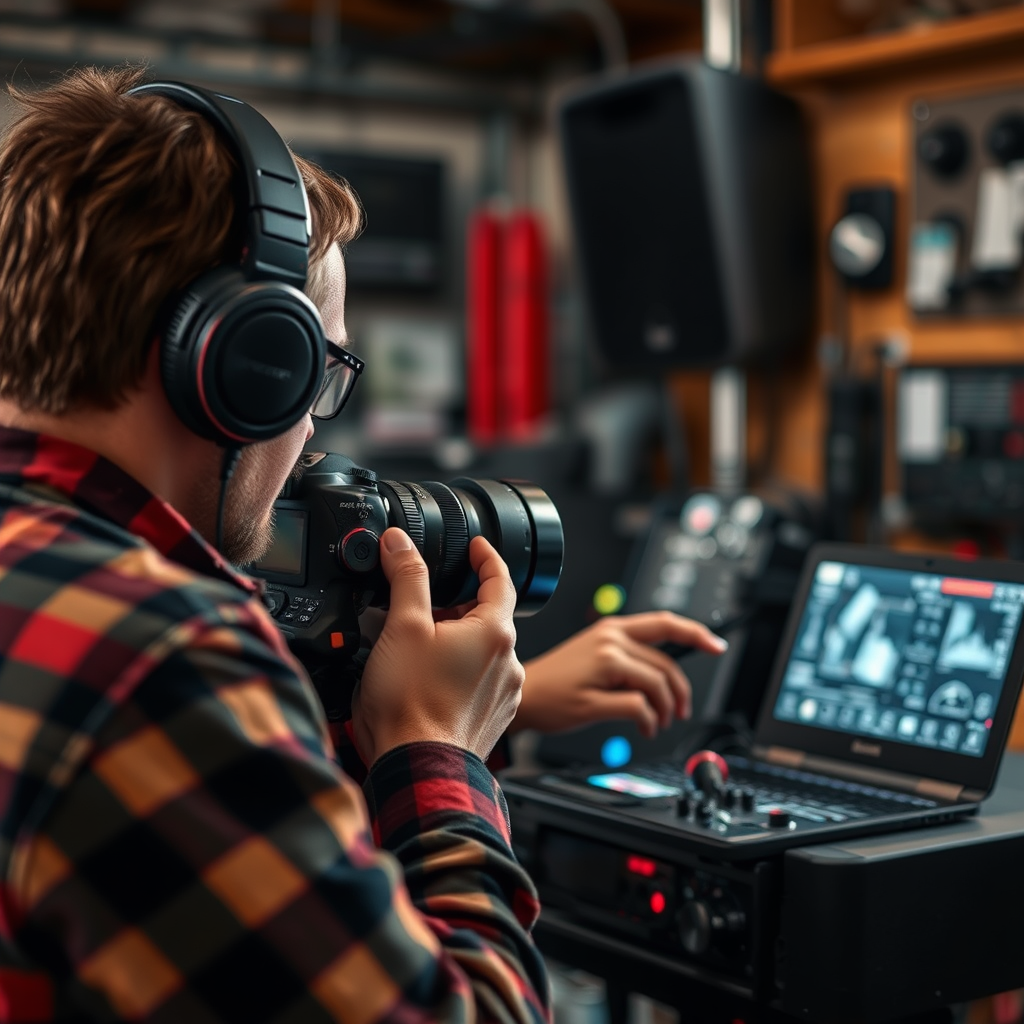
Before jumping into complex solutions, it’s essential to conduct a thorough inspection of your equipment.
– Inspect All Cables and Connections: Examine the cables and connectors of your audio system for any signs of damage or wear. Frayed cables or loose connections can create unwanted static noise. If you find any damaged components, replacing them can often resolve the issue.
– Compatibility and Setup: Ensure that your audio source (like a smartphone, computer, or tablet) and the receiver (such as the speakers or headphones) are compatible with each other. Incompatible devices may not communicate effectively, resulting in audio issues. Verify that the setup follows the manufacturer’s guidelines for optimal performance.
Adjusting Frequency Settings
Another effective method to eliminate static noise is to adjust the frequency settings on your devices.
– Change Frequency Channels: Most wireless audio devices allow you to switch frequency channels. Experimenting with different channels might help you find a clearer signal. This is especially useful in crowded environments where many devices operate simultaneously.
– Utilize Automatic Frequency Selection: Many modern wireless audio systems feature automatic frequency selection, which scans for the best available channel. Activating this feature can help the devices automatically find and lock onto the clearest frequency, reducing static noise.
Common Causes of Static Noise in Wireless Audio Systems
| # | Cause | Impact Level (1-5) | Solution Effectiveness (%) |
|---|---|---|---|
| 1 | Interference from Wireless Devices | 4 | 80% |
| 2 | Poor Signal Strength | 5 | 75% |
| 3 | Damaged Cables | 3 | 90% |
| 4 | Incompatible Devices | 4 | 85% |
| 5 | Low Battery Levels | 2 | 70% |
| 6 | Environmental Obstacles | 4 | 80% |
| 7 | Low Quality Equipment | 5 | 60% |
Reducing Interference
To minimize static noise, it’s crucial to reduce any potential interference in your environment.
– Move Your Wireless Audio System: Ensure that your wireless audio system is positioned away from other electronics and appliances that may cause interference. A distance of at least three feet from devices like routers, microwaves, and Bluetooth devices can significantly reduce static.
– Use Shielded Cables and Quality Connectors: Investing in high-quality cables can reduce the potential for interference. Shielded cables are designed to protect the audio signal from external noise and interference, ensuring a clearer sound. Additionally, ensure that connectors are secure and in good condition to maintain signal integrity.
Updating Firmware and Software
Keeping your devices updated is essential for optimal performance.
– Regularly Check for Firmware Updates: Manufacturers often release firmware updates to improve functionality and resolve known issues. Regularly checking for updates for your audio devices can help ensure they operate smoothly and without static noise.
– Update Drivers on Your Audio Source: If you are using a computer or mobile device as your audio source, ensure that the audio drivers are up to date. This can enhance compatibility with your wireless system and improve overall performance, potentially eliminating static noise.
Using Quality Equipment
Investing in high-quality equipment can make a significant difference in audio clarity.
– Invest in Higher-Quality Wireless Audio Systems: Systems that are designed with advanced technology to minimize static noise are worth the investment. Look for brands known for their reliability and superior sound quality.
– Consider Devices with Advanced Noise-Cancellation Features: Some audio systems come equipped with noise-cancellation technology that actively reduces background noise, providing a clearer audio experience. These systems can be particularly beneficial in noisy environments.
Audio System Quality vs. Static Noise Occurrence
Seeking Professional Help
If you’ve tried the above solutions and are still encountering static noise, it may be time to consult with a professional.
– Consult with a Professional Audio Technician: Experienced technicians can diagnose and repair issues that may not be visible to the untrained eye. They can provide insights into advanced troubleshooting techniques and equipment that may resolve persistent static noise issues.
– Consider Warranty Services: If your equipment is still under warranty, don’t hesitate to contact the manufacturer or retailer. Many companies offer free repairs or replacements for faulty devices, potentially saving you time and money.
By following these steps, you can effectively troubleshoot and fix static noise in your wireless audio systems. Start by identifying the source of the issue and applying the recommended solutions to enhance your audio experience. If problems continue, do not hesitate to seek professional assistance for a more permanent fix.
Frequently Asked Questions
What causes static noise in wireless audio systems?
Static noise in wireless audio systems can be caused by several factors, including interference from other electronic devices, poor signal strength, and low-quality cables or connectors. Additionally, physical obstructions between the transmitter and receiver can disrupt the audio signal, leading to unwanted noise. Understanding these causes can help you pinpoint the issue and take corrective action.
How can I reduce static noise in my wireless audio setup?
To reduce static noise in your wireless audio setup, start by repositioning the transmitter and receiver to minimize obstructions and improve line-of-sight. You can also try changing the wireless channel to avoid interference from other devices. Additionally, ensuring that your audio equipment is updated and using high-quality cables can significantly enhance sound clarity.
Why does my wireless microphone produce static noise?
A wireless microphone may produce static noise due to interference from other wireless devices, weak battery power, or a poor connection between the microphone and receiver. To fix this, ensure that the microphone is fully charged, check the battery, and test it in an environment with minimal electronic interference. Choosing a frequency band with less congestion can also help reduce static.
Which wireless audio systems are best for minimizing static noise?
The best wireless audio systems for minimizing static noise often feature advanced digital transmission technology that reduces interference and enhances signal clarity. Brands like Sennheiser, Shure, and Sony are renowned for their reliable wireless systems that include features such as frequency hopping and strong encryption to combat static. Researching reviews and specifications can help you choose a system suited to your needs.
What steps should I take if static noise persists in my wireless audio system?
If static noise persists in your wireless audio system, start by checking all connections and cables for damage, as well as ensuring that the system is properly set up according to the manufacturer’s instructions. If issues continue, consider testing the system in different environments to rule out interference from other devices. Lastly, consulting technical support or customer service for your specific equipment can provide tailored solutions to resolve the problem.
References
- https://www.wikiwand.com/en/Wireless_audio
https://www.wikiwand.com/en/Wireless_audio - https://www.sciencedirect.com/science/article/pii/S2351978921003504
https://www.sciencedirect.com/science/article/pii/S2351978921003504 - https://pubmed.ncbi.nlm.nih.gov/31330088/
https://pubmed.ncbi.nlm.nih.gov/31330088/ - https://www.ncbi.nlm.nih.gov/pmc/articles/PMC7091574/
https://www.ncbi.nlm.nih.gov/pmc/articles/PMC7091574/ - https://www.britannica.com/technology/wireless-communication
https://www.britannica.com/technology/wireless-communication - https://www.cdc.gov/nceh/lead/tips/wireless.htm
https://www.cdc.gov/nceh/lead/tips/wireless.htm - https://www.nature.com/articles/s41598-020-70527-7
https://www.nature.com/articles/s41598-020-70527-7 - Google Scholar Google Scholar
https://scholar.google.com/scholar?q=How+to+Fix+Static+Noise+in+Wireless+Audio+Systems - Google Scholar Google Scholar
https://scholar.google.com/scholar?q=Wireless+Audio+Interference+Solutions - Google Scholar Google Scholar
https://scholar.google.com/scholar?q=Static+Noise+in+Wireless+Audio+Systems+Fixes


