
To fix the lack of surround sound in your audio system, start by ensuring all speakers are properly connected and configured. This involves checking wiring, ensuring the right settings on your receiver, and making necessary adjustments to your audio source. By troubleshooting common issues and optimizing your setup, you can significantly enhance your audio experience. In this article, you will learn about various techniques to diagnose and resolve surround sound issues effectively.
Check Speaker Connections
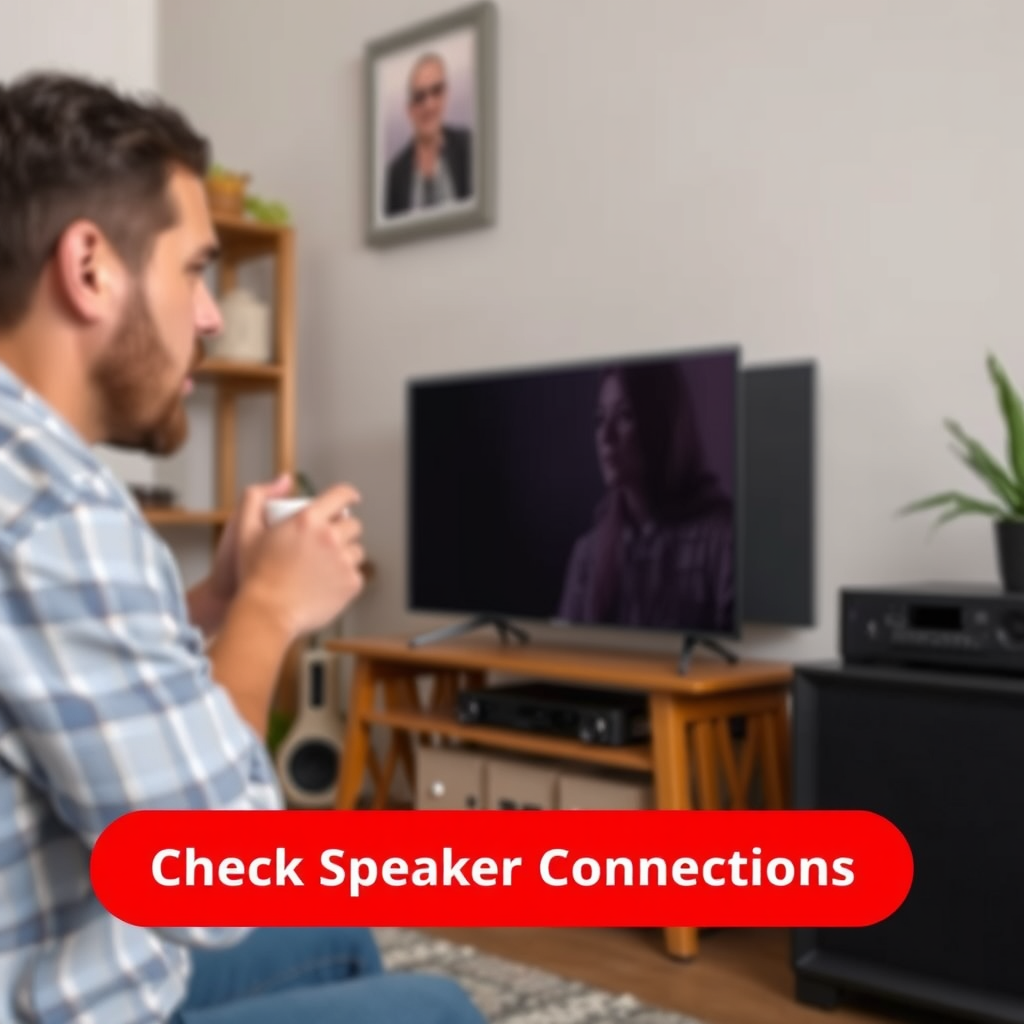
The first step in addressing surround sound issues is to verify that all speaker connections are secure and correctly configured. Loose or improperly connected wires can result in sound not being produced from specific speakers or an overall imbalance in audio output.
– Verify that all speakers are connected securely to the receiver: It’s essential to ensure that each speaker wire is firmly connected to both the speaker and the receiver. Check for any frayed cables or loose connections that could lead to sound problems.
– Ensure that the correct speaker wires are being used for each channel: Different speakers may require specific types of wire. For example, the gauge of the wire can affect the sound quality and performance. Ensure that you are using the appropriate wire gauge for your system and that the positive and negative leads are connected correctly.
Taking the time to double-check these connections can resolve many basic surround sound issues, allowing you to enjoy a more immersive audio experience.
Configure Audio Settings
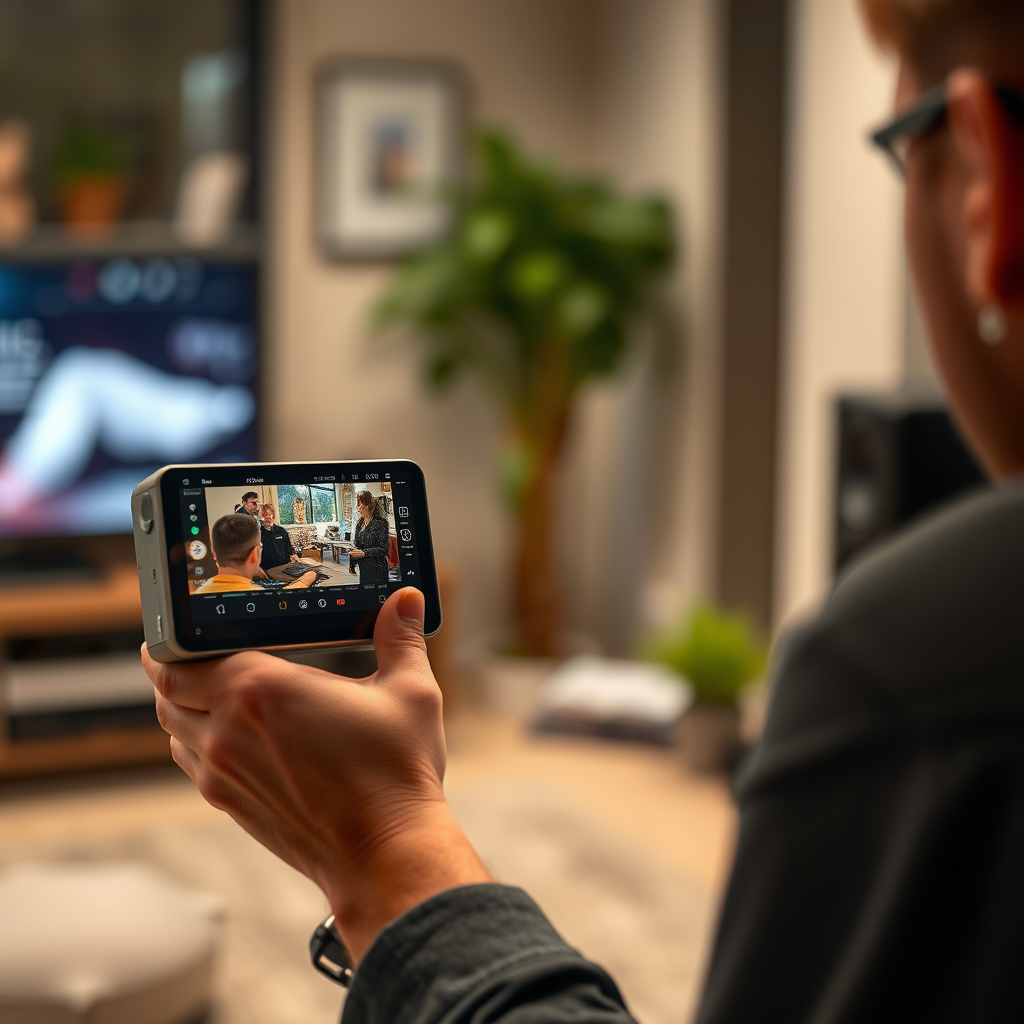
Once your speaker connections are secure, the next step is to configure the audio settings on your receiver. Each audio system has distinct features and modes that can significantly affect sound output quality.
– Access the audio settings on your receiver and select the appropriate surround sound mode: Most modern receivers come with various sound modes, such as Dolby Digital, DTS, or Stereo. Choose the mode that best suits your audio source and ensure that it is correctly set for surround sound.
– Adjust speaker levels and distances to match your room’s layout for optimal sound: Many receivers offer a calibration tool that can help adjust speaker levels based on the distance from each speaker to your listening position. This adjustment ensures that sound reaches your ears at the correct time, creating a more cohesive surround sound experience.
Configuring the audio settings properly can dramatically enhance your listening experience, ensuring that every sound is clear and positioned accurately within the soundstage.
Update Firmware and Software
Keeping your audio equipment updated is crucial for optimal performance. Software and firmware updates can fix bugs and improve compatibility with newer audio formats.
– Check for firmware updates for your audio receiver and speakers: Manufacturers often release updates to enhance functionality or address known issues. Regularly check the manufacturer’s website for any available updates for your devices.
– Ensure that your media playback devices have the latest software installed for compatibility: Whether you are using a Blu-ray player, gaming console, or streaming device, it’s important to keep these devices updated. Compatibility issues can arise if the firmware of your playback device is outdated, potentially leading to subpar audio quality.
By ensuring that all components of your audio system are up-to-date, you can avoid many common pitfalls that may impede your surround sound experience.
Top Audio System Features to Check (2024)
| # | Feature | Importance Level | Update Frequency |
|---|---|---|---|
| 1 | Speaker Connections | High | Annual |
| 2 | Audio Settings | Medium | Quarterly |
| 3 | Firmware Updates | High | As Available |
| 4 | Playback Device Software | High | Monthly |
| 5 | Room Acoustics | Medium | Bi-Annually |
| 6 | Speaker Calibration | High | As Needed |
| 7 | Speaker Positioning | Medium | As Needed |
Optimize Room Acoustics
The acoustics of your room can significantly impact your surround sound experience. Poorly positioned speakers or sound-reflecting surfaces can lead to muddled audio and diminished effects.
– Consider the positioning of your speakers to reduce sound reflections and enhance clarity: The ideal placement of speakers is crucial. Surround speakers should be placed at ear level and positioned around the listening area to create an immersive experience. Experimenting with angles and distances can yield better results.
– Use acoustic panels or rugs to minimize noise interference and improve sound quality: Using soft furnishings, such as rugs, curtains, and acoustic panels, can help absorb sound reflections and reduce echo. This is particularly important in rooms with hard surfaces like tile or wood, which can bounce sound waves and disrupt clarity.
By optimizing your room’s acoustics, you can significantly improve the overall sound quality, making for a more engaging listening experience.
Test with Various Audio Sources
To effectively diagnose and resolve surround sound issues, it is essential to test your system with various audio sources. Different media can expose specific problems that may not be apparent with just one type of content.
– Experiment with different media types, such as movies, music, and games, to identify specific issues: Surround sound may perform differently depending on the content. For instance, action movies typically make better use of surround sound compared to music tracks. Testing across genres can help pinpoint where problems may lie.
– Use test tones or sound calibration features available in some receivers to assess speaker performance: Many modern receivers include built-in calibration tools that utilize test tones to balance speaker levels. This feature can help ensure that all speakers are outputting audio at the correct levels and can identify any malfunctioning speakers.
Testing with various audio sources allows you to better understand how your system performs under different conditions, ultimately leading to a finer-tuned audio experience.
Surround Sound Testing – Audio Content Performance (2024)
Upgrade Components if Necessary
If you’ve thoroughly checked connections, settings, and acoustics but still experience issues, it may be time to consider upgrading your components.
– Consider investing in a quality surround sound receiver or speaker set if issues persist: Outdated or low-quality equipment can greatly affect sound performance. Modern receivers offer advanced features such as better decoding capabilities and support for high-definition audio formats, which enhance the surround sound experience.
– Explore options for high-definition audio formats that support better surround sound experiences: Formats like Dolby Atmos and DTS:X offer immersive sound experiences that standard surround sound cannot provide. Upgrading to equipment that supports these formats can elevate your audio experience significantly.
Investing in quality components not only resolves existing issues but can also future-proof your audio system against evolving audio technology.
Seek Professional Help
If troubleshooting does not resolve the issue, consider consulting an audio professional. Sometimes, the intricacies of audio systems may require expertise beyond basic troubleshooting.
– Look for local experts who can provide tailored solutions based on your specific setup: Professional audio consultants can analyze your system, diagnose complex issues, and recommend custom solutions to enhance your surround sound experience.
– Consider home theater installation services: These professionals can ensure that your system is optimally set up for your specific room, taking into account acoustics, speaker placement, and equipment compatibility.
Seeking professional assistance can save you time and frustration, ensuring you achieve the best possible audio experience.
By following these steps, you can effectively diagnose and fix the lack of surround sound in your audio system. Remember to check connections, configure settings, and optimize your room for the best results. If problems persist, don’t hesitate to seek professional assistance to enhance your audio experience. With the right approach, you can enjoy a fully immersive surround sound environment that brings your media to life.
Frequently Asked Questions
What are the common reasons for a lack of surround sound in my audio system?
A lack of surround sound can often stem from a few key issues, such as improper speaker setup, incorrect audio settings on your receiver, or outdated audio drivers. Additionally, using low-quality cables or having a suboptimal room layout can significantly impact sound quality. Ensuring that all components are compatible and correctly configured is essential for achieving immersive sound.
How can I properly configure my audio system for surround sound?
To configure your audio system for surround sound, start by placing your speakers in the correct positions: front left, front right, center, and rear speakers should be strategically positioned for optimal sound dispersion. Next, access your audio receiver’s settings to enable surround sound modes and adjust speaker levels accordingly. Finally, consider using a calibration microphone if your receiver has one, as it can help fine-tune the audio settings based on your room’s acoustics.
Why is my surround sound not working with streaming services?
If your surround sound isn’t working with streaming services, it may be due to the audio format being used. Many streaming services default to stereo output unless you specifically select surround sound options or your system is configured to decode formats like Dolby Digital or DTS. Check both your streaming app settings and your audio receiver settings to ensure they are set to support surround sound playback.
What is the best way to test if my surround sound system is functioning correctly?
The best way to test your surround sound system is to use a dedicated surround sound test disc or an online test audio file, which typically includes specific audio tracks designed to confirm proper speaker functionality. Additionally, you can play movies or shows known for their surround sound effects and listen for directional audio cues. Ensure that each speaker is producing sound and that the audio feels immersive from all angles.
Which audio cables should I use to enhance my surround sound experience?
To enhance your surround sound experience, you should use high-quality HDMI cables for digital audio transmission, as they support high-definition audio formats without loss. For analog audio connections, consider using thick gauge speaker wires to minimize resistance, ensuring a clear signal from your receiver to your speakers. Avoid using low-quality or damaged cables, as they can significantly degrade sound quality.
References
- Surround sound
https://en.wikipedia.org/wiki/Surround_sound - https://www.sciencedirect.com/topics/engineering/surround-sound
https://www.sciencedirect.com/topics/engineering/surround-sound - https://www.bbc.com/future/article/20190425-how-to-choose-the-right-sound-system
https://www.bbc.com/future/article/20190425-how-to-choose-the-right-sound-system - https://www.nytimes.com/2021/09/22/technology/podcast-sound-quality.html
https://www.nytimes.com/2021/09/22/technology/podcast-sound-quality.html - https://www.cdc.gov/niosh/topics/noise/default.html
https://www.cdc.gov/niosh/topics/noise/default.html - https://pubmed.ncbi.nlm.nih.gov/24788843/
https://pubmed.ncbi.nlm.nih.gov/24788843/ - https://www.mayoclinic.org/healthy-lifestyle/adult-health/in-depth/hearing-loss/art-20046141
https://www.mayoclinic.org/healthy-lifestyle/adult-health/in-depth/hearing-loss/art-20046141 - Google Scholar Google Scholar
https://scholar.google.com/scholar?q=surround+sound+setup - Google Scholar Google Scholar
https://scholar.google.com/scholar?q=fix+surround+sound+issues - Google Scholar Google Scholar
https://scholar.google.com/scholar?q=How+to+Fix+the+Lack+of+Surround+Sound+in+Your+Audio+System