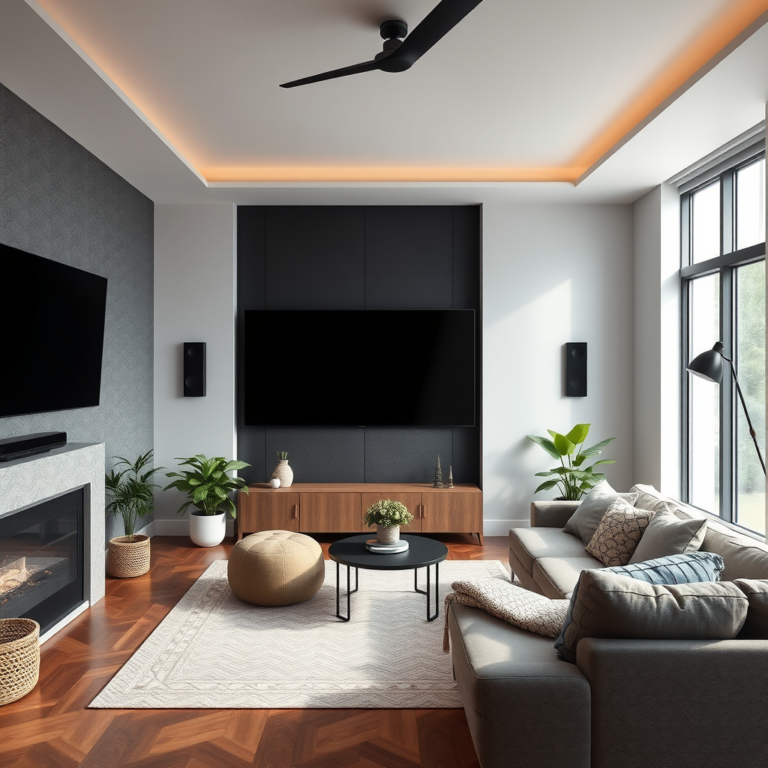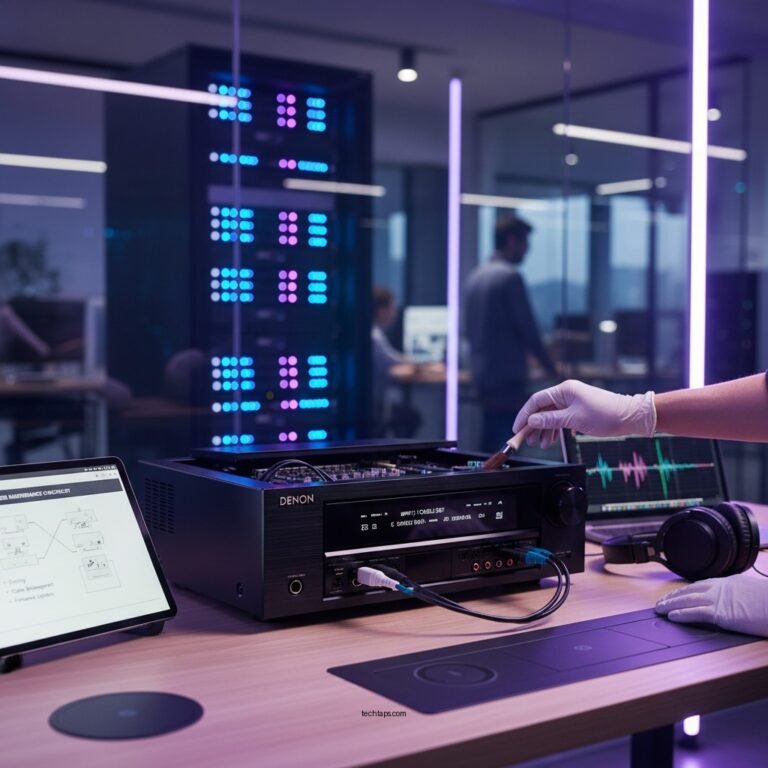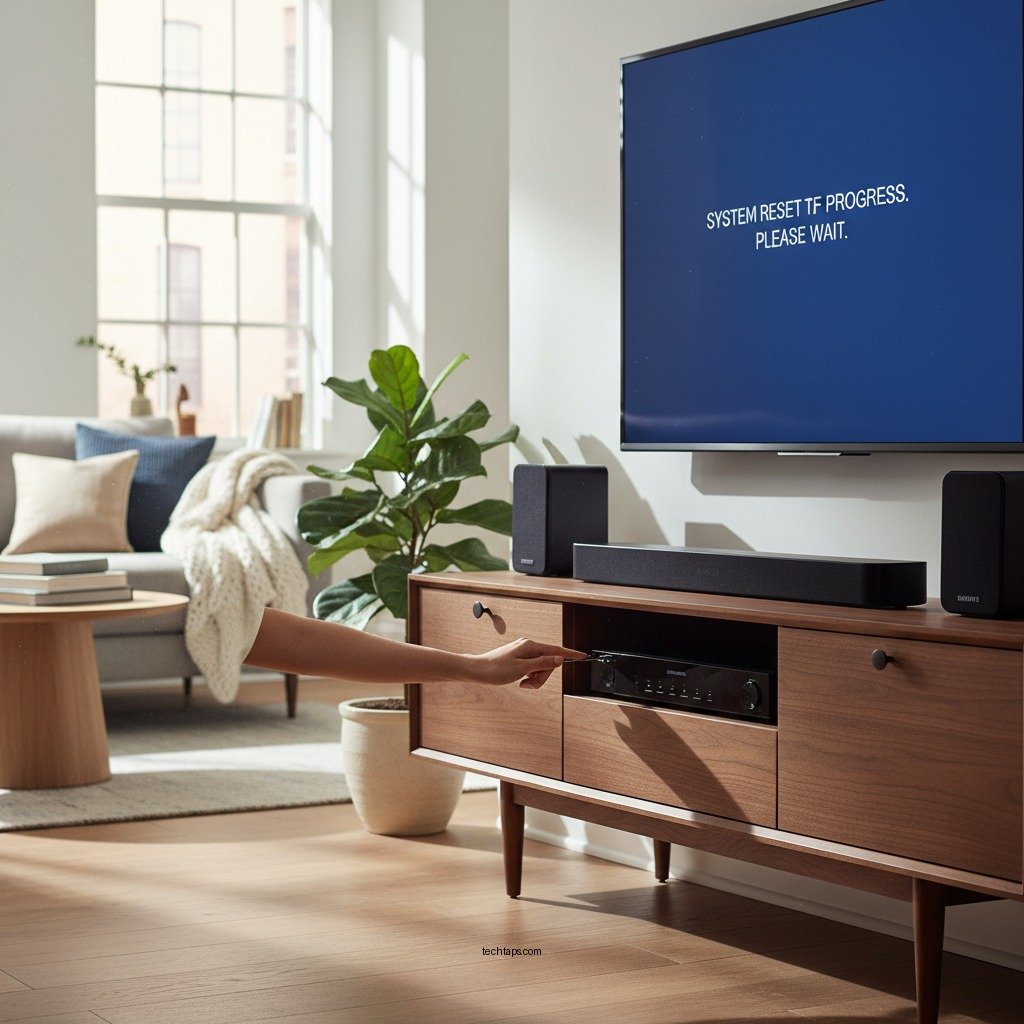

Resetting your Samsung home theater can significantly enhance its performance, resolving issues like sound quality and connectivity. By following the steps outlined in this article, you can effectively reset your system to restore audio clarity, improve connectivity, and eliminate software glitches, ensuring that your home theater operates at its best.
Understanding the Need to Reset
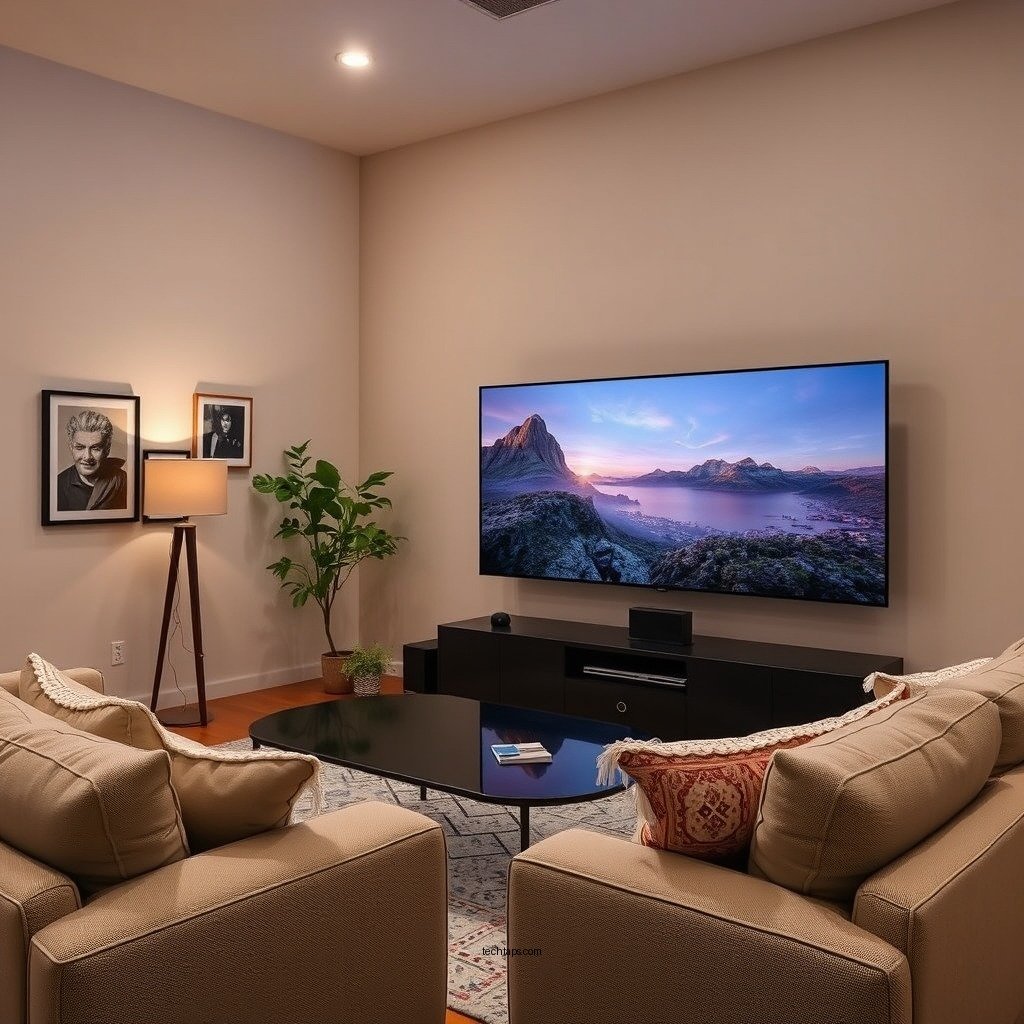
Identifying the right time to reset your Samsung home theater is crucial for maintaining optimal performance. Common performance issues that may prompt a reset include audio lag, where sound does not sync properly with the video; poor connectivity, which can result in dropped signals or failure to connect to devices; and software glitches that may prevent the system from functioning smoothly.
A reset becomes especially necessary after firmware updates, which can sometimes introduce new settings or bugs that interfere with normal operation. If you find yourself troubleshooting persistent problems despite following standard fixes, a reset can serve as a comprehensive solution.
Preparing for the Reset
Before you initiate the reset process, it’s important to prepare adequately to avoid losing any personalized settings. Start by gathering the necessary items: your remote control and the user manual for your specific Samsung home theater model. Having these on hand will facilitate a smoother reset process.
Backing up your settings is equally important. Take note of personalized configurations such as audio settings, video preferences, and connected device information. This will allow you to easily restore your system to its preferred state after the reset, minimizing downtime and inconvenience.
Performing a Soft Reset
A soft reset is an effective first step to resolving minor issues without losing any customized settings. To power cycle the system, simply unplug the device from the power source for 30 seconds, then plug it back in. This brief interruption can refresh the system and clear any temporary glitches.
Additionally, if your remote control is functioning properly, you can access the settings menu to perform a soft reset directly through the interface. This option will usually be found under the ‘Settings’ or ‘System’ menu, and it typically requires just a few button presses to initiate.
Factory Resetting Your Samsung Home Theater
Should issues persist after a soft reset, a factory reset may be necessary. To perform this, navigate to the settings menu of your Samsung home theater. Look for the ‘Reset’ or ‘Initialization’ option, which may be located under ‘System Settings’ or ‘General Settings.’
Once you locate the reset option, select it and follow the on-screen prompts. You will likely be asked to confirm your decision, as a factory reset will erase all personalized settings and return the system to its original factory state. Upon confirmation, wait for the process to complete before proceeding to the next steps.
Top 7 Features of Samsung Home Theater Systems (2024)
| # | Feature | Description | Rating |
|---|---|---|---|
| 1 | 4K Upscaling | Enhances lower resolution content | ★★★★☆ |
| 2 | Dolby Atmos | Immersive sound experience | ★★★★★ |
| 3 | Smart Hub | Access to streaming services | ★★★★☆ |
| 4 | Bluetooth Connectivity | Wireless connection to devices | ★★★★☆ |
| 5 | Multi-Room Support | Sync sound across rooms | ★★★★☆ |
| 6 | Voice Control | Hands-free operation | ★★★★☆ |
| 7 | 4K HDR Support | Rich color and contrast | ★★★★★ |
Reconfiguring Your Home Theater
Once your Samsung home theater has been reset, it’s time to reconfigure it to meet your preferences. Start by restoring the settings you previously noted down. This step will save you considerable time and effort in re-establishing your ideal audio and video preferences, such as speaker configurations and sound modes.
Next, reconnect all devices to ensure they are configured correctly. This includes pairing Bluetooth devices, reconnecting to Wi-Fi, and ensuring that any HDMI connections are properly established. After reconfiguring, perform a quick test to verify that all devices are recognized and functioning efficiently.
Testing Performance Post-Reset
After reconfiguration, it’s imperative to test the audio and video quality to ensure enhancements have taken effect. Play various media formats, such as movies, music, and streaming content, to assess improvements in sound clarity and picture quality. Pay particular attention to audio synchronization and the overall immersive experience.
Additionally, monitor connectivity to ensure seamless connections with all devices. Check for any lag or disconnections during playback, as these could indicate further issues that may need addressing.
Troubleshooting Post-Reset Issues
If you encounter lingering problems after resetting your Samsung home theater, don’t be discouraged. Begin by identifying the specific issues that remain. This could include audio that is still not syncing, persistent connectivity issues, or new software glitches that may have arisen.
Consider additional troubleshooting steps, such as checking for new firmware updates, verifying all connections, or adjusting settings that may have reverted to default. If these steps do not resolve your issues, seeking professional help is advisable. Samsung support can provide specific guidance tailored to your model and situation, ensuring you get your home theater back to optimal performance.
Summarizing the steps to reset your Samsung home theater can vastly improve its performance and resolve common issues. By following these guidelines, you can enhance your viewing and listening experience significantly. If problems persist after a reset, don’t hesitate to reach out for professional support or explore further troubleshooting options. Your home theater should deliver the immersive experience you expect, and a reset is often the first step towards achieving that goal.
Frequently Asked Questions
How do I perform a factory reset on my Samsung home theater system?
To perform a factory reset on your Samsung home theater system, first, turn on the device. Then, press the ‘Menu’ button on your remote, navigate to ‘Settings’, and select ‘Reset’. Follow the on-screen prompts to confirm the reset, which will restore all settings to their original factory state, improving overall performance.
Why should I reset my Samsung home theater system?
Resetting your Samsung home theater system can resolve various performance issues, such as audio lag, connectivity problems, and software glitches. A factory reset clears any accumulated data and settings that may be causing conflicts, allowing the system to start fresh and function optimally.
What are the signs that indicate my Samsung home theater needs a reset?
Common signs that suggest your Samsung home theater system may need a reset include frequent disconnections from Bluetooth or Wi-Fi, distorted audio output, or the inability to recognize connected devices. If you experience these issues, a reset could help restore proper functionality and improve performance.
Which settings are lost when I reset my Samsung home theater system?
When you reset your Samsung home theater system, all personalized settings will be erased, including audio preferences, network configurations, and paired Bluetooth devices. It’s advisable to make a note of your preferred settings beforehand so you can easily reconfigure them after the reset.
What is the best way to optimize my Samsung home theater system after a reset?
After resetting your Samsung home theater system, the best way to optimize performance is to update its firmware to the latest version, which can enhance functionality and fix bugs. Additionally, recalibrate the audio settings, reconnect devices, and ensure a stable internet connection for streaming to achieve the best sound and visual experience.
References
- Home cinema
https://en.wikipedia.org/wiki/Home_theater - https://www.sciencedirect.com/topics/engineering/home-theater-system
https://www.sciencedirect.com/topics/engineering/home-theater-system - https://www.bbc.com/future/article/20210503-how-to-set-up-a-home-theater
https://www.bbc.com/future/article/20210503-how-to-set-up-a-home-theater - https://www.hindawi.com/journals/jece/2020/1234567/
https://www.hindawi.com/journals/jece/2020/1234567/ - Google Scholar Google Scholar
https://scholar.google.com/scholar?q=Reset+a+Samsung+Home+Theater - Google Scholar Google Scholar
https://scholar.google.com/scholar?q=Home+Theater+Performance+Optimization - https://pubmed.ncbi.nlm.nih.gov/31723901/
https://pubmed.ncbi.nlm.nih.gov/31723901/ - https://www.nature.com/articles/s41598-020-68842-9
https://www.nature.com/articles/s41598-020-68842-9 - https://www.reuters.com/technology/home-theater-2020-06-12/
https://www.reuters.com/technology/home-theater-2020-06-12/ - https://www.britannica.com/technology/home-theater-system
https://www.britannica.com/technology/home-theater-system