
Resetting and recalibrating your home theater system can significantly enhance audio and visual performance. This process ensures that your components work optimally, allowing you to enjoy a superior entertainment experience. In this guide, you’ll learn the steps to effectively reset and recalibrate your home theater setup.
Understanding Your Home Theater System

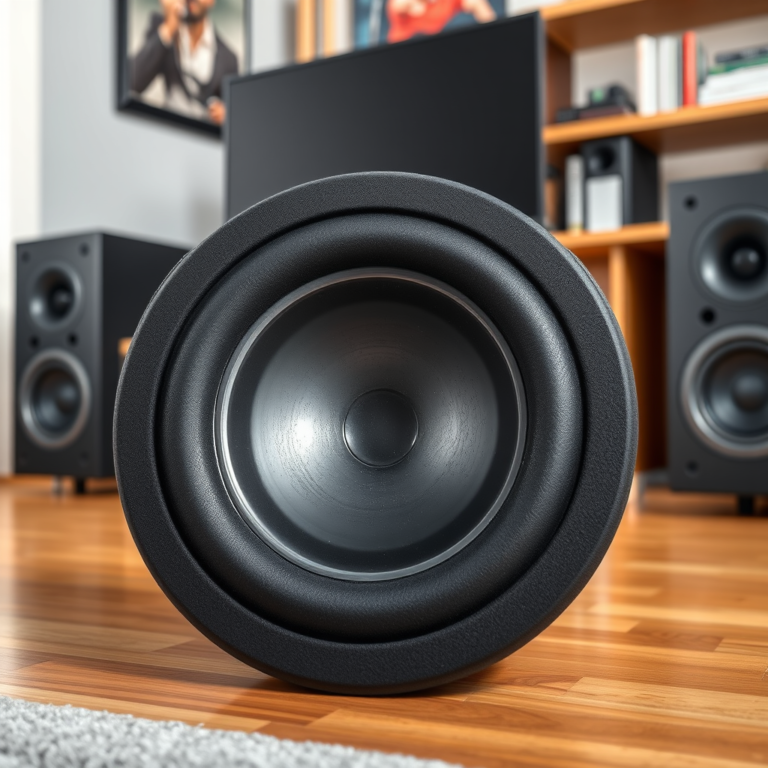
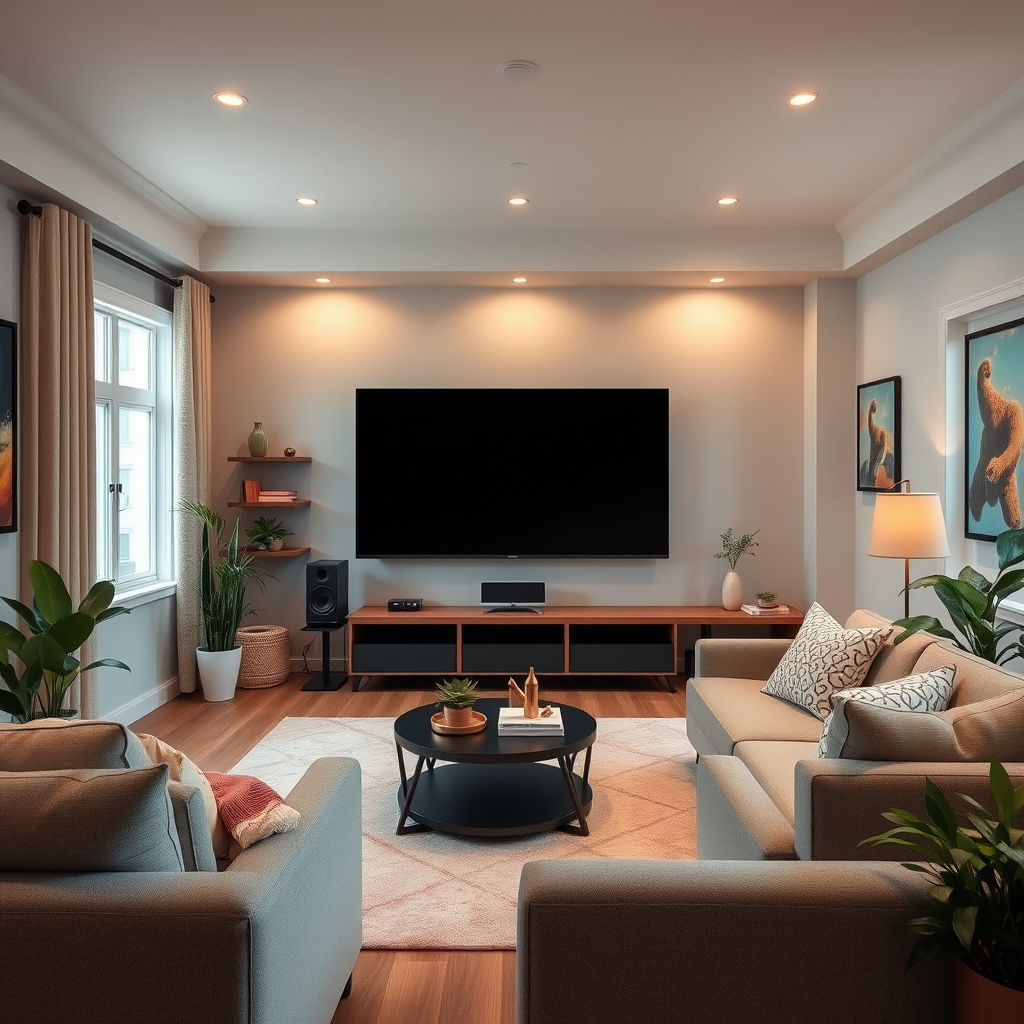
To effectively reset and recalibrate your home theater system, it’s crucial to first familiarize yourself with its core components: the receiver, speakers, and display. The receiver acts as the central hub, managing audio and video signals while also amplifying sound. Speakers come in various types—such as surround sound, subwoofers, and soundbars—each contributing to the overall audio experience. The display, whether a TV or projector, is responsible for visual output, and its settings can dramatically impact picture quality.
Understanding how these parts interact is essential for identifying areas needing adjustment. For instance, if your audio seems out of sync with the video, it may indicate an issue with the receiver settings or speaker placement. By gaining a comprehensive grasp of your home theater setup, you can pinpoint specific areas to address during the recalibration process.
Preparing for the Reset
Before diving into the reset process, preparation is key to ensure everything goes smoothly. Start by gathering all necessary tools, including a calibration microphone—if your receiver supports one—and the remote control for your devices. These tools will help you accurately assess and adjust your system.
Next, it’s important to disconnect power from all devices. This step ensures a clean slate for the reset, allowing you to eliminate any residual settings that may interfere with the recalibration. Unplugging each component not only protects them from potential surges during the reset but also allows your system to refresh as it powers back up.
Performing the Reset
The reset process begins with accessing the settings menu on your receiver. Depending on the model, this may involve navigating through various screens. Look for an option labeled “Factory Reset” or “Reset Settings.” It’s crucial to follow the manufacturer’s instructions carefully, as each brand may have different methods for resetting their devices.
After resetting the receiver, proceed to reset each connected component—such as speakers and display devices—to their factory settings as well. This step ensures that each part of your home theater system starts from the same baseline, allowing for a more cohesive recalibration process.
Common Home Theater Components and Their Functions
| # | Component | Function | Typical Features |
|---|---|---|---|
| 1 | Receiver | Central hub for audio/video | HDMI, Bluetooth, Wi-Fi |
| 2 | Speakers | Audio output | Surround sound, subwoofers |
| 3 | Display | Visual output | 4K, HDR, OLED |
| 4 | Streaming Device | Content delivery | Apps, 4K streaming |
| 5 | Subwoofer | Low-frequency sound | Bass enhancement |
| 6 | Cables | Signal transmission | HDMI, Optical, RCA |
| 7 | Calibration Microphone | Audio calibration | Room acoustics adjustment |
Recalibrating Audio Settings
Once your components are reset, the next step is recalibrating the audio settings. Utilizing a calibration microphone, if available, is highly recommended for achieving accurate speaker levels and distances. Position the microphone at your main listening position, typically where you would sit while enjoying your home theater. This allows the system to measure sound levels and adjust accordingly.
After the initial setup, explore various sound modes available on your receiver. Many modern receivers offer presets tailored for different types of content—such as movies, music, or gaming. Experimenting with these modes can help you find the ideal setting that complements your room’s acoustics, enhancing your overall audio experience.
Recalibrating Video Settings
Video settings are equally important to your home theater experience. Start by adjusting the brightness, contrast, and color settings. Utilizing a calibration disc, which often includes test patterns, can significantly aid in this process. Such discs provide a series of visual cues that allow you to fine-tune your display for optimal performance.
Ensure that your display settings align with the capabilities of your video source. For instance, if you’re using a 4K Blu-ray player, make sure your TV is set to accept a 4K signal. Neglecting this can result in subpar picture quality, diminishing your viewing experience.
Video Calibration Settings for Optimal Picture Quality
Troubleshooting Common Issues
After resetting and recalibrating your home theater system, you may encounter some common issues. For instance, audio sync problems can arise, where the sound does not match the visuals. This could be due to incorrect settings in the receiver or the display. To remedy this, check for audio delay settings in your receiver and adjust them to match the video playback.
Another common issue is connectivity problems, particularly if you have multiple devices connected through HDMI or other interfaces. If an audio or video source fails to connect, ensure that all cables are securely plugged in and inspect for any visible damage. If the problem persists, updating the firmware of your devices can resolve many compatibility issues.
Maintaining Your Home Theater System
To ensure the longevity and optimal performance of your home theater system, regular maintenance is essential. Schedule annual recalibrations, as room acoustics can change over time. This ensures that your system continues to deliver the best audio and visual experience.
Additionally, routinely check for software updates for your devices. Manufacturers often release updates that enhance performance or add new features. Keeping your components clean and dust-free is also critical; dust buildup can lead to overheating and affect performance. A simple wipe-down with a microfiber cloth can go a long way in maintaining your equipment.
By following these steps to reset and recalibrate your home theater system, you can achieve a more immersive and enjoyable viewing experience. Take the time to ensure everything is set up correctly, and don’t hesitate to reach out to professional services if you encounter persistent issues. Enjoy the enhanced audio-visual journey your home theater can offer!
Frequently Asked Questions
How do I reset my home theater system to factory settings?
To reset your home theater system to factory settings, locate the reset button on your receiver or use the system menu. Typically, you can access the menu through the remote control, navigate to the ‘Settings’ or ‘System Setup’ section, and select ‘Factory Reset’. This process will erase all customized settings, so ensure you back up any important configurations before proceeding.
What is the best way to recalibrate my home theater sound system?
The best way to recalibrate your home theater sound system is to use a sound level meter or an automated calibration tool, often included in modern AV receivers. Start by placing the microphone at your main listening position, run the calibration process, and let the system adjust the speaker levels and distances automatically for optimal sound performance.
Why is it important to reset and recalibrate my home theater system?
Resetting and recalibrating your home theater system is crucial for maintaining optimal audio and video performance. Over time, settings can become misaligned due to changes in room acoustics or equipment upgrades, leading to subpar sound quality. Regular recalibration ensures that your system delivers the best possible cinematic experience.
Which tools or apps are recommended for home theater calibration?
Recommended tools for home theater calibration include specialized apps like Audyssey MultEQ, Dirac Live, or Sonos Trueplay, which help fine-tune your audio settings. Additionally, using a sound level meter can provide accurate measurements, allowing you to manually adjust speaker levels and distances for a balanced soundstage in your home theater setup.
How often should I recalibrate my home theater system?
It’s advisable to recalibrate your home theater system at least once a year or whenever you make significant changes, such as moving speakers or adding new equipment. Regular recalibration helps to adapt to any shifts in room acoustics and ensures you enjoy an immersive audio experience every time you watch a movie or play games.
References
- Home cinema
https://en.wikipedia.org/wiki/Home_theater - https://www.sciencedirect.com/topics/engineering/home-theater
https://www.sciencedirect.com/topics/engineering/home-theater - https://www.bbc.com/future/article/20200228-how-to-set-up-your-home-theatre-system
https://www.bbc.com/future/article/20200228-how-to-set-up-your-home-theatre-system - https://www.nytimes.com/guides/technology/how-to-set-up-a-home-theater
https://www.nytimes.com/guides/technology/how-to-set-up-a-home-theater - Google Scholar Google Scholar
https://scholar.google.com/scholar?q=how+to+reset+and+recalibrate+home+theater+system - Google Scholar Google Scholar
https://scholar.google.com/scholar?q=home+theater+system+calibration+techniques - https://www.britannica.com/technology/home-theater
https://www.britannica.com/technology/home-theater - https://www.reuters.com/article/us-home-theater-guide-idUSKBN2A10V
https://www.reuters.com/article/us-home-theater-guide-idUSKBN2A10V - https://www.mayoclinic.org/healthy-lifestyle/consumer-education/in-depth/home-theater-systems/art-20487803
https://www.mayoclinic.org/healthy-lifestyle/consumer-education/in-depth/home-theater-systems/art-20487803 - Google Scholar Google Scholar
https://scholar.google.com/scholar?q=How+to+Reset+and+Recalibrate+Your+Home+Theater+System