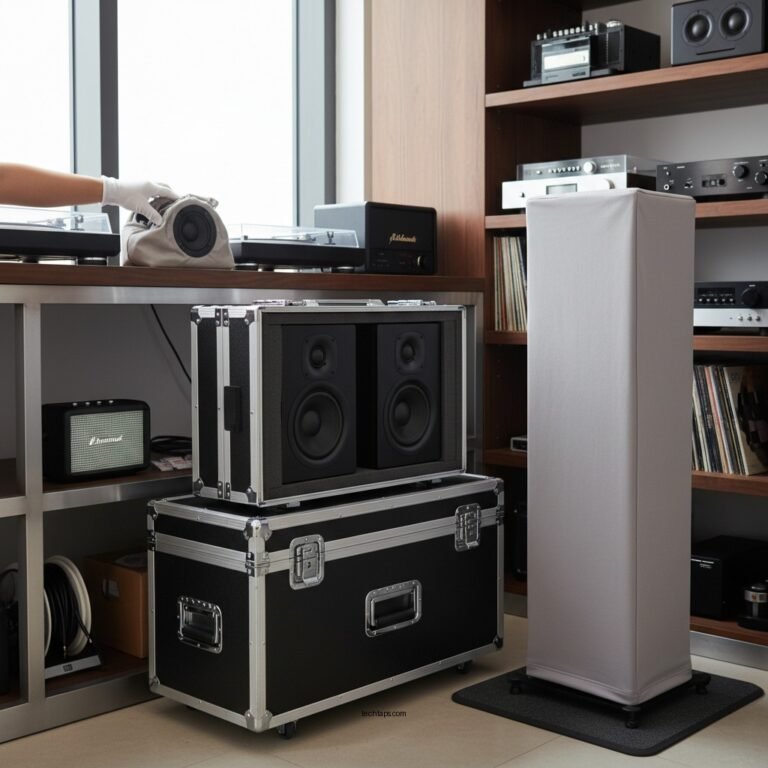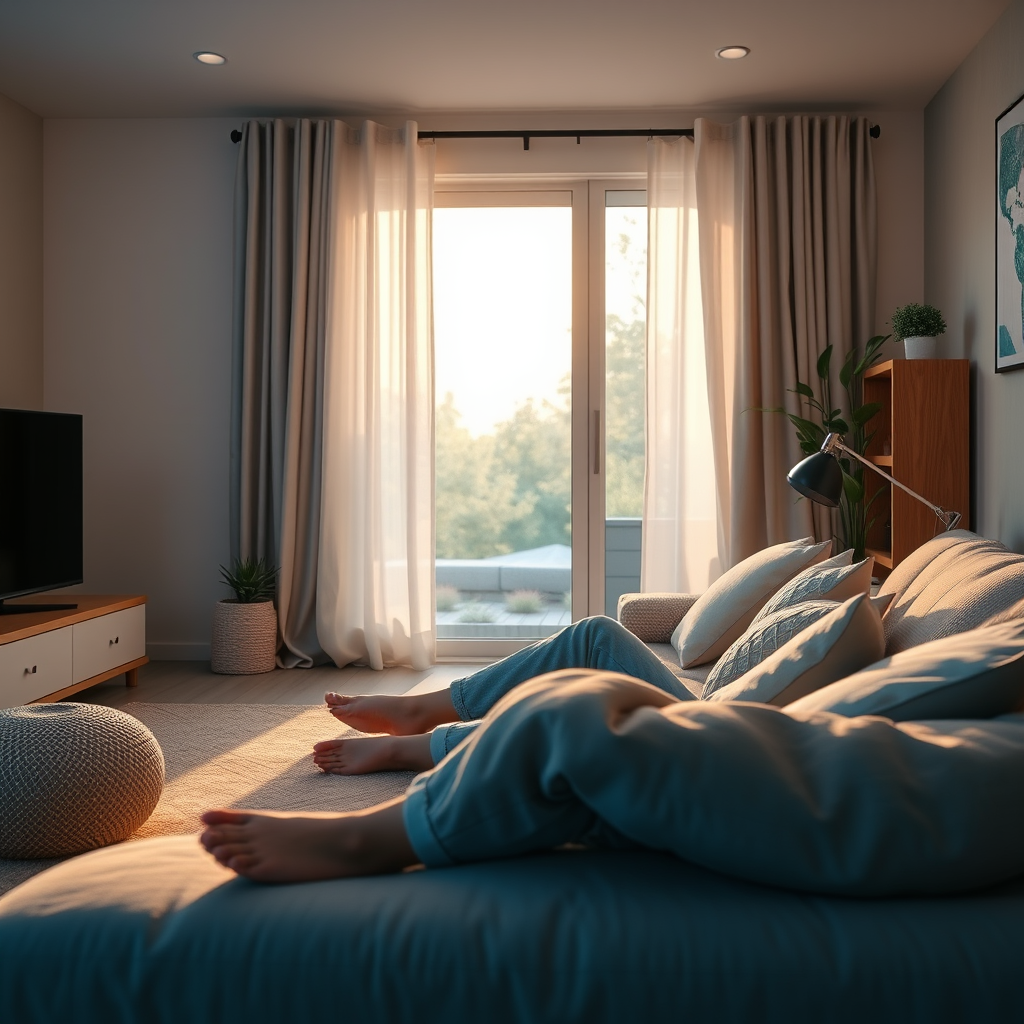

To successfully set up Dolby Atmos in a small space, it is essential to choose the right equipment and understand the layout of your room. By following a few critical steps, you can create an immersive audio experience without needing a large area. This guide will walk you through everything from speaker placement to calibration, ensuring you get the most out of your Dolby Atmos setup.
Understanding Dolby Atmos Technology
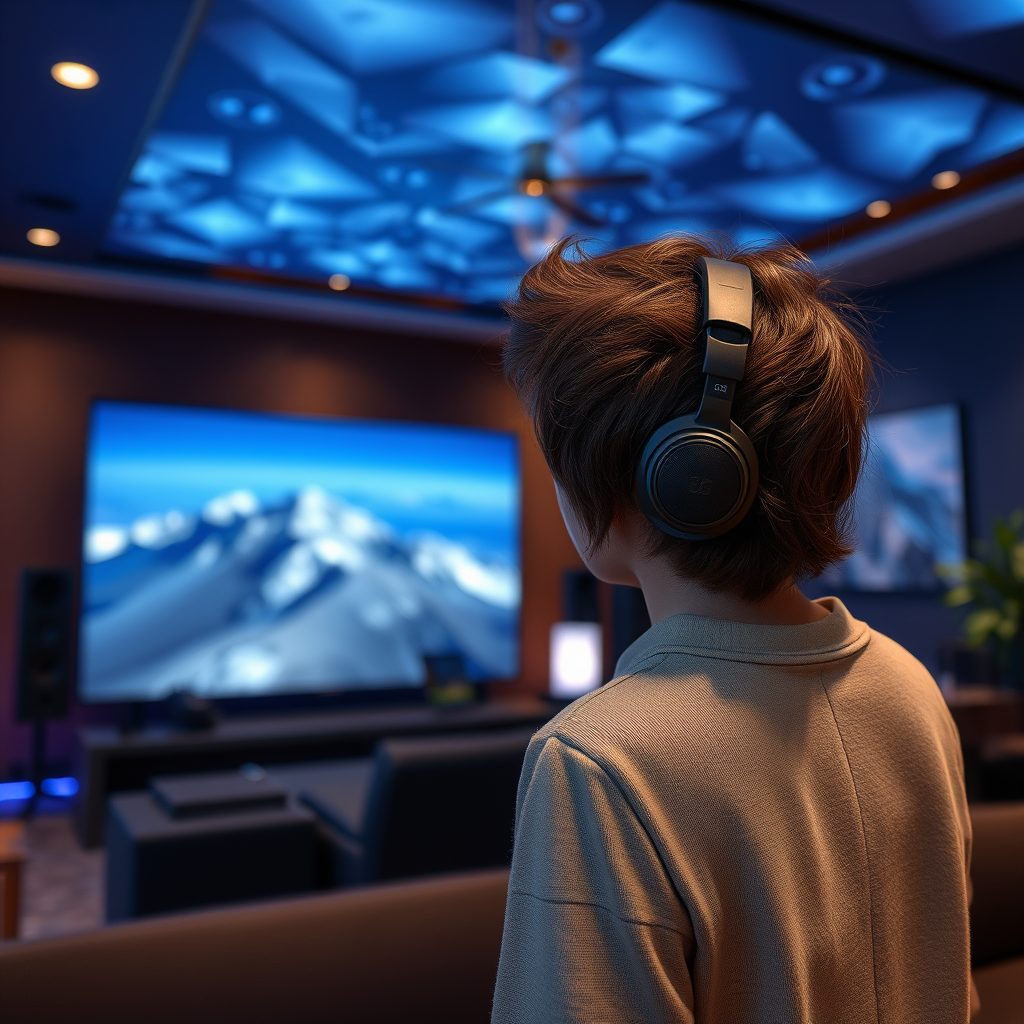
Dolby Atmos is a revolutionary audio technology that enhances the listening experience by adding a three-dimensional aspect to sound. Unlike traditional surround sound formats, which confine audio to channels, Dolby Atmos allows sounds to move freely around you in a 3D space. This is accomplished through the use of object-based audio, where sound designers can place individual audio elements anywhere in the sound field, including overhead.
To fully experience Dolby Atmos, specific equipment is required. This includes compatible speakers, such as upward-firing speakers or in-ceiling speakers, as well as an audio receiver that can decode Dolby Atmos formats. Many modern soundbars also come with built-in Dolby Atmos capabilities, making it easier for those with limited space to set up a high-quality audio system.
Choosing the Right Equipment
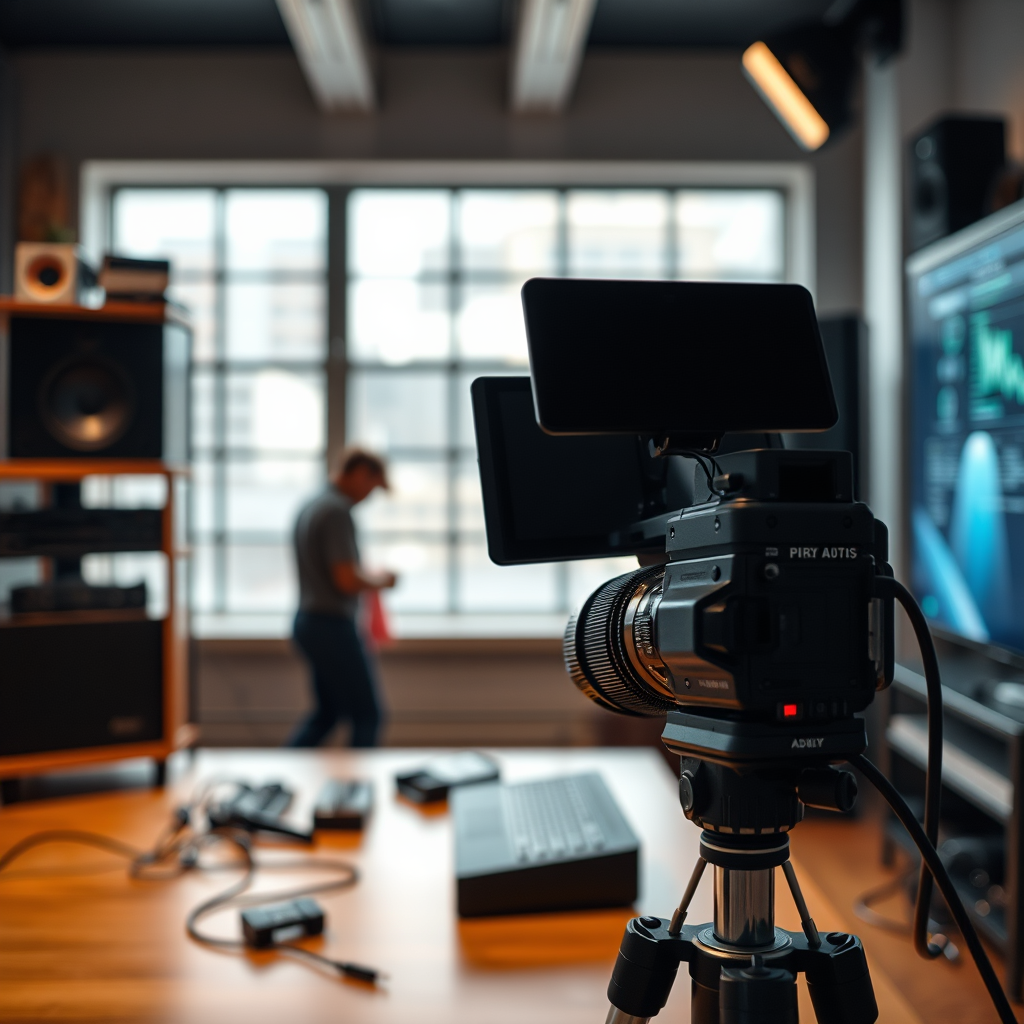
Selecting the right equipment is crucial for a successful Dolby Atmos setup, especially in a smaller space. Here are some key considerations:
1. Soundbar vs. Speaker System: If space is at a premium, a Dolby Atmos-enabled soundbar might be the best option. These soundbars are designed to deliver immersive sound without the need for multiple speakers. For those willing to invest more, a compact speaker system with dedicated upward-firing or ceiling speakers can provide a richer experience.
2. Audio Receiver: Ensure that your audio receiver can decode Dolby Atmos formats. Look for models that explicitly mention support for Dolby Atmos, DTS:X, and other advanced audio formats to guarantee compatibility.
3. Budget: While there are affordable options available, investing in quality equipment will significantly enhance your listening experience. Brands like Sonos, LG, and Bose offer reliable products that fit various budgets.
Optimizing Speaker Placement
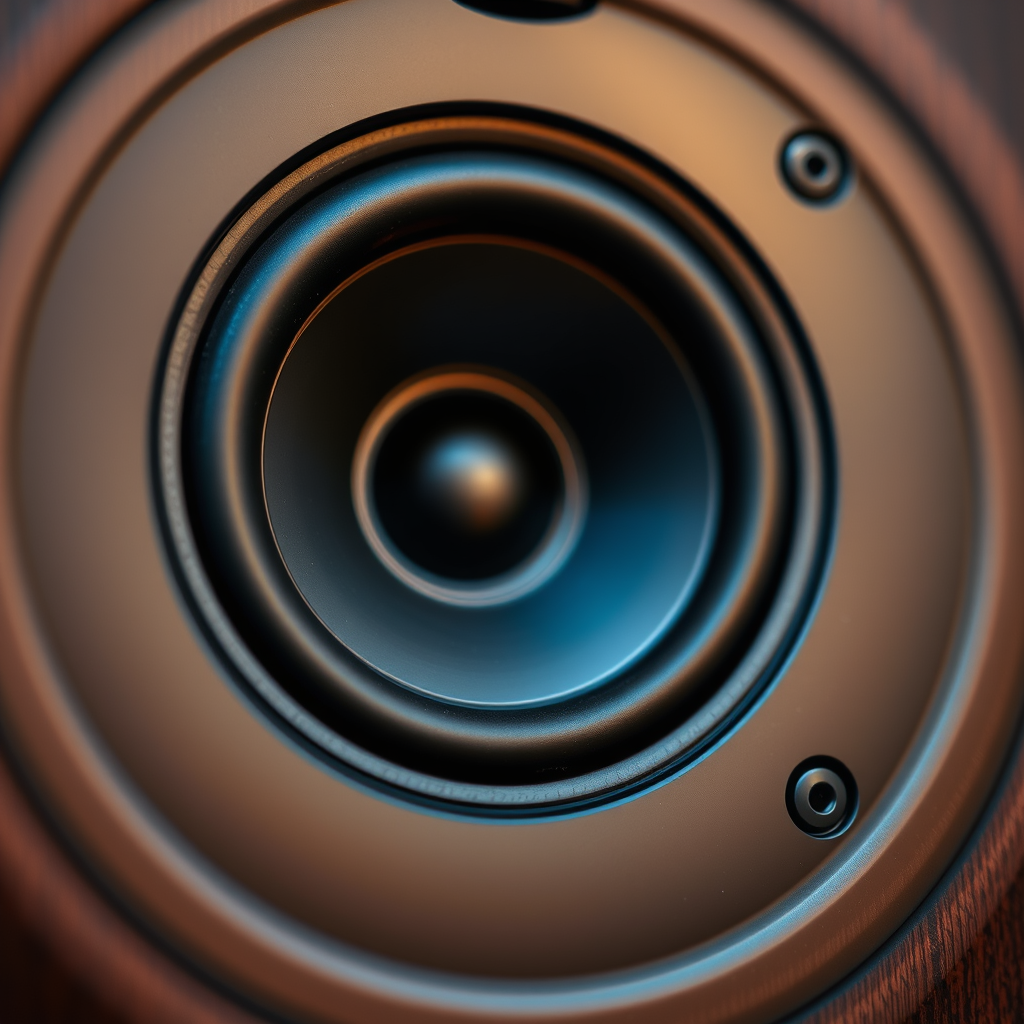
Speaker placement is a vital step in achieving the best audio quality from your Dolby Atmos setup. Here are some tips for optimizing placement in a small space:
1. Main Speakers and Subwoofers: Position your main speakers at ear level when seated, ideally at an angle of about 30 degrees from your listening position. If using a subwoofer, place it in a corner or along a wall to enhance bass response.
2. Upward-Firing Speakers: If you opt for upward-firing speakers, ensure they are placed on top of the main speakers or positioned correctly on your ceiling. These speakers reflect sound off the ceiling to create the overhead sound effect that is characteristic of Dolby Atmos.
3. Room Layout: Assess your room dimensions and layout. In smaller spaces, it may be beneficial to use wall-mounted speakers to save floor space while still providing quality sound.
Top Dolby Atmos-Enabled Audio Equipment (2024)
| # | Product | Type | Price | Rating |
|---|---|---|---|---|
| 1 | Sonos Arc | Soundbar | $799 | ★★★★☆ |
| 2 | LG SN11RG | Soundbar | $799 | ★★★★☆ |
| 3 | Bose Soundbar 700 | Soundbar | $799 | ★★★★★ |
| 4 | Denon AVR-X4500H | Receiver | $1,499 | ★★★★☆ |
| 5 | Onkyo TX-RZ840 | Receiver | $1,199 | ★★★★☆ |
| 6 | Yamaha YAS-209 | Soundbar | $349 | ★★★★☆ |
| 7 | Samsung HW-Q950A | Soundbar | $1,299 | ★★★★☆ |
Room Acoustics and Soundproofing
Room acoustics play a significant role in achieving the best sound quality from your Dolby Atmos setup. In smaller spaces, the potential for sound reflection and echo can be greater, which can detract from the immersive experience. Here are some strategies to optimize acoustics:
1. Soft Furnishings: Incorporate rugs, upholstered furniture, and heavy curtains to absorb sound. These materials can help reduce echo and improve the overall clarity of sound.
2. Soundproofing: If feasible, consider adding soundproofing materials to walls and ceilings. Acoustic panels can be an excellent investment, particularly in a small room, as they can significantly enhance audio clarity and minimize sound leakage.
3. Speaker Isolation: Use isolation pads or stands to decouple your speakers from the surface they’re placed on. This can minimize unwanted vibrations and improve sound quality.
Room Acoustics Optimization Techniques
Calibration and Fine-Tuning
Once your speakers are set up, the next step is calibration, which is essential for optimizing sound quality. Here’s how to do it effectively:
1. Automatic Calibration: Many modern AV receivers come with automatic calibration features that utilize microphones to assess the acoustics of your room and optimize speaker levels and distances accordingly. Follow the instructions provided with your receiver for the best results.
2. Manual Adjustments: After automatic calibration, consider fine-tuning manual settings to suit your preferences. Adjust the bass, treble, and speaker distances to get a sound profile that feels right for your specific environment.
3. Test Sounds: Use test tones or Dolby Atmos demo content to evaluate whether the sounds are coming from the appropriate locations. Adjust as necessary to achieve the most immersive experience.
Testing and Enjoying Your Setup
After completing your setup and calibration, it’s time to test your system. Here are some steps to ensure you maximize your Dolby Atmos experience:
1. Content Selection: Choose various Dolby Atmos content, such as films, games, or music. This will help you assess the system’s performance across different audio formats.
2. Critical Listening: Pay attention to how well the sound moves around you. You should feel that sounds are coming from above and around, not just from the front speakers.
3. Adjust as Needed: Don’t hesitate to make additional adjustments based on your testing. The goal is to create an immersive audio environment that enhances your viewing or gaming experience.
By following these steps, you can successfully set up Dolby Atmos in your small space, transforming your audio experience without the need for a large area. Make sure to invest time in selecting the right equipment, optimizing placement, and fine-tuning your setup for maximum enjoyment. Start your journey into immersive sound today!
Frequently Asked Questions
What equipment do I need to set up Dolby Atmos in a small space?
To set up Dolby Atmos in a small space, you’ll need an Atmos-enabled AV receiver, compatible speakers, and a 4K HDR TV or projector. Ideally, select ceiling speakers or upward-firing speakers that reflect sound off the ceiling, adding to the immersive experience without taking up extra space.
How can I optimize speaker placement for Dolby Atmos in a small room?
For optimal speaker placement in a small room, position the front left and right speakers at ear level and slightly angled towards the listening area. Place the center speaker directly above or below the screen, and ensure rear speakers are positioned behind the listening area if possible, creating an enveloping sound field without cluttering the space.
Why is ceiling height important for Dolby Atmos setups in small spaces?
Ceiling height is crucial for Dolby Atmos setups because the technology relies on sound being directed upwards to create a three-dimensional audio experience. Ideally, a ceiling height of at least 8 feet is recommended to achieve the best sound reflection and immersion, but upward-firing speakers can help compensate in lower ceilings.
What is the best way to achieve optimal sound quality in a small room with Dolby Atmos?
To achieve optimal sound quality in a small room with Dolby Atmos, use acoustic treatments like sound-absorbing panels to reduce echoes and improve clarity. Additionally, calibrate your audio system using built-in receiver tools or a sound meter to ensure balanced sound distribution across all channels.
Which Dolby Atmos content should I start with in a small space for the best experience?
Start with high-quality Dolby Atmos movies or shows, such as “Dunkirk” or “Stranger Things,” which are specifically designed to showcase the immersive audio experience. Streaming platforms like Netflix and Disney+ offer a wide range of Dolby Atmos content, allowing you to fully appreciate the depth and dimension of sound in your small space setup.
References
- Dolby Atmos
https://en.wikipedia.org/wiki/Dolby_Atmos - https://www.nature.com/articles/s41598-021-86038-3
https://www.nature.com/articles/s41598-021-86038-3 - Google Scholar Google Scholar
https://scholar.google.com/scholar?q=How+to+Set+Up+Dolby+Atmos+in+a+Small+Space - https://pubmed.ncbi.nlm.nih.gov/32165407/
https://pubmed.ncbi.nlm.nih.gov/32165407/ - https://www.sciencedirect.com/science/article/abs/pii/S2590001120300153
https://www.sciencedirect.com/science/article/abs/pii/S2590001120300153 - Google Scholar Google Scholar
https://scholar.google.com/scholar?q=Dolby+Atmos+acoustics+small+space - https://www.bbc.com/future/article/20210603-how-to-set-up-the-best-sound-system-for-your-home
https://www.bbc.com/future/article/20210603-how-to-set-up-the-best-sound-system-for-your-home - https://www.theguardian.com/technology/2020/feb/10/how-to-set-up-a-home-theater-system
https://www.theguardian.com/technology/2020/feb/10/how-to-set-up-a-home-theater-system - https://www.nih.gov/news-events/news-releases/scientists-reveal-better-way-create-3d-sound
https://www.nih.gov/news-events/news-releases/scientists-reveal-better-way-create-3d-sound - https://www.mayoclinic.org/healthy-lifestyle/consumer-health/in-depth/home-audio-systems/art-20414736
https://www.mayoclinic.org/healthy-lifestyle/consumer-health/in-depth/home-audio-systems/art-20414736