
To shoot professional videos using just a smartphone, focus on mastering essential techniques like stabilization, lighting, and sound quality. With a little practice and the right tools, your smartphone can become a powerful videography tool, creating stunning videos that can rival those made with expensive equipment. This guide will walk you through the key elements you need to consider to elevate your smartphone videography, so you can effectively showcase your creativity and storytelling abilities.
Understanding Your Smartphone’s Camera
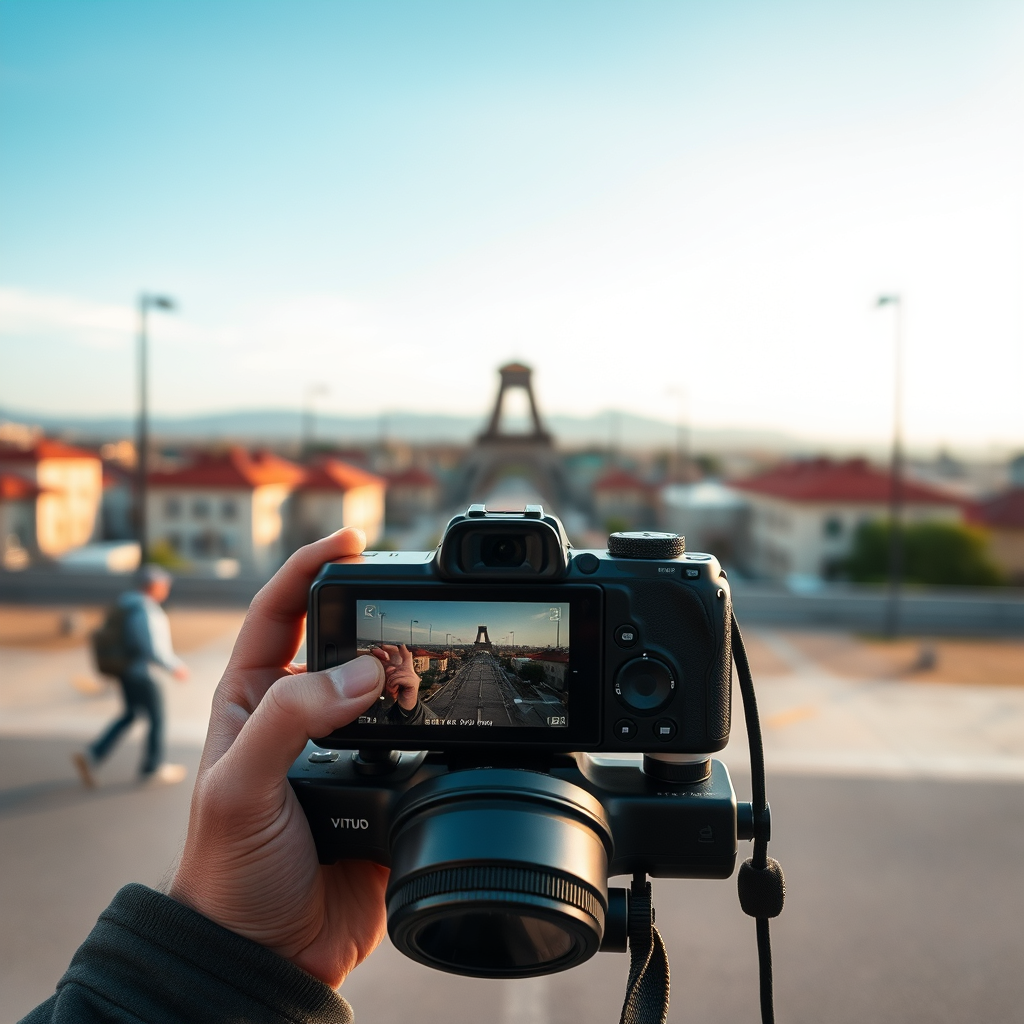
The first step in shooting professional videos is to familiarize yourself with your smartphone’s camera settings. Each smartphone model has unique features, and understanding these can significantly enhance your video quality. Check if your phone has options for manual controls; many smartphones allow you to adjust exposure, focus, and white balance. For instance, using manual focus can help you achieve that cinematic look by blurring the background while keeping your subject sharp.
Experiment with your smartphone’s resolution settings as well. Recording in 4K can provide stunning clarity, but it also requires more storage space and can drain your battery faster. Always consider the trade-off between quality and practicality. Additionally, many smartphones come with built-in stabilization features that help reduce shaky footage, which is essential for professional-looking videos.
Essential Equipment for Smartphone Videography
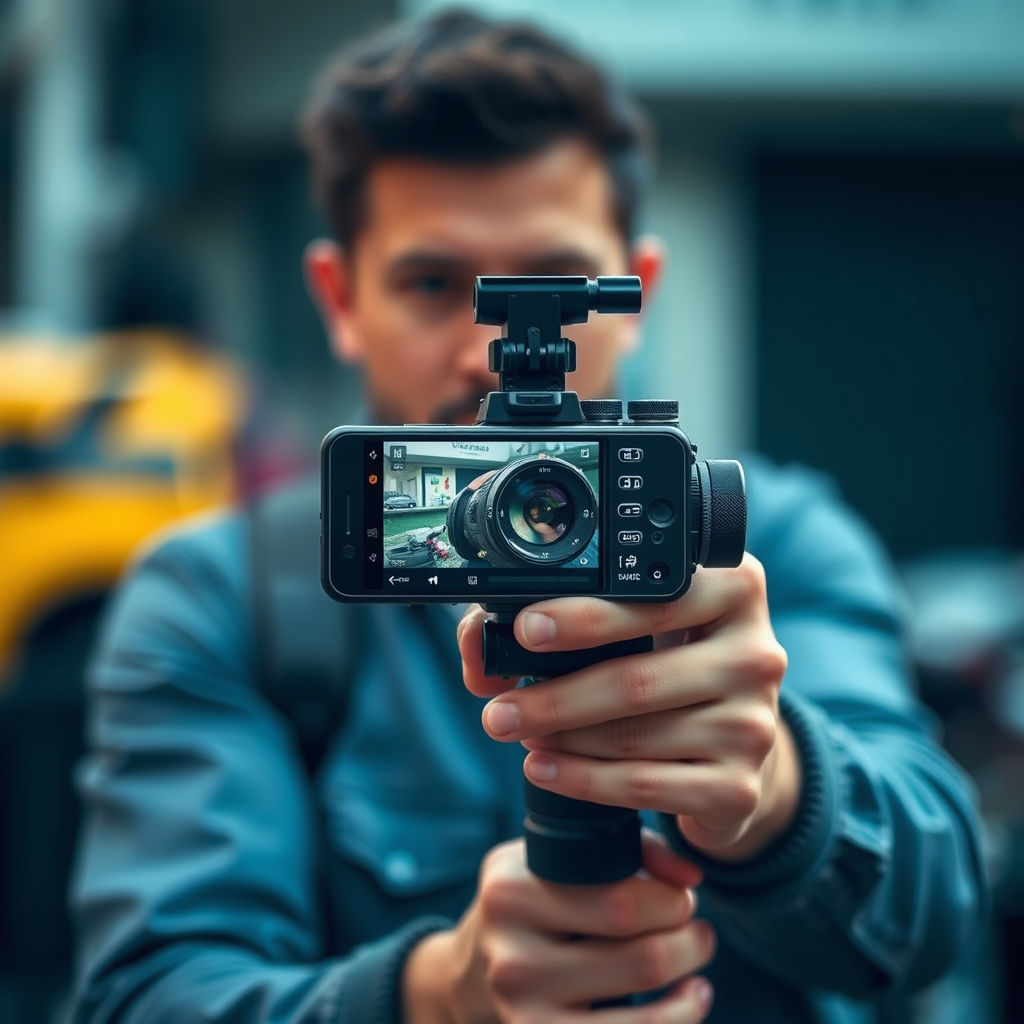
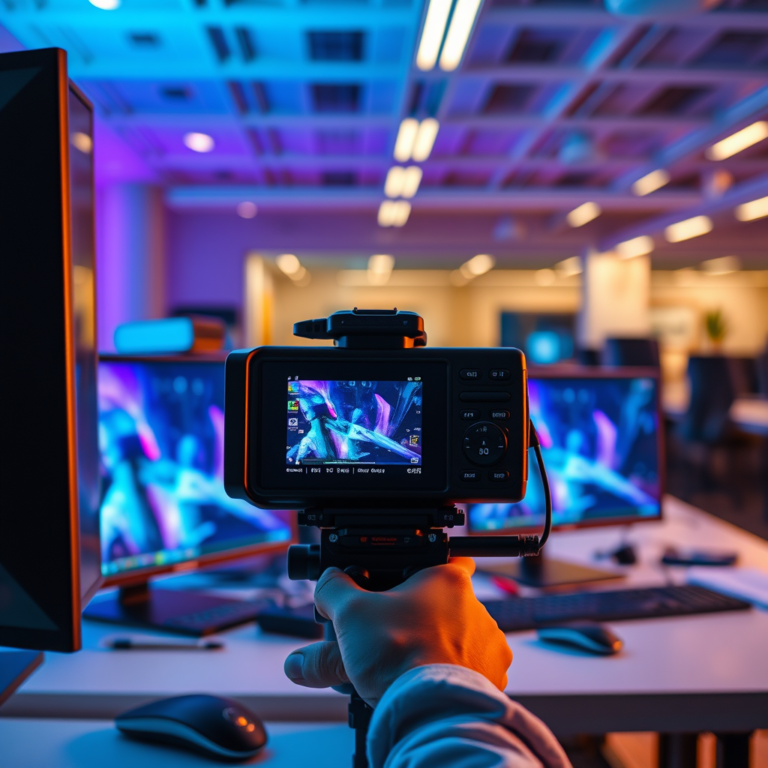
While your smartphone is a great starting point, investing in a few essential tools can vastly improve your video quality. A sturdy tripod is a must-have for steady shots, especially for interviews or time-lapses. If you want to take it a step further, consider a gimbal, which provides advanced stabilization, allowing you to capture smooth, fluid motion shots while moving.
Sound quality is another critical component of professional videography. Built-in microphones often pick up unwanted background noise, so investing in an external microphone can make a world of difference. Options like shotgun microphones or lapel mics are great for interviews, while a portable audio recorder can help capture high-quality sound for more complex projects.
Lighting is equally important. Natural light can work wonders, but having additional lighting options, such as LED panels or ring lights, can help you achieve that polished look. These tools allow you to control the lighting environment, ensuring your subjects are always well-lit, even in darker settings.
Techniques for Stabilization and Framing
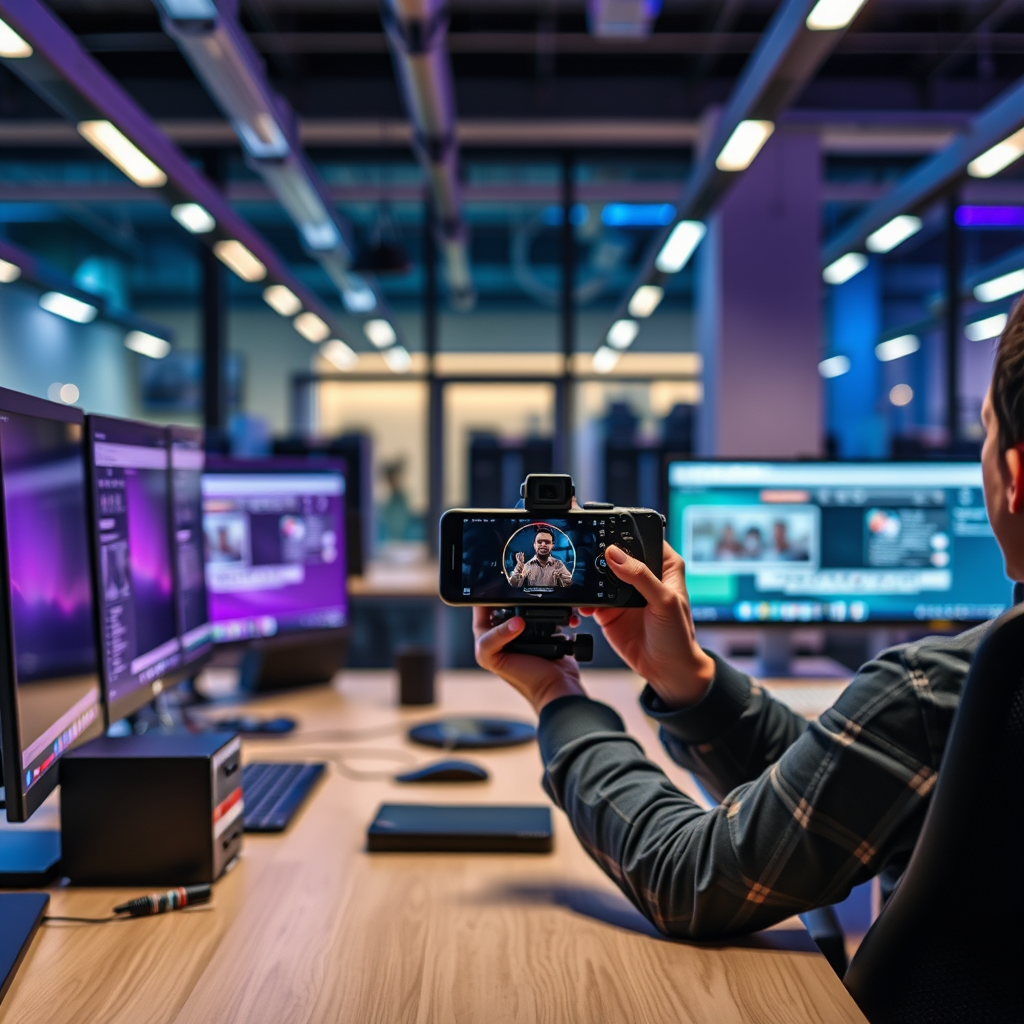
To avoid shaky footage, mastering stabilization techniques is essential. A popular method is the “two-handed grip,” where you hold the smartphone with both hands, keeping your elbows close to your body for added stability. If you’re on the move, a gimbal is invaluable, as it helps maintain a steady shot while you walk or run.
In terms of framing, understanding composition rules can elevate your videos significantly. The rule of thirds is a fundamental guideline: imagine your frame divided into three equal parts, both horizontally and vertically. Placing your subject along these lines or at their intersections creates a more dynamic and engaging shot. Don’t hesitate to experiment with angles and perspectives—sometimes, a low or high angle can tell a more compelling story than a standard eye-level shot.
Lighting Tips for Professional Quality
When it comes to lighting, natural light is your best friend. Shooting during the golden hour—just after sunrise or before sunset—provides soft, flattering illumination that enhances the overall mood of your video. If you’re shooting indoors, try to position your subjects near windows to take advantage of natural light.
However, there may be instances where you need to supplement natural light. Reflectors can bounce light onto your subject, filling in shadows and creating a more balanced look. Diffusers can soften harsh sunlight, making it more appealing. You don’t need expensive equipment; a simple white sheet or a piece of translucent fabric can work wonders as a diffuser.
Consider the color temperature of your lights as well. Mixing different light sources can lead to unwanted color casts in your video, so try to use lights with similar color temperatures to maintain consistency and avoid post-production headaches.
Sound Quality Considerations
Sound quality can make or break your video, so it’s crucial to pay attention to this aspect. Investing in an external microphone can help capture clearer audio while minimizing background noise. For instance, lapel mics are excellent for interviews, as they clip onto your subject’s clothing and pick up their voice directly, reducing ambient sounds.
In addition to using better microphones, consider the environment in which you’re filming. Try to choose quieter locations, and if you’re recording in a noisy area, you can use soundproofing techniques like blankets or foam to reduce echo and background noise.
Lastly, don’t underestimate the power of sound editing. There are various mobile apps available that can help you enhance your audio quality in post-production. Tools like Audacity or Adobe Audition (for desktop) have powerful features, but mobile apps like Filmic Pro also offer great sound editing capabilities.
Editing Your Videos on Mobile
Once you’ve captured your footage, the next step is editing. Fortunately, there are several mobile editing apps that provide professional features, making it easier than ever to create a polished final product. Apps like Adobe Premiere Rush, InShot, and KineMaster offer a variety of tools for trimming clips, adding transitions, and even color grading your footage.
When editing, keep an eye on pacing and flow. A well-edited video keeps viewers engaged, so aim to create a rhythm that matches the tone of your content. Don’t forget to add music or sound effects where appropriate, as these can enhance the emotional impact of your video.
Basic editing techniques, such as cutting out unnecessary parts and sequencing clips, can make your video much more engaging. And remember, less is often more; don’t overload your video with too many effects or transitions, which can distract from the story you’re trying to tell.
Sharing and Promoting Your Videos
After creating your masterpiece, it’s time to share it with the world! Understanding the best platforms for sharing your videos can maximize your reach. YouTube is excellent for longer-form content, while Instagram and TikTok are perfect for shorter, shareable clips. Tailor your content to fit the platform you choose, as each has its unique audience and style.
To draw viewers to your content, use SEO strategies like incorporating relevant keywords and writing engaging thumbnails and descriptions. This will help your videos stand out in search results and can significantly increase your visibility.
Don’t hesitate to promote your videos on social media, engaging with your audience through posts and stories. Building a community around your content can lead to more views, shares, and ultimately, a larger following.
By following these tips and techniques, you’ll be able to create professional-looking videos that effectively showcase your creativity and storytelling abilities. Start practicing with your smartphone today and watch your videography skills grow! Whether you’re documenting personal moments or creating content for your business, remember that the key to success lies in your ability to tell a compelling story. So grab your smartphone, and let your creativity shine!
Frequently Asked Questions
What are the essential settings I need to adjust on my smartphone for shooting professional videos?
To achieve professional-quality videos, start by adjusting your smartphone’s camera settings. Set the resolution to the highest available, typically 4K, and frame rate to 30 or 60 frames per second for smooth motion. Enable grid lines for better composition and consider turning on manual focus and exposure settings if available, which will give you greater control over the final output.
How can I improve audio quality when shooting videos with my smartphone?
Audio quality is crucial for professional videos, so using an external microphone can significantly enhance your sound. Lavalier mics are great for interviews, while shotgun mics work well for capturing directional sound. Additionally, minimize background noise by choosing quieter locations and using soundproofing materials or blankets if needed to create a controlled recording environment.
Why is lighting important when shooting videos with a smartphone, and how can I optimize it?
Lighting plays a vital role in video quality as it affects clarity, color accuracy, and overall mood. To optimize lighting, shoot in natural light during the golden hours (early morning or late afternoon) for softer illumination. If indoors, use softbox lights or ring lights to provide even lighting, and avoid harsh overhead lights that can create unflattering shadows on your subjects.
What are the best tips for stabilizing my smartphone while filming videos?
To ensure smooth and stable footage, consider using a tripod or smartphone gimbal, which can help eliminate shaky movements. If these aren’t available, hold your phone with both hands, keeping your elbows close to your body for added stability. You can also brace yourself against a steady surface or use slow, deliberate movements while panning to achieve a more professional look.
Which editing apps are recommended for refining smartphone videos after filming?
There are several excellent editing apps available for smartphones that can help you refine your videos. Apps like Adobe Premiere Rush and Kinemaster offer user-friendly interfaces with powerful editing tools, including multi-layer timelines and audio mixing capabilities. For basic edits, iMovie (iOS) and InShot (Android) are also great options that provide essential features like trimming, transitions, and filters to enhance your final video.
References
- https://www.pbs.org/newshour/nation/how-to-shoot-professional-videos-with-your-smartphone
- https://www.npr.org/sections/alltechconsidered/2016/03/29/472610302/how-to-make-a-video-with-your-smartphone
- https://www.edutopia.org/article/how-shoot-high-quality-video-smartphone
- https://www.theguardian.com/media/mind-your-language/2020/jul/23/how-to-make-professional-videos-with-your-smartphone
- https://www.lifewire.com/how-to-shoot-professional-videos-with-a-smartphone-4176982
- https://www.washingtonpost.com/technology/2020/04/14/how-shoot-video-your-smartphone/
- https://www.nytimes.com/2020/03/27/style/self-care/social-media-video-tips.html