

Upgrading an older home theater system for 4K audio is essential to fully enjoy the immersive soundscapes that contemporary media offers. By focusing on three core components—an AV receiver compatible with modern audio formats, high-quality speakers that can reproduce advanced sound environments, and appropriate cabling—you can transform your setup into a state-of-the-art audio experience. This guide will walk you through each step, ensuring your system can deliver the exceptional sound quality that 4K content demands.
Understanding 4K Audio Formats

To appreciate the full spectrum of 4K audio, it is imperative to understand the formats that make it possible. Dolby Atmos and DTS:X are two of the most popular audio formats that significantly enhance audio immersion. Dolby Atmos, for instance, provides a three-dimensional sound experience by allowing sound to move freely around you in a three-dimensional space. This is achieved through the addition of overhead sound channels, making it feel like you are part of the action. DTS:X offers similar capabilities but is designed to adapt to the specific layout of your room, ensuring optimal sound delivery regardless of speaker configuration.
Additionally, the importance of source material cannot be understated. The quality of the audio track of the content you are consuming can dramatically affect the overall sound experience. Streaming services, such as Netflix and Disney+, now offer content in Dolby Atmos and DTS:X, making it essential to ensure that your system can decode these formats to enjoy the immersive sound they provide.
Assessing Your Current Equipment
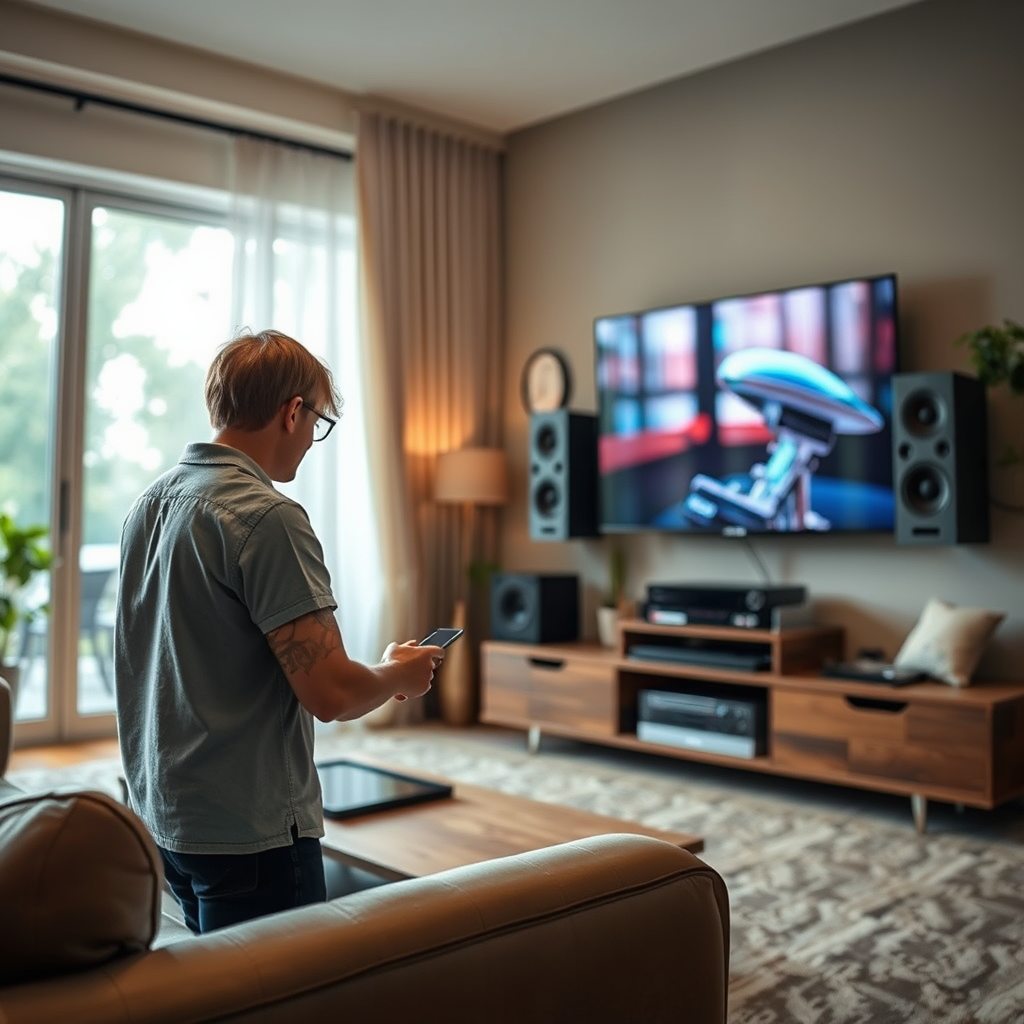
Before diving into the upgrade process, it is crucial to evaluate your existing equipment. Start with your AV receiver; check if it supports modern audio formats like Dolby Atmos or DTS:X. Many older receivers may lack the necessary HDMI inputs or decoding capabilities needed for 4K audio, making it necessary to consider a replacement.
Next, assess your speakers and subwoofer. Quality speakers are vital for rendering high-fidelity audio. Look for specifications that indicate their frequency response and power handling. If your speakers are older, they may not handle the dynamic range of modern audio formats, requiring an upgrade to ensure clear dialogue and powerful sound effects.
Selecting a New AV Receiver
When choosing a new AV receiver, several key features should be on your checklist. Ensure that the receiver has multiple HDMI inputs that support 4K video pass-through and HDR formats. Additionally, seek out receivers that offer advanced audio processing capabilities, such as Dolby Atmos and DTS:X decoding.
Here are some recommended brands and models that are well-rated for their performance and reliability:
| Brand | Model | Channels | HDMI Inputs | 4K Pass-Through | Dolby Atmos | DTS:X | Price |
|—————|————————|———-|————-|——————|————-|——-|———–|
| Denon | AVR-X3700H | 9.2 | 8 | Yes | Yes | Yes | $1,999 |
| Yamaha | RX-A3080 | 9.2 | 7 | Yes | Yes | Yes | $2,199 |
| Onkyo | TX-RZ840 | 9.2 | 8 | Yes | Yes | Yes | $1,499 |
| Marantz | SR6015 | 9.2 | 8 | Yes | Yes | Yes | $1,699 |
| Sony | STR-DN1080 | 7.2 | 6 | Yes | Yes | Yes | $999 |
Upgrading Your Speakers
Once you have your AV receiver sorted out, the next step is upgrading your speakers. For a truly immersive audio experience, consider investing in high-quality speakers that can support advanced audio formats such as Dolby Atmos. In-ceiling or upward-firing speakers are excellent additions for creating a surround sound environment.
The benefits of adding a dedicated subwoofer cannot be overstated. A subwoofer enhances deep bass response, allowing you to feel the rumble of explosions or the subtle vibrations of a musical score. Look for a subwoofer with adjustable settings for volume and crossover frequency to ensure it integrates seamlessly with your existing speakers.
Choosing the Right Cables
The type of cabling you use can significantly impact audio quality. High-speed HDMI cables are essential for transmitting 4K video and audio signals without degradation. Ensure you choose cables that are rated for high bandwidth to accommodate 4K HDR content.
For speaker connections, invest in quality speaker wire that is appropriately gauged for the distance between your receiver and speakers. Generally, 14 or 16-gauge wire will suffice for most home theater setups. Remember that the length of your cables can also affect signal integrity, so aim for the shortest lengths possible.
Setting Up Your Audio System
With all components in hand, it’s time to set up your audio system. Begin by connecting your AV receiver to your television and other devices, ensuring that all connections are secure. Follow the manufacturer’s instructions for wiring your speakers, making sure to maintain proper polarity (positive to positive, negative to negative).
Position your speakers strategically around the room to maximize sound quality. Ideally, front speakers should be placed at ear level, while surround speakers should be positioned slightly above ear level for an immersive experience. Use a sound meter or a mobile app to help adjust the speaker placement for optimal audio clarity.
Fine-Tuning Your Home Theater
After setting up your audio system, it’s essential to fine-tune it for optimal performance. Many modern AV receivers come with calibration tools that can automatically adjust settings based on your room’s acoustics. However, manual adjustments may still be necessary.
Consider using an audio calibration microphone to measure levels and distances to each speaker. Some software solutions can assist in fine-tuning the audio settings, allowing you to customize your listening experience based on your preferences.
Top 7 AV Receivers for 4K Audio (2023)
| # | Brand | Model | Channels | Price |
|---|---|---|---|---|
| 1 | Denon | AVR-X3700H | 9.2 | $1,999 |
| 2 | Yamaha | RX-A3080 | 9.2 | $2,199 |
| 3 | Onkyo | TX-RZ840 | 9.2 | $1,499 |
| 4 | Marantz | SR6015 | 9.2 | $1,699 |
| 5 | Sony | STR-DN1080 | 7.2 | $999 |
AV Receiver Power Ratings (Watts)
By following these steps, you can transform your older home theater setup into a modern 4K audio powerhouse. Upgrading to the latest technology not only enhances your viewing experience but also elevates the overall enjoyment of movies and music in your home. Don’t hesitate to start the upgrade process today to fully immerse yourself in the world of high-quality audio!
Frequently Asked Questions
What equipment do I need to upgrade my older home theater system for 4K audio?
To upgrade your older home theater system for 4K audio, you’ll need a few essential components: a 4K-capable AV receiver, speakers that support high-resolution audio, and a 4K UHD Blu-ray player or streaming device. Ensure that your HDMI cables are of high quality and compatible with the latest standards to handle the increased bandwidth required for 4K audio formats.
How can I ensure my older speakers are compatible with 4K audio upgrades?
To check if your older speakers are compatible with 4K audio upgrades, review their specifications for support of high-resolution audio formats like Dolby Atmos or DTS:X. If the speakers are passive, you may need to upgrade your AV receiver for compatibility, but active speakers may only require new inputs. Additionally, consider using a speaker management system to optimize their performance with modern audio formats.
Why is my current home theater system not delivering the full potential of 4K audio?
Your current home theater system may not be delivering the full potential of 4K audio due to outdated hardware, such as an older AV receiver that lacks support for modern audio codecs like Dolby Atmos or DTS:X. Additionally, using standard HDMI cables instead of high-speed HDMI cables can limit audio quality. Upgrading key components will help unlock the enhanced audio experience that 4K content offers.
What is the best way to connect my new 4K audio components to my existing system?
The best way to connect your new 4K audio components to your existing system is to use high-speed HDMI cables that support the latest audio formats. Connect your 4K UHD Blu-ray player or streaming device to the AV receiver using these cables and then connect the receiver to your TV. This setup ensures that both video and audio signals are transmitted in the highest quality available.
Which 4K audio formats should I prioritize when upgrading my home theater system?
When upgrading your home theater system, prioritize 4K audio formats such as Dolby Atmos and DTS:X, which provide immersive sound experiences by adding height channels to traditional surround sound. Additionally, consider supporting formats like Dolby TrueHD and DTS-HD Master Audio for lossless audio quality. Choosing equipment that supports these formats will significantly enhance your viewing and listening experience.
References
- Home cinema
https://en.wikipedia.org/wiki/Home_theater - https://www.sciencedirect.com/topics/computer-science/home-theater
https://www.sciencedirect.com/topics/computer-science/home-theater - Google Scholar Google Scholar
https://scholar.google.com/scholar?q=upgrade+older+home+theater+system+4K+audio - https://www.bbc.com/future/article/20210601-how-to-choose-the-best-sound-system-for-your-home
https://www.bbc.com/future/article/20210601-how-to-choose-the-best-sound-system-for-your-home - https://pubmed.ncbi.nlm.nih.gov/31547673/
https://pubmed.ncbi.nlm.nih.gov/31547673/ - Google Scholar Google Scholar
https://scholar.google.com/scholar?q=home+theater+audio+systems - https://www.nytimes.com/2020/11/24/technology/home-theater-setup.html
https://www.nytimes.com/2020/11/24/technology/home-theater-setup.html - https://www.theguardian.com/technology/2021/jul/19/home-cinema-setup-guide
https://www.theguardian.com/technology/2021/jul/19/home-cinema-setup-guide - https://www.nature.com/articles/s41598-021-93267-4
https://www.nature.com/articles/s41598-021-93267-4 - https://www.cdc.gov/homeandhealth/faq.html
https://www.cdc.gov/homeandhealth/faq.html