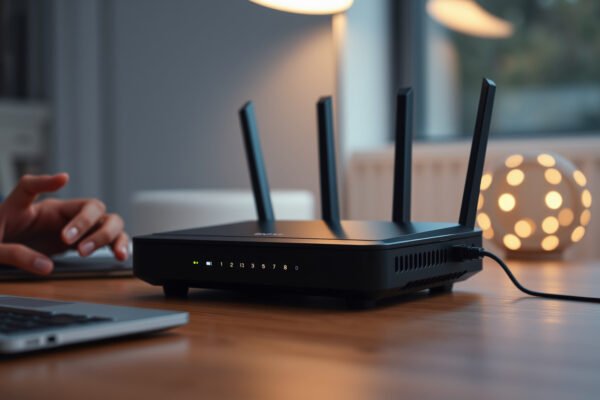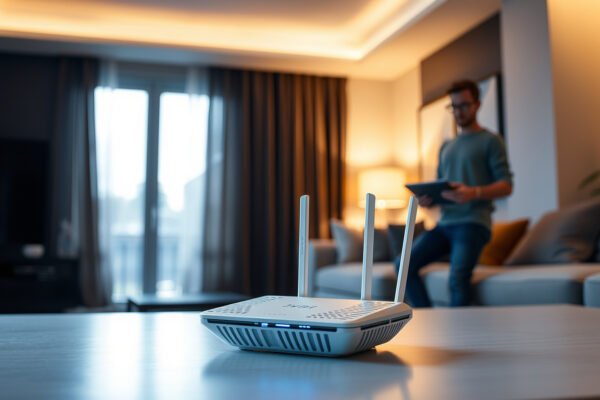
Illustration of mesh Wi-Fi network setup with port forwarding configuration

Mesh Wi-Fi and Port Forwarding

Mesh Wi-Fi can support port forwarding, but the right setup depends on which device controls incoming traffic. If your existing router already handles port forwarding, running your mesh system in access point mode is the better choice than adding a second layer of routing. This guide explains where to configure forwarding rules and whether double…

Read Full News
Illustration explaining Secure Boot on a router, highlighting its importance in network security.

What Is Secure Boot on a Router?

Secure Boot on a router is the feature that verifies the firmware loaded at startup, blocking tampered or unauthorized operating system images. If you want the direct answer to what Secure Boot does—and whether it meaningfully improves router security—you’re in the right place. We’ll explain how it works, what it protects against, and when you…

Read Full News
Illustration showing Ethernet connection working while Wi-Fi fails, highlighting network troubleshooting

Why Is Ethernet Working but Wi-Fi Not?

Why Is Ethernet Working but Wi‑Fi Not? Ethernet working but Wi‑Fi not usually means the problem is local to your wireless setup—not your internet connection. This article pinpoints the most likely causes, from router Wi‑Fi radio settings and IP/DNS conflicts to faulty wireless drivers and interference, and tells you the fastest way to confirm which…

Read Full News