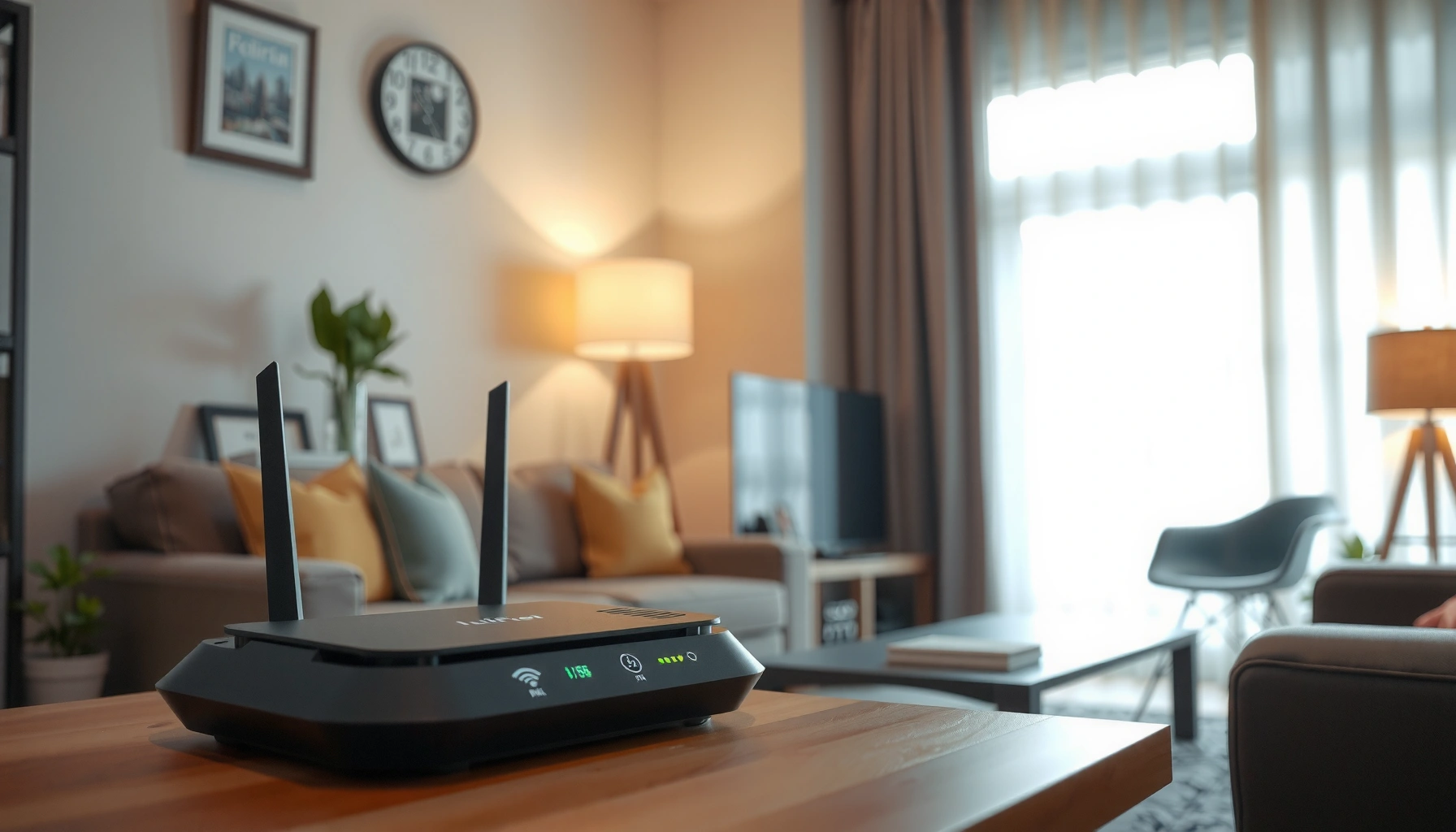
A checklist for optimizing Wi-Fi speed, featuring tips to boost signal and throughput effectively.

Wi-Fi Speed Optimization Checklist: Boost Signal and Throughput Faster

Wi‑Fi Speed Optimization Checklist: Boost Signal and Throughput Faster Use this Wi‑Fi speed optimization checklist to boost signal and throughput fast—specifically, it answers what to change first when your Wi‑Fi is slow or dropping. Follow the prioritized steps to eliminate the biggest speed killers: weak coverage, interference, poor channel selection, and misconfigured router settings. If…


Read Full News
Illustration of Wi-Fi optimization tips for smoother 4K video streaming experience.

How to Optimize Wi-Fi for 4K Streaming: Faster, Smoother Video

Want faster, smoother 4K streaming without buffering? Optimize Wi‑Fi by targeting the settings and conditions that most improve throughput and stability—router placement, bandwidth mode, channel choice, and Wi‑Fi band selection. If you have a congested home network or you’re streaming from distance, the fastest path to reliable 4K is prioritizing 5 GHz or Wi‑Fi 6…

Read Full News
Tips for enhancing Wi-Fi performance for multiple devices, ensuring faster and stable connections.

How to Improve Wi-Fi for Many Devices: Faster, Stable Connections

If you need to improve Wi‑Fi for many devices, the fastest route to stable, high-throughput connections is smart network placement plus the right band and bandwidth settings. This guide answers the practical question of what to change—access point placement, channel selection, band steering, and router upgrades—so more phones, laptops, and smart devices don’t collapse onto…

Read Full News
Tips for fixing Wi-Fi congestion to improve speed and stability in home networks.

How to Fix Wi-Fi Congestion: Improve Speed and Stability

Fix Wi-Fi congestion for real speed and stability by applying the most effective setup changes—channel selection, band steering, and access-point placement—tailored to your home or office layout. This guide answers the practical question: what should you change first to reduce interference and keep devices from competing for the same airwaves? Expect a clear step-by-step plan…

Read Full News
Illustration of practical fixes to enhance Wi-Fi reliability and performance.

How to Improve Wi-Fi Reliability: Practical Fixes That Work

If your Wi‑Fi reliability is dropping, follow these practical fixes that actually work—step by step—to get a steadier signal and fewer disconnects. You’ll learn which changes to make first, from router placement and channel selection to reducing interference and fixing common configuration issues. The goal is simple: answer what improves Wi‑Fi reliability most in real…

Read Full News