Step-by-step guide to troubleshoot and fix router issues after an ISP outage.

How to Fix Router After ISP Outage: Quick Troubleshooting Steps

If your internet died after an ISP outage, you can usually get your router working again fast with a tight troubleshooting sequence. This guide walks you through the quickest fixes—power-cycling the router, verifying the modem/ONT status, checking WAN/DSL lights and cables, and re-establishing the connection. Follow these steps in order and you’ll know within minutes…

Read Full News
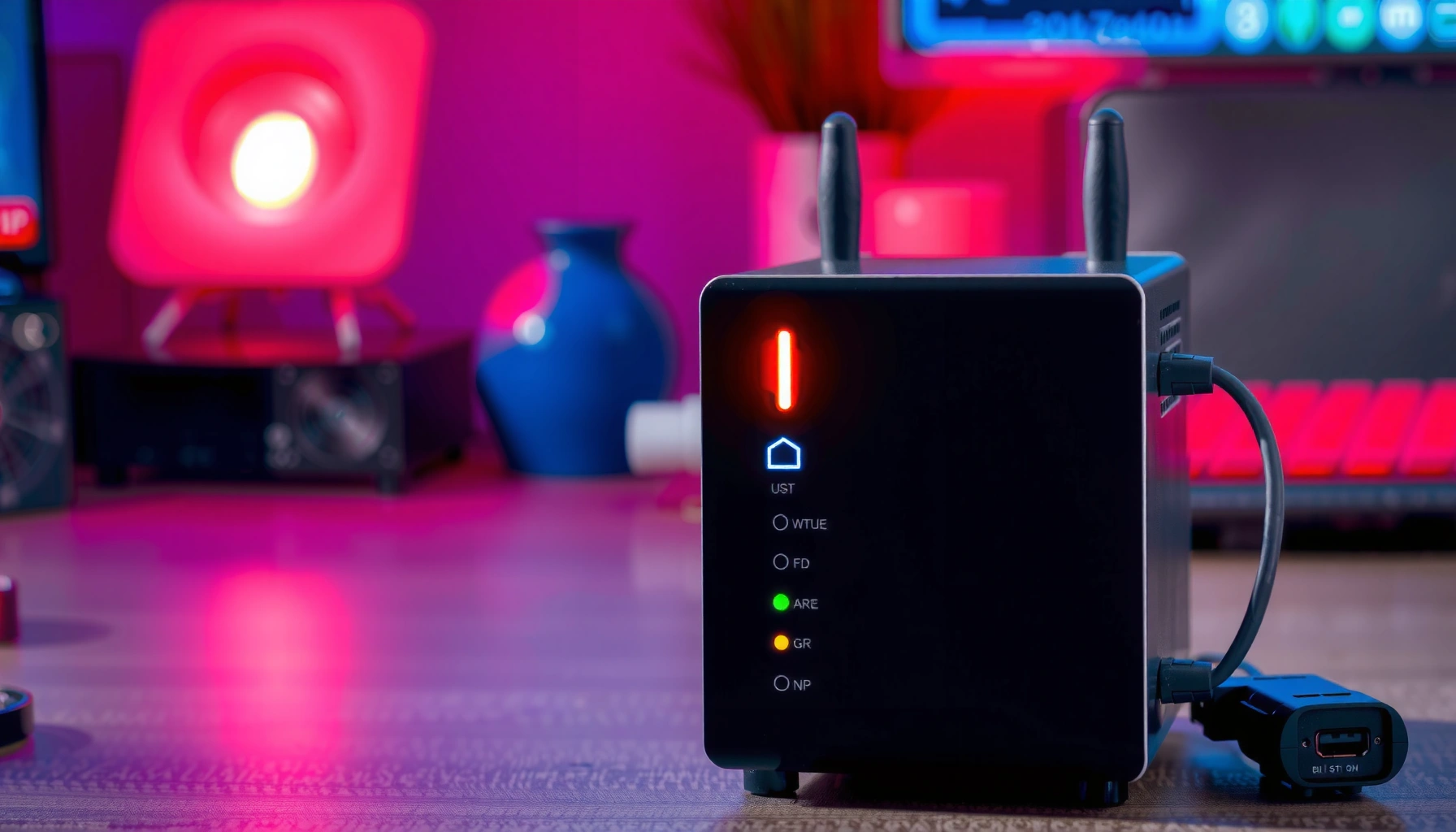
Troubleshooting steps for a modem with a red internet light indicating connectivity issues.

Why Is My Modem Internet Light Red? Troubleshooting Steps

A red Internet light on your modem usually means the modem isn’t successfully getting an upstream connection. If you’re seeing that red glow, follow a tight troubleshooting sequence—check physical cable links, power-cycle the modem, verify your ISP status/account, and confirm your network settings—to determine whether the issue is signal, configuration, or a service outage. This…

Read Full News