Skip to content
Monday, November 23, 2026
How to Prioritize Nintendo Switch Traffic on Your Network
How to Prioritize Xbox Traffic on Your Network
How to Prioritize PlayStation Traffic for Faster Online Gaming
How to Prioritize a Gaming Console: Setup, Needs, and Use

TechTaps

Technology at Fingertips

Newsletter
Random News
  • Display and Video
  • Sound and Music
  • General Tech
  • Monitor
  • Modem And Routers
  • Calculators
    • TV Size and Viewing Distance Calculator
    • Dead Pixel / Stuck Pixel Test Tool
  • Home
  • timeline playback

timeline playback

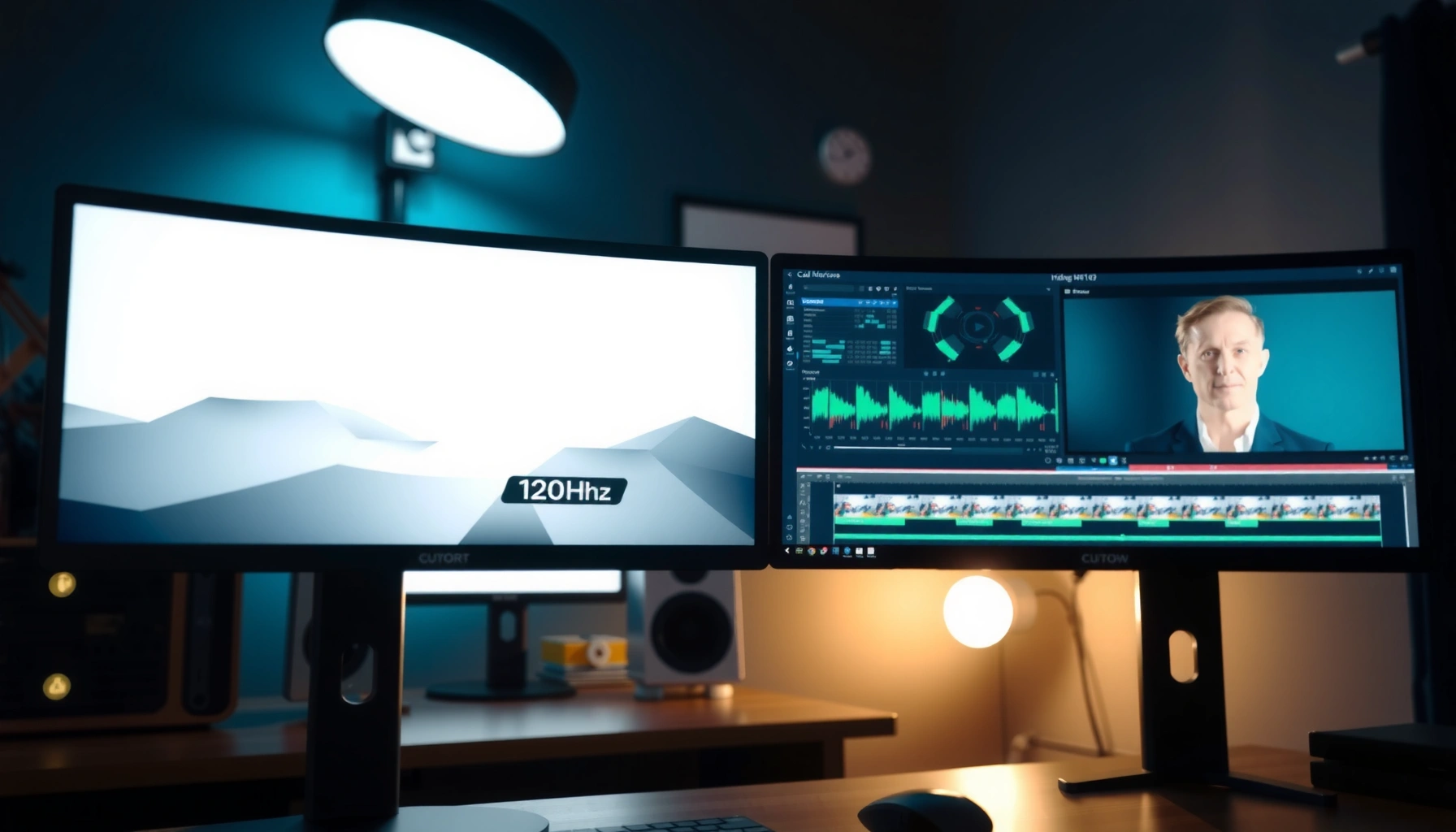
Comparison of 120Hz and 144Hz refresh rates for video editing performance.
  • Monitor

120Hz vs 144Hz for Video Editing: Which Refresh Rate Matters?

John Abraham2 months ago115 mins

If you’re editing video on a 120Hz or 144Hz monitor, the better refresh rate depends on whether your workflow is GPU-bound or latency-sensitive. For most video editors, 120Hz is the practical winner because timeline playback and preview responsiveness rarely scale enough to justify the cost over 144Hz. Choose 144Hz only when you’re pushing high frame-rate…
Read Full News
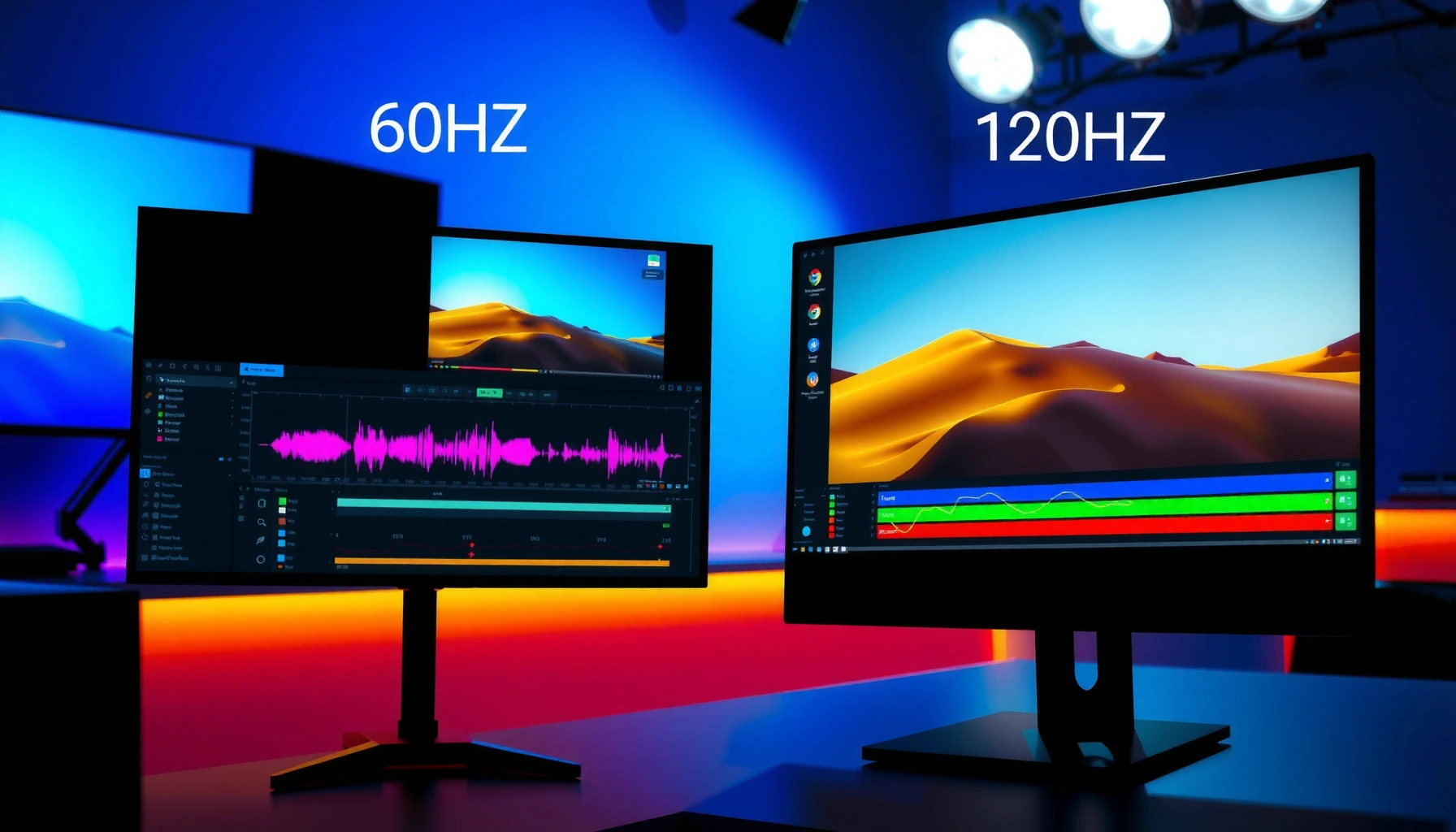
Comparison of 60Hz and 120Hz refresh rates for video editing performance.
  • Display and Video

60Hz vs 120Hz for Video Editing: Which Refresh Rate Matters?

John Abraham2 months ago015 mins

Choosing between 60Hz and 120Hz for video editing comes down to one question: which refresh rate actually improves the way your timeline plays back and your previews feel in real time. If you edit motion-heavy content and rely on smooth scrubbing, 120Hz is the clear win because it reduces stutter and makes fine timing easier…

Read Full News

Latest Release

  • Cutting-Edge Portable Displays and Air Cursor Screens
  • Devices Blending AR with Daily Tech: Trends for 2026
  • Wearables That Track Health Stats Independently from Phones
  • AI Fitness Wearables with Real-Time Coaching: Transform Your Workouts
  • Next-Gen Smart Rings for Monitoring Blood Pressure

Recent Posts

  • Illustration showing how to prioritize Nintendo Switch traffic on a home network for optimal gaming experience.
    How to Prioritize Nintendo Switch Traffic on Your Network
  • Illustration showing how to prioritize Xbox traffic on a home network for optimal gaming performance.
    How to Prioritize Xbox Traffic on Your Network
  • Image illustrating methods to prioritize PlayStation traffic for improved online gaming performance.
    How to Prioritize PlayStation Traffic for Faster Online Gaming
  • Guide on how to prioritize a gaming console setup, including needs and usage tips.
    How to Prioritize a Gaming Console: Setup, Needs, and Use
  • A gaming PC setup showing components for better FPS and responsiveness in gaming.
    How to Prioritize a Gaming PC for Better FPS and Responsiveness
  • Comparison of QoS and SQM for reducing latency and bufferbloat in gaming
    QoS vs SQM for Gaming: Which Improves Latency and Bufferbloat?
  • Comparison of SQM and Traditional QoS traffic shaping methods for optimal network performance
    SQM vs Traditional QoS: Which Traffic Shaping Works Best?
  • About Us
  • Privacy Policy
  • Disclaimers
  • Terms and Conditions
  • Sitemap
  • Contact Us
Newsmatic - News WordPress Theme 2026. Powered By BlazeThemes.