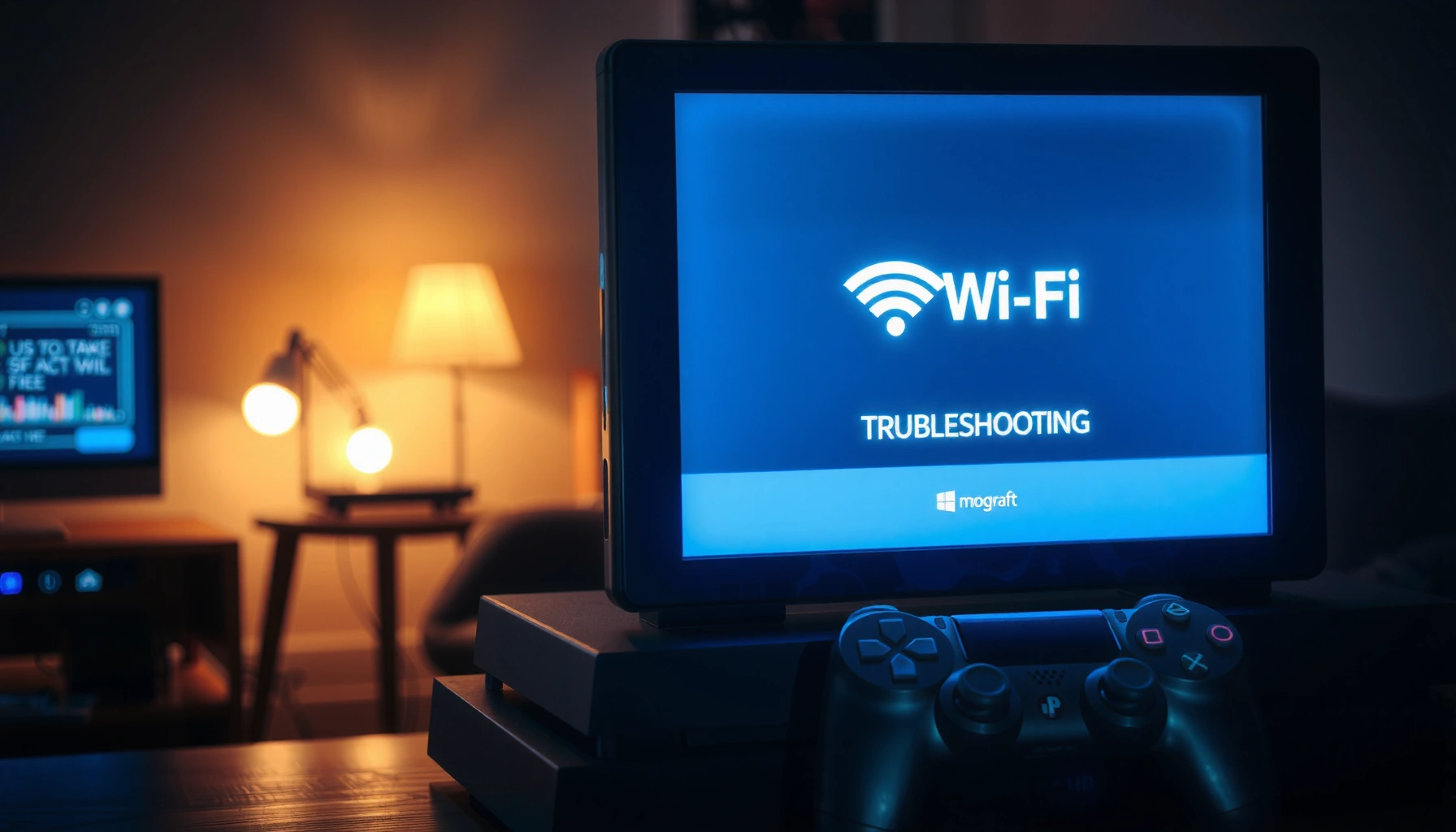
A game console displaying a Wi-Fi connection error message, highlighting troubleshooting fixes.

Why Can’t My Game Console Connect to Wi-Fi? Troubleshooting Fixes

If your game console can’t connect to Wi‑Fi, the fix is usually straightforward: the problem is either your Wi‑Fi credentials, your network settings, or a router compatibility issue. This troubleshooting guide walks you through the exact checks that most often restore online access, from verifying the password to adjusting wireless mode and security settings. Follow…

Read Full News
A guide on troubleshooting T3 timeout issues with effective steps to resolve them.

How to Fix T3 Timeout: Troubleshooting Steps That Work

You can fix a T3 timeout with a tight checklist that targets the real culprits: misconfigured services, overloaded resources, and network/session disruptions. This troubleshooting guide walks you through the highest-impact checks first—starting with logs, then configuration and connectivity—so you can stop the timeout quickly. Get back to stable responses by following the exact steps that…

Read Full News

How to Resolve Cambridge Audio Bluetooth Speaker Pairing Issues

If you’re facing pairing issues with your Cambridge Audio Bluetooth speaker, don’t worry—there are several effective solutions you can try. This guide will help you troubleshoot common problems, ensuring a seamless connection between your devices. Whether you’re trying to connect to your smartphone, tablet, or computer, following these steps will help you identify and resolve…

Read Full News

Polk Audio Speaker Buzzing or Humming? A Troubleshooting Guide

If your Polk Audio speakers are buzzing or humming, the issue is often related to electrical interference or improper connections. In this guide, you’ll learn how to identify the source of the noise and implement effective fixes to restore sound quality. By understanding the potential causes and applying straightforward troubleshooting steps, you can quickly enhance…

Read Full News