Skip to content
Wednesday, October 28, 2026
FreeSync vs VRR TV: Which Variable Refresh Rate Works for You?
FreeSync vs G-Sync TV: Which Adaptive Sync Works Best?
VRR vs Fixed Refresh Rate: How to Choose the Right Refresh Rate
How to Improve Wi-Fi for Many Devices: Faster, Stable Connections

TechTaps

Technology at Fingertips

Newsletter
Random News
  • Display and Video
  • Sound and Music
  • General Tech
  • Monitor
  • Modem And Routers
FreeSync vs VRR TV: Which Variable Refresh Rate Works for You?
FreeSync vs G-Sync TV: Which Adaptive Sync Works Best?
VRR vs Fixed Refresh Rate: How to Choose the Right Refresh Rate
How to Improve Wi-Fi for Many Devices: Faster, Stable Connections

TechTaps

Technology at Fingertips

Newsletter
Random News
  • Display and Video
  • Sound and Music
  • General Tech
  • Monitor
  • Modem And Routers
  • Home
  • viewing angles

viewing angles

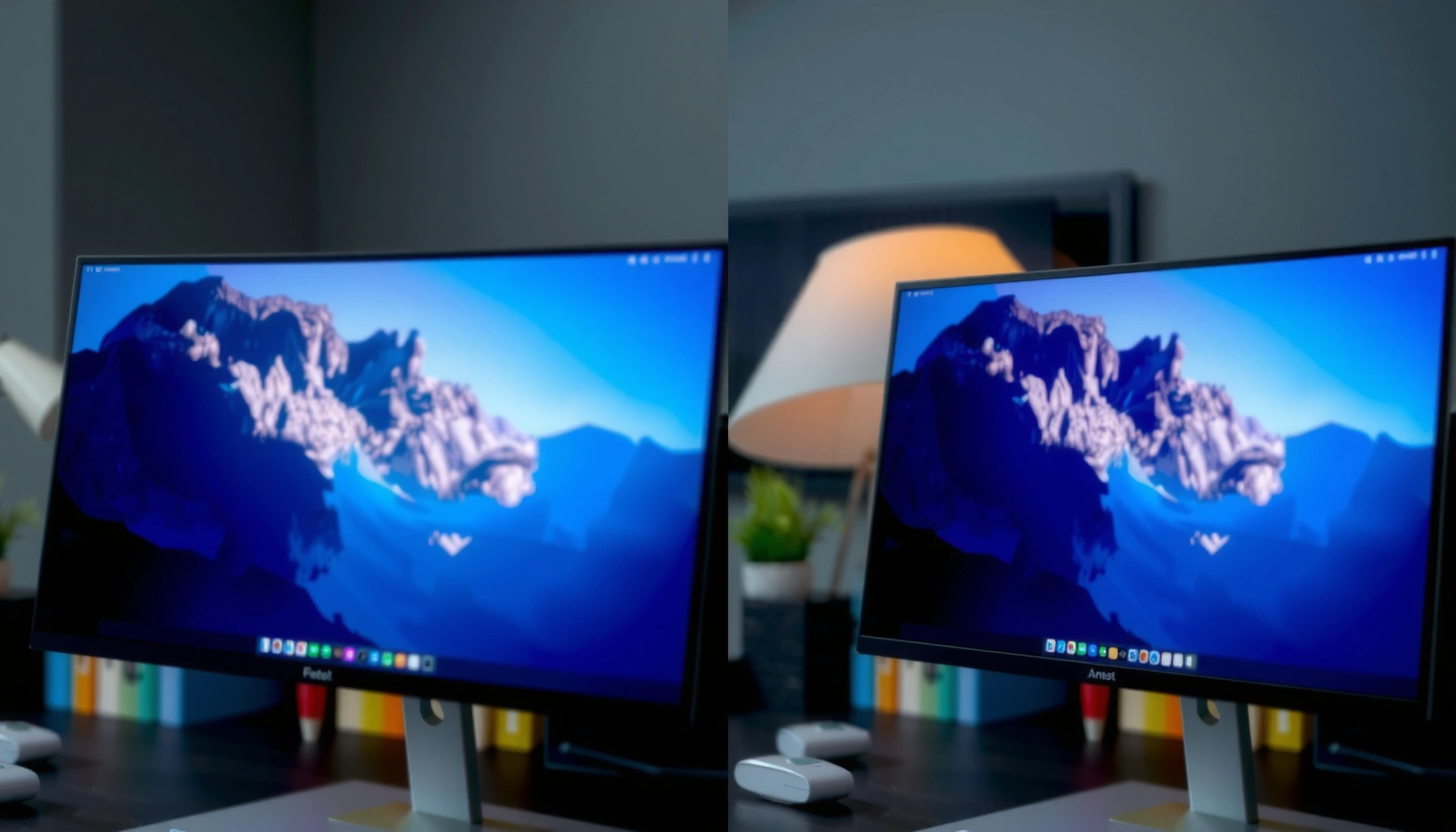
Comparison of VA and OLED displays showing viewing angles off-center for better visual clarity.
  • Monitor

VA vs OLED Viewing Angles: Which Looks Better Off-Center?

John Abraham1 month ago116 mins

VA vs OLED viewing angles comes down to one question: which panel still looks sharp and color-accurate when you’re off-center. If you watch from angles where the screen isn’t straight-on, OLED is the clear winner for consistent contrast and color. VA can look punchy near center, but its contrast and color shift become more noticeable…
Read Full News
Comparison of IPS and OLED display viewing angles off-center, highlighting differences in color and brightness.
  • Monitor

IPS vs OLED Viewing Angles: What Looks Better Off-Center?

John Abraham1 month ago018 mins

IPS vs OLED viewing angles come down to one practical question: where do your eyes sit relative to the screen most of the time? If you frequently watch off-center, IPS is usually the more consistent choice, while OLED can look spectacular in a dark room but may show more brightness/color variation at extreme angles—especially with…

Read Full News
Comparison of IPS and VA panel viewing angles showcasing off-angle color performance.
  • Monitor

IPS vs VA Viewing Angles: Which Panel Offers Better Off-Angle Color?

John Abraham1 month ago115 mins

If you care about off-angle color accuracy, IPS vs VA viewing angles comes down to a simple winner: IPS. It holds steadier reds, greens, and skin tones when you’re seated off-center, while VA panels typically shift contrast and color faster as the viewing angle widens. The article cuts straight through the specs to tell you…

Read Full News
Comparison of IPS and VA panel types for movie viewing, highlighting differences in color and contrast.
  • Monitor

IPS vs VA for Movies: Which Panel Type Looks Better?

John Abraham2 months ago113 mins

IPS vs VA for movies has a clear winner if you care about real-world contrast and black levels: VA panels usually deliver the punchier, more cinematic look. If you’re watching in dim-to-dark rooms and want deeper shadows with stronger perceived contrast, VA is the better choice. Choose IPS instead only when you prioritize wider viewing…

Read Full News
Comparison of 27-Inch IPS and VA monitors highlighting key differences and features.
  • Monitor

27-Inch IPS vs 27-Inch VA Monitors: Key Differences and Choosing

John Abraham2 months ago017 mins

Choosing between a 27-inch IPS and a 27-inch VA monitor comes down to what you can’t compromise on: color accuracy and viewing angles (IPS) or deep contrast and punchy blacks (VA). If your priority is photo work, design, or anything where consistent color matters across the screen, the 27-inch IPS is the clear winner. If…

Read Full News
Comparison of IPS Black and VA monitors highlighting key differences and features.
  • Monitor

IPS Black vs VA Monitors: Key Differences and Which to Choose

John Abraham2 months ago015 mins

IPS Black vs VA monitors depends on what matters most to you: IPS Black for better contrast consistency and viewing angles, while VA for stronger deep blacks in many room-light setups. In this guide, you’ll learn how IPS Black and VA compare for contrast, color, motion handling, and real-world use so you can pick the…

Read Full News
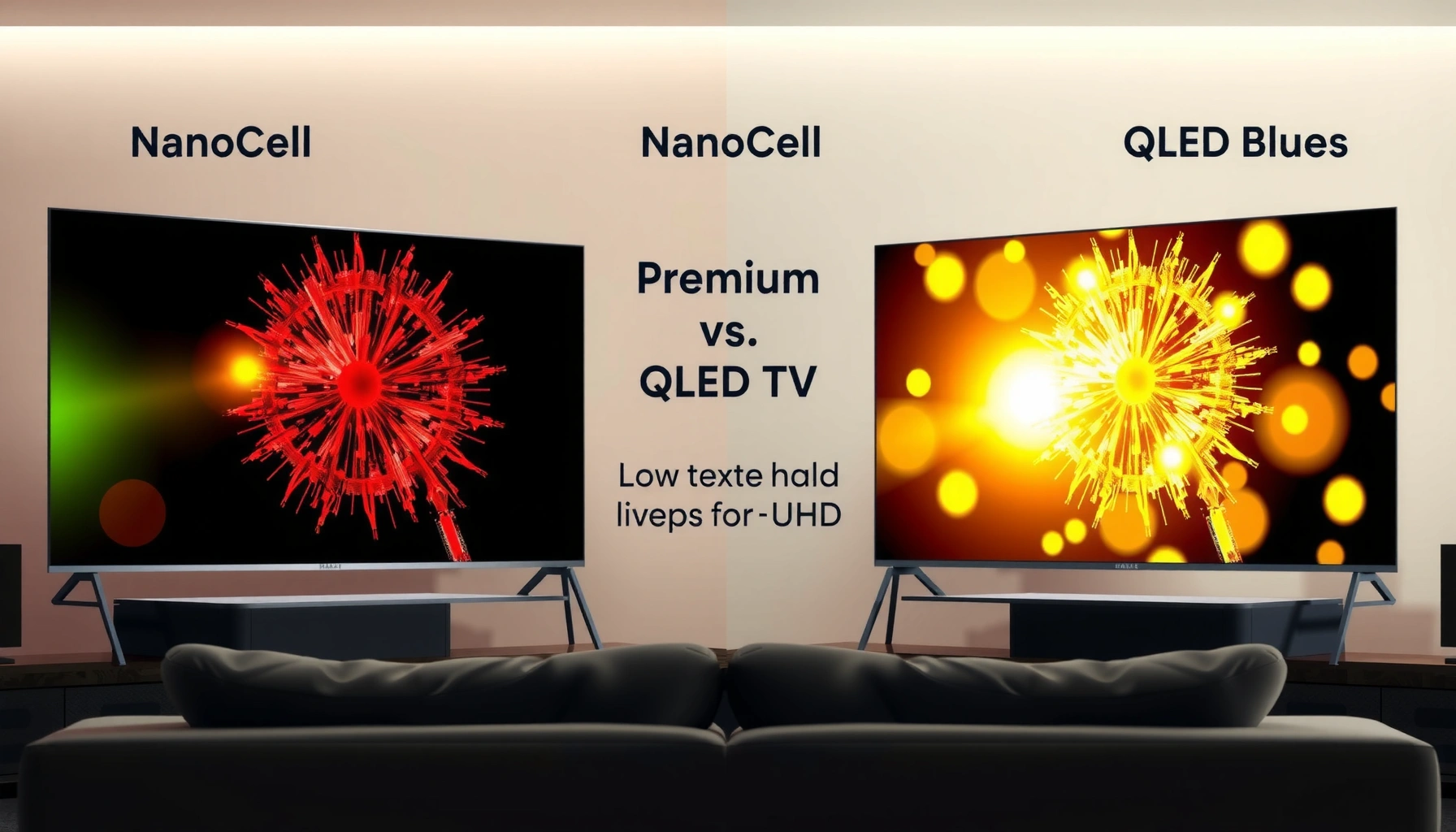
Comparison of NanoCell and QLED TV technologies highlighting their features and differences.
  • Smart TV

NanoCell vs QLED TV: Which TV Technology Is Better?

John Abraham2 months ago114 mins

NanoCell and QLED TV both use advanced color tech, but NanoCell is best for cleaner, more natural color while QLED often shines in peak brightness and vivid “punch.” This guide compares picture quality, brightness, viewing angles, and real-world tradeoffs so you can pick the right TV for your room and viewing habits. NanoCell vs QLED…

Read Full News
Comparison of Rapid VA and IPS displays highlighting performance and viewing differences.
  • Monitor

Rapid VA vs IPS: Key Differences for Performance and Viewing

John Abraham2 months ago016 mins

Choosing between Rapid VA and IPS for fast, smooth performance and clean viewing? Rapid VA wins for gaming and motion thanks to its speed-focused panel design, but IPS pulls ahead when color accuracy and wide viewing angles matter more than chasing the lowest response times. This guide answers which screen type you should buy based…

Read Full News

Latest Release

  • Cutting-Edge Portable Displays and Air Cursor Screens
  • Devices Blending AR with Daily Tech: Trends for 2026
  • Wearables That Track Health Stats Independently from Phones
  • AI Fitness Wearables with Real-Time Coaching: Transform Your Workouts
  • Next-Gen Smart Rings for Monitoring Blood Pressure

Recent Posts

  • A side-by-side comparison of FreeSync and VRR technology in TVs for variable refresh rates.
    FreeSync vs VRR TV: Which Variable Refresh Rate Works for You?
  • Comparison of FreeSync and G-Sync technologies for TVs, highlighting their adaptive sync capabilities.
    FreeSync vs G-Sync TV: Which Adaptive Sync Works Best?
  • Comparison of VRR and fixed refresh rates for optimal display performance in gaming.
    VRR vs Fixed Refresh Rate: How to Choose the Right Refresh Rate
  • Tips for enhancing Wi-Fi performance for multiple devices, ensuring faster and stable connections.
    How to Improve Wi-Fi for Many Devices: Faster, Stable Connections
  • Comparison of HDMI 2.0 and HDMI 2.1 features for gaming performance.
    HDMI 2.0 vs HDMI 2.1 for Gaming: Which One Should You Use?
  • Comparison of a 65-inch TV and a 42-inch OLED monitor for home setups.
    65-Inch TV vs 42-Inch OLED Monitor: Which Is Better for Your Setup
  • Cover image for the Best Budget Projector: Complete Guide for Beginners article featuring a projector and screen setup.
    Best Budget Projector: Complete Guide for Beginners
  • About Us
  • Privacy Policy
  • Disclaimers
  • Terms and Conditions
  • Sitemap
  • Contact Us
Newsmatic - News WordPress Theme 2026. Powered By BlazeThemes.