
To optimize the performance of your soundbar, focus on proper placement, connection settings, and sound settings. By making these adjustments, you can significantly enhance audio quality and overall listening experience. This article will provide practical tips to help you get the most out of your soundbar.
Proper placement of your soundbar, ensuring ideal connection methods, and adjusting sound settings are crucial steps to achieving high-quality audio. Furthermore, utilizing room calibration features, regular firmware updates, and maintaining your soundbar can contribute significantly to its performance. Each of these aspects plays a pivotal role in creating an immersive audio experience, whether you’re watching movies, gaming, or enjoying music.
Proper Placement for Maximum Sound Quality

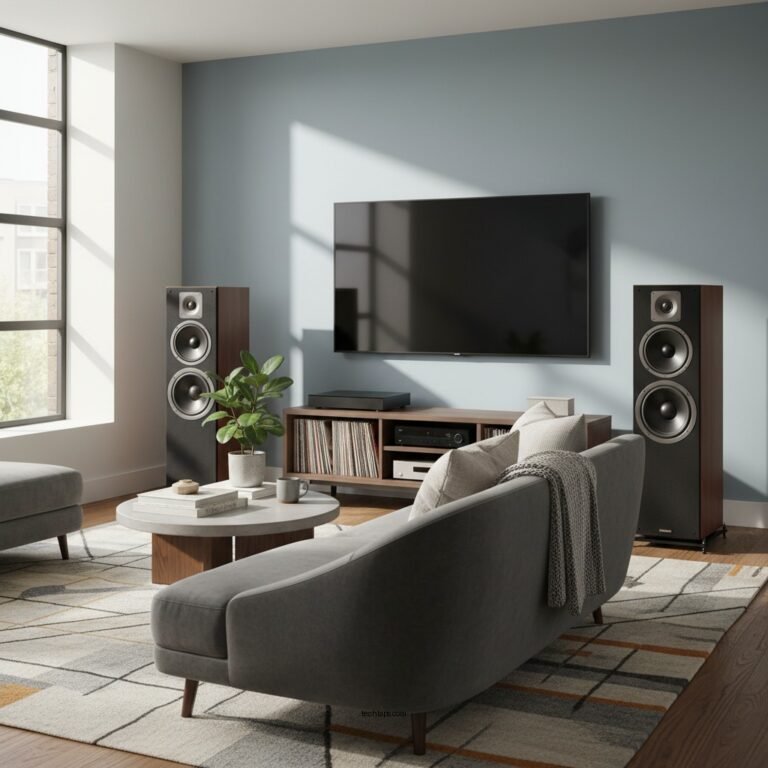
Positioning your soundbar correctly is one of the most vital steps in optimizing its performance. The ideal placement is at ear level, either mounted on the wall or placed on a media console. This ensures that the sound waves are directed straight at your ears, providing optimal audio clarity and minimizing distortion.
It’s also essential to avoid placing the soundbar inside a closed cabinet or too close to walls. Enclosed spaces can muffle sound and create unwanted reflections, leading to a less than ideal audio experience. Aim for a distance of at least a few inches from walls to allow for better sound dispersion.
Consider the layout of your room as well. For instance, if you have a large open space, you may need to adjust the angle or height of the soundbar to ensure a more uniform sound coverage across the area.
Ideal Connection Methods

Selecting the right connection method is crucial for achieving the best audio quality from your soundbar. One of the most effective connection types is HDMI ARC (Audio Return Channel). This method not only provides high-quality audio but also allows for easy control of multiple devices with a single remote, simplifying your home entertainment experience.
In addition to HDMI ARC, optical cables are another excellent option, especially if your soundbar or television does not support HDMI. Optical connections can transmit high-quality digital audio signals, ensuring clarity and detail in sound reproduction.
Regardless of the connection type you choose, ensure that all cables are securely connected to prevent any potential audio dropouts. Loose connections can lead to interruptions in sound, diminishing the overall experience.
Adjusting Sound Settings
Every soundbar comes with a variety of sound settings that can significantly impact audio performance. Most models feature different sound modes, such as surround sound or stereo, designed to enhance specific types of audio content. For example, a surround sound mode may be ideal for movies, while stereo might suit music or podcasts better.
Experimenting with bass and treble settings can also yield beneficial results. If you enjoy bass-heavy music or action-packed movies, increasing the bass can enhance the overall experience. Conversely, if you prefer clearer dialogue, such as during a television show, consider adjusting the treble settings to ensure that voices are crisp and distinct.
A personalized sound profile based on your preferences can make a substantial difference in the quality of audio you experience, ensuring it aligns with the content you’re consuming.
Top Soundbar Brands by User Ratings (2024)
| # | Brand | Average Rating | Price Range | Best Features |
|---|---|---|---|---|
| 1 | Sonos | 4.8 ★ | $399 – $799 | Multi-room audio |
| 2 | Bose | 4.5 ★ | $299 – $699 | SoundLink technology |
| 3 | LG | 4.4 ★ | $199 – $599 | AI Sound Pro |
| 4 | Samsung | 4.3 ★ | $249 – $699 | Dolby Atmos support |
| 5 | Yamaha | 4.2 ★ | $349 – $799 | Clear Voice technology |
| 6 | JBL | 4.1 ★ | $199 – $499 | Signature Sound |
| 7 | Vizio | 4.0 ★ | $199 – $399 | Immersive surround sound |
Utilizing Room Calibration Features
Many modern soundbars come equipped with built-in calibration tools designed to optimize audio output based on your room’s unique acoustics. These features can analyze your environment and adjust settings automatically, ensuring that sound is balanced and clear.
When using room calibration, it’s essential to follow the manufacturer’s instructions carefully. This process often involves placing a microphone at your listening position and allowing the soundbar to play reference tones. The calibration software will then adjust the soundbar’s settings to provide the best audio experience tailored to your room.
Utilizing these features can take the guesswork out of manual adjustments and can result in a more immersive sound experience that complements your specific environment.
Soundbar Calibration Effectiveness Comparison
Regular Firmware Updates
Keeping your soundbar’s firmware updated is an often overlooked yet essential step in maintaining its performance. Manufacturers periodically release firmware updates that can enhance functionality, improve compatibility with other devices, and fix bugs that may affect performance.
To check for updates, refer to the manufacturer’s website or app. Many brands offer a straightforward process for downloading and installing updates. Regular updates can ensure that your soundbar remains compatible with the latest audio technologies and streaming services, enhancing your overall listening experience.
Incorporating Additional Speakers
For audiophiles and serious home theater enthusiasts, adding additional speakers can take your sound experience to the next level. A subwoofer, for example, can significantly enhance low-frequency responses, providing powerful bass that enriches movie watching and music listening. Satellite speakers can help create a surround sound setup, providing a more immersive audio experience.
Before purchasing additional speakers, verify compatibility with your soundbar to ensure they will work together seamlessly. Many soundbars provide specific recommendations for compatible speakers, so consulting the user manual can be beneficial.
Maintenance and Care
Regular maintenance is vital to ensure your soundbar continues to perform at its best. Keeping it clean and dust-free can prevent performance issues caused by obstructed sound waves. Use a soft cloth to wipe down the exterior and avoid using harsh chemicals that could damage the finish.
Additionally, regularly checking connections and settings can help maintain optimal performance over time. If you notice any changes in sound quality, investigate the source, whether it’s a loose connection or a need for sound setting adjustments.
By prioritizing maintenance, you can extend the lifespan of your soundbar and continue to enjoy high-quality audio for years to come.
In conclusion, optimizing your soundbar’s performance involves a comprehensive approach that includes proper placement, ideal connection methods, sound settings adjustments, and ongoing maintenance. By taking the time to implement these strategies, you can significantly enhance your listening experience and enjoy richer, more immersive audio. For more detailed advice, explore user manuals or consult with audio specialists to tailor your setup for the best sound possible.
Frequently Asked Questions
What are the best placement tips for optimizing the performance of my soundbar?
To optimize your soundbar’s performance, position it at ear level, ideally directly below or above the TV screen. Ensure there are no obstructions in front of the soundbar that could block sound waves, and avoid placing it in a corner, as this can distort audio quality. Consider using wall mounts or stands designed specifically for soundbars to achieve the best placement.
How can I adjust my soundbar settings for better audio clarity?
Start by accessing your soundbar’s audio settings through the remote or app. Look for options such as ‘Equalizer’ to adjust bass and treble levels, and try enabling any sound enhancement features like ‘Dialogue Mode’ for clearer speech. Additionally, ensure that the soundbar is set to the correct input source and that any sound processing features are optimized for your listening environment.
Why is my soundbar not producing surround sound, and how can I fix it?
If your soundbar isn’t producing surround sound, first check if it is connected properly via HDMI ARC or optical cable, as these connections support multi-channel audio. Next, ensure that any surround sound settings are enabled on both the soundbar and your TV or media device. Finally, consider investing in a soundbar with Dolby Atmos or DTS support for an enhanced surround sound experience.
Which soundbar features should I look for to enhance overall performance?
To enhance overall performance, look for soundbars with built-in subwoofers for deeper bass, and multiple audio channels (like 5.1 or 7.1) for a more immersive experience. Wireless connectivity options such as Bluetooth or Wi-Fi can also improve flexibility for streaming audio. Additionally, features like voice control compatibility and customizable sound profiles can significantly enhance usability and audio quality.
How do I maintain my soundbar for optimal performance over time?
Regular maintenance of your soundbar includes keeping it clean and dust-free, as dust can accumulate in speaker grilles and affect sound quality. Additionally, periodically check for firmware updates to ensure your soundbar has the latest features and performance enhancements. Finally, ensure all connections are secure and inspect cables for wear to avoid audio interruptions.
References
- Soundbar
https://en.wikipedia.org/wiki/Soundbar - https://www.nytimes.com/2020/12/18/technology/personaltech/best-soundbars.html
https://www.nytimes.com/2020/12/18/technology/personaltech/best-soundbars.html - https://www.bbc.com/news/technology-51123376
https://www.bbc.com/news/technology-51123376 - https://www.sciencedirect.com/topics/computer-science/soundbar
https://www.sciencedirect.com/topics/computer-science/soundbar - https://www.cdc.gov/niosh/topics/noise/default.html
https://www.cdc.gov/niosh/topics/noise/default.html - https://www.nature.com/articles/s41598-020-70345-7
https://www.nature.com/articles/s41598-020-70345-7 - https://www.pubmed.ncbi.nlm.nih.gov/30827255/
https://www.pubmed.ncbi.nlm.nih.gov/30827255/ - Google Scholar Google Scholar
https://scholar.google.com/scholar?q=Tips+for+Optimizing+the+Performance+of+Your+Soundbar - Google Scholar Google Scholar
https://scholar.google.com/scholar?q=soundbar+performance+optimization - Google Scholar Google Scholar
https://scholar.google.com/scholar?q=sound+quality+improvement+techniques+for+soundbars