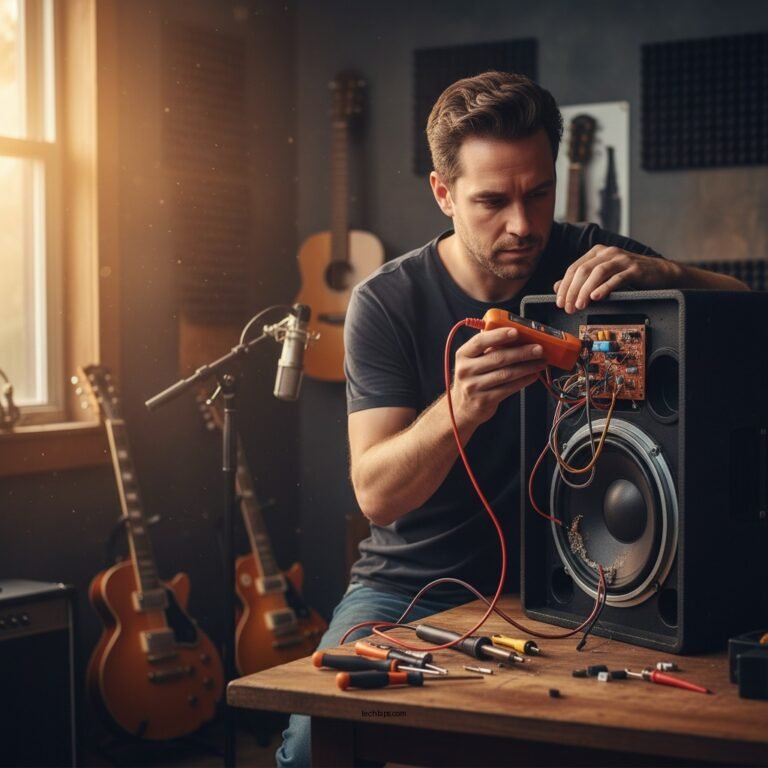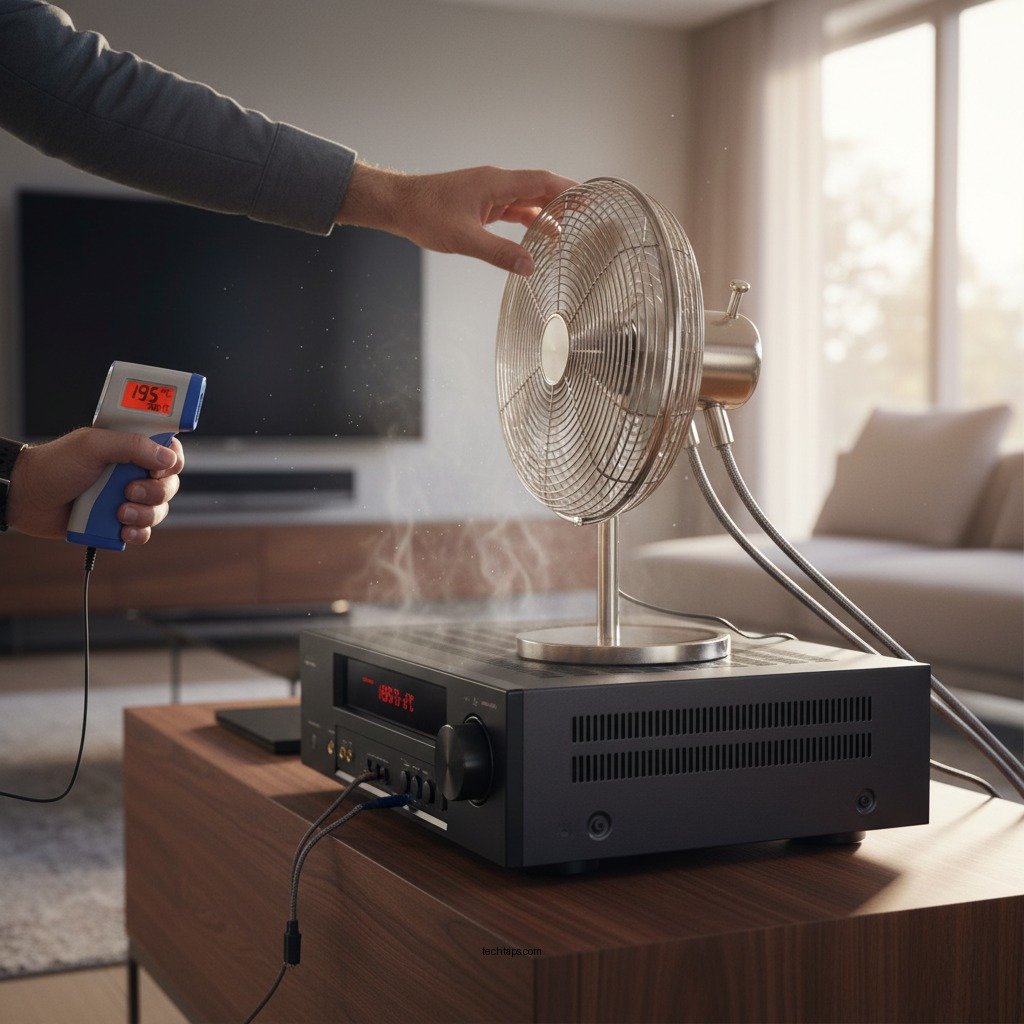

Overheating in your AV receiver can lead to performance issues and potential damage, but there are several steps you can take to resolve the problem. The key to addressing overheating is to ensure adequate ventilation, monitor usage, and perform regular maintenance. This article will guide you through effective solutions to cool down your device and prevent overheating in the future.
Identify the Source of Overheating
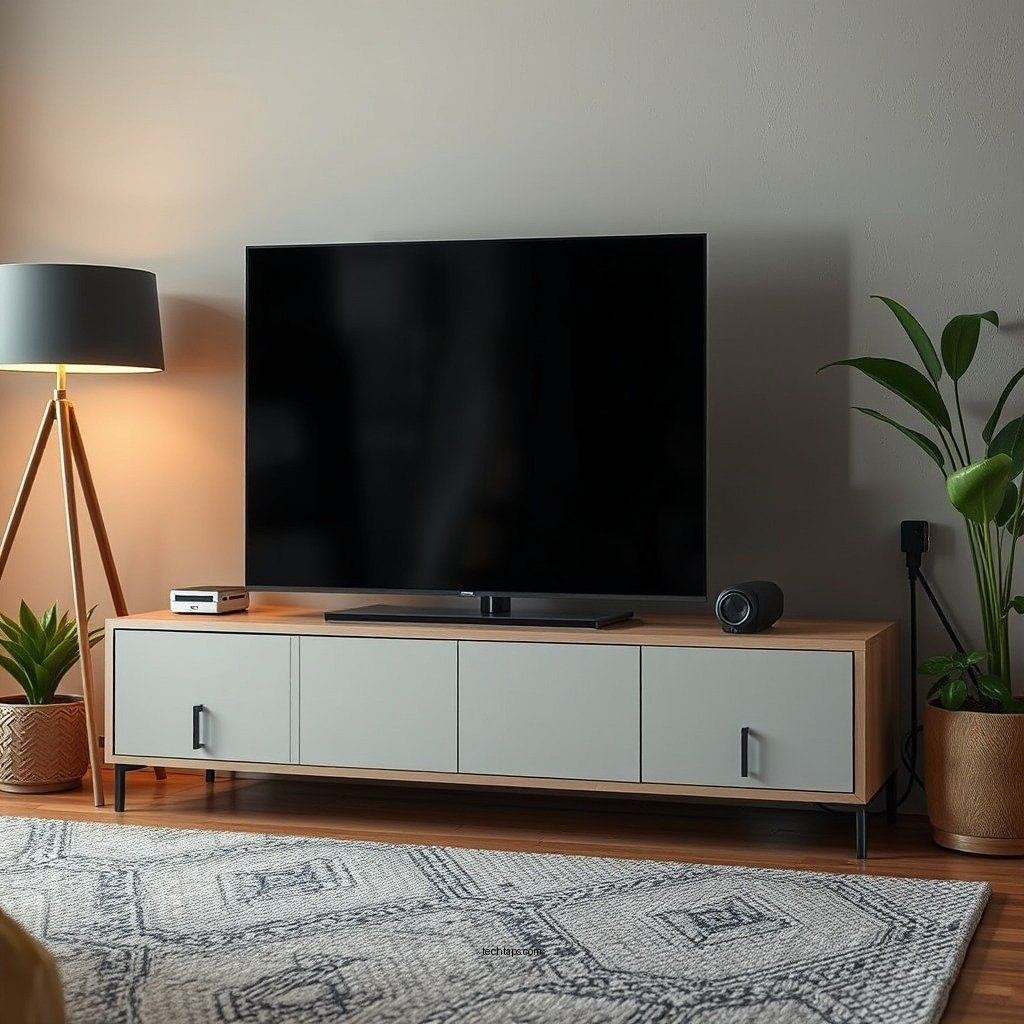
To effectively tackle overheating in your AV receiver, the first step is to identify the source of the issue. Common causes include dust accumulation and inadequate ventilation.
Check for Dust Accumulation in Vents and Fans
Dust can accumulate in the vents and fans of your AV receiver, obstructing airflow and causing the device to overheat. Regularly inspect the exterior of your receiver and use compressed air to clean out any dust buildup. Pay special attention to the vents, as proper airflow is critical for heat dissipation.
Ensure That the AV Receiver Is Placed in a Well-Ventilated Area
The placement of your AV receiver can significantly impact its ability to cool down. Ensure that your receiver is located in an open area with plenty of space around it. Avoid placing it in enclosed cabinets or on surfaces that restrict airflow. Ideally, there should be at least three inches of space around all sides of the receiver.
Optimize Ventilation Around Your AV Receiver
Once you’ve identified potential sources of overheating, it’s time to optimize ventilation around your AV receiver.
Rearrange Furniture or Equipment to Allow Airflow
Sometimes, furniture or other electronic devices can block airflow to your AV receiver. Rearranging these items can help create a more conducive environment for cooling. Ensure that nothing is obstructing the vents of your receiver, and consider elevating it on a rack or stand to promote better airflow.
Consider Using External Fans or Cooling Pads to Aid in Airflow
If your receiver continues to overheat despite optimal placement, consider using external fans or cooling pads. These devices can help facilitate airflow and dissipate heat more effectively. Some cooling pads come equipped with built-in fans that can be particularly beneficial in high-temperature environments.
Monitor Usage Patterns
Understanding how you use your AV receiver can also help mitigate overheating issues.
Limit the Duration of High-Intensity Uses, Such as Gaming or Movie Marathons
High-intensity tasks like gaming or movie marathons can cause your AV receiver to work harder, generating more heat. Try to moderate the length of these sessions. If you plan a long gaming session, take short breaks to allow the receiver to cool down.
Use Energy-Saving Modes or Settings, If Available
Many modern AV receivers come with energy-saving modes or settings designed to reduce power consumption and heat generation. Familiarize yourself with your receiver’s settings and take advantage of these features to enhance its efficiency and longevity.
Inspect and Adjust Connections
Poor connections can also lead to overheating in your AV receiver.
Ensure That Speaker Wires and Cables Are Not Shorting or Causing Excess Heat
Inspect all speaker wires and cables connected to your AV receiver. Ensure that there are no short circuits or damaged cables, as these can generate excess heat. Properly securing connections can prevent unnecessary strain on the device.
Use High-Quality Cables That Minimize Resistance and Overheating
Using high-quality cables can make a significant difference in the performance of your AV receiver. Look for cables that are designed to minimize resistance, as they can help reduce heat buildup and improve overall efficiency.
Consider Upgrading Equipment
If your AV receiver continues to struggle with overheating, it may be time to consider upgrading your equipment.
Evaluate If Your AV Receiver’s Wattage Is Suitable for Your Home Theater Setup
Assess whether your current AV receiver’s wattage is adequate for your home theater setup. If your receiver is underpowered for the number and type of speakers you are using, it will likely work harder and generate more heat. Upgrading to a more powerful model may alleviate these issues.
Research Newer Models That Have Better Cooling Technology
Technology continues to advance, with many newer models featuring integrated cooling technologies that can help manage heat more effectively. Research the latest AV receivers on the market and consider investing in one that offers enhanced thermal management systems.
Perform Regular Maintenance
Regular maintenance is essential for keeping your AV receiver in optimal condition.
Clean Your AV Receiver Regularly to Prevent Dust Build-Up
Consistency in cleaning your AV receiver can prevent dust accumulation and overheating. Schedule regular cleanings, ideally every few months, to ensure that your device remains dust-free and functions efficiently.
Check Firmware Updates, as Manufacturers May Release Fixes for Overheating Issues
Firmware updates can sometimes include fixes for known issues, including overheating. Regularly check the manufacturer’s website for updates and install them promptly to ensure you are benefiting from the latest performance enhancements.
Seek Professional Help if Needed
If you’ve tried all the above solutions and your AV receiver continues to overheat, it might be time to seek professional help.
If Overheating Persists, Consult a Technician or the Manufacturer for Deeper Issues
Sometimes, persistent overheating signifies more profound issues within the unit. Contact a qualified technician or the manufacturer for a thorough assessment. They can diagnose underlying problems that may not be apparent through regular troubleshooting.
Look Into Warranty Options for Repairs or Replacements
If your AV receiver is still under warranty, explore your options for repairs or replacements. Most manufacturers offer warranty services that cover overheating issues, which can save you time and money.
Common Causes of AV Receiver Overheating (2024)
| # | Cause | Description | Impact Level |
|---|---|---|---|
| 1 | Dust Accumulation | Blocks airflow in vents and fans | High |
| 2 | Poor Ventilation | Restricted airflow due to placement | High |
| 3 | Overuse | Extended gaming or movie sessions | Medium |
| 4 | Faulty Connections | Short circuits or damaged cables | High |
| 5 | Inadequate Wattage | Receiver underpowered for setup | High |
| 6 | Quality of Cables | Resistance causing extra heat | Medium |
| 7 | Lack of Maintenance | Neglecting regular cleaning | Medium |
In summary, addressing overheating in your AV receiver requires a proactive approach. By identifying the source of the problem, optimizing ventilation, monitoring usage patterns, inspecting connections, considering equipment upgrades, performing regular maintenance, and seeking professional help when necessary, you can effectively manage and prevent overheating. Taking these steps will not only maintain optimal performance but also extend the lifespan of your AV setup. Don’t delay; take action now to ensure your AV receiver continues to provide the high-quality audio and video experience you expect.
Frequently Asked Questions
What are the common causes of an AV receiver overheating?
Common causes of an AV receiver overheating include poor ventilation, excessive dust accumulation, overloading the receiver with too many connected devices, and using it at high volumes for extended periods. Ensuring that your AV receiver has adequate airflow and is not placed in an enclosed space can help prevent overheating issues.
How can I prevent my AV receiver from overheating?
To prevent your AV receiver from overheating, make sure it is placed in a well-ventilated area, regularly clean dust from vents, and avoid placing it on heat-retaining surfaces. Additionally, consider using a fan or cooling system to dissipate heat and keep the receiver operating within a safe temperature range.
Why is my AV receiver shutting down due to overheating?
Your AV receiver may shut down due to overheating as a protective measure to prevent damage to its internal components. This can occur when the unit is pushed beyond its thermal limits, often caused by inadequate ventilation, high power demands, or faulty components. Regular maintenance and monitoring can help mitigate this issue.
What should I do if my AV receiver is overheating during use?
If your AV receiver is overheating during use, immediately turn it off and unplug it to allow it to cool down. Check for any obstructions blocking airflow, clean dust from the vents, and reduce the number of connected devices or the volume levels. If the problem persists, consider consulting a professional technician for further diagnosis.
Which AV receiver features help reduce the risk of overheating?
Look for AV receivers that include features such as built-in cooling fans, thermal protection circuitry, and advanced heat dissipation designs. Models with energy-efficient components and those designed for high-performance audio output tend to manage heat better, reducing the risk of overheating during prolonged use.
References
- https://en.wikipedia.org/wiki/Audio_video_receiver
https://en.wikipedia.org/wiki/Audio_video_receiver - https://www.sciencedirect.com/science/article/pii/S235197891830174X
https://www.sciencedirect.com/science/article/pii/S235197891830174X - https://www.audioholics.com/tips-for-audio-video-enthusiasts/overheating-av-receiver
https://www.audioholics.com/tips-for-audio-video-enthusiasts/overheating-av-receiver - Google Scholar Google Scholar
https://scholar.google.com/scholar?q=AV+receiver+overheating+solutions - Google Scholar Google Scholar
https://scholar.google.com/scholar?q=AV+receiver+overheating+causes - Google Scholar Google Scholar
https://scholar.google.com/scholar?q=AV+receiver+temperature+management - Google Scholar Google Scholar
https://scholar.google.com/scholar?q=What+to+Do+When+Your+AV+Receiver+Is+Overheating - What to Do When Your AV Receiver Is Overheating – Search results
https://en.wikipedia.org/wiki/Special:Search?search=What+to+Do+When+Your+AV+Receiver+Is+Overheating - https://www.ncbi.nlm.nih.gov/search/research-articles/?term=What+to+Do+When+Your+AV+Receiver+Is+Overheating
https://www.ncbi.nlm.nih.gov/search/research-articles/?term=What+to+Do+When+Your+AV+Receiver+Is+Overheating