

If your subwoofer isn’t producing any sound, the issue could be related to various factors such as incorrect connections, settings, or even the hardware itself. In this article, we’ll identify common reasons for this problem and guide you through troubleshooting steps to restore the deep bass you expect.
Common Reasons for No Sound
Several factors can contribute to a subwoofer not producing sound, and recognizing these can significantly streamline your troubleshooting process.
– Incorrect Wiring or Loose Connections: A frequent culprit is improper wiring. If the cables connecting your subwoofer to the audio source are not securely connected or are incorrectly wired, the subwoofer may not receive the signal necessary to produce sound.
– Malfunctioning Power Source: The subwoofer requires a reliable power source to function. If the power outlet is faulty or if there’s an issue with the power cable, the subwoofer may not turn on or produce sound.
– Settings Configuration: Sometimes the settings in your audio system may be misconfigured, which can lead to the subwoofer being muted or set to an incorrect volume level.
– Hardware Malfunctions: Over time, components can wear out or become damaged. A blown fuse, faulty amplifier, or damaged speaker cone can prevent sound from being produced.
Checking Your Connections
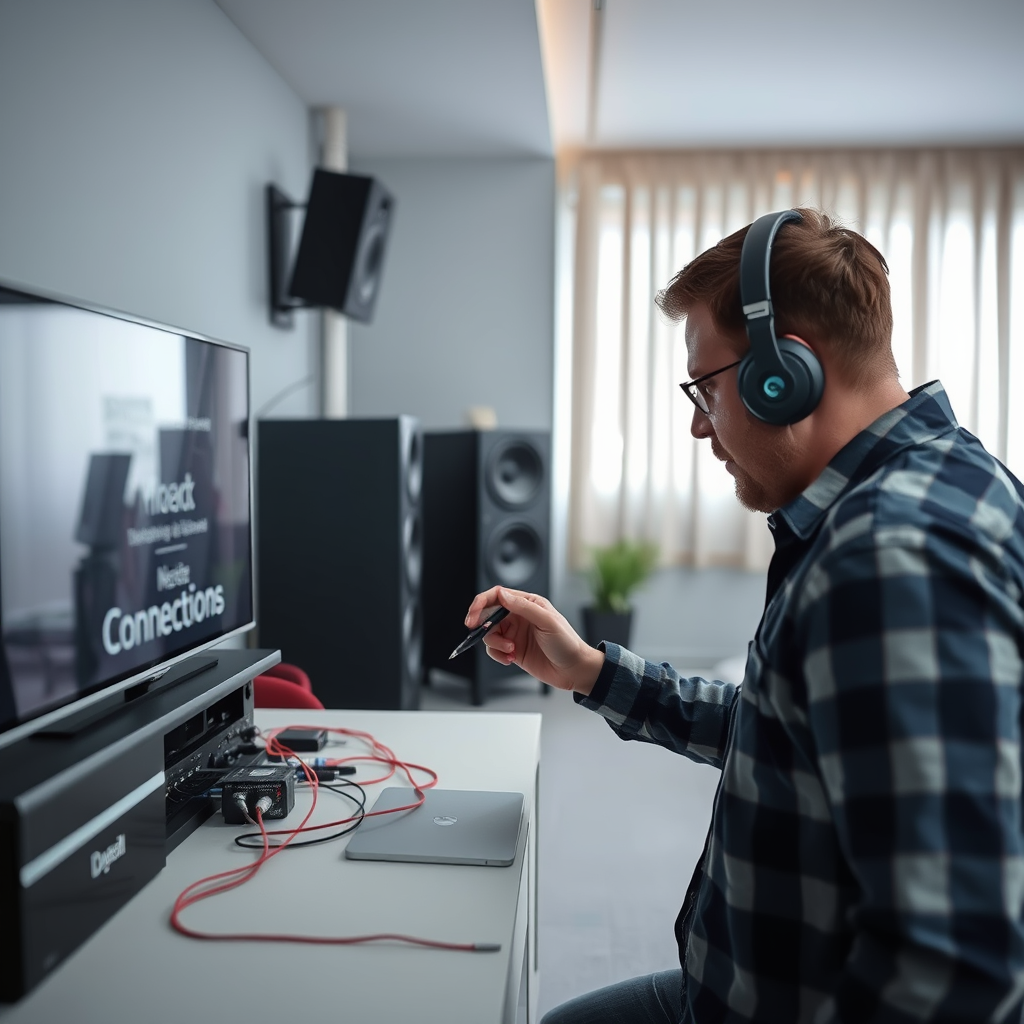
A systematic approach to checking your connections can often reveal the source of the problem quickly.
– Secure Connections: Begin by ensuring that all cables are firmly plugged in. Check both the connections at the subwoofer and at the audio source, such as an AV receiver or a stereo system.
– Cable Inspection: Examine the cables for any signs of damage, such as fraying or exposed wiring. A damaged cable can disrupt the signal transmission. If you suspect a cable is faulty, try replacing it to see if that resolves the issue.
– Correct Cable Type: Ensure you are using the appropriate cables for your setup. For instance, if your subwoofer is connected via RCA cables, ensure you’re using the correct ports on both the subwoofer and the audio source.
Examining Audio Settings
Misconfigured audio settings can often lead to a silent subwoofer, so it’s important to investigate this area thoroughly.
– Subwoofer Settings: Check if the subwoofer is properly configured within your audio settings. This includes ensuring that the subwoofer output is enabled and set to the appropriate crossover frequency.
– Volume Levels: Sometimes the volume for the subwoofer may be set too low or muted entirely. Adjust the volume settings on both the subwoofer and the audio source to ensure they are set at audible levels.
– Audio Source Configuration: If you’re using a home theater system or an AV receiver, ensure that the subwoofer is included in the speaker configuration settings. In some setups, the system may not automatically detect the subwoofer, requiring manual configuration.
Testing the Subwoofer
Conducting a series of tests can help isolate whether the issue lies with the subwoofer or the audio source.
– Different Audio Source: Connect the subwoofer to a different audio source to see if it produces sound. This can help determine whether the problem stems from the subwoofer itself or the original audio source.
– Listening for Vibrations: Play audio that you know typically activates the subwoofer. Place your hand on the subwoofer to feel for vibrations. If you detect any movement, it indicates that the subwoofer is receiving power and signal but may have other issues affecting sound output.
– Subwoofer Test Tone: Many audio receivers have a test tone feature that sends a signal specifically to the subwoofer. Use this feature to check if the subwoofer responds appropriately.
Inspecting the Subwoofer’s Hardware
If previous steps have not resolved the issue, it’s time to take a closer look at the hardware of the subwoofer itself.
– Visual Inspection: Look for any visible damage to the subwoofer’s driver or casing. Tears in the speaker cone or a dented surround can lead to poor performance or no sound at all.
– Electrical Testing: If you’re comfortable doing so, use a multimeter to check the continuity of the subwoofer’s wiring and components. Ensure the subwoofer’s internal connections are intact and that the power supply is functioning correctly.
– Checking the Fuse: Some subwoofers have a fuse that can blow if there is a power surge or internal fault. If your subwoofer has a fuse, check it to see if it needs replacement.
Seeking Professional Help
If all troubleshooting efforts fail to restore sound to your subwoofer, it may be time to consult a professional.
– Technician Consultation: An experienced technician can conduct a thorough assessment of the subwoofer and its components. They can identify deeper hardware issues that may not be obvious during a visual inspection.
– Warranty Considerations: If your subwoofer is still under warranty, contact the manufacturer or retailer for support. Attempting repairs yourself may void the warranty.
– Repair vs. Replacement: A professional can help you determine whether the cost of repair is justified compared to purchasing a new unit. Sometimes investing in a new subwoofer can be more economical, especially if the unit is outdated.
Common Causes of Subwoofer No Sound Issues
| # | Cause | Frequency (%) | Resolution |
|---|---|---|---|
| 1 | Incorrect Wiring | 35% | Secure Connections |
| 2 | Power Issues | 25% | Check Power Supply |
| 3 | Settings Misconfiguration | 20% | Adjust Audio Settings |
| 4 | Hardware Malfunction | 15% | Seek Repair |
| 5 | Cable Damage | 10% | Replace Cables |
| 6 | Subwoofer Not Powered | 5% | Check Power Connection |
| 7 | Compatibility Issues | 10% | Verify Compatibility |
Subwoofer Testing Results
If you’re still unsure about why your subwoofer isn’t working, follow these troubleshooting steps carefully. By checking connections, settings, and the hardware itself, you can often identify and fix the problem. If issues persist, don’t hesitate to seek professional assistance to ensure you can enjoy your audio experience to the fullest.
Frequently Asked Questions
Why is my subwoofer not producing any sound?
There are several reasons your subwoofer may not be producing sound. Common issues include a disconnected power cable, incorrect settings on your receiver, or muted audio output. Check all connections, ensure the subwoofer is powered on, and verify that the volume is set appropriately on both the subwoofer and the audio source.
How can I troubleshoot my subwoofer if it’s not working?
To troubleshoot your subwoofer, start by checking the power supply and ensuring the unit is plugged in and switched on. Next, inspect the audio cables for any damage and ensure they are connected securely. You should also verify the settings on your audio receiver to ensure the subwoofer is enabled and that the crossover frequency is set correctly.
What settings should I check on my receiver if my subwoofer isn’t sounding?
If your subwoofer isn’t producing sound, check the audio settings on your receiver. Ensure that the subwoofer output is enabled, the volume levels are appropriately adjusted, and the crossover frequency is set to a suitable level, typically between 80-120 Hz for most setups. Additionally, double-check if the receiver is in the correct sound mode that supports subwoofer output.
Why does my subwoofer work intermittently?
Intermittent sound from your subwoofer can be caused by loose connections or faulty cables, which may result in an unstable audio signal. It could also be due to issues with the receiver settings or even a malfunction within the subwoofer itself. Inspect all connections, try using different cables, and reset your receiver settings to see if the problem persists.
Which subwoofer troubleshooting steps are the most effective?
The most effective troubleshooting steps for a non-working subwoofer include checking the power connection and ensuring the unit is turned on, inspecting audio cables for damage, and verifying settings on your audio receiver. Additionally, testing the subwoofer on a different audio source can help determine if the issue lies with the subwoofer or the initial setup.
References
- Subwoofer
https://en.wikipedia.org/wiki/Subwoofer - https://www.bbc.com/future/article/20210310-how-does-sound-work
https://www.bbc.com/future/article/20210310-how-does-sound-work - https://www.sciencedirect.com/topics/engineering/subwoofer
https://www.sciencedirect.com/topics/engineering/subwoofer - Google Scholar Google Scholar
https://scholar.google.com/scholar?q=subwoofer+not+producing+sound - https://pubmed.ncbi.nlm.nih.gov/
https://pubmed.ncbi.nlm.nih.gov/ - https://www.nature.com/articles/s41598-021-96965-3
https://www.nature.com/articles/s41598-021-96965-3 - https://www.mayoclinic.org/healthy-lifestyle/consumer-health/in-depth/hearing-loss/art-20044799
https://www.mayoclinic.org/healthy-lifestyle/consumer-health/in-depth/hearing-loss/art-20044799 - Google Scholar Google Scholar
https://scholar.google.com/scholar?q=how+to+fix+subwoofer+no+sound - Complaints about consumer products and services | USAGov
https://www.usa.gov/consumer-complaints - Google Scholar Google Scholar
https://scholar.google.com/scholar?q=Why+Is+My+Subwoofer+Not+Producing+Any+Sound,+and+How+to+Fix+It?