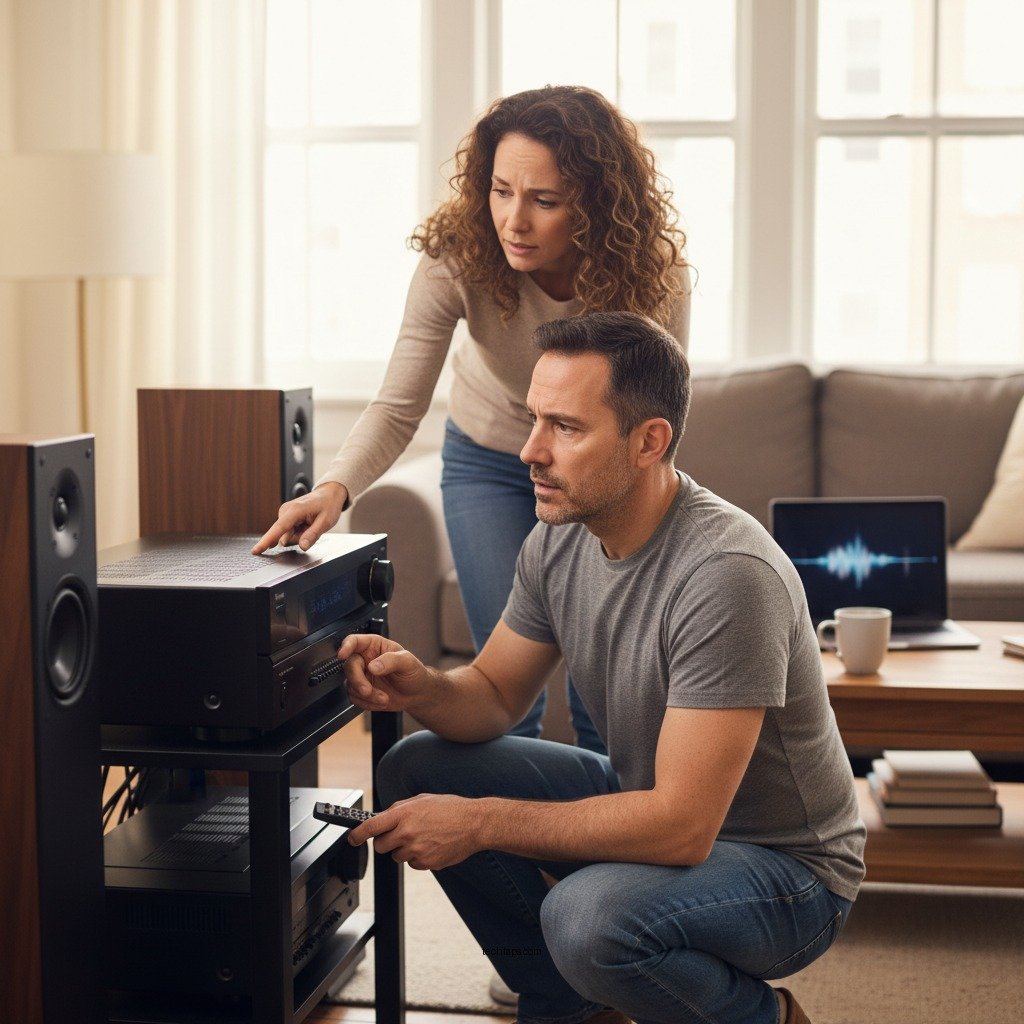

If your Yamaha sound system is producing low volume, it could be due to several common issues such as incorrect settings, faulty connections, or even speaker problems. Understanding these potential causes can help you troubleshoot effectively and enhance your audio experience. In this article, we will delve into each of these aspects, providing detailed solutions to ensure you get the most out of your Yamaha sound system.
Check Volume Settings
The first step in addressing low volume issues is to check the volume settings. It may seem elementary, but it’s easy to overlook. Ensure that the main volume knob on your Yamaha receiver is turned up adequately and that the system is not muted. Many Yamaha systems also feature sub-volume settings that control individual speakers or zones; verify these settings to ensure they are not inadvertently set too low.
Additionally, many Yamaha sound systems have multiple input sources, each with its own volume level. If you are using a specific source, such as a streaming device or a connected game console, make sure that its volume levels are adequately adjusted. Sometimes, source devices have their own volume controls that can affect the overall output.
Inspect Audio Sources
Another potential cause of low volume could be the audio source itself. Testing various audio sources is a practical way to determine if the problem lies with a specific device or format. For instance, try switching between Bluetooth, HDMI, and auxiliary inputs to see if the volume issue persists across all inputs.
When doing so, it’s also important to verify the audio format of the source content. Some formats, such as low-bitrate streams or certain compressed audio files, may inherently produce lower output levels. If you notice that a specific source consistently has lower volume, consider adjusting its settings or using a different format that is known for better quality audio.
Review Speaker Connections
Improper speaker connections can lead to a significant drop in audio output. Start by inspecting all speaker cables to ensure they are securely connected to both the speakers and the Yamaha receiver. Loose wires can cause intermittent connections, which may result in low volume or distortion.
Moreover, ensure that the speakers you are using are appropriately rated for your Yamaha system. Mismatched impedance can lead to inefficient power distribution, resulting in lower volume levels. If your receiver is unable to deliver adequate power to the speakers, consider upgrading to a more compatible set or adjusting the settings to match your existing speakers.
Evaluate Sound Modes and Equalizer Settings
Yamaha sound systems come equipped with various sound modes and equalizer settings that can dramatically affect audio output. Experimenting with different sound modes, such as stereo, surround, or direct, can yield noticeable changes in volume levels. Some modes may enhance clarity while others provide a more immersive audio experience, potentially impacting overall loudness.
In addition to sound modes, adjusting the equalizer settings can also play a crucial role in volume output. Certain presets may inadvertently lower the volume or alter the audio balance, making it sound quieter. Fine-tuning these settings can help you achieve a more balanced and engaging listening experience.
Update Firmware and Software
Keeping your Yamaha sound system updated is essential for optimal performance. Firmware updates often contain bug fixes, performance improvements, and new features that can help enhance sound quality, including volume levels. Check the Yamaha website or use the Yamaha MusicCast app to ensure your system has the latest firmware installed.
Additionally, if you have connected devices—like smart TVs, streaming devices, or gaming consoles—ensure they are also up to date. Outdated software can lead to compatibility issues that might affect how audio is processed and played back through your Yamaha system.
Conduct a System Reset
If troubleshooting all the above aspects does not resolve the low volume issue, consider performing a factory reset of your Yamaha sound system. This action can often resolve more complex issues that are not apparent through standard troubleshooting. However, be cautious and back up any custom settings or configurations, as a reset will erase all personalized adjustments.
To reset your Yamaha system, refer to the user manual for specific instructions, as the process can vary between models. After the reset, reconfigure your settings and test the volume levels again to see if the issue has been resolved.
Consult the User Manual
Your Yamaha sound system’s user manual is an invaluable resource for troubleshooting. It typically contains a dedicated section for common issues, including low volume problems. Reviewing the manual can provide insights specific to your model and offer targeted solutions that might not be covered in this article.
If you continue to experience low volume issues, consider reaching out to Yamaha customer support for professional assistance. They can provide expert advice tailored to your specific situation, potentially saving you time and frustration.
Common Issues & Solutions for Low Volume in Yamaha Sound Systems
| # | Issue | Description | Solution |
|---|---|---|---|
| 1 | Incorrect Volume Settings | Main volume or sub-volume settings are too low | Adjust main and sub-volume settings |
| 2 | Audio Source Issues | Low output from specific audio sources | Test different sources and formats |
| 3 | Speaker Connection Issues | Loose or incompatible speaker connections | Secure connections and check speaker compatibility |
| 4 | Sound Mode Settings | Inappropriate sound modes affecting volume | Experiment with different sound modes |
| 5 | Firmware Issues | Outdated firmware impacting performance | Update firmware regularly |
| 6 | System Configuration | Improper system settings or configurations | Perform a factory reset if necessary |
| 7 | User Manual Guidance | Lack of specific troubleshooting guidance | Consult user manual for model-specific solutions |
To enhance your listening experience, ensure you check all these aspects of your Yamaha sound system. By methodically addressing volume settings, audio sources, speaker connections, sound modes, firmware updates, and consulting your user manual, you can systematically identify and resolve low volume issues. If the problem persists despite thorough troubleshooting, consider reaching out to Yamaha customer support for further assistance or exploring professional repair options. Your audio experience deserves to be at its best, and with the right approach, you can achieve that.
Frequently Asked Questions
Why is my Yamaha sound system producing low volume even at maximum settings?
If your Yamaha sound system is producing low volume despite being set to maximum, it could be due to several factors, including incorrect input settings or a faulty audio source. Additionally, check if the speaker wires are properly connected and if any audio enhancements or equalizer settings are reducing the output. Finally, ensure that your sound system is not in a “mute” or “standby” mode.
What should I do if my Yamaha sound system has low volume output when connected to my TV?
To resolve low volume issues when your Yamaha sound system is connected to your TV, first, ensure that the audio output settings on your TV are correctly configured. Check if your TV volume is turned up and not muted; also, verify that the audio output format is compatible with your sound system. If using HDMI ARC, ensure the feature is enabled in both devices.
How can I troubleshoot low volume issues on my Yamaha receiver?
To troubleshoot low volume issues on your Yamaha receiver, start by checking the speaker connections and ensuring they’re securely attached. Next, inspect the receiver settings for any limitations on the output levels. You may also want to reset the receiver to factory settings to eliminate any software glitches affecting performance.
Why does my Yamaha sound system’s volume fluctuate unexpectedly?
Volume fluctuations in your Yamaha sound system can be caused by several issues, including poor speaker connections or interference from other electronic devices. Additionally, check if any automatic volume control features are enabled, as they can adjust the output based on varying audio inputs. Ensuring a stable power source can also help mitigate these fluctuations.
Which Yamaha sound system settings can affect volume levels?
Several settings on your Yamaha sound system can impact volume levels, including the equalizer settings, dynamic range control, and input sensitivity adjustments. It’s crucial to review the sound mode selected, as some modes may limit output for specific audio types. Refer to the user manual for detailed instructions on optimizing these settings for the best audio experience.
References
- https://www.audioholics.com/tips-and-tricks/how-to-fix-low-volume-issues
https://www.audioholics.com/tips-and-tricks/how-to-fix-low-volume-issues - https://www.nytimes.com/2021/05/04/technology/personaltech/sound-system.html
https://www.nytimes.com/2021/05/04/technology/personaltech/sound-system.html - https://www.bbc.com/news/technology-54915921
https://www.bbc.com/news/technology-54915921 - Google Scholar Google Scholar
https://scholar.google.com/scholar?q=Yamaha+sound+system+low+volume - Google Scholar Google Scholar
https://scholar.google.com/scholar?q=audio+system+low+volume+issues - Google Scholar Google Scholar
https://scholar.google.com/scholar?q=Yamaha+receiver+volume+problems - https://www.audio.com/articles/yamaha-sound-system-troubleshooting-guide
https://www.audio.com/articles/yamaha-sound-system-troubleshooting-guide - Google Scholar Google Scholar
https://scholar.google.com/scholar?q=Why+Is+My+Yamaha+Sound+System+Producing+Low+Volume? - Why Is My Yamaha Sound System Producing Low Volume? – Search results
https://en.wikipedia.org/wiki/Special:Search?search=Why+Is+My+Yamaha+Sound+System+Producing+Low+Volume? - https://www.ncbi.nlm.nih.gov/search/research-articles/?term=Why+Is+My+Yamaha+Sound+System+Producing+Low+Volume?
https://www.ncbi.nlm.nih.gov/search/research-articles/?term=Why+Is+My+Yamaha+Sound+System+Producing+Low+Volume?