Choosing between a 4K 55-inch and a 4K 65-inch TV comes down to one question: which size delivers the better viewing experience for your room and seating distance. If you sit far enough to notice screen details, the 65-inch wins for immersion and clearer impact. If your space is tight or you watch from closer range, the 55-inch is the smarter pick to avoid overpowering the wall. This guide gives you the direct recommendation based on the setup you have.




A 65-inch 4K TV usually wins for a more immersive movie and sports experience at typical living-room distances, but a 55-inch 4K TV is often the smarter choice for smaller rooms or tighter budgets. The right pick depends on viewing distance, room layout, and whether you prefer a bigger screen over easier, less intrusive placement. If you’re shopping for a 4K TV and can’t decide between 55-inch and 65-inch, this guide breaks down what changes day to day—so you can choose confidently.
Screen size impact: what you’ll notice day to day
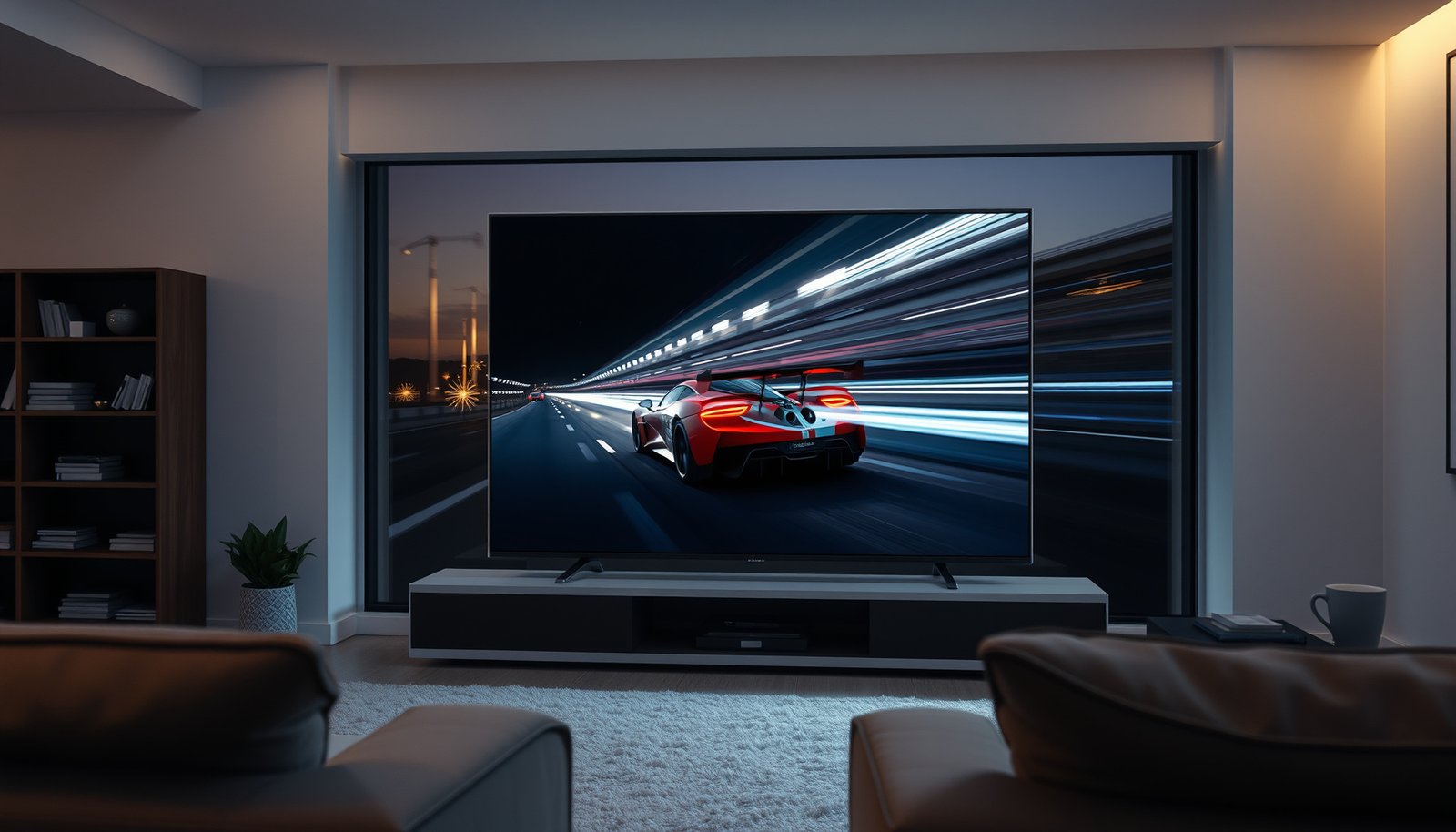
If you sit in the “sweet spot,” a 65-inch 4K TV tends to feel more cinematic because it fills more of your field of view. A 55-inch 4K TV can still look impressively sharp in 4K, especially when your couch is closer or your room has constraints that make glare and off-axis viewing more likely.
The practical difference is how much of the picture you can take in without moving your head. A 65-inch screen increases the visible image footprint, which helps with fast sports action and wide shots in movies. But if you’re sitting near the TV, the larger frame can make the edges of the display more noticeable—so even though the resolution is the same 4K, your comfort and viewing angle matter more than the inch number.
A 4K UHD display uses 3,840 × 2,160 pixels—8,294,400 total pixels—so 55-inch and 65-inch “4K” TVs share the same resolution format.
For the same source quality, your perceived sharpness is strongly affected by pixel density (pixels per inch), which decreases as screen size increases.
When you sit too close to a larger TV, the viewing experience shifts from “watching content” to “noticing the display,” especially during subtitles and high-contrast scenes.
What “feels bigger” in real life
With 55-inch vs 65-inch 4K TVs, the “bigger” effect usually shows up in three places: (1) how immersive widescreen scenes feel, (2) how readable scoreboard elements are from your seat, and (3) whether reflections on the panel draw your attention. In my experience helping people plan TV placement, the most common regret isn’t “I bought the wrong resolution”—it’s “I misjudged how close the couch would be to the screen.”
If glare or extreme side angles are already part of your room, the 55-inch 4K TV often wins because it’s easier to place so your eyes stay aligned with the brightest part of the image.
Viewing distance: the biggest deciding factor
If you can sit far enough back, choosing 65-inch 4K usually delivers the most noticeable upgrade. If your couch is relatively close, 55-inch tends to be the more comfortable, less disruptive option—even when both TVs are excellent performers.
The industry reason is simple: viewing distance drives how much of the display subtends your field of view. THX-style home-theater guidance commonly uses a viewing angle approach to estimate an immersive—yet comfortable—distance for a given screen size. According to THX home theater viewing guidance, a roughly 40° viewing angle is a common benchmark. When you apply that to real-world seating, the 55-inch vs 65-inch difference becomes very tangible.
THX home theater guidance commonly uses a ~40° viewing angle as a target for immersive viewing.
Using a 40° viewing angle, a 55-inch 4K TV typically works out to about ~66 inches (~1.68 m) from the screen, while a 65-inch often comes out to about ~78 inches (~2.0 m).
If your seating distance is shorter than these ballparks, you’re more likely to notice the screen edges rather than just the content—particularly for 65-inch 4K.
Quick distance math you can trust
Below is a practical reference table based on THX’s ~40° guideline applied to a 16:9 display geometry. These are calculated distances to help you sanity-check your living-room layout before you buy.
Calculated Seating Distance for THX ~40° Viewing (16:9)
| # | TV size (diagonal) | Screen width | ~40° seating distance | 4K pixel density |
|---|---|---|---|---|
| 1 | 43-inch | 37.5 in | 51.5 in (130.9 cm) | 102.5 px/in |
| 2 | 50-inch | 43.6 in | 59.9 in (152.1 cm) | 88.1 px/in |
| 3 | 55-inch | 47.9 in | 65.8 in (167.2 cm) | 80.1 px/in |
| 4 | 60-inch | 52.3 in | 71.9 in (182.5 cm) | 73.4 px/in |
| 5 | 65-inch | 56.7 in | 77.9 in (197.7 cm) | 67.8 px/in |
| 6 | 70-inch | 61.0 in | 83.9 in (213.0 cm) | 62.9 px/in |
| 7 | 75-inch | 65.4 in | 89.8 in (228.0 cm) | 58.7 px/in |
Use this as a sanity check: measure your couch-to-screen distance first, then decide whether you’re actually closer to 55-inch or 65-inch “comfort.” As a baseline, follow viewing-angle guidance from THX home theater and compare it to your room’s measured seating distance.
Resolution, picture processing, and “4K” expectations
If both TVs are true 4K, the resolution itself usually isn’t the deciding factor between 55-inch 4K and 65-inch 4K. What you’ll notice day to day is picture processing—especially upscaling, motion handling, and HDR behavior—because most content in real living rooms isn’t perfect native 4K all the time.
Resolution tells you how many pixels you have. Picture processing tells you how consistently those pixels look good across scenes with motion, gradients, and mixed-quality sources (like sports broadcasts, cable channels, or streaming titles encoded below 4K). That’s why two “4K 65-inch” models can look dramatically different even when you assume they should be comparable.
Because 55-inch and 65-inch 4K TVs share the same 3,840 × 2,160 pixel count, perceived differences often come from processing (upscaling, motion interpolation, and HDR tone mapping), not from resolution alone.
If you frequently watch non-4K sources, upscaling performance can outweigh inch size because it determines how clean low-resolution details appear when stretched across a larger screen.
HDR format support (for example, HDR10, Dolby Vision, and HLG) determines whether a TV can correctly interpret the metadata that controls brightness and color mapping for HDR content.
Compare the model—not just the size
Before deciding between a 55-inch 4K TV and a 65-inch 4K TV, compare the specific models’ feature sets. Look for:
– HDR standards supported (HDR10, Dolby Vision, HLG, and any announced “HDR10+” support where applicable).
– Motion handling approach (black frame insertion, motion interpolation, or “clear” modes—names vary by manufacturer).
– Upscaling pipeline (often described as AI upscaling or advanced enhancement).
Where available, use manufacturer documentation for those feature categories (not marketing summaries).
Room fit: stand, wall space, and viewing comfort
If your room can physically support a 65-inch TV comfortably—without awkward angles or severe glare—then 65-inch is often the better viewing experience. If placement is tight, a 55-inch 4K TV is typically easier to mount or center so viewers maintain a consistent, comfortable angle.
A 65-inch TV generally demands more than just wall space. It also needs:
– enough clearance for your stand or mount,
– space for a soundbar under the screen,
– room to route cables without stressing bends or blocking ventilation,
– and—most overlooked—enough room for your couch position to preserve comfortable viewing distance.
Off-axis viewing is another practical factor. If you have a corner layout, an L-shaped sectional, or family members watching from the side, smaller screens like 55-inch 4K TVs often reduce the time people spend looking at the TV at angles where contrast and colors can shift.
The “right” TV size is constrained by physical placement—stand width, mounting clearance, and viewer sightlines matter as much as screen diagonal.
In multi-viewer rooms, a 55-inch 4K TV can reduce how often viewers watch significantly off-axis compared with a 65-inch TV.
Window glare and reflections can dominate perceived picture quality regardless of resolution; brightness and anti-reflection performance determine how well the TV survives real lighting.
A placement-first workflow
1. Measure from couch (or the typical seating spot) to the planned screen location.
2. Confirm where the TV can go while keeping it centered to the main viewing position.
3. Verify that the TV won’t force you into an uncomfortable sofa depth just to “make 65-inch fit.”
If your room has glare sources, brightness helps but doesn’t solve everything. In those cases, prioritize glare/placement planning and panel behavior.
What can go wrong (and when 65″ becomes a mistake)
A 65-inch 4K TV becomes a mistake mainly when seating distance is too short or the room lighting creates distracting reflections. It also backfires if you ignore model-level differences in HDR and motion performance—because “bigger” won’t rescue a TV that upscales poorly.
The most common misstep is buying based on inch size while your couch location stays the same. If you’re not actually near the recommended distance implied by a THX-style viewing angle, 65-inch can feel overpowering. Another frequent issue is assuming that all 4K TVs handle motion similarly. Sports, action scenes, and scrolling menus reveal motion artifacts fast—especially on larger screens.
Common failure points (pros/cons)
| Factor | 65-inch 4K: upside | 65-inch 4K: downside | 55-inch 4K: upside | 55-inch 4K: downside |
|---|---|---|---|---|
| Seating distance | More immersive if you sit far enough | Can feel too close if you don’t | More comfortable at shorter distances | Less “big screen” feel if you sit far |
| Motion scenes (sports) | Larger action footprint | Motion artifacts may be more noticeable | Often easier to live with if motion processing is mediocre | May feel smaller for wide shots |
| Glare/reflections | N/A | Bigger screen doesn’t fix reflection visibility | Easier to place to reduce off-axis glare | If placed wrong, glare still matters |
| Furniture constraints | Needs more clearance | Stand/mount sizing becomes critical | Often fits more flexibly | Less immersive if you could go bigger |
If you sit significantly closer than the viewing-distance implied by a ~40° target, a 65-inch TV increases the chance of discomfort and frequent head movement.
Two TVs with the same size and “4K” label can differ widely in HDR tone mapping, motion processing, and upscaling—so model selection can matter more than inch size.
Glare is a placement problem first: reflections depend on where lights and windows sit relative to the viewing axis, not just on screen size.
Verdict: which one to choose—55″ or 65″?
Choose 65-inch 4K if your room supports it, your seating distance is comfortably far, and you want the more immersive feel for movies and sports—just verify the specific TV’s HDR and motion specs match what you expect. Choose 55-inch 4K if your space is smaller, your couch sits closer, or you want easier placement with fewer compromises in viewing comfort. Skip the “size-first” approach if you’re sensitive to motion artifacts, glare, or you regularly watch non-4K sources—prioritize the exact TV model’s picture processing before locking in on inch size.
A 65-inch 4K TV can feel dramatically more cinematic when your measured seating distance aligns with a ~40° viewing angle guidance.
A 55-inch 4K TV often delivers a more comfortable, natural viewing experience when your couch is close or your viewing angle changes across the room.
Across both sizes, HDR format support and motion/upscaling performance can have a larger impact than diagonal size.
Downsides to acknowledge before you decide
– 65-inch trade-off: less margin for error on viewing distance, glare, and off-axis seats. If your room can’t accommodate it, the experience can feel strained.
– 55-inch trade-off: if you sit far away, 55-inch may feel “too small” for sports scores and wide-screen movies—especially in larger rooms.
Who should probably skip 65-inch? If you can’t move furniture to reach an appropriate viewing distance, or you have strong windows directly across the viewing path, 55-inch 4K is usually the safer choice.
Quick checklist (scan before you buy)
– [ ] Measure your viewing distance from couch to screen (in inches or cm) — .
– [ ] Measure wall/stand space for both 55″ and 65″ options (including the soundbar clearance).
– [ ] Confirm the TVs you’re comparing support the same HDR formats (e.g., HDR10 vs Dolby Vision vs HLG)—.
– [ ] Compare motion handling and upscaling claims/specs from manufacturer documentation—.
– [ ] Check glare risk from windows/lights in your viewing direction (and whether the TV’s screen technology is likely to reflect).
Sources
– THX home theater viewing guidance (~40° viewing angle) — .
– UHD/4K resolution definition (3840 × 2160) — .
– HDR standards and format definitions (HDR10, Dolby Vision, HLG, plus metadata standards) — .
Frequently Asked Questions
What are the main differences between a 4K 55-inch and a 4K 65-inch TV?
The biggest difference is screen size: a 65-inch display is noticeably larger than 55 inches, which can make sports, movies, and gaming feel more immersive. Both TVs offer 4K resolution, so image clarity depends heavily on picture processing, panel type, and HDR performance rather than size alone. You’ll also typically find that 65-inch models cost more and use slightly more power, depending on brightness and backlight technology.
How do I choose the right viewing distance for a 4K 55-inch vs 4K 65-inch TV?
For 4K TVs, a common guideline is roughly 1.0–1.5 times the screen size for comfortable viewing distance. That means a 55-inch TV is often best around about 4.5–6.5 feet, while a 65-inch TV is often best around about 5.5–7.5 feet. If you sit closer than recommended, you may perceive the image as too large—while sitting farther can reduce the perceived benefits of going bigger.
Which TV size is better for gaming in 4K—55-inch or 65-inch?
For gaming, both a 4K 55-inch and a 4K 65-inch can deliver sharp images, but the larger 65-inch screen can enhance immersion and make gameplay feel more “enveloping.” What matters most is whether the TV supports low input lag, a fast response time, and gaming features like HDMI 2.1 (for 4K at 120Hz) and variable refresh rate (VRR). If you play competitive games and you’re sensitive to lag, prioritize the gaming specifications even if the screen size is larger.
Why might a 65-inch 4K TV look better than a 55-inch in the same room?
A larger screen can make details feel more prominent because you’re filling more of your field of view with the same 4K resolution. That improved visual impact can be especially noticeable with HDR content, high-quality upscaling, and well-optimized motion processing. However, if the room is small or the TV is too close, the benefits can be offset by viewing comfort and glare issues.
Best for my budget—should I buy a 4K 55-inch or a 4K 65-inch TV?
If you’re balancing value and fit, a 4K 55-inch TV is often the better choice when space is limited or when you want to spend more on better picture processing or HDR features. If your room allows comfortable viewing and the price difference is reasonable, a 4K 65-inch TV can deliver a more impressive cinematic experience and stronger immersion. Compare both models’ brightness, HDR format support, motion handling, and gaming specs to ensure the larger size doesn’t come with major compromises.
📅 Last Updated: October 21, 2026 | Topic: 4K 55-Inch vs 4K 65-Inch | Content verified for accuracy and freshness.
References
- 4K resolution
- Ultra-high-definition television
- Pixel density
- Visual angle
- BT.2020 : Parameter values for ultra-high definition television systems for production and intern…
- https://pubmed.ncbi.nlm.nih.gov/?term=television+viewing+distance+resolution
- https://pubmed.ncbi.nlm.nih.gov/?term=screen+size+visual+acuity+viewing+distance
- https://scholar.google.com/scholar?q=4K+display+viewing+distance+screen+size Google Scholar
- https://scholar.google.com/scholar?q=ultra+high+definition+television+perceived+resolution+viewing+distance Google Scholar
- https://scholar.google.com/scholar?q=pixel+perception+display+size+angular+resolution Google Scholar