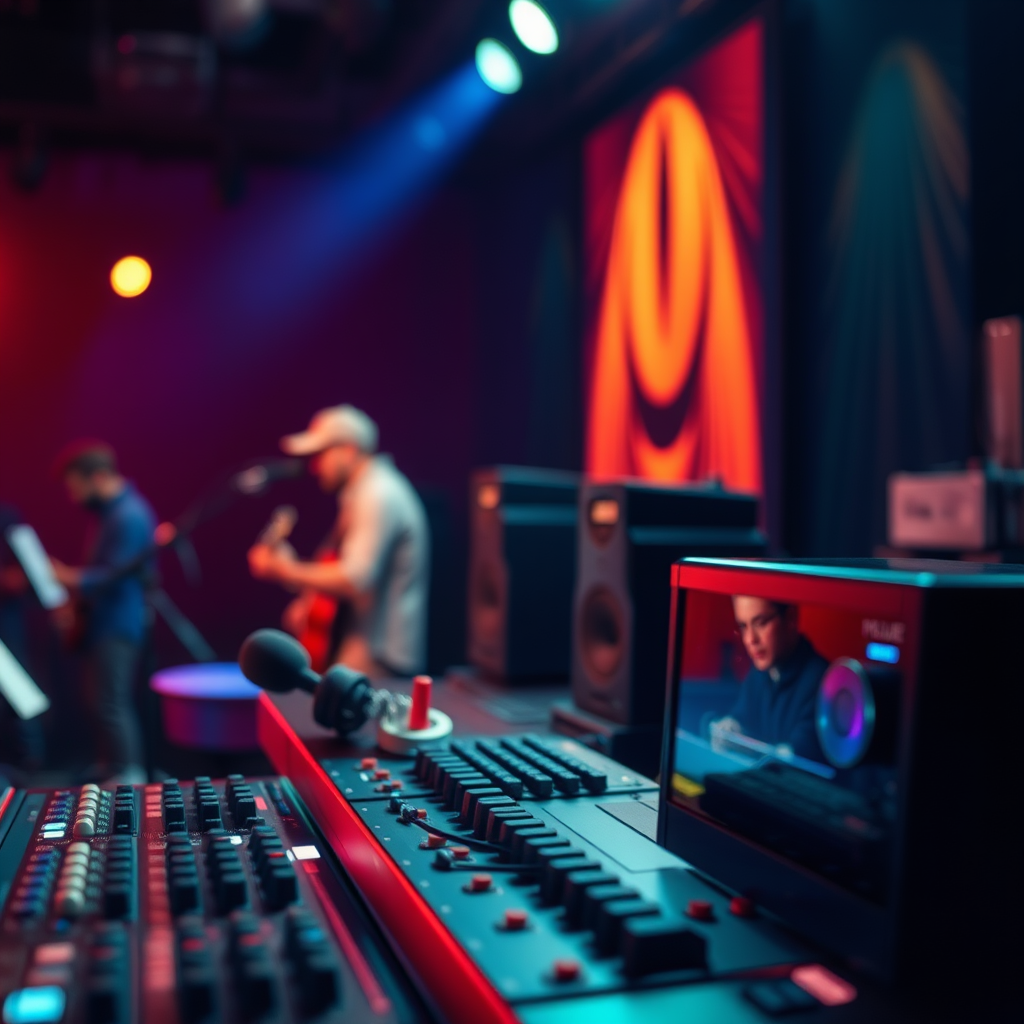
To significantly boost your audio system’s performance, integrating a sound processor is essential. A sound processor allows for finer control over sound quality, enabling you to tailor audio settings to your preferences and the acoustics of your space. In this article, you’ll learn how a sound processor can elevate your listening experience, along with practical tips for selecting and optimizing one for your system.
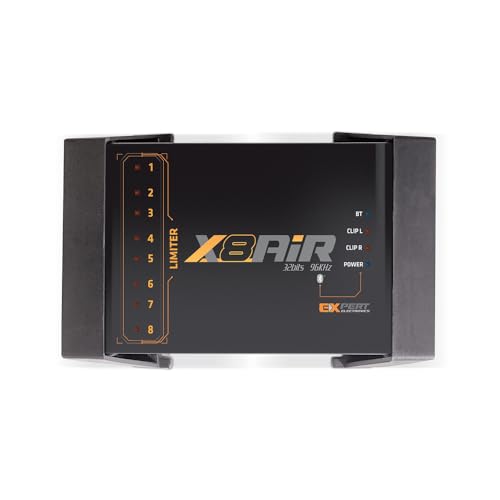



Understanding Sound Processors
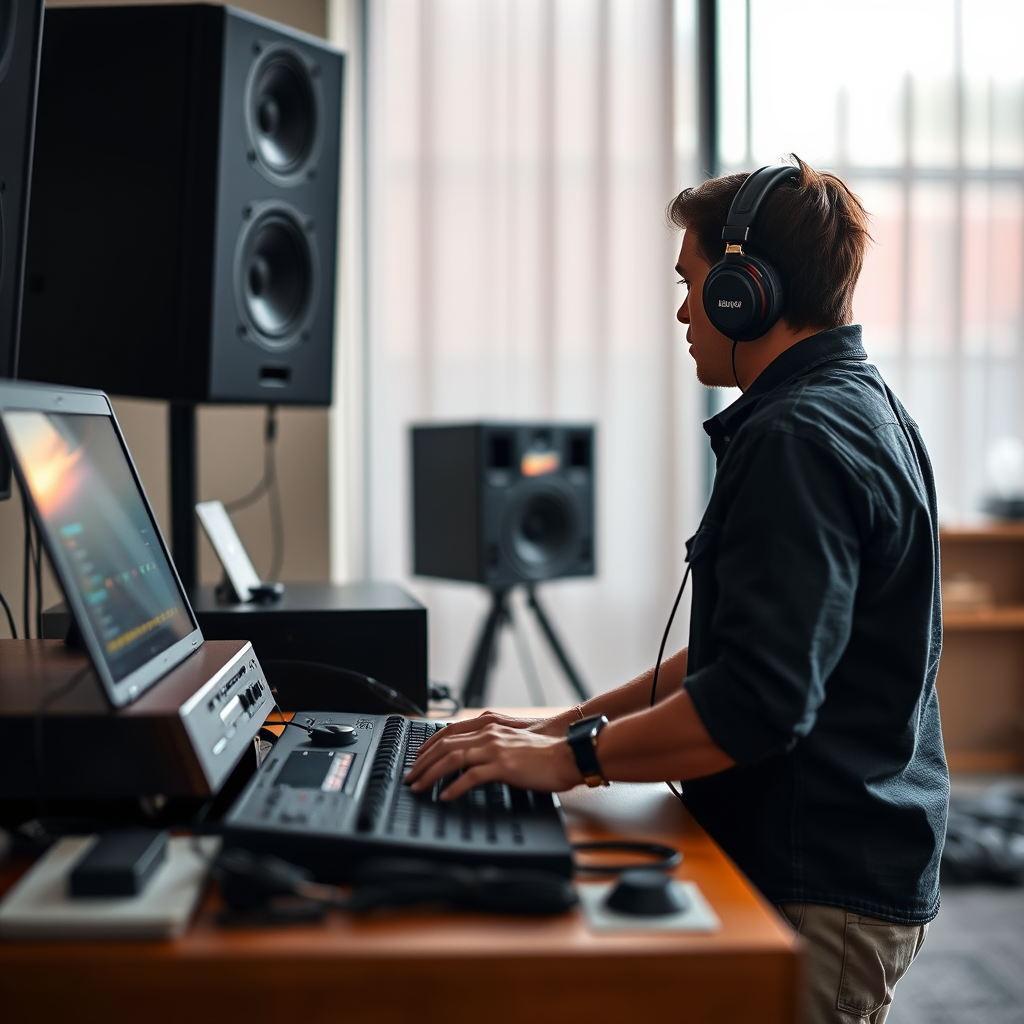
A sound processor is a device that manipulates audio signals to improve sound quality and tailor the listening experience to individual preferences. Its primary purpose is to allow users to adjust various audio parameters, such as equalization, volume, and dynamic range, ultimately leading to a more immersive and satisfying audio experience.
Common features of sound processors include:
– Equalization (EQ): This allows users to adjust frequency levels to enhance or reduce specific sound ranges, improving clarity and balance.
– Time Alignment: This feature ensures that sound waves from different speakers reach the listener at the same time, which is crucial for a coherent soundstage.
– Crossover Settings: These settings manage which frequencies are directed to specific speakers (such as subwoofers or tweeters), enhancing overall sound quality and preventing distortion.
Benefits of Using a Sound Processor
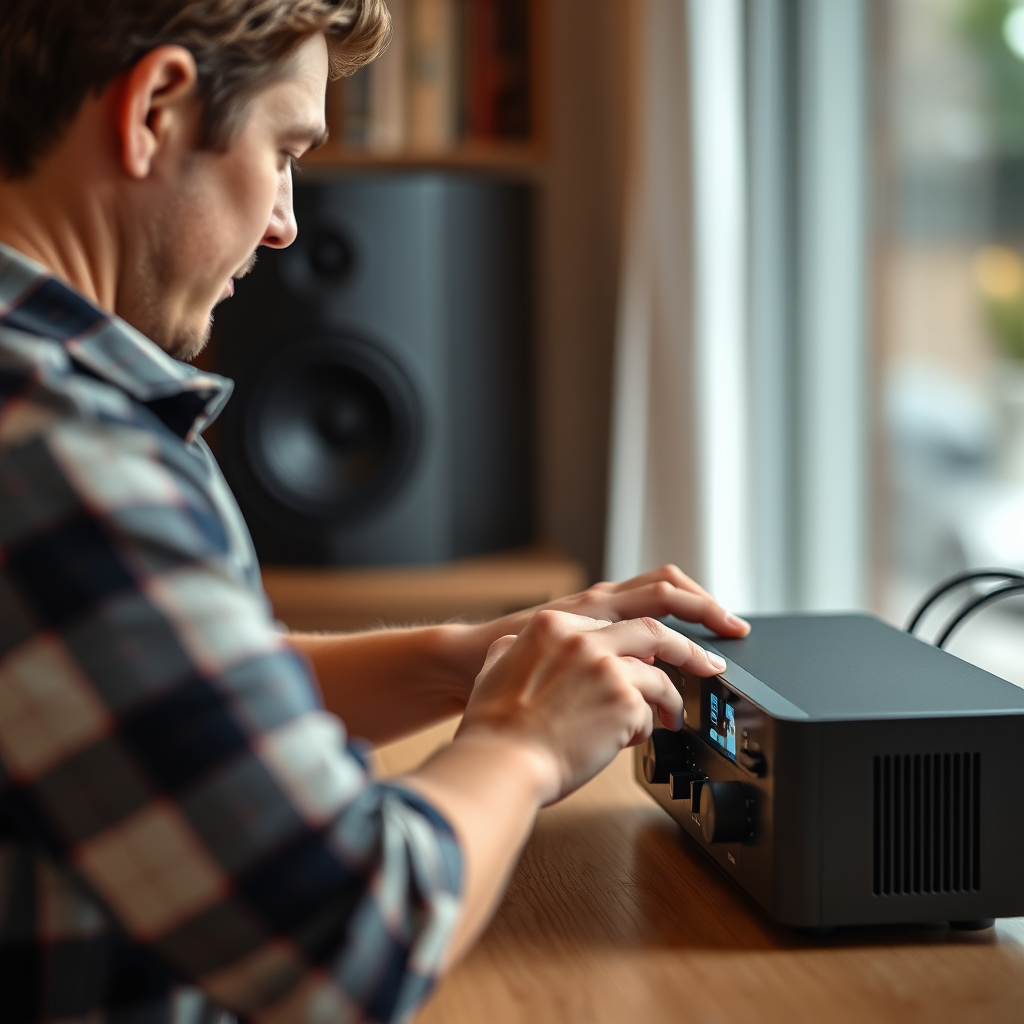
Integrating a sound processor into your audio system offers numerous benefits that can significantly enhance your listening experience.
1. Enhanced Sound Quality: With precise audio adjustments, sound processors can eliminate unwanted frequencies and boost those that enhance the listening experience. This results in clearer vocals, deeper bass, and an overall richer sound.
2. Customization for Different Environments: Each room has unique acoustic properties. A sound processor allows users to tailor settings based on room size, shape, and materials, ensuring optimal sound quality regardless of the environment.
3. Adaptability for Various Listening Preferences: Whether you prefer classical music, rock, or movie soundtracks, a sound processor can be adjusted to suit different genres. This versatility ensures that you always get the best possible audio experience.
Choosing the Right Sound Processor
When selecting a sound processor, there are several key factors to consider:
– Compatibility: Ensure the sound processor is compatible with your existing audio equipment. Check connections (like HDMI, RCA, or optical) and verify that it supports your audio formats.
– Features: Look for essential features such as equalization, time alignment, and customizable presets. Advanced options like room correction algorithms can provide additional benefits.
– User Interface: A user-friendly interface can simplify the setup process and make adjustments more intuitive. Consider whether you prefer physical controls or a smartphone app for managing settings.
Recommended Brands and Models
Here are some recommended brands and models for various budgets:
| Brand | Model | Price Range | Key Features |
|—————|———————–|————-|————————————|
| Yamaha | RX-V6A | $600-$800 | Advanced YPAO room calibration |
| Denon | AVR-X3700H | $1,200-$1,500| 9.2 channel support, HEOS built-in |
| Onkyo | TX-NR696 | $600-$700 | Dolby Atmos, DTS:X support |
| Marantz | SR6015 | $1,500-$1,800| High-end audio components |
| Pioneer | VSX-LX504 | $1,200-$1,400| Multi-room audio, Dirac Live |
| Behringer | DEQ2496 | $300-$400 | 24-bit/96kHz processing, EQ |
Top 7 Sound Processors by Features (2024)
| # | Brand & Model | Price Range | EQ Features | User Ratings |
|---|---|---|---|---|
| 1 | Yamaha RX-V6A | $600-$800 | Yes | ★★★★☆ |
| 2 | Denon AVR-X3700H | $1,200-$1,500 | Yes | ★★★★★ |
| 3 | Onkyo TX-NR696 | $600-$700 | Yes | ★★★★☆ |
| 4 | Marantz SR6015 | $1,500-$1,800 | Yes | ★★★★★ |
| 5 | Pioneer VSX-LX504 | $1,200-$1,400 | Yes | ★★★★☆ |
| 6 | Behringer DEQ2496 | $300-$400 | Yes | ★★★☆☆ |
Installation and Setup Tips
Installing and setting up a sound processor can seem daunting, but with a clear plan, it can be straightforward. Here’s a step-by-step guide to help you through the process:
1. Unbox and Inspect: Begin by unpacking your sound processor and checking for any visible damage. Ensure all necessary cables are included.
2. Connect the Processor: Use the appropriate cables to connect the sound processor to your audio system. For most setups, you’ll connect the output from your source device (e.g., a CD player, streaming device, or computer) to the input of the sound processor. Then connect the output of the processor to your amplifier or speakers.
3. Power On: Once all connections are secured, power on the processor and your audio system.
4. Initial Configuration: Follow the manufacturer’s instructions to complete the initial setup. This often involves selecting your speaker configuration and initial equalizer settings.
5. Fine-Tune Settings: Utilize the processor’s interface to adjust EQ settings, time alignment, and crossover frequencies to match your preferences and room acoustics.
6. Test and Adjust: Play a variety of audio content to evaluate the sound. Make further adjustments as necessary to achieve optimal performance.
Optimizing Sound Processor Settings
To truly unlock the potential of your sound processor, optimizing its settings is crucial. Here’s how to do it effectively:
– Equalization (EQ): Start by adjusting the EQ settings to enhance specific frequencies. For example, if you find vocals lacking, try boosting mid-range frequencies. Use reference tracks that you know well to guide your adjustments.
– Time Alignment: This feature is essential for multi-speaker setups. Measure the distance between each speaker and your listening position. Input these measurements into the processor to ensure sound waves reach you simultaneously, creating a cohesive soundstage.
– Crossover Settings: Set crossover frequencies to direct low frequencies to subwoofers and higher frequencies to main speakers. This prevents distortion and ensures each speaker operates within its optimal frequency range.
Troubleshooting Common Issues
While sound processors are designed to enhance audio experiences, users may encounter some common issues. Here are a few solutions:
1. No Sound Output: Check all connections to ensure they are secure. Verify the selected input source on the processor and ensure the volume is turned up.
2. Distorted Sound: This can occur if the gain is set too high or if the crossover settings are incorrectly configured. Lower the gain and adjust the crossover frequencies.
3. Delayed Sound: If using a multi-speaker setup, ensure time alignment settings are correctly input. Measure speaker distances accurately.
4. Software Updates: Regularly check for firmware updates from the manufacturer to ensure optimal performance and access to new features.
5. General Maintenance: Keep the processor in a well-ventilated area to prevent overheating, and periodically clean connections to avoid signal issues.
Advanced Features to Explore
Once you have mastered the basics, consider exploring advanced features that can further enhance your audio experience:
– Room Correction: Many modern processors come with built-in room correction technologies that analyze room acoustics and automatically adjust settings for optimal sound quality.
– Surround Sound Processing: If you’re into movies or gaming, look for processors that support surround sound formats like Dolby Atmos or DTS:X. These formats can create a more immersive experience by adding depth and dimension to audio.
– Multi-Room Audio: Some processors allow for multi-room audio setups, letting you control different zones in your home from a single interface. This feature is perfect for those who enjoy music throughout their living spaces.
Sound Processor Features Comparison (2024)
Summarizing the key points, using a sound processor is a powerful way to enhance your audio system’s performance. By selecting the right processor, optimizing its settings, and understanding its features, you can create a sound experience tailored just for you. Start exploring options today to transform your audio setup!
Frequently Asked Questions
What is a sound processor and how does it enhance my audio system’s performance?
A sound processor is a device that manipulates audio signals to improve sound quality and clarity in your audio system. By adjusting parameters such as equalization, dynamics, and spatial effects, a sound processor can tailor the audio output to match your environment and personal preferences, resulting in a more immersive listening experience.
How do I choose the best sound processor for my audio system?
To choose the best sound processor, consider factors such as compatibility with your existing equipment, the types of audio formats it supports, and the specific features you need, like DSP capabilities or room correction. Reading user reviews and comparing specifications can also help you find a processor that will effectively enhance your audio system’s performance.
Why is room acoustics important when using a sound processor?
Room acoustics significantly impact audio performance, as sound can be affected by reflections, absorption, and diffusion within a space. A sound processor can help mitigate these issues by providing tools for room correction, allowing you to optimize the sound quality regardless of your room’s inherent acoustic properties.
Which settings should I adjust on my sound processor to improve audio quality?
Key settings to adjust on your sound processor include the equalizer, which balances frequencies, and the crossover settings, which direct different frequency ranges to appropriate speakers. Additionally, experimenting with dynamic range compression and delay settings can help fine-tune your audio system for a more balanced and enjoyable listening experience.
How can I effectively integrate a sound processor into my existing audio setup?
To effectively integrate a sound processor into your audio setup, start by connecting it between your audio source and the amplifier or speakers. Ensure that all cables are properly connected and configure the processor using its user manual, adjusting settings based on your specific audio preferences and room acoustics for optimal performance.
References
- Audio signal processing
https://en.wikipedia.org/wiki/Audio_processor - https://www.sciencedirect.com/topics/engineering/audio-processing
https://www.sciencedirect.com/topics/engineering/audio-processing - https://www.ncbi.nlm.nih.gov/pmc/articles/PMC6365940/
https://www.ncbi.nlm.nih.gov/pmc/articles/PMC6365940/ - https://www.bbc.com/future/article/20200325-how-to-make-your-home-sound-system-better
https://www.bbc.com/future/article/20200325-how-to-make-your-home-sound-system-better - https://www.hindawi.com/journals/jece/2020/9856437/
https://www.hindawi.com/journals/jece/2020/9856437/ - https://www.nature.com/articles/s41598-020-64852-6
https://www.nature.com/articles/s41598-020-64852-6 - https://www.researchgate.net/publication/335678123_Audio_Signal_Processing_Techniques_for_Music_Production
https://www.researchgate.net/publication/335678123_Audio_Signal_Processing_Techniques_for_Music_Production - https://www.audioholics.com/audio-articles/understanding-sound-processors
https://www.audioholics.com/audio-articles/understanding-sound-processors - Google Scholar Google Scholar
https://scholar.google.com/scholar?q=boost+audio+system+performance+sound+processor - Google Scholar Google Scholar
https://scholar.google.com/scholar?q=audio+signal+processing+for+home+theater+systems



