

Noise in audio systems caused by nearby devices can often be resolved by identifying the source of the interference and taking appropriate measures to shield or distance your equipment. In this article, you’ll learn how to pinpoint common culprits of audio noise and implement effective solutions to achieve a cleaner sound experience.
Understanding Audio Interference
Audio interference refers to any unwanted sound that disrupts the clarity and quality of audio playback. This interference can manifest as humming, buzzing, or static, significantly detracting from the listening experience. The impact of audio interference is particularly pronounced in high-fidelity systems where clarity and richness of sound are paramount. Common types of noise include:
– Humming: Often a result of ground loops or electromagnetic interference (EMI) from electric devices.
– Buzzing: Typically caused by loose or faulty connections, or interference from wireless devices.
– Static or Crackling: Often linked to poor-quality cables or connections, or interference from nearby electronic devices.
Understanding these types of noise is crucial for effective troubleshooting, allowing users to identify and rectify issues promptly.
Identifying Potential Sources of Noise
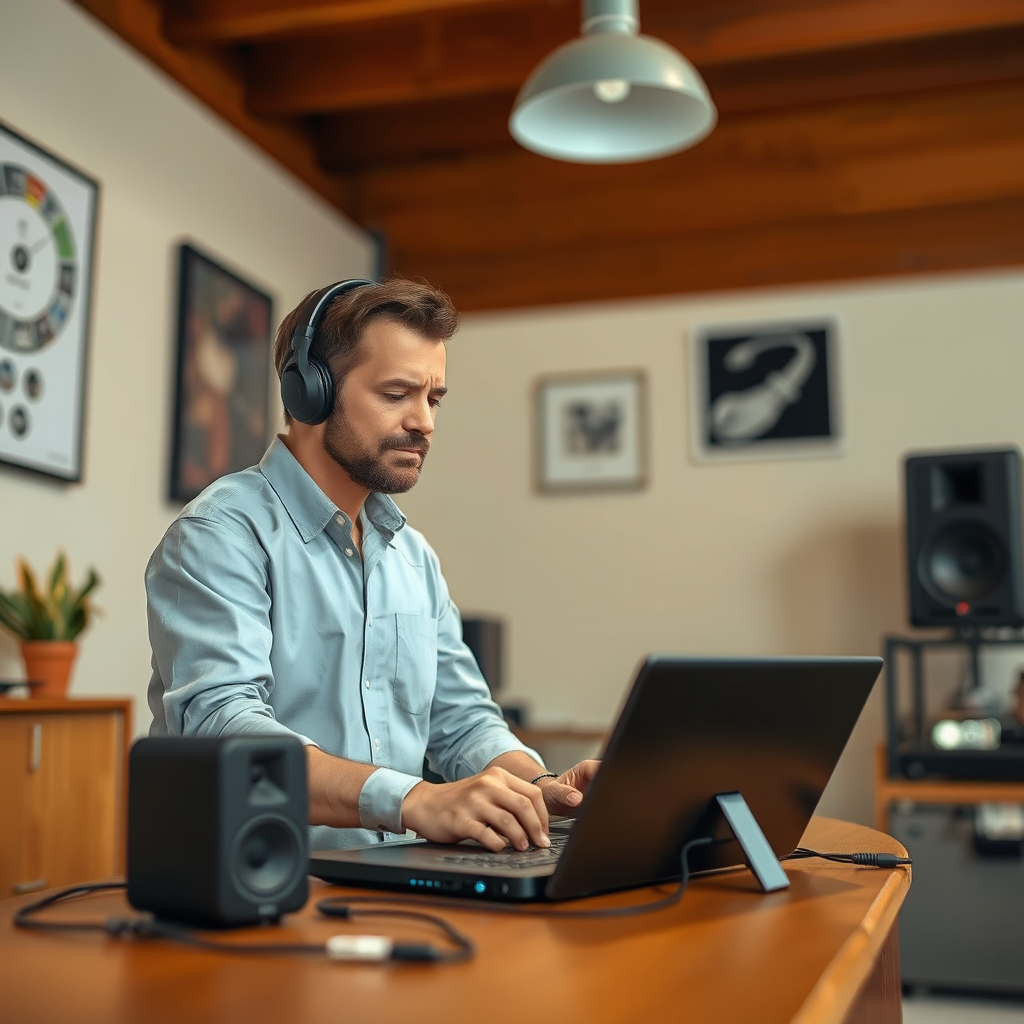
Numerous devices in close proximity can cause audio interference. Common culprits include:
– Microwaves: These can emit electromagnetic waves that interfere with audio signals, especially when in use.
– Wi-Fi Routers: The wireless signals can disrupt the transmission of audio signals, particularly in poorly shielded cables.
– Mobile Phones: When nearby, mobile devices can introduce unwanted noise into audio systems, especially if they are not in airplane mode.
– Refrigerators and Air Conditioners: These appliances can generate high levels of electromagnetic interference.
To detect and isolate these devices, consider the following tips:
– Turn Off Nearby Devices: One effective method is to turn off suspected devices one at a time to see if the noise persists.
– Use a Portable Radio: Tune into a station and move it around the area. If the radio picks up noise when near certain devices, you may have identified a source of interference.
– Check Connections: Ensure that all cables and connections are secure, as loose connections can amplify interference.
Practical Solutions to Reduce Noise
Once you’ve identified potential sources of noise, implementing practical solutions can significantly enhance audio quality:
– Relocate Audio Equipment: If possible, move audio systems away from known sources of interference. A distance of at least three feet can make a substantial difference.
– Use Shielded Cables: Investing in high-quality, shielded audio cables can help minimize interference. Look for cables with proper insulation and grounding.
– Upgrade Audio Gear: High-quality audio equipment is often designed to reduce susceptibility to interference. Consider upgrading components like amplifiers and mixers that may be more prone to noise.
Common Sources of Audio Interference (2023)
| # | Device Type | Interference Level | Common Solutions |
|---|---|---|---|
| 1 | Microwave | High | Relocate audio equipment |
| 2 | Wi-Fi Router | Medium | Use shielded cables |
| 3 | Mobile Phone | Medium | Keep in airplane mode |
| 4 | Refrigerator | Low | Increase distance |
| 5 | Air Conditioner | Medium | Use power conditioners |
| 6 | Computer Monitor | High | Use ferrite beads |
| 7 | Speakers | Medium | Ground properly |
Using Filters and Isolation Techniques
Using filters and isolation techniques can further enhance your audio system’s performance. These tools are designed to mitigate noise and improve overall sound quality:
– Power Conditioners: These devices filter out noise from the power supply, providing clean power to your audio equipment. This can significantly reduce hum and buzz caused by electrical interference.
– Audio Isolators: They help separate audio signals from external noise sources, ensuring that the sound remains clean and pure.
– Ferrite Beads: These small devices can be added to audio cables to suppress high-frequency interference. They are especially useful in environments with multiple electronic devices.
– Grounding Techniques: Ensuring that your audio system is properly grounded can help eliminate ground loop hums. Use ground lifts or dedicated circuits to keep audio equipment isolated from other electrical sources.
Regular Maintenance Tips for Audio Systems
Routine maintenance of your audio system is essential for ensuring optimal performance and minimizing noise interference. Consider the following practices:
– Regular Checks: Periodically inspect all connections and cables for wear and tear. Loose or damaged cables can introduce noise and degrade audio quality.
– Cleanliness: Dust and debris can accumulate in audio components, which may lead to poor connectivity. Regularly clean connections and components to ensure they function properly.
– Firmware Updates: If your audio system includes software components, keep them updated to benefit from the latest fixes and improvements.
– Environmental Control: Maintain a clean and stable environment for your audio equipment. Excessive heat, humidity, or dust can negatively affect performance.
When to Seek Professional Help
While many noise issues can be resolved with the solutions mentioned, some situations may require professional assistance. Signs that indicate a more complex issue include:
– Persistent Noise: If noise persists despite troubleshooting efforts, it may be a sign of a deeper electrical issue or faulty equipment.
– Sudden Changes: Unexplained changes in sound quality or sudden spikes in noise could indicate equipment failure.
– Complex Systems: If your audio setup involves multiple components and complex routing, a professional can provide insights and solutions that may not be immediately apparent.
When seeking professional help, look for certified audio specialists or reputable audio repair services in your area. Ensure they have a solid track record and positive reviews from previous clients.
By following these steps, you can effectively troubleshoot noise in your audio systems caused by nearby devices. Implementing the solutions discussed will lead to a significant improvement in sound quality, allowing you to enjoy your audio experience without distractions. If problems persist, consider consulting with an audio specialist to explore more advanced solutions.
Frequently Asked Questions
What are common causes of noise in audio systems from nearby devices?
Common causes of noise in audio systems include electromagnetic interference (EMI) from devices like microwaves, Wi-Fi routers, and fluorescent lights. Additionally, poorly shielded audio cables can pick up interference, resulting in hum or buzz. Understanding these sources is crucial for effective troubleshooting.
How can I reduce audio noise caused by nearby electronic devices?
To reduce audio noise, start by relocating your audio equipment away from potential sources of interference, such as routers or large appliances. Using high-quality, shielded cables can also help minimize noise pickup. Additionally, consider employing power conditioners or audio isolators to filter out unwanted noise.
Why does my audio system produce a humming sound when certain devices are on?
A humming sound in your audio system is often caused by ground loops or electromagnetic interference from nearby devices. When multiple devices share a power source, they can create a ground loop that introduces hum. Identifying and isolating these devices or employing a ground loop isolator can help resolve the issue.
What is the best way to identify the source of noise in my audio system?
The best way to identify the source of noise is to systematically turn off nearby devices one at a time while listening to your audio system. This process can help pinpoint which device is causing interference. Additionally, using an audio spectrum analyzer can provide visual insight into frequency ranges affected by noise.
Which audio equipment is most susceptible to interference from nearby devices?
Audio equipment such as amplifiers, mixers, and microphones are often most susceptible to interference from nearby devices. This susceptibility is due to their sensitive components that can easily pick up electromagnetic fields. Ensuring proper grounding and using isolation techniques can enhance their resistance to noise.
References
- Audio engineer
https://en.wikipedia.org/wiki/Audio_engineering - https://www.sciencedirect.com/topics/engineering/audio-systems
https://www.sciencedirect.com/topics/engineering/audio-systems - https://www.ncbi.nlm.nih.gov/pmc/articles/PMC5816150/
https://www.ncbi.nlm.nih.gov/pmc/articles/PMC5816150/ - https://www.nature.com/articles/s41598-019-44630-2
https://www.nature.com/articles/s41598-019-44630-2 - https://www.cdc.gov/niosh/docs/2006-120/pdfs/2006-120.pdf
https://www.cdc.gov/niosh/docs/2006-120/pdfs/2006-120.pdf - https://www.pubmed.ncbi.nlm.nih.gov/31808763/
https://www.pubmed.ncbi.nlm.nih.gov/31808763/ - https://www.bbc.com/news/technology-51709972
https://www.bbc.com/news/technology-51709972 - Google Scholar Google Scholar
https://scholar.google.com/scholar?q=Troubleshooting+Noise+in+Audio+Systems+Caused+by+Nearby+Devices - Google Scholar Google Scholar
https://scholar.google.com/scholar?q=Audio+Interference+and+Noise+Management - Google Scholar Google Scholar
https://scholar.google.com/scholar?q=Electromagnetic+Interference+in+Audio+Systems