To ensure your home theater system performs at its best for years to come, regular maintenance is essential. By implementing a few straightforward practices, you can preserve image and sound quality, prevent technical issues, and enhance your overall viewing experience. This article will guide you through essential maintenance tips and tricks to keep your system in top shape.



Regular Cleaning of Equipment
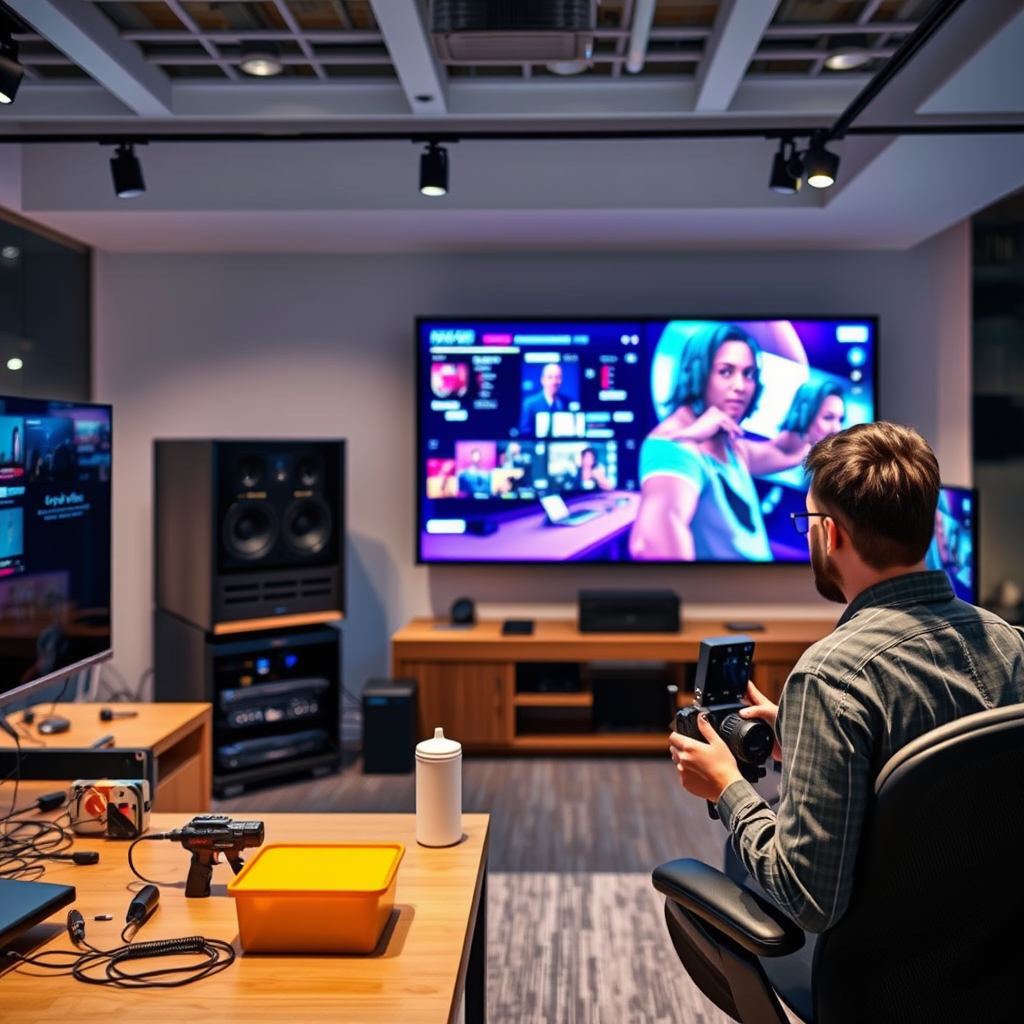
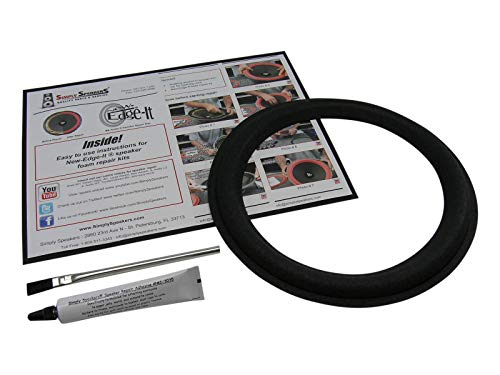
Dust and debris can accumulate on speakers, screens, and components, negatively affecting performance. Regular cleaning is crucial to maintaining optimal functionality. Use a microfiber cloth to wipe down all surfaces, including the screen, speakers, and remote controls, at least once a month. Avoid using abrasive materials that could scratch surfaces.
Pay special attention to ventilation grills and fans, as these components are critical for preventing overheating. Make sure they are clear of obstructions—this could involve removing dust buildup with a soft brush or vacuum attachment designed for electronics. Overheating can lead to performance degradation or even permanent damage, so this step should not be overlooked.
Proper Cable Management
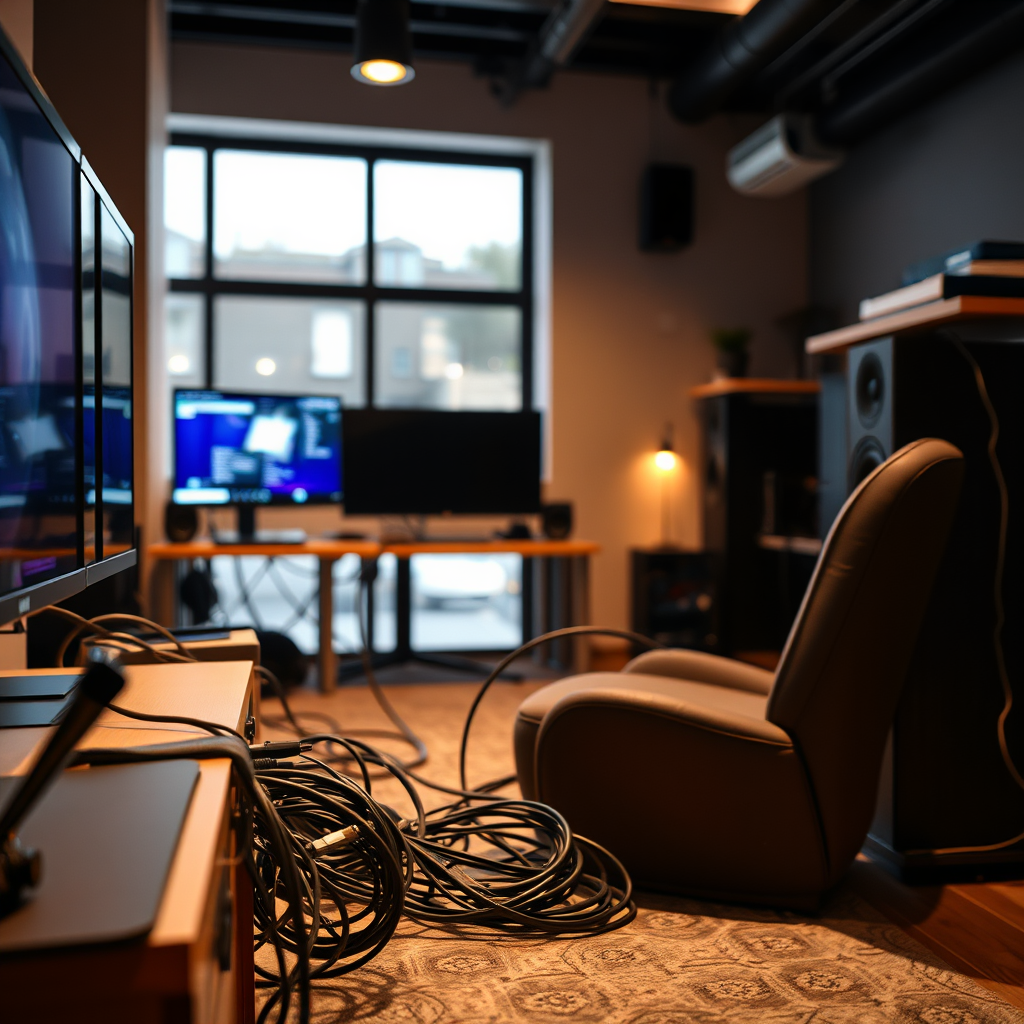
Proper cable management is often an overlooked aspect of home theater maintenance. Messy cables can not only look unsightly but can also lead to accidental disconnections and wear over time. Organize cables to avoid tangles and wear. Use cable ties or sleeves to keep them neat and accessible, and label them for easy identification.
Regularly check for damaged cables, as fraying can lead to audio or visual issues. Replace any cables that show signs of wear, as this can significantly improve the reliability of your system. When replacing cables, consider investing in high-quality options that can withstand the rigors of daily use.
Software and Firmware Updates
Keeping your devices updated with the latest software is vital for ensuring compatibility with new technologies and improving performance. Firmware updates often include patches for bugs and enhancements that can significantly improve system functionality. Check for firmware updates on receivers, smart TVs, and streaming devices at least once every few months.
Many devices have automatic update features, but it’s prudent to verify that these settings are enabled. Additionally, take note of any new software releases from your equipment manufacturers, as these updates can enhance performance and add new features that improve your overall viewing experience.
Top Home Theater System Brands by Customer Satisfaction (2024)
| # | Brand | Satisfaction Rating | Price Range | Warranty Period |
|---|---|---|---|---|
| 1 | Sony | ★ ★ ★ ★ ★ | $500-$3,000 | 2 Years |
| 2 | Samsung | ★ ★ ★ ★ | $400-$2,500 | 2 Years |
| 3 | LG | ★ ★ ★ ★ | $300-$2,000 | 1 Year |
| 4 | Denon | ★ ★ ★ ★ ★ | $600-$4,000 | 3 Years |
| 5 | Bose | ★ ★ ★ ★ | $500-$3,500 | 1 Year |
| 6 | Pioneer | ★ ★ ★ ★ | $400-$3,000 | 1 Year |
| 7 | Yamaha | ★ ★ ★ ★ | $700-$5,000 | 2 Years |
Calibration and Settings Optimization
Periodic recalibration of your audio and video settings is essential for adapting to changes in your room environment or equipment. Factors such as moving furniture, changing light conditions, or adding new equipment can impact sound and picture quality.
To achieve optimal results, consider using calibration tools or professional services. Many devices come equipped with automatic calibration features, but for the best performance, a professional calibration can tailor settings to your specific environment and preferences. This process will ensure that your audio is balanced and your visuals are crisp and clear, creating an immersive viewing experience.
Regularly Inspect Components
Routinely checking all components, such as projectors, receivers, and speakers, for signs of wear or malfunction is an integral part of home theater maintenance. Look for physical damage, unusual noises, or performance issues that may indicate underlying problems.
If you notice persistent issues, schedule professional servicing for complex repairs. Regular inspections can help catch problems early, preventing costly repairs or replacements down the line. Keeping your equipment in good condition not only enhances performance but also extends the lifespan of your system.
Environmental Considerations
The environment in which your home theater system operates can greatly influence its longevity and performance. Maintaining a stable temperature and humidity level in the room is crucial to avoid damage to electronic components. Excessive heat or moisture can lead to malfunctions and degrade the materials used in your system.
Additionally, consider using surge protectors to safeguard against power surges and electrical fluctuations. These fluctuations can damage sensitive electronic components, leading to costly repairs. By investing in quality surge protection, you can enhance the reliability of your home theater system.
Creating a Maintenance Schedule
Establishing a timeline for regular maintenance tasks, such as cleaning and inspections, helps ensure nothing is overlooked. Create a checklist of maintenance activities and schedule them throughout the year. This can include monthly cleaning, quarterly inspections, and annual firmware updates.
Keeping a log of any repairs or updates made allows you to track your system’s history and identify patterns that may require attention. This proactive approach will not only streamline your maintenance efforts but also enhance the overall performance of your home theater system.
Annual Maintenance Tasks for Home Theater Systems
By regularly maintaining your home theater system, you can significantly extend its lifespan and performance quality. Implement these practices to ensure your setup delivers the best viewing experience possible. Make a commitment to your home theater maintenance today, and enjoy uninterrupted entertainment for years to come!
Frequently Asked Questions
What are the essential maintenance tasks for a home theater system?
Essential maintenance tasks for a home theater system include regularly dusting and cleaning the components, checking and tightening all cable connections, and ensuring that the ventilation is unobstructed. Additionally, it’s important to update firmware and software for devices like receivers and streaming players to optimize performance and security.
How often should I clean my home theater equipment?
You should clean your home theater equipment at least once every three months, or more frequently if you notice dust accumulation or if you have pets. Use a microfiber cloth to gently wipe screens and surfaces, and consider using compressed air to clean out vents and remove dust from hard-to-reach areas.
Why is it important to calibrate my home theater system regularly?
Regular calibration of your home theater system is crucial for achieving optimal audio and video performance. Over time, settings may drift due to changes in your environment or updates to your equipment, leading to subpar sound quality and picture clarity. Calibration ensures that you enjoy a consistent and immersive viewing experience.
What is the best way to store and handle my home theater components?
The best way to store and handle your home theater components is to keep them in a cool, dry place away from direct sunlight and moisture. Use racks or shelves specifically designed for electronics to avoid overheating and ensure proper ventilation. Always handle equipment gently to prevent damage to sensitive components.
Which accessories can enhance the longevity of my home theater system?
Accessories that can enhance the longevity of your home theater system include surge protectors to guard against power surges, HDMI cables with high durability ratings, and dust covers for when equipment is not in use. Additionally, investing in quality speaker stands can help reduce vibration and improve sound quality, thus extending the life of your system.
References
- Home cinema
https://en.wikipedia.org/wiki/Home_theater - https://www.sciencedirect.com/topics/computer-science/home-theater
https://www.sciencedirect.com/topics/computer-science/home-theater - https://www.britannica.com/topic/home-theater
https://www.britannica.com/topic/home-theater - Google Scholar Google Scholar
https://scholar.google.com/scholar?q=Maintaining+Your+Home+Theater+System - Google Scholar Google Scholar
https://scholar.google.com/scholar?q=Home+Theater+System+Long-Term+Performance - https://www.reuters.com/article/us-technology-home-theater-idUSKBN2A11M1
https://www.reuters.com/article/us-technology-home-theater-idUSKBN2A11M1 - https://www.nytimes.com/2020/11/19/technology/personaltech/home-theater.html
https://www.nytimes.com/2020/11/19/technology/personaltech/home-theater.html - https://www.theguardian.com/technology/2021/jan/19/home-cinema-setup-guide
https://www.theguardian.com/technology/2021/jan/19/home-cinema-setup-guide - https://www.cdc.gov/niosh/topics/noise/home.html
https://www.cdc.gov/niosh/topics/noise/home.html - https://pubmed.ncbi.nlm.nih.gov/?term=home+theater+maintenance
https://pubmed.ncbi.nlm.nih.gov/?term=home+theater+maintenance



18 thoughts on “Maintaining Your Home Theater System for Long-Term Performance”