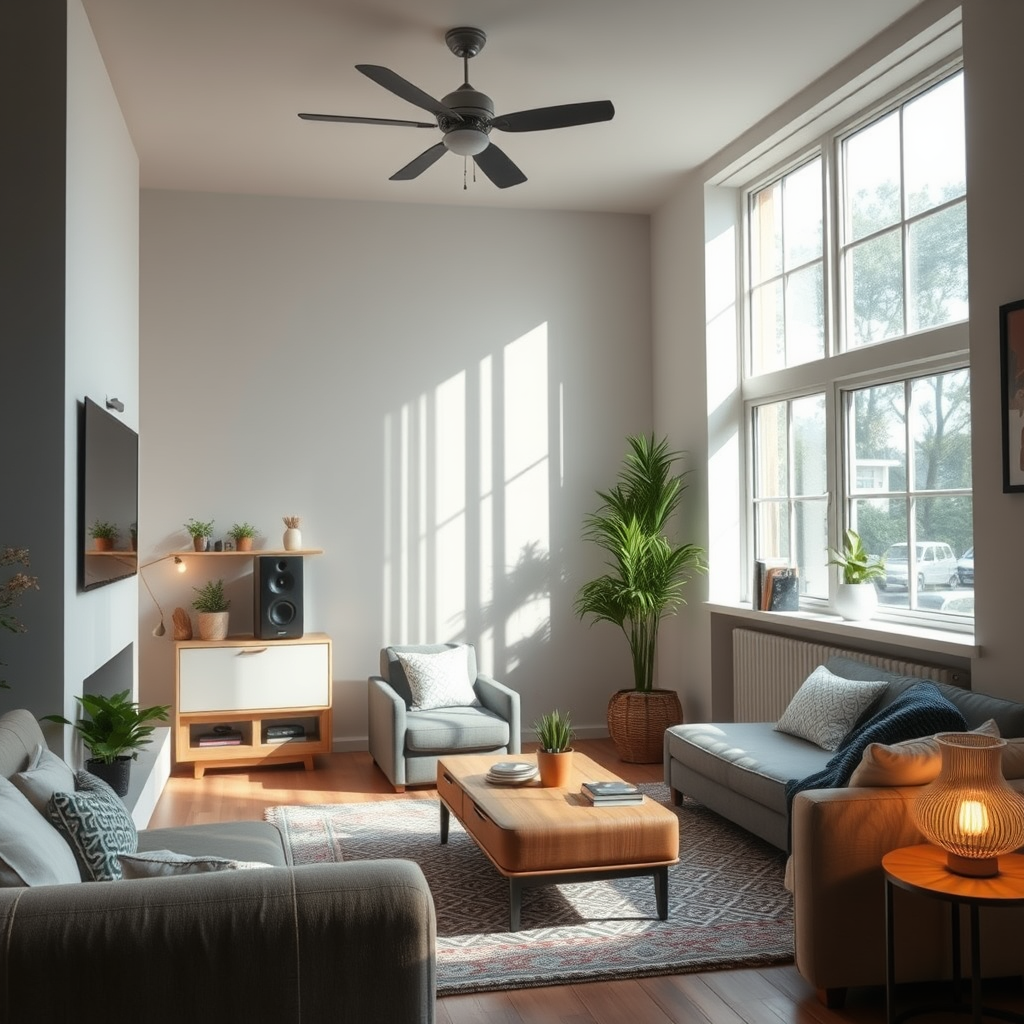
When faced with audio issues in your home system, the first step is to systematically identify the source of the problem. Commonly, audio problems can stem from connectivity issues, faulty equipment, or incorrect settings. By following a structured approach to troubleshooting, you can effectively resolve these audio challenges and restore your home audio experience.
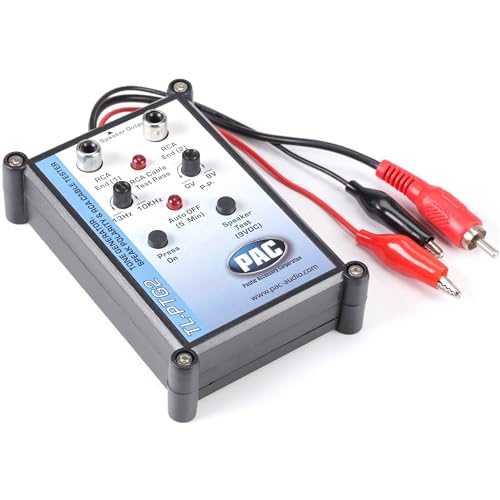


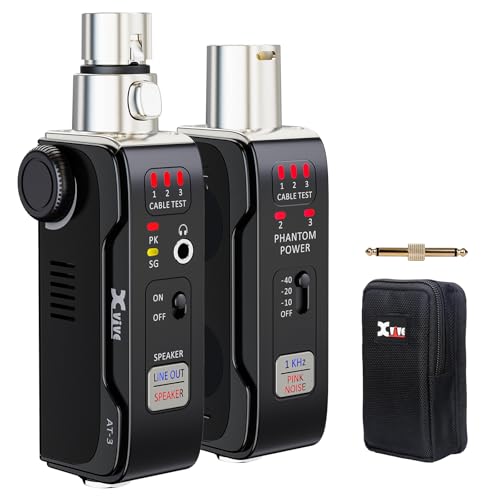
To begin, it’s crucial to assess the components of your audio system, including connections, settings, and hardware. Often, simple oversights can lead to frustrating audio problems that are easily fixable. This guide will walk you through the essential steps to diagnose and remedy common audio issues, ensuring that you can enjoy your favorite music, movies, and shows without interruption.
Identify the Source of the Problem
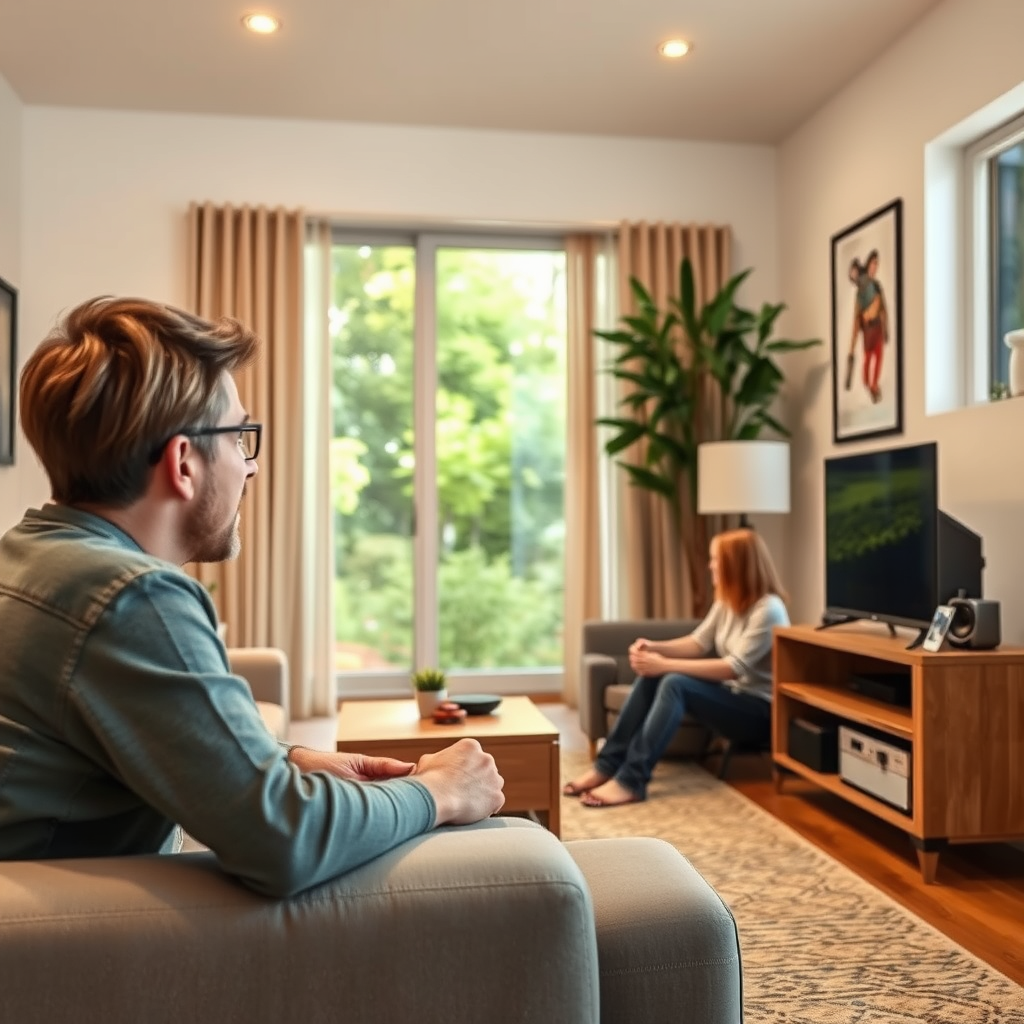
The first step in troubleshooting audio issues is to identify where the problem originates. This involves a careful examination of physical connections and testing different devices.
– Check Physical Connections: Start by ensuring that all cables are securely plugged in and free from any damage. Loose or frayed cables can easily disrupt audio signals. Pay attention to connectors like HDMI, RCA, or optical cables, as they are often the primary culprits of audio problems.
– Test Different Devices: If audio issues persist, try using alternative audio sources to determine if the problem lies with a specific device or the audio system itself. For instance, if you’re having trouble with your TV’s audio, connect a different device, such as a smartphone or tablet, to see if it produces sound. This step helps isolate the issue.
Assess Your Audio Settings
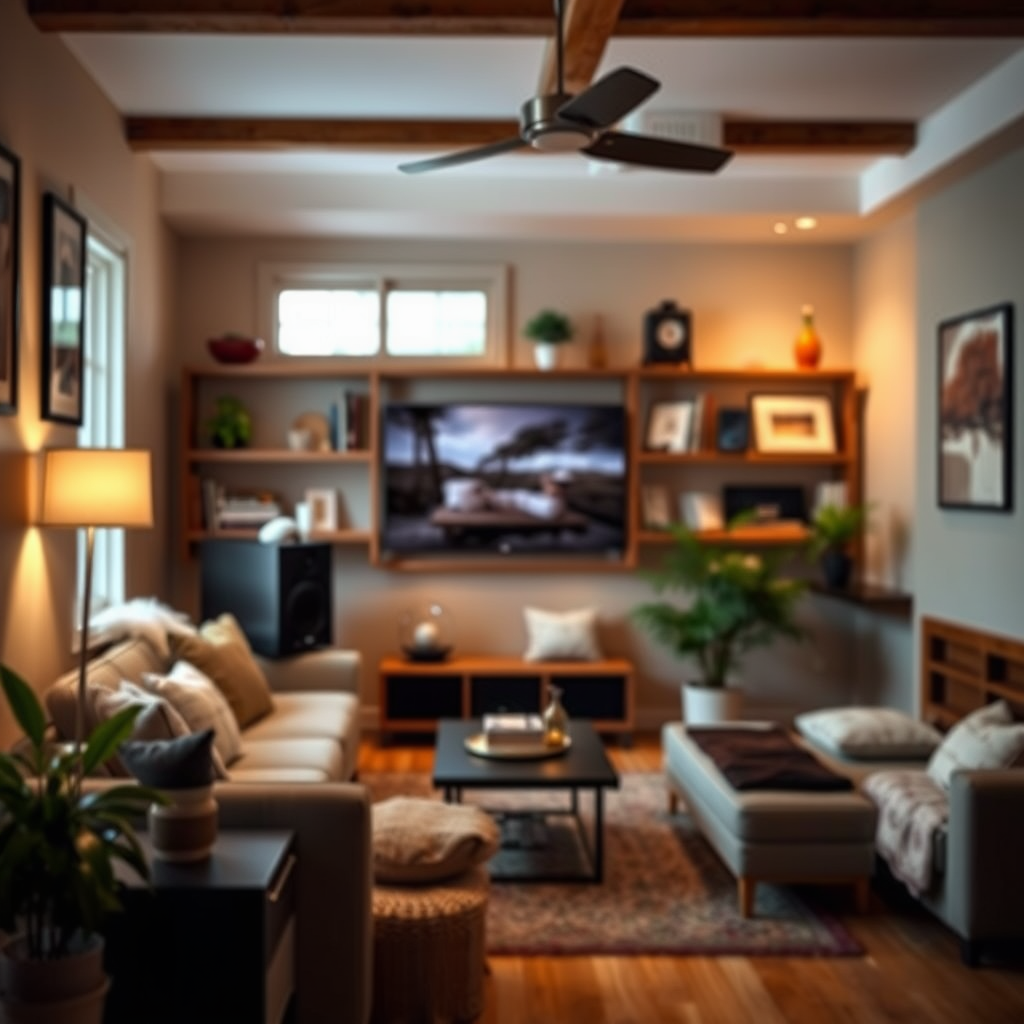
Once you’ve identified potential connection issues, the next step is to assess your audio settings on both the source device and the audio system.
– Verify Volume Levels: Ensure that both your audio system and the device’s volume are turned up and not muted. Sometimes, the simplest solutions can be the most overlooked.
– Check Sound Settings: Investigate the audio settings on your device or receiver, including speaker configurations and equalizer settings. Many modern devices have multiple audio output options, such as stereo or surround sound. Adjust these settings to match your speaker setup for optimal performance.
Troubleshoot Speaker Issues
After confirming that settings and connections are correct, it’s time to check for speaker-related issues.
– Conduct a Speaker Test: Utilize built-in test tones or specific audio tracks to check if all speakers are functioning correctly. Many receivers offer a test tone feature that cycles through each speaker, allowing you to confirm that each one is operational.
– Inspect Speaker Placement: Ensure that your speakers are positioned correctly and not obstructed by furniture or other objects. Proper placement can significantly enhance audio quality; for example, speakers should generally be at ear level and angled toward the listening area.
Common Audio System Problems and Solutions
| # | Problem | Cause | Solution |
|---|---|---|---|
| 1 | No Sound | Disconnected cables | Reconnect cables securely |
| 2 | Distorted Sound | Poor speaker placement | Reposition speakers |
| 3 | Intermittent Sound | Faulty cables | Replace cables |
| 4 | Echo or Feedback | Improper microphone placement | Adjust microphone position |
| 5 | Low Volume | Incorrect settings | Adjust volume balance |
| 6 | No Surround Sound | Improper configuration | Check receiver settings |
| 7 | Bluetooth Connection Issues | Weak signal | Move devices closer |
Address Connectivity Problems
Connectivity issues can often lead to audio problems, especially in systems that rely on wireless connections.
– Examine Wireless Connections: For Bluetooth or Wi-Fi systems, check the signal strength and ensure devices are paired correctly. Weak signals can lead to audio dropouts or interruptions. If using Bluetooth, check that the device is within the recommended range.
– Reset Network Devices: If you’re using streaming services that rely on internet connectivity, consider restarting your router or modem. A simple reset can clear connectivity issues and restore stable audio performance.
Audio Connectivity Issues by Type (2024)
Explore Hardware Malfunctions
If you’ve ruled out connectivity and settings issues, the next step is to consider potential hardware malfunctions.
– Look for Signs of Damage: Inspect your audio equipment for any physical wear or damage that may affect performance. Check for bent connectors, broken speakers, or damaged circuit boards.
– Consider Component Compatibility: Ensure that all components in your audio system are compatible and functioning as intended. Mismatched impedance or incompatible formats can lead to sound quality issues or complete audio failure.
Update Software and Firmware
Keeping your system updated is crucial for optimal performance and can resolve many issues.
– Check for Updates: Regularly check for software and firmware updates for your audio devices and applications. Manufacturers frequently release updates to fix bugs and improve performance.
– Restart Devices: Sometimes, a simple reboot can resolve software glitches causing audio problems. Restart your audio system and the source device to refresh the system and eliminate temporary issues.
Seek Professional Help if Necessary
If you’ve exhausted all troubleshooting steps and the issue persists, it may be time to consult a professional technician.
– Know When to Call an Expert: Recognizing when to seek help can save you time and frustration. If you suspect a hardware malfunction or cannot identify the problem, calling in an expert can ensure a thorough diagnosis.
– Research Local Services: Look for reputable audio repair services in your area that can provide expert assistance. Read customer reviews and seek recommendations to ensure reliable service.
By following these troubleshooting steps, you can effectively identify and fix common audio problems within your home systems. Taking the time to assess connections, settings, and hardware can make a significant difference in your audio experience. Don’t hesitate to reach out for professional help if needed!
Frequently Asked Questions
What are the most common audio problems in home systems?
Common audio problems in home systems include no sound, distorted sound, and audio delays. These issues can stem from faulty cables, incorrect settings, or speaker placement. Regularly checking connections and settings can help resolve many of these issues quickly.
How can I fix audio distortion in my home theater system?
To fix audio distortion, start by checking all cable connections and ensuring they are secure and undamaged. Adjust the audio settings on your receiver or amplifier, as incorrect equalization can cause distortion. If problems persist, consider testing different speakers or switching audio sources to identify the root cause.
Why is my home audio system producing no sound?
If your home audio system is producing no sound, first check that all components are powered on and that the volume levels are set appropriately. Ensure that your input source is correctly selected and that all cables, including HDMI and speaker wires, are properly connected. If everything seems fine, try resetting the system or consulting the user manual for troubleshooting steps.
What is the best way to reduce audio delay in a home theater setup?
The best way to reduce audio delay in a home theater setup is to ensure that all devices, including your TV and audio receiver, are using the same audio format and settings. Check for any audio processing features like “lip-sync” adjustments on your devices and consider using wired connections instead of Bluetooth, as they often introduce latency.
Which troubleshooting steps should I take if my speakers are not working?
If your speakers are not working, start by checking the speaker connections to ensure they are secure and connected to the correct terminals. Test the speakers with a different audio source to rule out issues with the source itself. If the problem persists, inspect the receiver settings and consider running a speaker test through the audio system to identify any malfunction.
References
- Audio engineer
https://en.wikipedia.org/wiki/Audio_engineering - https://www.nature.com/articles/s41598-021-89112-4
https://www.nature.com/articles/s41598-021-89112-4 - https://www.sciencedirect.com/topics/engineering/audio-signal-processing
https://www.sciencedirect.com/topics/engineering/audio-signal-processing - https://www.bbc.com/future/article/20200603-how-to-fix-audio-issues-on-your-computer
https://www.bbc.com/future/article/20200603-how-to-fix-audio-issues-on-your-computer - https://www.hindawi.com/journals/jece/2021/8876904/
https://www.hindawi.com/journals/jece/2021/8876904/ - https://www.mayoclinic.org/healthy-lifestyle/adult-health/in-depth/hearing-loss/art-20045380
https://www.mayoclinic.org/healthy-lifestyle/adult-health/in-depth/hearing-loss/art-20045380 - Google Scholar Google Scholar
https://scholar.google.com/scholar?q=troubleshooting+common+audio+problems+home+systems - Google Scholar Google Scholar
https://scholar.google.com/scholar?q=fixing+audio+issues+in+home+theater - Google Scholar Google Scholar
https://scholar.google.com/scholar?q=home+audio+system+troubleshooting+guide - https://www.pubmed.ncbi.nlm.nih.gov/29246316/
https://www.pubmed.ncbi.nlm.nih.gov/29246316/



2 thoughts on “How to Troubleshoot and Fix Common Audio Problems in Home Systems”