
If you’re experiencing distortion issues with your KEF speakers, the first step is to check your setup and connections. Common causes include improper placement, poor quality cables, or settings on your audio device. By addressing these factors, you can restore the high-quality sound you expect from your KEF speakers. In this article, we’ll explore these elements in detail and provide practical solutions to help you enjoy an optimal listening experience.



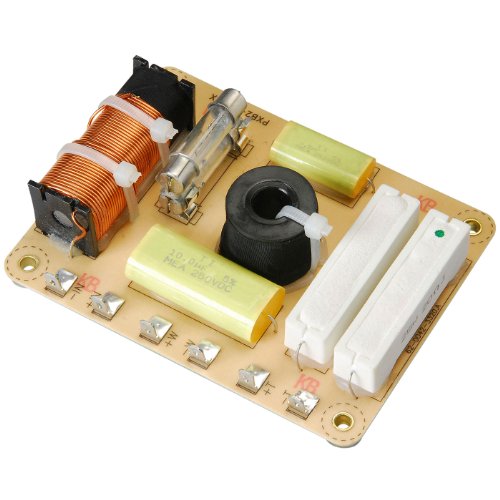
Understanding Speaker Distortion
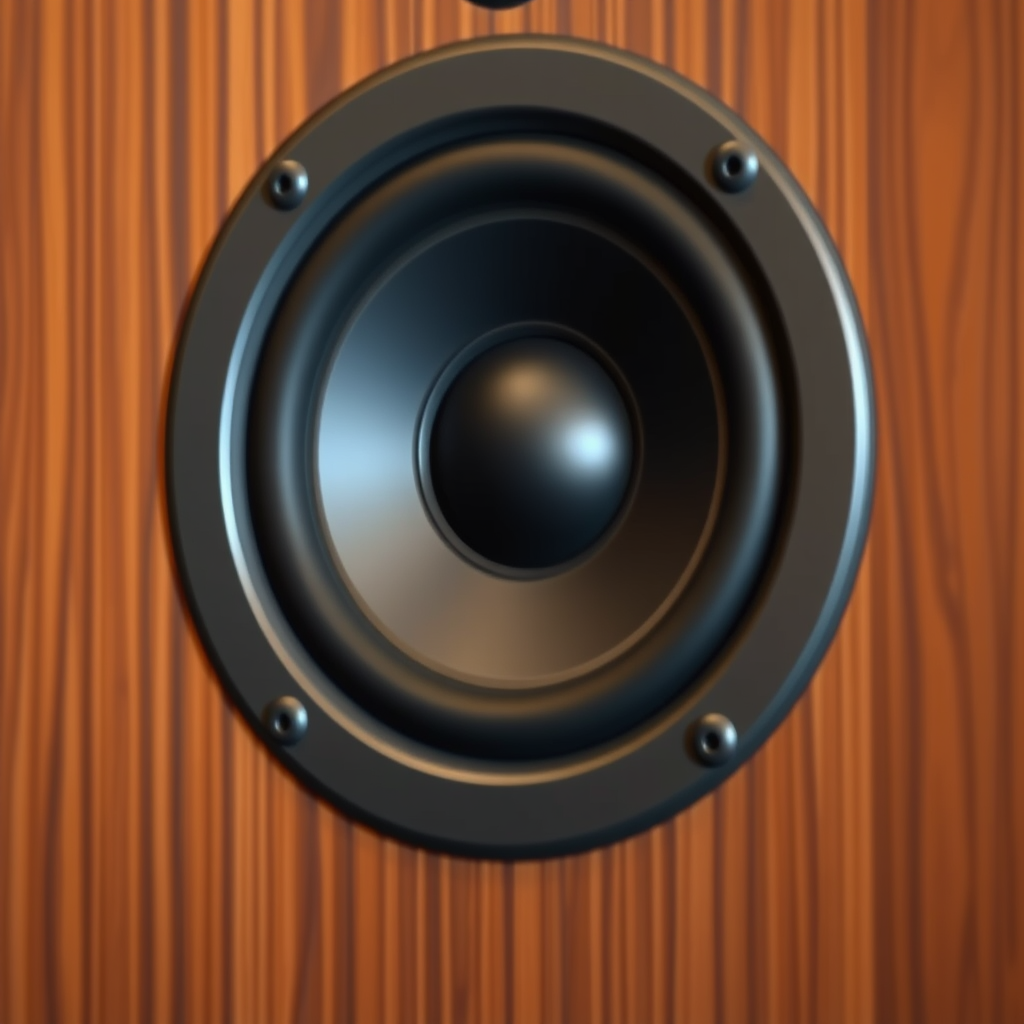
Speaker distortion refers to any alteration of the original audio signal that results in a sound that deviates from its intended quality. This can lead to an unpleasant listening experience, characterized by unclear vocals, muddied instruments, or an overall lack of clarity in sound. Distortion can manifest in several forms:
– Harmonic Distortion: This occurs when additional harmonics are introduced into the audio signal, often caused by overdriving the speaker, resulting in a sound that can be perceived as “squashed” or “fuzzy.”
– Intermodulation Distortion: This type occurs when multiple frequencies interact, producing unwanted additional frequencies that can muddy the sound.
Understanding these forms of distortion is crucial, as it allows you to identify their sources and implement effective solutions to mitigate their impact on your listening experience with KEF speakers.
Checking Connections and Cables
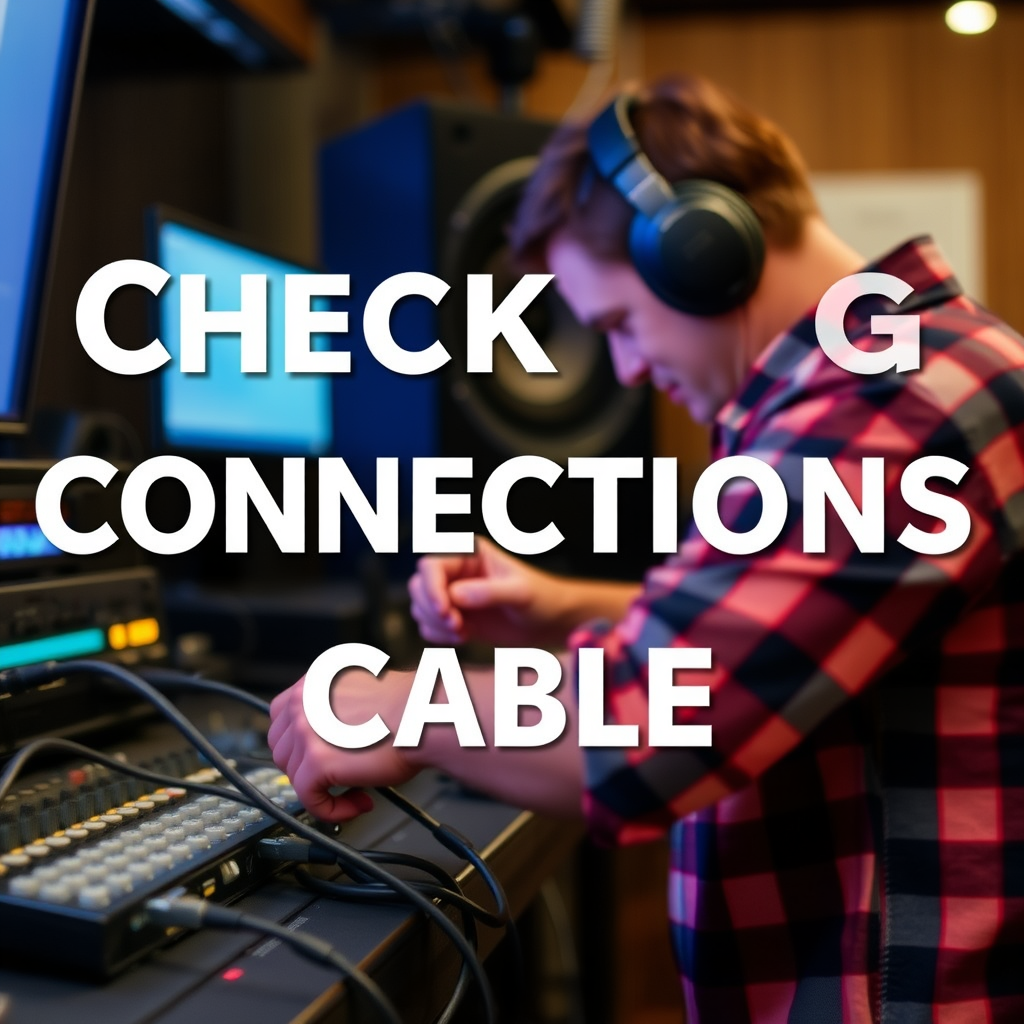
The performance of your KEF speakers heavily depends on the quality of the connections and cables used in your setup. Here are some essential tips to ensure optimal audio performance:
– Use High-Quality Cables: Invest in high-quality speaker cables and interconnects. Poor-quality cables can introduce noise and reduce signal integrity, leading to distortion.
– Secure Connections: Ensure that all connections are tight and secure. Loose connections can cause intermittent signals, resulting in distortion or dropped audio.
– Check Compatibility: Ensure that your cables are compatible with your KEF speakers. Using cables that are not designed for your specific model can lead to issues.
Taking the time to check and improve your connections and cables can significantly reduce distortion and enhance your audio experience.
Speaker Placement and Environment
Speaker placement plays a critical role in sound quality. Improper placement can lead to various acoustical issues that cause distortion. Here are some recommendations for optimal placement:
– Distance from Walls: Ideally, place your KEF speakers at least a foot away from walls to minimize reflections that can cause muddiness in the sound.
– Height and Angle: Position the speakers at ear level and angle them slightly towards the listening area for the best soundstage and clarity.
– Room Acoustics: Consider the acoustics of the room. Hard surfaces can reflect sound and cause distortion, while soft furnishings can absorb unwanted reflections. Experiment with different placements to find the optimal setup for your space.
Below is a helpful table that outlines common room types and their ideal speaker placement strategies:
Optimal Speaker Placement Strategies by Room Type
| # | Room Type | Recommended Distance | Speaker Height | Angle |
|---|---|---|---|---|
| 1 | Living Room | 1-2 ft | Ear Level | 5-10° Inward |
| 2 | Home Theater | 1-3 ft | Ear Level | 10-15° Inward |
| 3 | Bedroom | 1-2 ft | Ear Level | 5-10° Inward |
| 4 | Office | 1-2 ft | Ear Level | 5-10° Inward |
| 5 | Garage | 2-4 ft | Ear Level | 10-15° Inward |
Audio Source and Settings
The quality of your audio source is another critical factor influencing distortion levels. If the audio files you are using are of low bitrate or poor quality, this can translate into distortion when played through your KEF speakers. Here are some tips to optimize your audio source:
– Use High-Quality Audio Files: Opt for lossless formats like FLAC or WAV instead of compressed formats such as MP3, especially for critical listening.
– Device Settings: Check the audio settings on your device. Ensure that any EQ settings are not excessively boosting certain frequencies, as this can lead to distortion.
– Update Firmware: If your KEF speakers can be updated, ensure that you are running the latest firmware, as manufacturers often release updates to improve performance and fix bugs.
Troubleshooting Techniques
If you are still experiencing distortion after checking your setup, consider following these troubleshooting techniques:
1. Isolation Testing: Disconnect all devices except for the KEF speakers and play a known good audio source. This helps to determine if the distortion is coming from the speakers or another component.
2. Test Different Audio Sources: Try using different audio devices or media players to see if the problem persists. This can help isolate whether the issue lies with the source or the speakers.
3. Resetting Speakers: If all else fails, consider resetting your KEF speakers to factory settings. This can resolve issues caused by incorrect configurations.
4. Firmware Updates: Always check if your speakers have available firmware updates. Installing the latest version can enhance functionality and fix known issues.
Upgrading Components
Sometimes, distortion can stem from outdated or incompatible components within your audio setup. Consider upgrading certain elements of your system:
– Amplifier: If you are using an underpowered amplifier, it could be driving the KEF speakers into distortion. Ensure your amplifier’s power rating matches the requirements of your speakers.
– Digital-to-Analog Converter (DAC): Investing in a high-quality DAC can significantly improve audio clarity and reduce distortion caused by poor digital conversion.
– Cables and Accessories: As mentioned previously, using high-quality cables and connectors can also make a significant difference in audio fidelity.
The right upgrades can dramatically enhance your overall audio experience, allowing your KEF speakers to perform at their best.
Seeking Professional Help
If you’ve tried all the aforementioned steps and still face distortion issues, it may be time to consult a professional audio technician. Here are some indicators that expert assistance is necessary:
– Persistent Issues: Continuous distortion despite troubleshooting indicates a more complex problem that requires professional evaluation.
– Technical Repairs: If your speakers have physical damage or electronic faults, a technician can provide the necessary repairs or replacements.
– Calibration Needs: In complex audio setups, professional calibration can ensure that each component works harmoniously, optimizing performance and eliminating distortion.
Engaging with an expert can save time and lead to more effective resolutions, ensuring you enjoy the premium sound experience your KEF speakers are designed to deliver.
By following these steps, you can effectively troubleshoot and resolve distortion issues with your KEF speakers. If problems persist after trying these solutions, consider reaching out to a professional or contacting KEF customer support for further assistance. Enjoy the premium sound experience that your KEF speakers are designed to deliver!
Frequently Asked Questions
What are the common causes of distortion in KEF speakers?
Common causes of distortion in KEF speakers include improper placement, low-quality audio sources, and amplifier mismatch. Additionally, if the speakers are overdriven or the crossover settings are not optimized, this can lead to unwanted distortion. Ensuring proper setup and using high-quality audio can significantly reduce these issues.
How can I fix distortion issues in my KEF speakers?
To fix distortion issues in your KEF speakers, start by checking your audio source for quality and ensuring that your amplifier matches the speaker’s power requirements. Adjusting the speaker placement and using equalization settings can also help mitigate distortion. If problems persist, consider consulting the user manual for specific troubleshooting tips related to your model.
Why does my KEF speaker produce distortion at high volumes?
KEF speakers may produce distortion at high volumes due to exceeding the speaker’s power handling capacity or inadequate amplifier power. Additionally, room acoustics can amplify distortion, causing muddiness in sound. To resolve this, ensure that your amplifier is adequately powering the speakers and experiment with lower volume levels to determine the distortion threshold.
What is the best way to prevent distortion in KEF speakers?
The best way to prevent distortion in KEF speakers is to use high-quality audio sources and ensure that your amplifier is properly matched to the speakers’ specifications. Properly positioning the speakers away from walls and corners can also help improve sound clarity. Regularly maintaining and checking connections can further enhance the audio experience and reduce distortion.
Which KEF speaker models are prone to distortion issues?
While most KEF speaker models are designed for high performance, certain models may experience distortion under specific conditions, such as being pushed beyond their limits or used in acoustically challenging environments. Models like the KEF Q series can be particularly sensitive to placement and setup. Always refer to user reviews and recommendations for guidance on specific models to mitigate distortion risks.
References
- Loudspeaker
https://en.wikipedia.org/wiki/Loudspeaker - https://www.sciencedirect.com/topics/engineering/loudspeakers
https://www.sciencedirect.com/topics/engineering/loudspeakers - Google Scholar Google Scholar
https://scholar.google.com/scholar?q=KEF+Speaker+Distortion+Issues - https://www.bbc.com/news/technology-51519975
https://www.bbc.com/news/technology-51519975 - https://www.nature.com/articles/s41598-020-68527-8
https://www.nature.com/articles/s41598-020-68527-8 - https://pubmed.ncbi.nlm.nih.gov/30314831/
https://pubmed.ncbi.nlm.nih.gov/30314831/ - https://www.reuters.com/article/us-tech-speakers-idUSKCN1VB1U1
https://www.reuters.com/article/us-tech-speakers-idUSKCN1VB1U1 - https://www.theguardian.com/technology/2020/jan/28/home-audio-speakers-guide
https://www.theguardian.com/technology/2020/jan/28/home-audio-speakers-guide - Google Scholar Google Scholar
https://scholar.google.com/scholar?q=loudspeaker+distortion+solutions - Google Scholar Google Scholar
https://scholar.google.com/scholar?q=KEF+Speaker+Distortion+Issues?+How+to+Solve+Them




One thought on “Solving KEF Speaker Distortion Issues: A Comprehensive Guide”