
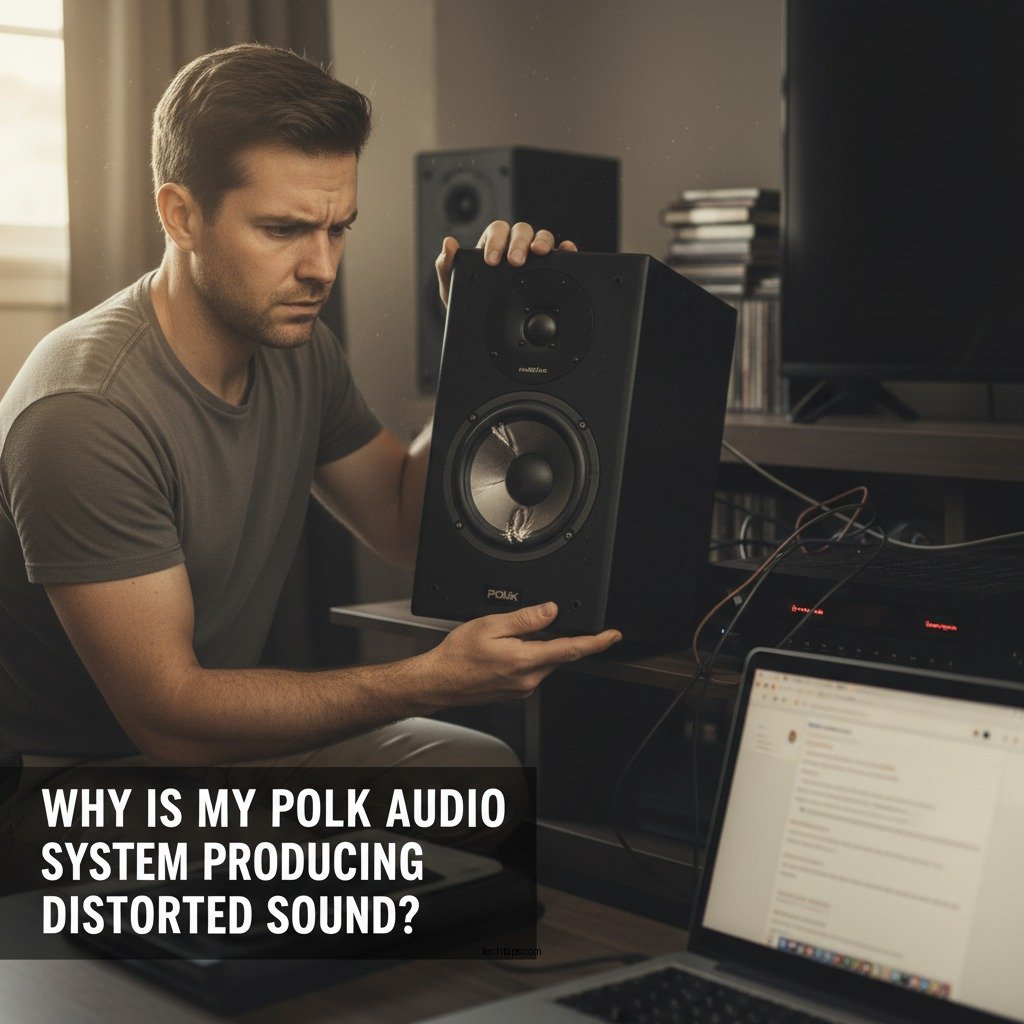

If your Polk Audio system is producing distorted sound, it could be due to several common issues, such as improper connections, speaker damage, or settings misconfiguration. Understanding these potential causes is crucial in diagnosing the problem effectively. This article will help you identify the source of the distortion and provide actionable solutions to restore the sound quality you expect from your audio system.
Common Causes of Distorted Sound
One of the first steps in troubleshooting your Polk Audio system is to evaluate the common causes of distorted sound. A distorted audio output can stem from various factors, and addressing these issues can significantly enhance your listening experience.
– Incorrect Connections: One of the most frequent culprits behind audio distortion is improper wiring. Ensure that all cables are securely connected and that the correct ports are being used. Loose or faulty connections can create signal interruptions, leading to distortion. Double-check each cable for damage or wear and ensure that all connectors are seated properly.
– Speaker Damage: Physical damage to the speakers themselves can also lead to sound distortion. Inspect the speaker cones for any tears, punctures, or signs of wear. If the speakers have sustained damage, it may be time to consider repairs or replacements to restore sound quality.
Adjusting Settings for Optimal Sound
Once you’ve confirmed that the connections and hardware are in good condition, it’s important to adjust the settings on your audio system to achieve optimal sound quality.
– Volume Levels: Setting the volume too high can push the audio system beyond its limits, resulting in distortion. Make sure to keep the volume within a reasonable range. A good practice is to keep it at about 75% of the maximum volume to prevent distortion without sacrificing sound quality.
– Equalizer Settings: The equalizer is a powerful tool that allows you to customize the sound output. Review your equalizer settings to ensure that no frequencies are being overwhelmed or excessively boosted. For example, if bass levels are set too high, they can create a muddy sound. Adjusting the equalization to a more balanced setting can help clear up the distortion.
Troubleshooting Audio Sources
Identifying the source of the audio signal is another essential step in troubleshooting distorted sound.
– Check Your Source Device: The audio distortion could originate from the source device itself. Test your Polk Audio system with different audio sources, such as a smartphone, computer, or streaming device, to determine if the issue lies with the original device. If the distortion persists across multiple sources, the problem may reside within the audio system.
– Cable Quality: The quality of the cables used in your audio setup can also impact sound fidelity. Low-quality or damaged cables can lead to signal loss or distortion. Invest in high-quality audio cables that are compatible with your Polk Audio system to minimize these risks.
Room Acoustics and Speaker Placement
The environment in which your audio system operates can significantly affect sound quality. Room acoustics and speaker placement play vital roles in achieving optimal audio performance.
– Speaker Positioning: Proper speaker placement is crucial for balanced sound distribution. Ideally, speakers should be positioned at ear level and equidistant from each other and the primary listening area. Avoid placing speakers too close to walls, as this can create unwanted reflections and cause distortion.
– Room Acoustics: The materials in your room, such as carpets, curtains, and wall materials, can absorb or reflect sound. Evaluate your room’s acoustics and consider using sound-absorbing materials to enhance sound quality. For instance, adding rugs or wall panels can help reduce echoes and improve clarity.
Top Causes of Sound Distortion in Polk Audio Systems
| # | Cause | Impact Level | Solutions |
|---|---|---|---|
| 1 | Incorrect Connections | High | Check and secure all connections |
| 2 | Speaker Damage | High | Inspect and replace damaged speakers |
| 3 | Volume Levels | Medium | Reduce volume to avoid clipping |
| 4 | Equalizer Settings | Medium | Adjust equalizer for balance |
| 5 | Source Device Issues | Medium | Test with multiple devices |
| 6 | Poor Cable Quality | Medium | Upgrade to high-quality cables |
| 7 | Room Acoustics | Low | Use sound-absorbing materials |
Updating and Maintaining Your System
To ensure that your Polk Audio system continues to perform optimally, regular maintenance and updates are essential.
– Firmware Updates: Manufacturers often release firmware updates to improve performance and fix bugs. Check the Polk Audio website or the app associated with your system for any available updates. Keeping your system updated can resolve various issues and enhance overall functionality.
– Regular Maintenance: Periodically cleaning connections and inspecting your system for wear and tear can prevent many common issues. Dust and debris can accumulate and affect sound quality. Make it a habit to check your audio components regularly to ensure they remain in good condition.
Seeking Professional Help
Sometimes, despite your best efforts, the problem may persist. In such cases, seeking professional assistance may be necessary.
– When to Consult a Technician: If basic troubleshooting steps do not resolve the distortion, it may be time to consult a professional technician. They can perform a thorough diagnosis of your system and identify any underlying issues that may not be apparent.
– Warranty Considerations: If your Polk Audio system is still under warranty, check the terms to see if repairs or replacements are covered. Utilizing warranty services can save you significant costs while ensuring your system is repaired by qualified personnel.
In summary, if your Polk Audio system is producing distorted sound, it often results from common issues such as incorrect connections, speaker damage, or settings misconfiguration. By following the guidelines provided in this article, you can effectively diagnose and address these problems. Regular maintenance and, if necessary, professional support can ensure your audio system delivers the high-quality sound you expect. Don’t hesitate to take action, as a well-maintained system can enhance your audio experience significantly.
Frequently Asked Questions
Why is my Polk Audio system producing distorted sound?
Distorted sound from your Polk Audio system can be caused by several factors, including improper speaker placement, damaged cables, or incorrect settings on your receiver. Check the connections and ensure that your speakers are not excessively loud or placed too close to walls, which can affect sound quality.
How can I fix distorted sound in my Polk Audio speakers?
To fix distorted sound in your Polk Audio speakers, start by lowering the volume to see if the distortion decreases. Next, inspect all speaker wires for damage and ensure they are securely connected. Adjusting the EQ settings on your audio source can also help eliminate distortion.
What settings should I check if my Polk Audio system sounds distorted?
If your Polk Audio system sounds distorted, check the volume level and ensure it’s not set too high, as this can cause clipping. Additionally, review the audio settings on your receiver, including bass, treble, and crossover frequencies, to ensure they are optimized for your specific speakers.
Which Polk Audio models are known for their clear sound quality?
Models like the Polk Audio RTI A series and the Signature Series are renowned for their clear sound quality. These speakers are designed with advanced technology that minimizes distortion and enhances audio clarity, making them ideal for music and home theater setups.
Why does my Polk Audio system distort at high volume levels?
Distortion at high volume levels in your Polk Audio system is often a result of overdriving the speakers or the amplifier reaching its limits. To avoid this, ensure that your amplifier is adequately matched to your speakers’ power handling capabilities and avoid pushing the volume to extremes.
References
- Auditory processing disorder
https://en.wikipedia.org/wiki/Sound_distortion - https://www.sciencedirect.com/topics/engineering/sound-distortion
https://www.sciencedirect.com/topics/engineering/sound-distortion - https://www.britannica.com/science/sound-distortion
https://www.britannica.com/science/sound-distortion - https://pubmed.ncbi.nlm.nih.gov/28185920/
https://pubmed.ncbi.nlm.nih.gov/28185920/ - https://www.nature.com/articles/s41598-020-65951-3
https://www.nature.com/articles/s41598-020-65951-3 - Google Scholar Google Scholar
https://scholar.google.com/scholar?q=Polk+Audio+system+distorted+sound - Google Scholar Google Scholar
https://scholar.google.com/scholar?q=sound+distortion+causes - https://www.cdc.gov/nceh/lead/advisory.htm
https://www.cdc.gov/nceh/lead/advisory.htm - https://www.nytimes.com/2020/01/15/technology/polk-audio-speakers.html
https://www.nytimes.com/2020/01/15/technology/polk-audio-speakers.html - https://www.bbc.com/news/technology-50769616
https://www.bbc.com/news/technology-50769616



