
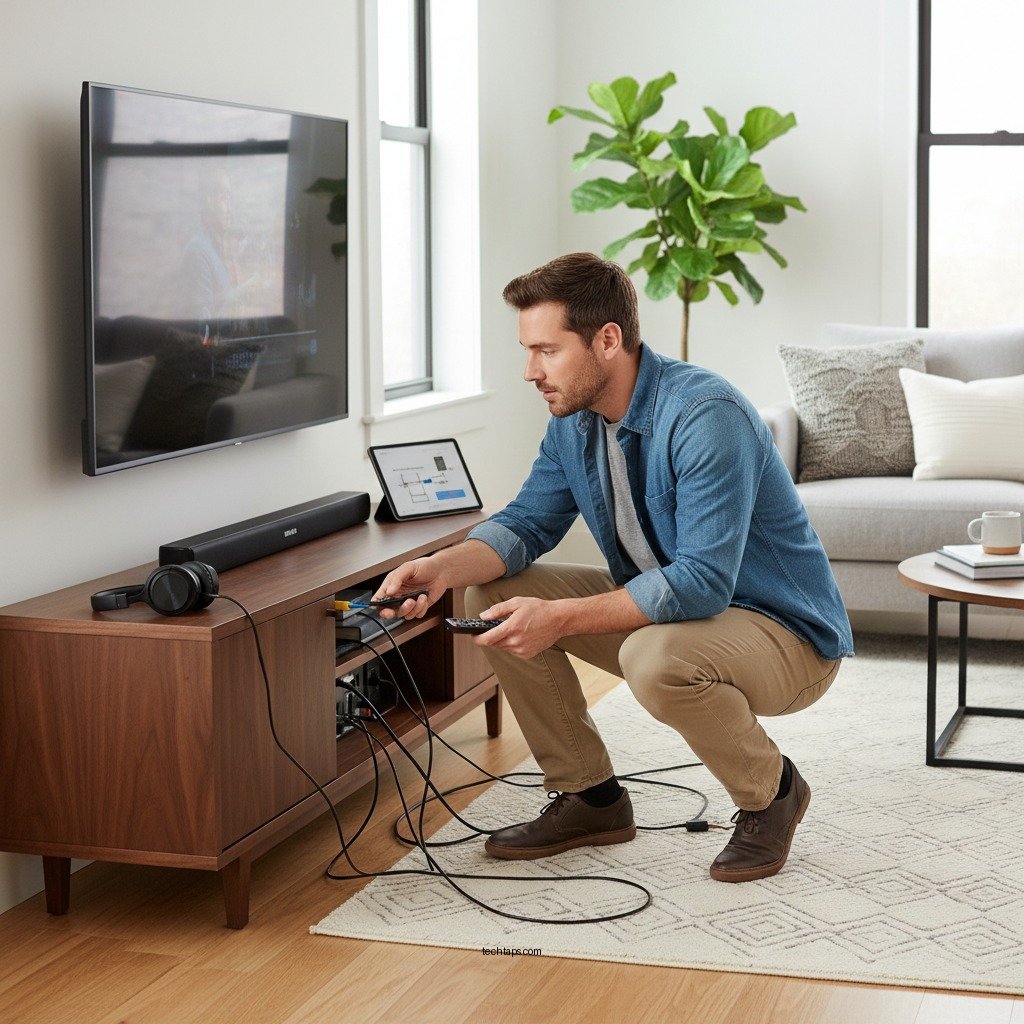

To resolve audio delay issues with your Polk home theater system, first check your audio settings and delay configurations. A seamless audio-visual experience is vital for movie nights and gaming sessions, and this guide will walk you through troubleshooting steps, including adjusting settings on both the TV and the receiver.
Understanding Audio Delay in Home Theaters
Audio delay, commonly referred to as “lip sync” issues, occurs when there is a discrepancy between the audio and video signals. This delay can arise from various factors in a home theater setup, including processing times in televisions, receivers, or even the source devices. The most common causes of audio delay include digital signal processing, the type of connection used (HDMI, optical, etc.), and the settings on both the TV and the sound system.
The impact of video processing is significant; for instance, many modern TVs come equipped with advanced picture enhancement features that can inadvertently delay audio output. When the visual component is processed faster than the audio, viewers may notice their favorite characters speaking with a disjointed sound. Resolving this issue ensures that viewers enjoy a synchronized experience, enhancing the overall quality of the home theater setup.
Checking Your Polk Home Theater System Settings
The first step in addressing audio delay is to navigate to the audio settings on your Polk receiver. Depending on the model, you can usually access these settings through the main menu, where options for audio configurations are available. Look for settings labeled as “Audio Delay,” “Lip Sync,” or “AV Sync.”
These settings often allow you to adjust the timing of audio output, compensating for any delay caused by video processing. Start by setting the delay to zero and gradually increasing the value until the audio and video are in sync. Testing with various types of content can help identify the ideal adjustment.
Adjusting TV Settings for Optimal Sync
In addition to your Polk receiver, the TV’s audio settings may also require adjustments. Access the audio settings menu on your television and look for features such as “Audio Delay” or “Lip Sync.” Many modern TVs have built-in options to mitigate audio lag, often found under sound or audio menus.
For example, some TVs provide a straightforward slider to adjust the audio delay in milliseconds, allowing users to fine-tune the sync dynamically. As with the receiver, start with zero adjustments and make small changes while testing various video content, such as movies or live broadcasts, to find the best configuration.
Common Audio Delay Settings and Their Effects
| # | Setting | Value Range | Effectiveness |
|---|---|---|---|
| 1 | Audio Delay | 0-200ms | High |
| 2 | Lip Sync Adjustment | 0-100ms | Medium |
| 3 | Sound Mode | Standard, Movie, Music | Variable |
| 4 | Audio Format | Stereo, Surround | High |
| 5 | Input Lag | 0-50ms | Low |
| 6 | Dynamic Range Control | On/Off | Medium |
| 7 | Speaker Configuration | 2.0, 5.1, 7.1 | High |
Updating Firmware and Software
Keeping your Polk system’s firmware and software up to date is crucial for optimal performance. Manufacturers regularly release updates to fix bugs, enhance features, and improve overall compatibility with new devices. To check for updates, access the settings menu on your Polk receiver and look for an option labeled “System Update” or “Firmware Update.”
Ensure that your receiver is connected to the internet, and follow the instructions to download and install any available updates. Additionally, connected devices such as streaming boxes, Blu-ray players, and TVs may also require software updates to function correctly, so be proactive in checking these as well. Regular updates can significantly enhance audio processing and resolve many synchronization issues.
Using External Devices for Syncing
External devices, such as soundbars or AV receivers, can play a pivotal role in managing audio delay. If you are using a soundbar with your Polk system, check the audio settings on both the soundbar and the connected devices. Using HDMI ARC (Audio Return Channel) or optical connections can often provide better synchronization compared to analog connections.
HDMI ARC allows for a single cable connection between the TV and the sound system, which can help reduce latency. If you’re experiencing persistent audio delay, consider experimenting with different connection types and configurations to find the best setup.
Testing and Troubleshooting
After making adjustments to your settings, it’s essential to test your configuration to ensure everything is functioning correctly. Start with a variety of content types—movies, live TV, and gaming—to identify any persistent audio delays.
Common troubleshooting techniques include restarting your devices, checking all cable connections, and ensuring that your TV and receiver are set to the same audio format (such as stereo or surround sound). Additionally, if your setup includes multiple devices, try simplifying your configuration by connecting only the necessary equipment to isolate the issue.
When to Seek Professional Help
In some cases, audio delay issues may persist despite your best troubleshooting efforts. If you find yourself unable to resolve the problem through settings adjustments or basic troubleshooting, it may be time to seek professional assistance. This is especially true if you suspect hardware issues or complex setup problems.
To find reliable tech support for Polk audio systems, consider checking with authorized dealers or service centers. Online forums and community groups dedicated to home theater systems can also offer valuable insights and recommendations for reputable technicians.
Summarizing the steps to fix audio delay in your Polk home theater system can significantly improve your viewing experience. Start by adjusting your system and TV settings, keep your devices updated, and don’t hesitate to reach out for professional help if needed. For more tips and support, consider visiting the Polk website or contacting their customer service.
Frequently Asked Questions
What causes audio delay in Polk home theater systems?
Audio delay in Polk home theater systems can be caused by several factors, including poor HDMI connections, settings on your TV or audio receiver, and the type of content being viewed. When the audio and video signals are processed at different rates, it can result in noticeable lag, making it essential to troubleshoot your setup for optimal performance.
How can I fix audio delay on my Polk home theater system?
To fix audio delay on your Polk home theater system, start by checking your HDMI connections and ensuring they are secure. Then, adjust the audio delay settings in your receiver or TV menu, often labeled as “lip sync” or “audio delay,” to synchronize the sound with the video. If using streaming devices, check their settings as well, as they may have separate audio delay adjustments.
Why is my Polk home theater audio out of sync with the video?
Your Polk home theater audio may be out of sync with the video due to processing delays in the audio receiver or the television’s internal settings. Additionally, certain media formats and streaming services may introduce delays, making it necessary to adjust synchronization settings to ensure a seamless viewing experience.
What is the best way to troubleshoot Polk home theater audio delay issues?
The best way to troubleshoot audio delay issues with your Polk home theater system is to start with a systematic approach: check all connections, reset your audio settings, and update firmware for both your audio receiver and TV. Additionally, testing with different media sources can help identify if the problem is with a specific device or content type.
Which settings should I adjust to reduce audio delay in a Polk home theater setup?
To reduce audio delay in your Polk home theater setup, focus on adjusting the “lip sync” or “audio delay” settings on your audio receiver. Additionally, ensure that your TV’s audio output settings are configured correctly, and consider switching the audio format in your streaming devices to one that minimizes latency, such as PCM.
References
- Home cinema
https://en.wikipedia.org/wiki/Home_theater - https://www.sciencedirect.com/topics/engineering/home-theater
https://www.sciencedirect.com/topics/engineering/home-theater - Google Scholar Google Scholar
https://scholar.google.com/scholar?q=Polk+Home+Theater+Audio+Delay - Google Scholar Google Scholar
https://scholar.google.com/scholar?q=Audio+Delay+Fixes+in+Home+Theater - Google Scholar Google Scholar
https://scholar.google.com/scholar?q=Home+Theater+Audio+Synchronization - https://www.ncbi.nlm.nih.gov/pmc/articles/PMC7027638/
https://www.ncbi.nlm.nih.gov/pmc/articles/PMC7027638/ - https://www.nytimes.com/2021/02/02/technology/home-theater-audio.html
https://www.nytimes.com/2021/02/02/technology/home-theater-audio.html - https://www.bbc.com/future/article/20200130-how-to-set-up-your-home-theatre-system
https://www.bbc.com/future/article/20200130-how-to-set-up-your-home-theatre-system - https://www.britannica.com/technology/home-theater
https://www.britannica.com/technology/home-theater - https://www.reuters.com/article/us-tech-home-theater-idUSKBN2A51D4
https://www.reuters.com/article/us-tech-home-theater-idUSKBN2A51D4



