

If your wireless audio system isn’t syncing with your TV, the first step is to check the device connections and settings. Commonly, syncing issues can result from simple oversights such as loose cables or incorrect settings. In this article, we’ll explore several effective fixes to help you get your audio system back in sync with your television, ensuring you enjoy a seamless audio-visual experience.
Check Device Connections
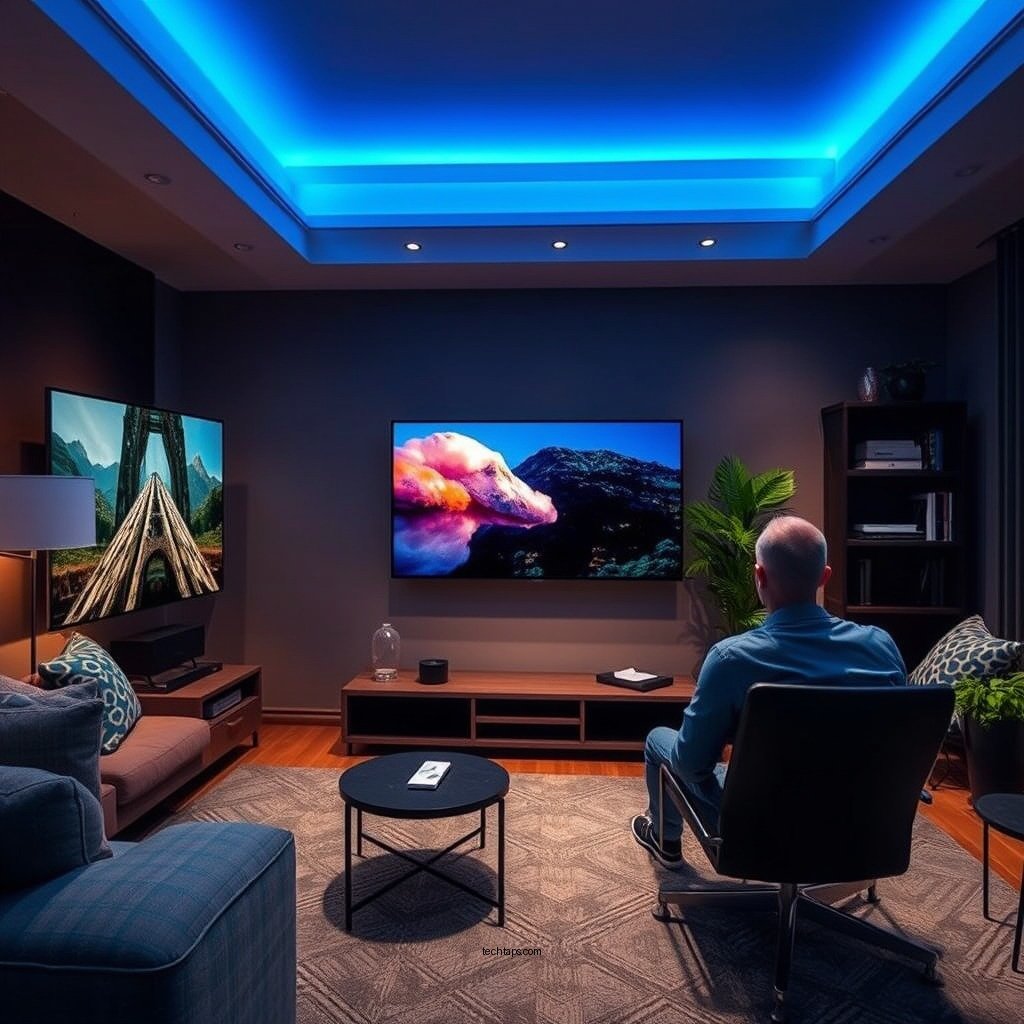
The first troubleshooting step is to ensure that all devices involved in your audio-visual setup are powered on and properly connected. It’s essential to confirm that your TV and wireless audio system are plugged into a power source and that they are turned on.
Next, inspect all cables, both wired and wireless. For wired connections, look for any loose or damaged cables that may be causing disruptions. If you are using Bluetooth, ensure that the devices are within the recommended range for a stable connection. Sometimes, simply unplugging and replugging the cables can restore the connection. Additionally, check to see if your wireless audio system is connected to the correct output on your TV, as multiple outputs can lead to confusion.
Verify Audio Settings
Once you have confirmed that all connections are secure, the next logical step is to verify the audio settings on both the TV and the wireless audio system. Start by accessing your TV’s audio settings menu. Make sure that the correct audio output is selected, which is particularly important when using multiple audio devices. The output should correspond to your wireless audio system, which might be labeled as Bluetooth, HDMI ARC, or optical audio, depending on your setup.
Simultaneously, check the settings on your wireless audio system. Many systems have a dedicated mode for receiving signals from televisions or other devices. Ensure that this mode is activated. If your audio system has a pairing mode, it may need to be reactivated to reconnect with your TV.
Update Firmware
Keeping both your TV and wireless audio system updated with the latest firmware is crucial for optimal performance. Firmware updates often include bug fixes and enhancements that can resolve compatibility issues.
To check for firmware updates, visit the settings menu of both devices. Most modern TVs provide an option to check for updates automatically, while for some audio systems, you may need to download updates from the manufacturer’s website and install them via USB or Wi-Fi. Follow the manufacturer’s instructions carefully to ensure a successful update. Regularly updating your devices can help prevent future syncing issues.
Top Wireless Audio Systems (2024)
| # | System | Bluetooth Version | Max Range (ft) | Price |
|---|---|---|---|---|
| 1 | Sonos One | Bluetooth 5.0 | 100 | $199 |
| 2 | Bose SoundLink | Bluetooth 4.2 | 30 | $149 |
| 3 | JBL Charge 4 | Bluetooth 4.2 | 40 | $179 |
| 4 | Ultimate Ears Boom 3 | Bluetooth 4.1 | 100 | $149 |
| 5 | Sony SRS-XB43 | Bluetooth 5.0 | 100 | $249 |
| 6 | Google Nest Audio | Bluetooth 5.0 | 30 | $99 |
| 7 | Amazon Echo Studio | Bluetooth 5.0 | 30 | $199 |
Reduce Interference
Wireless devices operate on specific frequency bands, and interference from other electronic devices can lead to syncing issues. To minimize interference, start by relocating other electronics that may be close to your wireless audio system or TV. Devices such as routers, microwaves, and cordless phones can emit signals that disrupt Bluetooth connections.
If your audio system allows for switching between wireless channels, consider doing so to find a clearer signal. Many modern audio systems can automatically select the best channel, but manually selecting one can sometimes yield better results.
Reset Devices
When all else fails, performing a factory reset on both your TV and wireless audio system can be an effective solution. This process clears out any glitches or corrupted settings that may be causing the sync issues.
To reset your devices, locate the reset option in the settings menu. Be aware that a factory reset will erase any customized settings, so you will need to set up your devices from scratch afterward. Follow the manufacturer’s guidelines for resetting each device to ensure proper setup.
Use a Wired Connection as a Test
Connecting your audio system to the TV using a wired connection can help determine whether the issue is with the wireless connection or the devices themselves. If the audio system functions correctly when wired, this indicates that the problem lies with the wireless setup.
Using an optical audio cable, HDMI ARC, or a 3.5mm audio cable can help you diagnose the issue. This temporary solution can also provide better sound quality and reliability than wireless connections, especially in environments with a lot of electronic interference.
Consult Manufacturer Support
If you have tried all the above fixes and your wireless audio system is still not syncing with your TV, it may be time to seek professional help. Reach out to customer support for both your TV and audio system for specialized assistance.
When contacting support, make sure to have your device model numbers, purchase dates, and details about the issues you are experiencing ready. This information will help them diagnose the problem more effectively and provide you with a prompt resolution.
By following these steps, you can troubleshoot and resolve syncing issues between your wireless audio system and TV. Don’t hesitate to explore each fix thoroughly, and remember that sometimes a simple reset or adjustment can make all the difference. If problems persist, consider contacting support for further assistance.
Frequently Asked Questions
Why is my wireless audio system not syncing with my TV?
There are several reasons your wireless audio system may not be syncing with your TV. Common issues include Bluetooth connectivity problems, interference from other devices, or outdated software. Ensure both your TV and audio system are updated to the latest firmware and check for any nearby devices that might be causing interference.
How can I troubleshoot my wireless audio system that won’t connect to my TV?
To troubleshoot your wireless audio system, start by turning off both the TV and audio system, then turn them back on. Next, check the Bluetooth settings on your TV to ensure it is discoverable, and try re-pairing the devices. Additionally, confirm that your audio system is within the recommended range and that there are no physical obstructions.
What are the best settings to use for syncing my wireless audio system with my TV?
The best settings for synchronizing your wireless audio system with your TV typically involve adjusting the audio delay settings within your TV’s sound settings menu. Look for options like “Audio Delay” or “Lip Sync” and adjust as needed to match the audio with the video. Furthermore, using a wired connection, whenever possible, can help reduce latency issues.
Which devices are most compatible with wireless audio systems for TV use?
Most modern smart TVs are compatible with wireless audio systems that support Bluetooth or Wi-Fi connectivity. Brands like Samsung, LG, and Sony often have built-in support for various wireless audio formats. Additionally, consider using devices that support HDMI ARC or optical audio connections for a more stable connection.
How can I improve the syncing issue between my wireless audio system and my TV?
To improve syncing issues, you can reduce interference by moving other wireless devices away from your audio system and TV. Additionally, consider upgrading to a higher quality wireless audio system that offers low latency features, and ensure that both devices are connected to the same Wi-Fi network for optimal performance.
References
- https://www.bbc.com/news/technology-39991755
https://www.bbc.com/news/technology-39991755 - https://www.wikiwand.com/en/Wireless_audio
https://www.wikiwand.com/en/Wireless_audio - https://www.mayoclinic.org/healthy-lifestyle/consumer-health/in-depth/audio-systems/art-20460071
https://www.mayoclinic.org/healthy-lifestyle/consumer-health/in-depth/audio-systems/art-20460071 - https://www.sciencedirect.com/topics/engineering/wireless-audio
https://www.sciencedirect.com/topics/engineering/wireless-audio - https://pubmed.ncbi.nlm.nih.gov/29477326/
https://pubmed.ncbi.nlm.nih.gov/29477326/ - https://www.nytimes.com/2020/02/12/technology/personaltech/wireless-audio-systems.html
https://www.nytimes.com/2020/02/12/technology/personaltech/wireless-audio-systems.html - Google Scholar Google Scholar
https://scholar.google.com/scholar?q=Wireless+Audio+System+Not+Syncing+with+TV - Google Scholar Google Scholar
https://scholar.google.com/scholar?q=Wireless+Audio+Troubleshooting - https://www.nature.com/articles/s41598-021-85586-4
https://www.nature.com/articles/s41598-021-85586-4 - https://www.theguardian.com/technology/2021/jun/01/how-to-fix-your-wireless-audio-system
https://www.theguardian.com/technology/2021/jun/01/how-to-fix-your-wireless-audio-system



