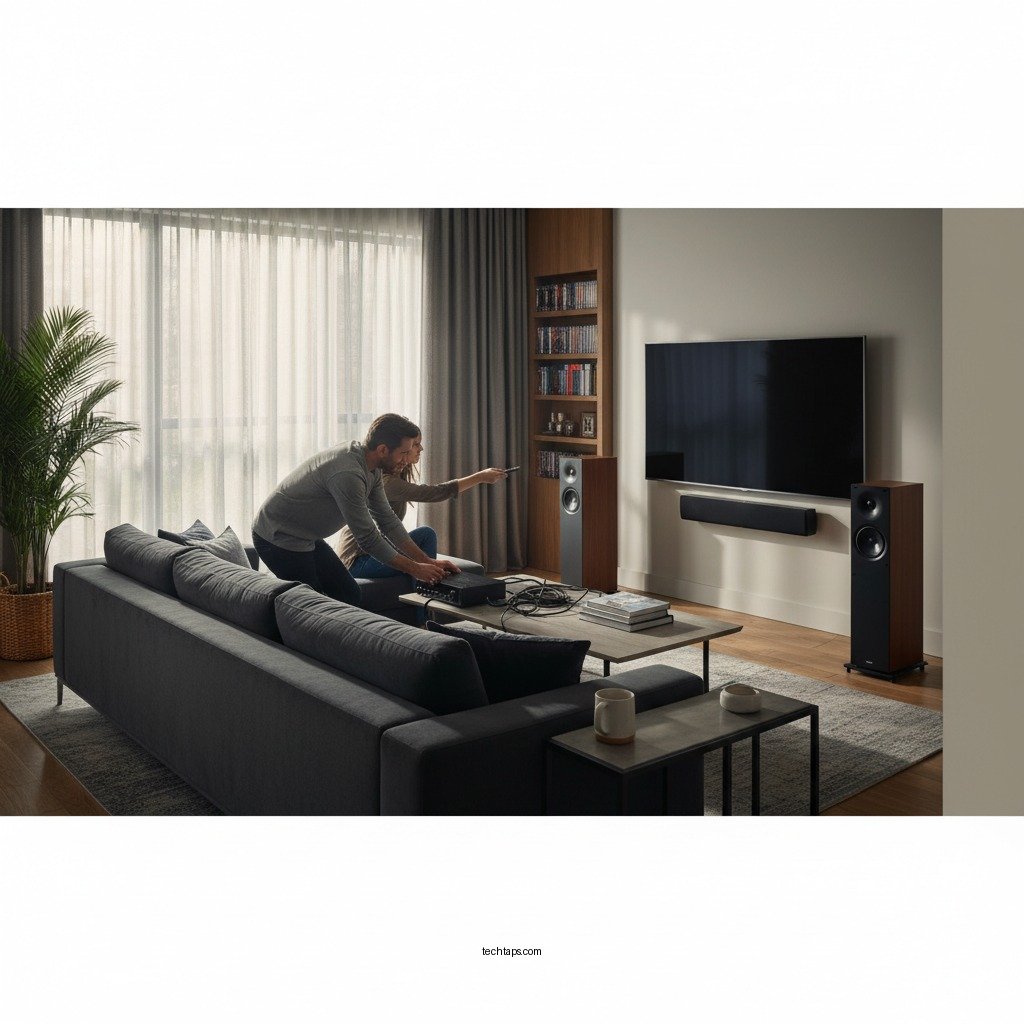

If your home theater sound output is too low, enhancing your audio experience can be straightforward with several effective solutions. By systematically checking your audio settings, inspecting speaker connections, adjusting speaker placement, and optimizing room acoustics, you can significantly improve sound quality. In this article, we’ll guide you through practical steps to troubleshoot and fix low sound output issues, ensuring that you can fully enjoy your movies, music, and games at home.
Check Audio Settings
The first step in resolving low sound output in your home theater system is to evaluate the audio settings. Often, the issue can stem from improper volume levels or misconfigured audio enhancements.
– Volume Levels: Check that the volume is adequately set on both your audio receiver and any source devices, such as a Blu-ray player, streaming device, or gaming console. Ensure that the volume is not muted or set too low.
– Audio Enhancements: Many modern receivers come with built-in audio enhancements or EQ settings. Make sure these are configured correctly, as some presets may inadvertently lower the sound output. For instance, a surround sound setting may need adjustments based on the specific format of the content you are playing.
– Speaker Configuration: Access the audio settings on your receiver to confirm that the speaker configuration matches your actual setup. Incorrectly defined speaker types (e.g., setting a large speaker as small) can cause suboptimal sound performance.
Inspect Speaker Connections
Proper connections are vital for efficient sound transmission. Loose or damaged connections can dramatically affect audio output.
– Secure Connections: Inspect all speaker wires to ensure they are securely connected to both the speakers and the receiver. A loose wire can disrupt the audio signal, leading to diminished volume levels.
– Check for Damage: Look for any visible damage on the speaker wires or connectors. Frayed wires or corroded connectors can lead to poor audio quality. Replace any damaged wiring to restore sound clarity.
– Wiring Configuration: Ensure that the wiring follows the correct polarity—positive to positive and negative to negative. Incorrect wiring can cause phase issues, resulting in lower sound output.
Adjust Speaker Placement
Speaker placement plays a crucial role in how sound is perceived in a home theater.
– Ear Level Positioning: Position your speakers at ear level for optimal sound projection. This arrangement allows for a clearer and more immersive audio experience, as sound waves are directed towards the listener.
– Distance from Walls: Experiment with the distance between the speakers and walls. Speakers placed too close to walls can experience sound dampening, which can muffle audio output. Ideally, speakers should be a few feet away from walls to allow for better sound dispersion.
– Surround Sound Configuration: For surround sound systems, ensure that the rear speakers are placed adequately behind the listening area and that they are not obstructed by furniture.
Update Firmware and Software
Keeping your audio devices updated is essential for optimal performance.
– Firmware Updates: Check if your audio receiver and connected devices have the latest firmware installed. Manufacturers often release updates that fix bugs or improve sound quality.
– Software Updates for Streaming Services: If you are using streaming services or specific media players, ensure their software is updated as well. Outdated software can lead to compatibility issues, affecting audio output.
– Compatibility Checks: Occasionally, specific formats or codecs may not work well with older devices. Upgrading firmware can enhance compatibility, allowing for better sound performance.
Optimize Room Acoustics
The acoustics of your room can significantly influence sound output.
– Absorption Materials: Use absorbent materials like rugs, curtains, or wall panels to reduce echo and reverberation. Hard surfaces can reflect sound waves, which may distort audio quality.
– Furniture Arrangement: Consider rearranging furniture to minimize obstructions to the sound path. The less clutter there is between your speakers and the listening area, the clearer the sound will be.
– Acoustic Treatments: If sound quality remains an issue, consider investing in acoustic treatments specifically designed for home theaters. These treatments can help control sound reflections and improve overall audio clarity.
Test Different Audio Sources
Not all audio sources provide the same sound quality.
– Switch Input Sources: Test different input sources, such as HDMI, optical, or analog connections, to determine if the issue is source-specific. Sometimes, one source may have lower output compared to another.
– Diverse Content Playback: Play a variety of content types, such as movies, music, or games, to assess whether certain formats have lower audio output. This can help isolate the problem to specific content or settings.
– Volume Normalization Features: Some streaming services offer volume normalization features. Ensure these settings are appropriately configured, as they can impact perceived loudness.
Consult Professional Help
If you have tried the above steps and the issue persists, it may be time to seek professional assistance.
– Professional Assessment: Hiring a professional audio technician can provide an in-depth evaluation of your home theater system. They can diagnose complex issues that may not be apparent through basic troubleshooting.
– Equipment Upgrades: If your current setup is outdated or underperforming, consider discussing upgrade options with a professional. Investing in modern equipment can significantly enhance sound output and overall audio experience.
Top Factors Influencing Home Theater Sound Output
| # | Factor | Impact Level | Solution Type |
|---|---|---|---|
| 1 | Volume Levels | High | Adjustment |
| 2 | Speaker Connections | High | Inspection |
| 3 | Speaker Placement | Medium | Adjustment |
| 4 | Room Acoustics | High | Optimization |
| 5 | Firmware Updates | Medium | Upgrade |
| 6 | Different Audio Sources | Medium | Testing |
| 7 | Professional Help | High | Consultation |
Improving low sound output in your home theater can be achieved by following these steps. Start by adjusting settings and connections, and don’t hesitate to reach out for professional advice if necessary. With the right approach, you can enjoy a rich and immersive audio experience in your home theater, transforming it into a personal cinematic paradise.
Frequently Asked Questions
What are the common causes of low sound output in a home theater system?
Low sound output in a home theater system can stem from several issues, including incorrect audio settings, faulty cables, or insufficient speaker power. Additionally, the placement of speakers and the acoustics of the room can greatly affect sound quality. Ensuring that all connections are secure and that settings are optimized for your specific setup can help resolve these issues.
How can I adjust the audio settings to improve sound output in my home theater?
To improve sound output, start by accessing your receiver’s audio settings menu and ensuring that the speaker configuration matches your setup, such as surround sound or stereo. Adjust the volume levels for each speaker to ensure they are balanced, and consider enabling features like Dynamic Range Compression to enhance quieter sounds. Finally, check for any firmware updates for your audio equipment that may improve performance.
Why is my subwoofer not producing adequate bass sound?
If your subwoofer is not producing adequate bass, it could be due to incorrect placement or settings. Subwoofers should ideally be placed in a corner or along a wall to enhance bass response. Additionally, check the crossover settings on your receiver to ensure the subwoofer is receiving the right frequency range, and make sure the phase setting is correct to avoid cancellation with other speakers.
What is the best way to troubleshoot low sound output from my TV and home theater system?
To troubleshoot low sound output from your TV and home theater system, start by confirming that the TV’s volume is turned up and not muted. Next, check the audio output settings on your TV to ensure they are properly configured for external audio devices. If you’re using HDMI ARC or optical audio, ensure the cables are securely connected and functioning correctly. Testing with different sources can also help identify if the issue is with a specific device.
Which speaker setup is most effective for achieving optimal sound output in a home theater?
For optimal sound output in a home theater, a 5.1 or 7.1 surround sound setup is generally recommended, as these configurations provide a well-balanced sound field. The positioning of the speakers is crucial; front speakers should be at ear level and angled towards the seating area, while the subwoofer can be placed in a corner for enhanced bass. Additionally, using a receiver with advanced audio processing capabilities can significantly improve your overall listening experience.
References
- Home cinema
https://en.wikipedia.org/wiki/Home_theater - Nervous breakdown: What does it mean? – Mayo Clinic
https://www.mayoclinic.org/healthy-lifestyle/adult-health/expert-answers/home-theater-sound-output/faq-20057830 - https://www.sciencedirect.com/topics/engineering/home-theater
https://www.sciencedirect.com/topics/engineering/home-theater - https://pubmed.ncbi.nlm.nih.gov/28832345/
https://pubmed.ncbi.nlm.nih.gov/28832345/ - https://www.bbc.com/news/technology-59951210
https://www.bbc.com/news/technology-59951210 - https://www.nytimes.com/2020/10/09/technology/personaltech/home-theater.html
https://www.nytimes.com/2020/10/09/technology/personaltech/home-theater.html - https://www.theguardian.com/technology/2021/jul/19/home-cinema-sound-guides
https://www.theguardian.com/technology/2021/jul/19/home-cinema-sound-guides - https://www.reuters.com/article/us-tech-home-theater-idUSKBN2A10XV
https://www.reuters.com/article/us-tech-home-theater-idUSKBN2A10XV - Google Scholar Google Scholar
https://scholar.google.com/scholar?q=Home+Theater+Sound+Output+Solutions - Google Scholar Google Scholar
https://scholar.google.com/scholar?q=Home+Theater+Audio+Issues+and+Solutions