
To stream vinyl audio to wireless speakers, you’ll need a turntable with Bluetooth capabilities or a separate Bluetooth transmitter. This modern approach allows you to enjoy the warm, rich sound of vinyl without the hassle of tangled wires and complex setups. In this guide, we will delve into the necessary equipment, the setup process, and tips to ensure you achieve optimal sound quality, making your vinyl listening experience as enjoyable as possible.




Understanding Bluetooth Turntables
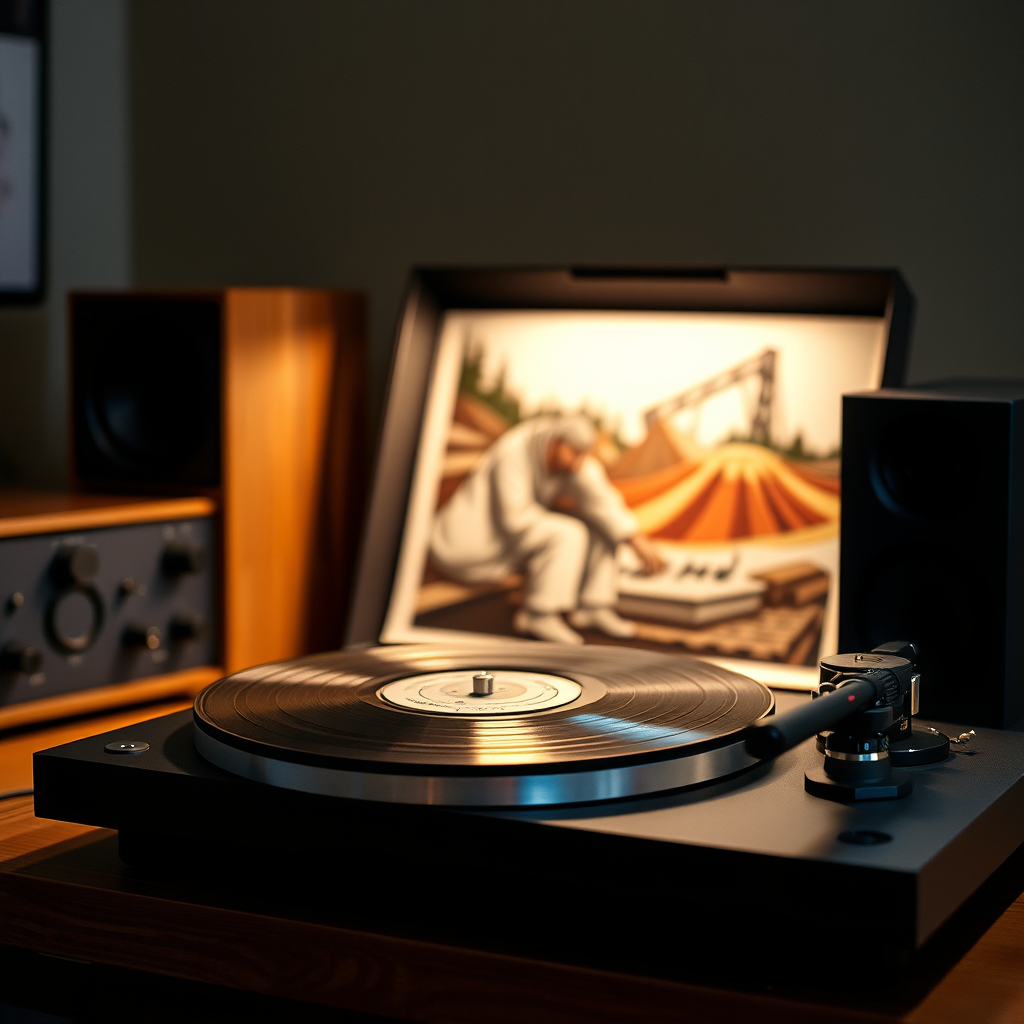
Bluetooth-enabled turntables are the perfect solution for those who want to enjoy their vinyl records without the constraints of wires. These devices have built-in Bluetooth technology that allows them to connect directly to compatible wireless speakers. Some popular brands and models that support Bluetooth functionality include the Audio-Technica AT-LP60XBT, Pro-Ject T1 BT, and the Sony PS-LX310BT. Each of these turntables offers unique features, such as automatic operation and high-quality cartridges, making them great choices for vinyl enthusiasts looking for convenience without sacrificing sound quality.
When choosing a Bluetooth turntable, consider factors like ease of use, design, and audio fidelity. A good turntable should not only look great in your space but also provide a rich listening experience. Bluetooth-enabled turntables often come with built-in preamps, making setup even easier since you won’t need additional equipment to connect to your speakers.

Using a Bluetooth Transmitter
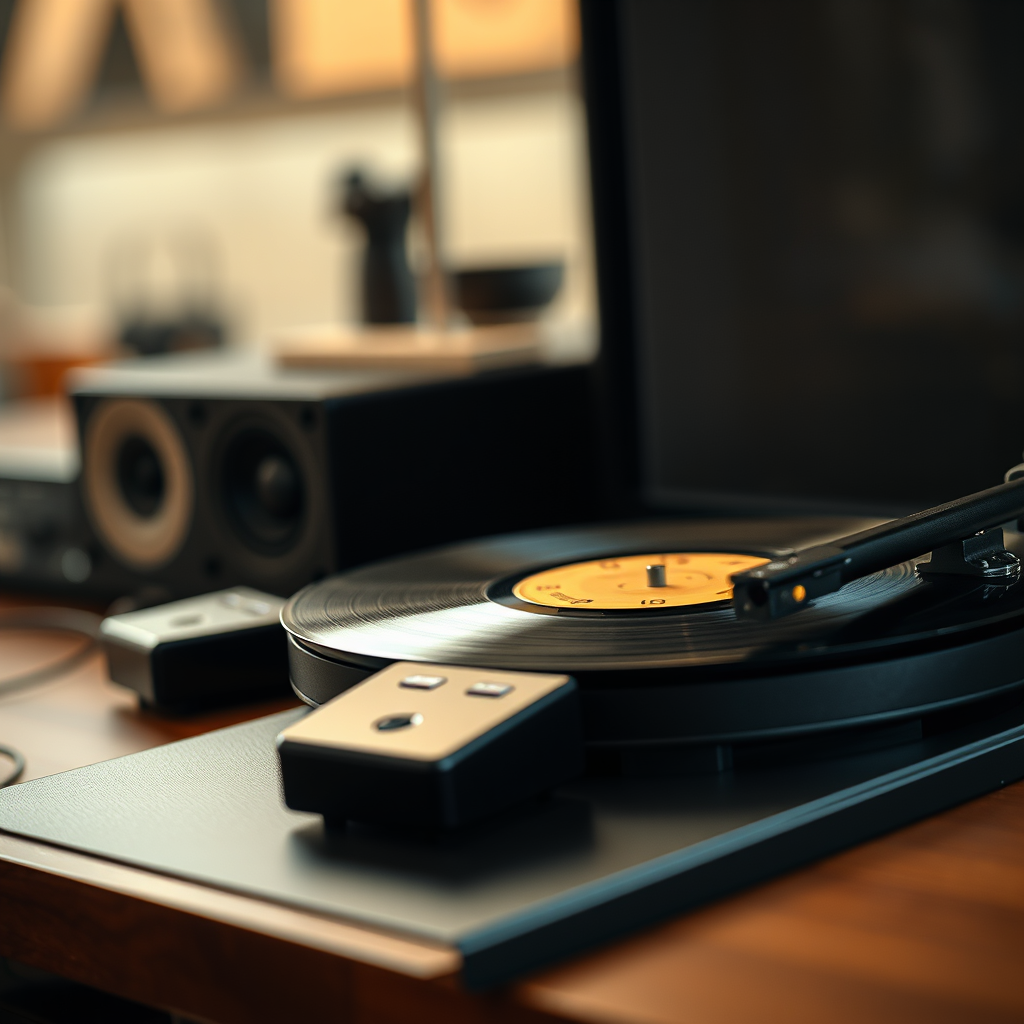
If you already have a standard turntable and prefer to keep it, a Bluetooth transmitter is a fantastic alternative. A Bluetooth transmitter acts as a bridge, converting the analog audio signal from your turntable into a digital signal that can be sent wirelessly to your speakers.
To connect a standard turntable to a Bluetooth transmitter, you simply plug the transmitter into the turntable’s audio output using RCA cables. The transmitter then pairs with your wireless speakers, allowing you to stream your vinyl audio. Popular and reliable Bluetooth transmitters include the TaoTronics TT-BA07 and the Audioengine B1. Both of these options support aptX codec for higher sound quality, which can significantly enhance your listening experience.
Before purchasing a transmitter, ensure it supports the audio quality you desire. Look for features like low latency to reduce delay, which is essential for a seamless audio experience while watching videos or enjoying live performances.
Setting Up Your Wireless Speakers
Setting up your wireless speakers with your turntable or transmitter is a straightforward process. First, ensure that your speakers are fully charged or plugged in and turned on.
To pair your wireless speakers, follow these steps:
1. Activate Bluetooth on your speakers: Most wireless speakers have a dedicated Bluetooth button. Press it to make the speaker discoverable.
2. Pair with your turntable or transmitter: On the turntable or transmitter, press the pairing button. The two devices should find each other within seconds.
3. Test the connection: Play a record and listen for any audio dropouts or issues. If everything sounds good, you’re all set!
When setting up, it’s important to consider compatibility. Ensure your speakers support the Bluetooth version used by your turntable or transmitter, as this can affect connectivity and sound quality. Most modern devices are compatible, but double-checking can save you time and frustration.
Optimizing Audio Quality
To make the most of your wireless vinyl audio experience, optimizing audio quality is key. Here are some tips to enhance your sound:
1. Minimize Latency: Look for Bluetooth devices that support aptX Low Latency or AAC codecs. These technologies help reduce delay between the audio source and the speaker, ensuring that the sound syncs perfectly with visuals when watching videos.
2. Speaker Placement: Position your speakers wisely. Ideally, they should be at ear level and away from walls to avoid sound distortion. Experiment with different placements to find the sweet spot that produces the best sound.
3. Consider Room Acoustics: The materials in your room can impact audio quality. Soft furnishings like carpets, curtains, and cushions can absorb sound, while hard surfaces like windows and walls can reflect it. Adjust your room setup to create a balanced acoustic environment.
4. Check Connections: Ensure that all connections are secure and that your equipment is functioning properly. Regularly inspect your cables and clean your turntable needle for optimal performance.
Troubleshooting Common Issues
Even with the best equipment, you may encounter a few hiccups while streaming vinyl audio wirelessly. Here are some common issues and their solutions:
1. Connectivity Problems: If your turntable or transmitter isn’t connecting to your speakers, try turning off both devices and restarting them. Also, ensure that they are within the appropriate range—typically 30 feet for Bluetooth devices.
2. Audio Lag: If you experience a delay between the audio and the action on-screen or while listening, check if you’re using a high-quality Bluetooth connection. Upgrading to a low-latency transmitter or speakers can help.
3. Sound Quality Issues: If the audio sounds distorted or muffled, ensure that your turntable is set up correctly and that the stylus is clean. Additionally, make sure your speakers are not in a position that causes sound interference.
4. Maintaining Equipment: Regular maintenance of your turntable and speakers can extend their lifespan. Dust your turntable regularly, and store records upright in a cool, dry place to prevent warping.
Exploring Additional Features
If you’re looking to enhance your audio experience further, consider using a receiver. A good audio receiver can provide more control over your sound settings, allowing you to tweak bass, treble, and other audio parameters to suit your preferences. Brands like Yamaha and Denon offer excellent options with Bluetooth capabilities, enabling you to connect multiple devices easily.
Moreover, exploring multi-room audio options can transform your listening experience. Systems like Sonos allow you to stream music to different rooms simultaneously, giving you the flexibility to enjoy your vinyl collection throughout your home. You can even integrate voice control through smart assistants for added convenience.
Alternatives to Wireless Streaming
While wireless streaming is undeniably convenient, some audiophiles may prefer traditional wired connections for their vinyl systems. Options like RCA cables provide a direct connection that can minimize interference and latency. However, this method often comes with the drawback of limited mobility.
The pros of wired connections include potentially better sound quality and stability, as wireless connections can sometimes be prone to interference. On the other hand, the convenience of wireless streaming cannot be overstated, especially for those who prioritize ease of use and flexibility. It ultimately comes down to personal preference and the importance of sound quality versus convenience.
Summarizing the steps to stream vinyl audio to wireless speakers, it’s clear that with the right equipment and setup, you can enjoy your records in a modern way. Whether you choose a Bluetooth turntable or a Bluetooth transmitter, ensure compatibility and focus on audio quality. For those intrigued, consider exploring different streaming options or enhancing your audio setup for an even better listening experience. Embrace the blend of nostalgia and technology, and enjoy the rich sounds of your vinyl records like never before!
Frequently Asked Questions
What equipment do I need to stream vinyl audio to wireless speakers?
To stream vinyl audio to wireless speakers, you will need a turntable, a wireless audio transmitter (like a Bluetooth transmitter or a Wi-Fi-enabled device), and wireless speakers that support either Bluetooth or Wi-Fi streaming. Additionally, if your turntable doesn’t have a built-in preamp, you may also need a separate phono preamp to boost the signal before it’s transmitted.
How do I connect my turntable to wireless speakers?
To connect your turntable to wireless speakers, start by plugging your turntable into a phono preamp (if needed), then connect the output of the preamp to your wireless audio transmitter. Once your transmitter is set up and paired with your wireless speakers, you should be able to stream the audio from your vinyl records directly to your speakers. Make sure to follow the specific pairing instructions for your audio transmitter and speakers for optimal results.
Why should I stream vinyl audio instead of using traditional wired connections?
Streaming vinyl audio to wireless speakers offers several benefits, including enhanced convenience, flexibility in speaker placement, and reduced clutter from cables. With wireless streaming, you can enjoy your vinyl records from different rooms without being tethered to your turntable, allowing for a more versatile listening experience. Additionally, many modern wireless speakers can enhance audio quality with advanced sound technology.
What are the best wireless speakers for streaming vinyl audio?
The best wireless speakers for streaming vinyl audio include options like the Sonos One, Bose SoundLink Revolve, and Audioengine A2+. These speakers provide excellent sound quality, good connectivity options, and compatibility with various audio streaming protocols. When choosing speakers, consider factors like sound fidelity, battery life (if portable), and compatibility with your wireless audio transmitter to ensure a seamless experience.
Which wireless audio transmitters are recommended for streaming vinyl records?
Recommended wireless audio transmitters for streaming vinyl records include the Audioengine B1 Bluetooth Music Receiver, the TaoTronics Bluetooth 5.0 Transmitter, and the Chromecast Audio (if you can find one). These devices are known for their ease of use, strong connectivity, and ability to maintain high audio quality. Be sure to check compatibility with your turntable and speakers, as well as the range and latency specifications to ensure the best performance.
References
- https://en.wikipedia.org/wiki/Vinyl_record
- https://www.npr.org/sections/monitored/2021/06/20/1005186143/the-vinyl-revival
- https://www.wired.com/story/how-to-stream-vinyl-records/
- https://www.techradar.com/news/how-to-stream-vinyl-records-to-wireless-speakers
- https://www.verywellmind.com/what-is-vinyl-5192202
