
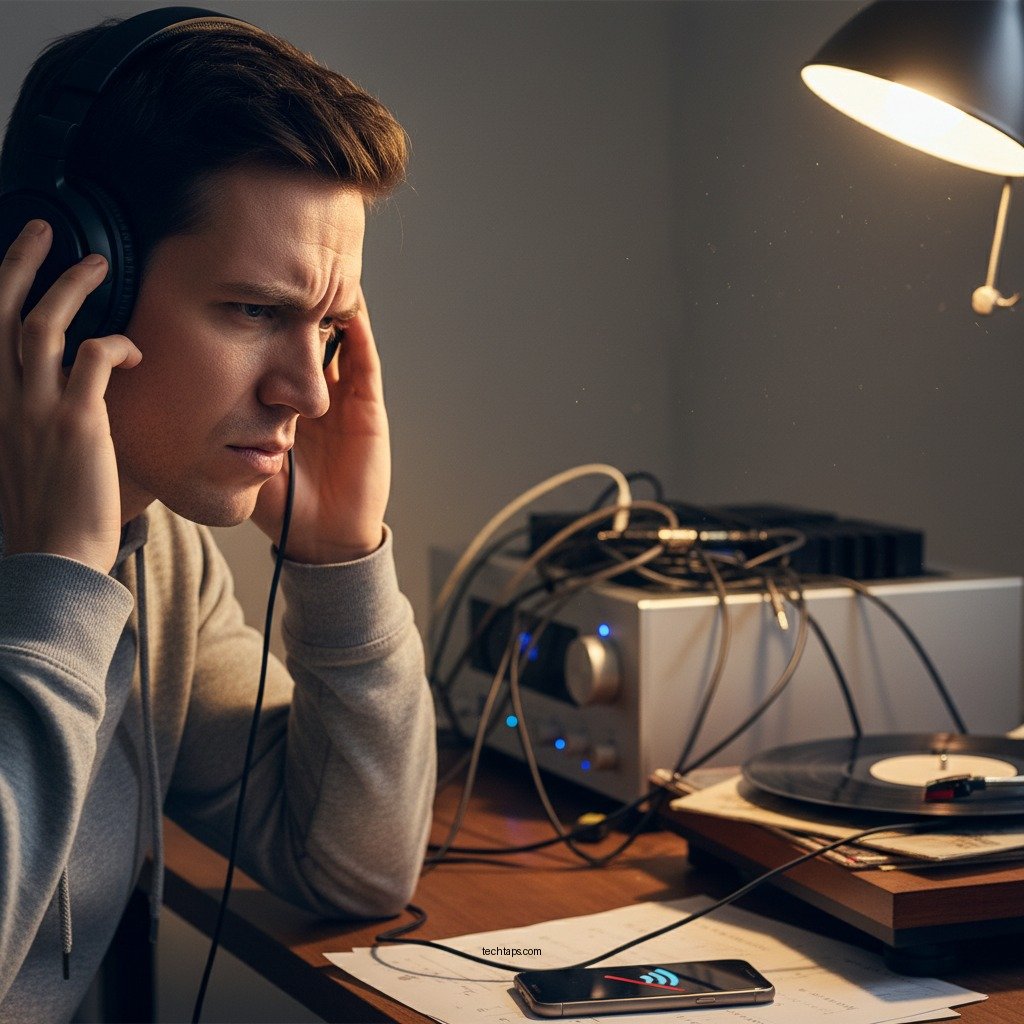

If you’re experiencing static noise in your Bluetooth headphones while connected to a sound system, the solution often lies in adjusting your settings or checking connections. Static sounds can disrupt your listening experience, but with the right troubleshooting steps, you can eliminate this annoyance and enjoy high-quality audio. In this article, we’ll guide you through a series of methods to effectively address static noise in Bluetooth headphones connected to a sound system.
Check Bluetooth Connection Quality
The first step in addressing static noise in your Bluetooth headphones is to ensure the connection quality is optimal. Bluetooth technology operates over a specific range, typically up to 30 feet for most devices.
– Ensure the headphones are within the optimal range of the sound system. If you move too far from the sound source, the Bluetooth signal may weaken, leading to interruptions and static. Staying within close proximity can significantly enhance audio clarity.
– Verify that there are no physical obstacles interfering with the Bluetooth signal. Walls, furniture, and even other electronic devices can obstruct the signal, introducing static and distortion. Try removing any barriers between your headphones and the sound system, or relocate your audio source if necessary.
Reset Your Bluetooth Headphones
Sometimes, a simple reset can resolve persistent audio issues or glitches in the Bluetooth connection.
– Power off your headphones and remove them from the paired devices list. This ensures that any erroneous settings or configurations are cleared. You can do this by accessing the Bluetooth settings on your device and selecting “Forget” or “Remove” next to your headphones.
– Follow the manufacturer’s instructions to reset the headphones to factory settings. Each model may have a specific method for resetting, often involving holding down certain buttons for a set duration. Refer to the user manual for detailed instructions. After resetting, re-pair the headphones with your sound system and check if the static noise persists.
Update Firmware and Drivers
Outdated firmware or software can contribute to various audio issues, including static noise.
– Check for firmware updates for your headphones and the sound system. Manufacturers regularly release updates to improve performance and fix bugs. Visit the manufacturer’s website or use their mobile app to check for and install any available updates.
– Update the Bluetooth drivers on your audio source device. Whether you’re using a smartphone, tablet, or computer, keeping the Bluetooth drivers up to date is crucial for ensuring compatibility and performance. You can usually find updates in the settings or support sections of your device.
Adjust Audio Settings
Sometimes, the issue lies in the audio settings themselves.
– Explore the audio settings on your sound system for any enhancements or equalizer settings that may cause distortion. Many devices come with features designed to enhance audio quality, but these can sometimes create unwanted effects. Experiment with turning off any sound enhancements or equalizer effects to see if this resolves the static.
– Try lowering the volume on both the source device and the headphones to see if the static persists. Excessive volume can lead to distortion and clipping, which may manifest as static noise. Gradually lower the volume to find a balance that maintains clarity without introducing noise.
Eliminate Interference from Other Devices
Electronic interference is a common source of static noise in Bluetooth devices.
– Identify and turn off any nearby devices that may cause interference, such as microwaves or Wi-Fi routers. These devices operate on similar frequencies and can disrupt the Bluetooth signal. If possible, move your sound system away from these appliances or turn them off temporarily to test if the static improves.
– Disconnect other Bluetooth devices that may be connected to the sound system. Multiple connections can lead to bandwidth issues, causing audio quality to suffer. Limiting the number of active Bluetooth devices can help maintain a stable connection.
Test with Different Audio Sources
If the static noise persists, it’s essential to determine if the issue is with the headphones or the audio source.
– Connect your Bluetooth headphones to another device to check if the static noise persists. This could be another phone, tablet, or computer. If the noise disappears when connected to a different device, the original audio source may be the problem.
– Play different audio files or streams to determine if the issue is with the audio source. Sometimes, specific audio files or streams may have inherent issues, causing static. Experiment with various formats and streaming services to rule out this possibility.
Seek Professional Help
If you’ve tried all the above steps and still experience static noise, it may be time to seek professional assistance.
– Consult the customer support of your headphone manufacturer for further assistance. They can provide specific guidance or troubleshooting steps unique to your model.
– Consider visiting a local audio specialist if the issue seems hardware-related. A professional technician can diagnose potential hardware issues, including problems with the headphone drivers or internal components.
Common Causes of Static Noise in Bluetooth Headphones
| # | Cause | Impact Level | Resolution |
|---|---|---|---|
| 1 | Weak Bluetooth Signal | High | Stay within range |
| 2 | Interference from Other Electronics | Medium | Remove nearby devices |
| 3 | Outdated Firmware | High | Update firmware |
| 4 | Volume Levels Too High | Medium | Reduce volume |
| 5 | Faulty Hardware | Very High | Contact support |
| 6 | Incompatible Devices | Medium | Check compatibility |
| 7 | Poorly Encoded Audio Files | Low | Use higher quality files |
Summarizing the troubleshooting steps will help you effectively tackle static noise in your Bluetooth headphones. Start by checking the connection quality and resetting your headphones, then move on to updates and settings adjustments. If problems continue, don’t hesitate to seek professional assistance. Enjoy your music without interruptions!
Frequently Asked Questions
What causes static noise in Bluetooth headphones connected to a sound system?
Static noise in Bluetooth headphones can be caused by several factors, including interference from other wireless devices, a weak Bluetooth connection, or outdated firmware. Additionally, poor audio quality from the sound system or incompatible codecs can also contribute to the issue, resulting in an annoying static sound during playback.
How can I reduce static noise in my Bluetooth headphones when using them with a sound system?
To reduce static noise, start by moving closer to the sound system to strengthen the Bluetooth connection. Ensure that there are no other electronic devices nearby that might cause interference. Additionally, updating the firmware of both the headphones and the sound system can help improve connectivity and audio quality.
Why are my Bluetooth headphones making static noise only when connected to a specific sound system?
If static noise occurs only with a specific sound system, it may be due to compatibility issues between the headphones and the system’s Bluetooth version or audio codecs. The sound system might also be outputting poor audio quality or experiencing electrical interference, which can lead to distortion in the audio signal.
What is the best way to troubleshoot static noise in Bluetooth headphones?
The best way to troubleshoot static noise is to first disconnect and reconnect the Bluetooth headphones to the sound system. Then, try resetting both devices and testing them with different audio sources. If the problem persists, check for firmware updates and consider adjusting audio settings on the sound system for optimal performance.
Which Bluetooth headphones are least likely to experience static noise when paired with sound systems?
Headphones that support the latest Bluetooth codecs, such as aptX or AAC, are generally less likely to experience static noise when paired with sound systems. Brands known for their reliable connectivity and audio quality, such as Sony, Bose, and Sennheiser, are often recommended for minimizing static and ensuring a clear listening experience.
References
- Bluetooth
https://en.wikipedia.org/wiki/Bluetooth - https://www.ncbi.nlm.nih.gov/pmc/articles/PMC7467405/
https://www.ncbi.nlm.nih.gov/pmc/articles/PMC7467405/ - https://www.sciencedirect.com/topics/engineering/bluetooth
https://www.sciencedirect.com/topics/engineering/bluetooth - Mondor Disease – StatPearls – NCBI Bookshelf
https://www.ncbi.nlm.nih.gov/books/NBK538282/ - https://www.bbc.com/news/technology-48622905
https://www.bbc.com/news/technology-48622905 - https://www.theguardian.com/technology/2020/dec/02/bluetooth-technology-explained
https://www.theguardian.com/technology/2020/dec/02/bluetooth-technology-explained - Google Scholar Google Scholar
https://scholar.google.com/scholar?q=Bluetooth+headphones+static+noise - Google Scholar Google Scholar
https://scholar.google.com/scholar?q=fixing+static+noise+in+Bluetooth+headphones - Google Scholar Google Scholar
https://scholar.google.com/scholar?q=Bluetooth+audio+connection+issues - https://www.reuters.com/article/us-tech-bluetooth-idUSKBN2A20H1
https://www.reuters.com/article/us-tech-bluetooth-idUSKBN2A20H1



