
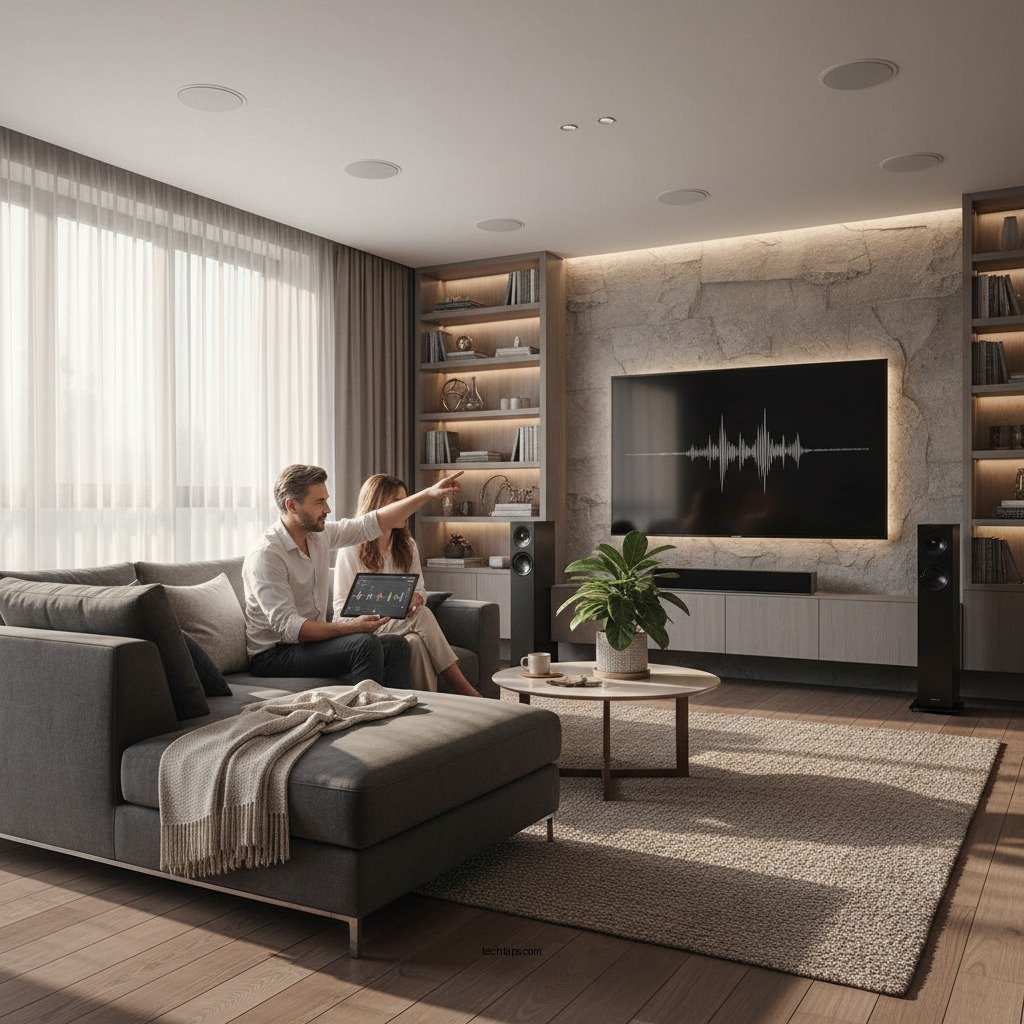

Achieving perfect audio balance in your home theater is crucial for creating an immersive viewing experience. By strategically setting up your speakers, calibrating audio settings, and optimizing room acoustics, you can significantly enhance the sound quality of your home theater system. This guide will walk you through step-by-step methods to achieve the best audio performance.
Understanding Audio Balance
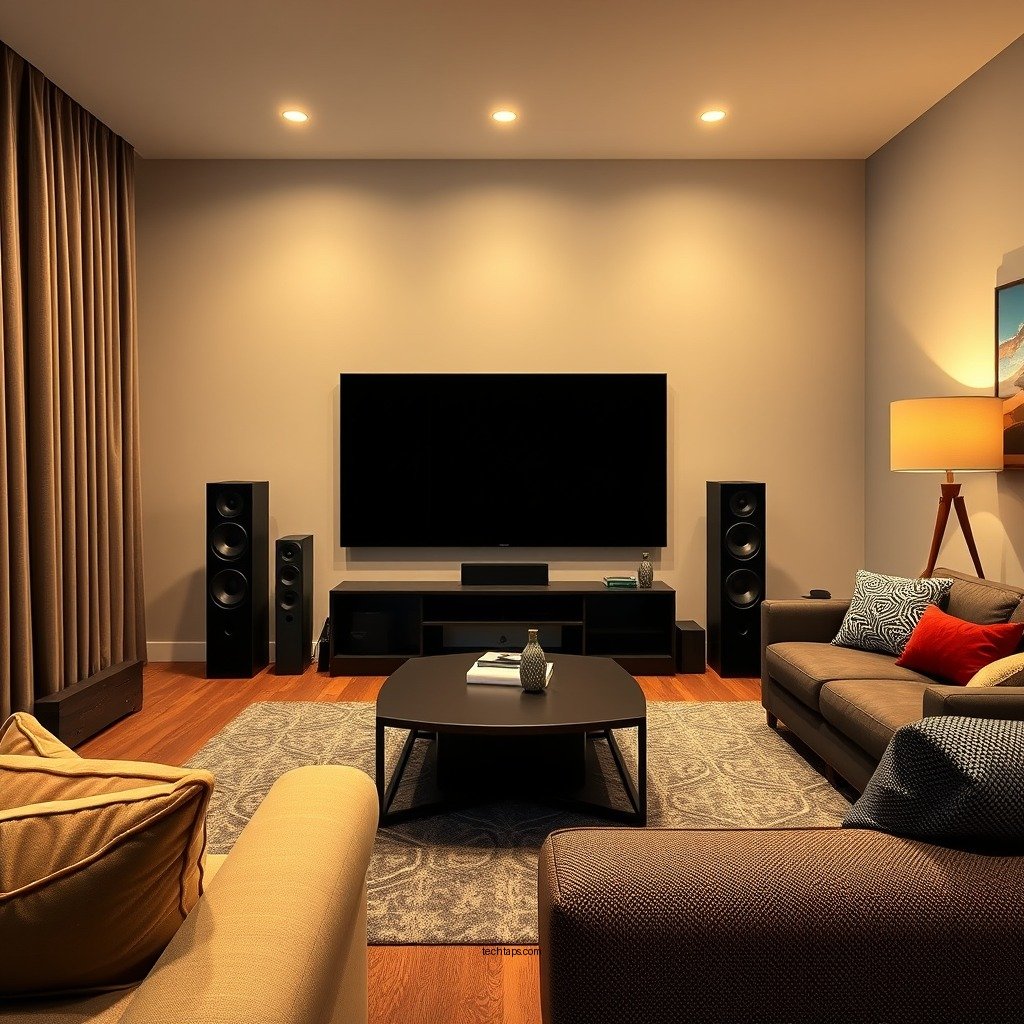
Audio balance refers to the distribution of sound across different speakers in a home theater system. It is essential to create a harmonious blend between dialogue, music, and sound effects to enhance viewer engagement and ensure that all audio elements are heard as intended. When audio balance is achieved, viewers can fully immerse themselves in the cinematic experience without straining to hear dialogue or being overwhelmed by background sounds.
One of the primary goals of audio balance is to ensure that each sound element complements the others. For instance, clearer dialogue allows viewers to follow the narrative seamlessly, while properly balanced music and sound effects contribute to the overall atmosphere without overshadowing the spoken words. This balance is particularly crucial in action films, where sound effects can easily dominate if not managed correctly.
Speaker Placement Strategies
The placement of speakers in your home theater plays a pivotal role in achieving audio balance. Ideally, speakers should be positioned at ear level to ensure optimal sound projection. This positioning allows sound waves to travel directly towards the listener, minimizing distortion and ensuring clarity.
Utilizing a surround sound layout, such as 5.1 or 7.1, is also essential for creating a three-dimensional audio experience. In a 5.1 setup, you will have five speakers and one subwoofer, strategically placed to create an enveloping sound field. The front speakers deliver dialogue and primary sound, while the surround speakers provide ambient sounds and effects that enhance the feeling of being in the scene. In a 7.1 setup, two additional surround speakers provide even more depth, allowing for a more immersive experience, particularly in larger rooms.
Calibrating Audio Levels
Proper calibration of audio levels is crucial to achieving an optimal audio balance. One effective method is to use a sound level meter or a calibration microphone, which can measure the output of each speaker. By adjusting the levels accordingly, you can ensure that all speakers produce sound at a similar volume, preventing any one speaker from overpowering the others.
When calibrating, it is vital to maintain clarity in dialogue while ensuring that background sounds and music complement rather than overshadow it. This process often involves adjusting the levels of the subwoofer separately to ensure it enhances the experience without overwhelming the overall audio mix. The ideal balance will allow subtle sound effects and musical scores to enrich the viewing experience without detracting from the dialogue.
Popular Home Theater Audio Calibration Tools (2024)
| # | Tool | Type | Price | User Rating |
|---|---|---|---|---|
| 1 | Audyssey MultEQ | Software | $199 | ★★★★☆ |
| 2 | Dirac Live | Software | $349 | ★★★★★ |
| 3 | Sony Calibration Mic | Hardware | $59 | ★★★★☆ |
| 4 | MCACC | Hardware | $149 | ★★★★½ |
| 5 | YPAO | Hardware | $99 | ★★★★☆ |
| 6 | Krell Calibration Tool | Hardware | $399 | ★★★½ |
| 7 | RTA-4200 | Hardware | $299 | ★★★★☆ |
Room Acoustics and Treatment
Room acoustics significantly influence audio balance in a home theater. Identifying problematic areas in your room can help you understand how sound reflects or absorbs, which can lead to distortion or muddiness in audio. Common issues include hard surfaces that reflect sound waves, such as bare walls and floors, or furnishings that absorb sound and hinder clarity.
To improve sound quality, consider adding acoustic panels to walls to reduce echoes and sound reflections. Soft furnishings, such as rugs, curtains, and upholstered furniture, can also help absorb sound and create a warmer acoustic environment. Strategically placing these items can help create a more balanced sound field, allowing for a clearer and more enjoyable audio experience.
Utilizing Audio Calibration Tools
Modern audio calibration tools have made achieving perfect audio balance more accessible than ever. Many AV receivers come equipped with built-in calibration tools that automatically adjust settings based on your room’s acoustics. These tools analyze the sound output and make real-time adjustments to optimize audio levels for each speaker.
In addition to automatic calibration, it’s beneficial to familiarize yourself with manual settings. This knowledge allows you to fine-tune audio balance according to personal preferences, such as adjusting the bass response or tweaking the treble. Understanding these settings can elevate your audio experience, ensuring that it aligns with your unique listening tastes.
Testing and Fine-Tuning
After setting up your home theater and calibrating audio levels, it’s essential to conduct listening tests. Use a variety of media types—movies, music, and sound effects—to evaluate audio performance. Pay attention to the clarity of dialogue, the presence of sound effects, and the overall balance of audio elements.
During these tests, make adjustments based on feedback and personal listening preferences. You may find that certain audio levels need further tweaking, or that specific media types highlight areas for improvement. Continual fine-tuning will help ensure that your home theater audio remains optimal and enjoyable over time.
Troubleshooting Common Issues
Even with careful setup and calibration, common audio issues may arise. Addressing problems like phase issues, speaker mismatches, and incorrect wiring is vital for maintaining optimal audio performance. Phase issues occur when speakers are wired incorrectly, causing sound waves to cancel each other out, while mismatched speakers can lead to an uneven sound field.
Regularly checking connections and settings can prevent these issues from escalating. Ensure that your speakers are properly connected, and verify that the settings on your AV receiver are configured correctly. Troubleshooting these common problems will help maintain the integrity of your audio balance.
Summarizing the steps to achieve perfect audio balance in your home theater not only enhances your viewing experience but also ensures every sound is delivered as intended. By implementing these strategies, you can create a captivating audio environment that fully immerses you in your favorite films and shows. Remember to revisit your setup periodically, especially as your preferences or equipment change. For further assistance, consider exploring professional calibration services or engaging with home audio forums for community insights and support.
Frequently Asked Questions
What is the best way to position speakers for optimal audio balance in a home theater?
To achieve optimal audio balance in your home theater, position your speakers based on the “equilateral triangle” rule, where the distance between each speaker and the listening position is equal. Front speakers should be aligned with the screen, while surround speakers should be placed at ear level, ideally 90 to 110 degrees from the listening position. Experimenting with speaker angles can also enhance sound quality and balance.
How can I use an audio calibration tool to improve my home theater sound?
An audio calibration tool, like a sound meter app or a dedicated calibration microphone, can help you measure sound levels and frequency response in your home theater. By following the tool’s guidance, you can adjust speaker levels, equalization, and distances to achieve a more balanced audio experience. This process ensures that every speaker delivers sound at the correct levels, enhancing overall sound quality.
Why is room acoustics important for achieving perfect audio balance in a home theater?
Room acoustics significantly impact how sound waves interact within your home theater space, affecting clarity and balance. Hard surfaces can create echoes, while soft furnishings can absorb sound, leading to an uneven audio experience. To achieve perfect audio balance, consider using acoustic panels, rugs, and curtains to manage reflections and absorb excess noise.
Which types of speakers are best for achieving a balanced sound in a home theater setup?
For a balanced sound in a home theater setup, consider using a combination of floor-standing speakers for the front, bookshelf speakers for surround, and a quality subwoofer for low frequencies. This blend ensures a full-range audio experience, with clear dialogue and impactful effects. Additionally, matching the brand and series of your speakers can help maintain tonal consistency across your audio setup.
How often should I recalibrate my home theater system for the best audio balance?
You should recalibrate your home theater system at least once a year or whenever you make significant changes to your room, such as new furniture or equipment. Environmental factors like seasonal changes can also affect sound quality, so periodic recalibration ensures you maintain optimal audio balance. Regular adjustments help accommodate for any shifts in speaker placement or room acoustics.
References
- Home cinema
https://en.wikipedia.org/wiki/Home_theater - https://www.sciencedirect.com/topics/engineering/home-theater
https://www.sciencedirect.com/topics/engineering/home-theater - https://www.bbc.com/news/technology-57514551
https://www.bbc.com/news/technology-57514551 - https://www.nytimes.com/2020/06/30/science/home-theater-sound.html
https://www.nytimes.com/2020/06/30/science/home-theater-sound.html - https://www.pmc.gov.au/resource-centre/home-theatre-system-balance
https://www.pmc.gov.au/resource-centre/home-theatre-system-balance - https://www.britannica.com/topic/home-theater
https://www.britannica.com/topic/home-theater - Google Scholar Google Scholar
https://scholar.google.com/scholar?q=Achieving+Perfect+Audio+Balance+in+Home+Theater - Google Scholar Google Scholar
https://scholar.google.com/scholar?q=Home+Theater+Audio+Balance+Techniques - Google Scholar Google Scholar
https://scholar.google.com/scholar?q=Sound+Calibration+Home+Theater - https://www.audioholics.com/home-theater-education/home-theater-calibration-guide
https://www.audioholics.com/home-theater-education/home-theater-calibration-guide



