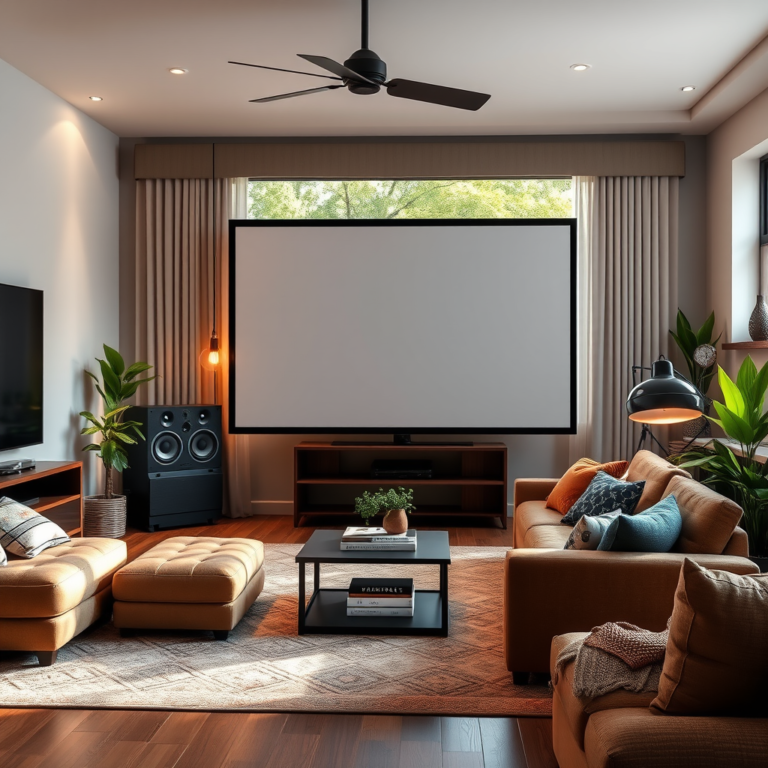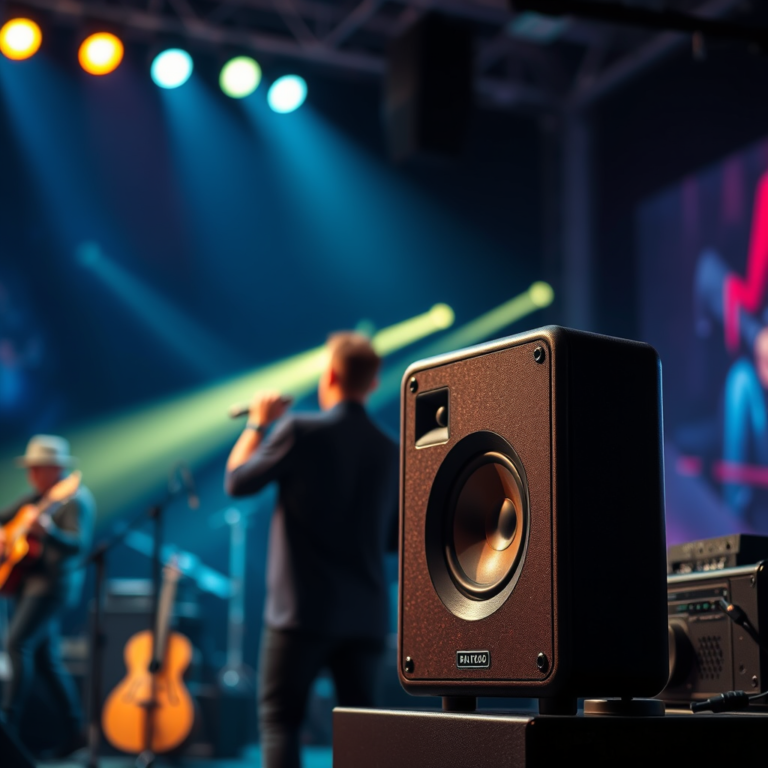

Understanding how to identify and resolve common sound system issues is crucial for maintaining great audio quality. In this article, you’ll learn about prevalent problems like poor sound quality, connectivity issues, and troubleshooting techniques that can help you restore optimal performance to your sound system. Whether you’re an audiophile or just someone who enjoys listening to music, knowing how to tackle these common issues can significantly enhance your audio experience.
Poor Sound Quality
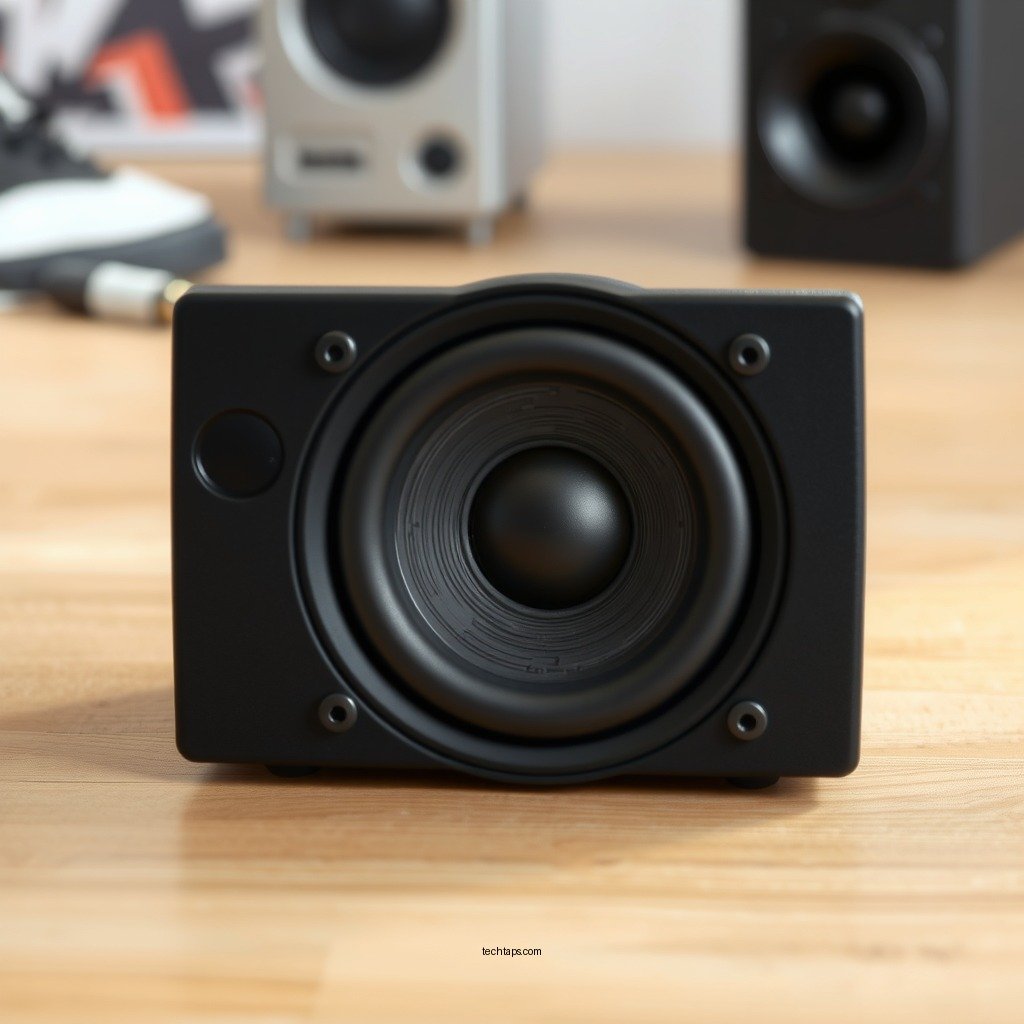
Poor sound quality can be frustrating and can stem from various factors. One of the primary culprits is speaker placement. If your speakers are obstructed by furniture or walls, the sound can become muffled or distorted. It is essential to position your speakers in a way that allows for optimal sound dispersion. Ideally, speakers should be at ear level when you are seated and should not be positioned too close to walls, which can create unwanted reflections.
Another technique to improve sound quality is to adjust the equalizer settings on your audio device. Many sound systems come with built-in equalizer options that allow you to balance frequencies according to your preference. For example, if you find that the bass is overpowering, you can lower the bass frequencies while boosting the treble to achieve a more balanced sound. Experimenting with these settings can lead to a clearer and more enjoyable audio experience.
Connectivity Issues
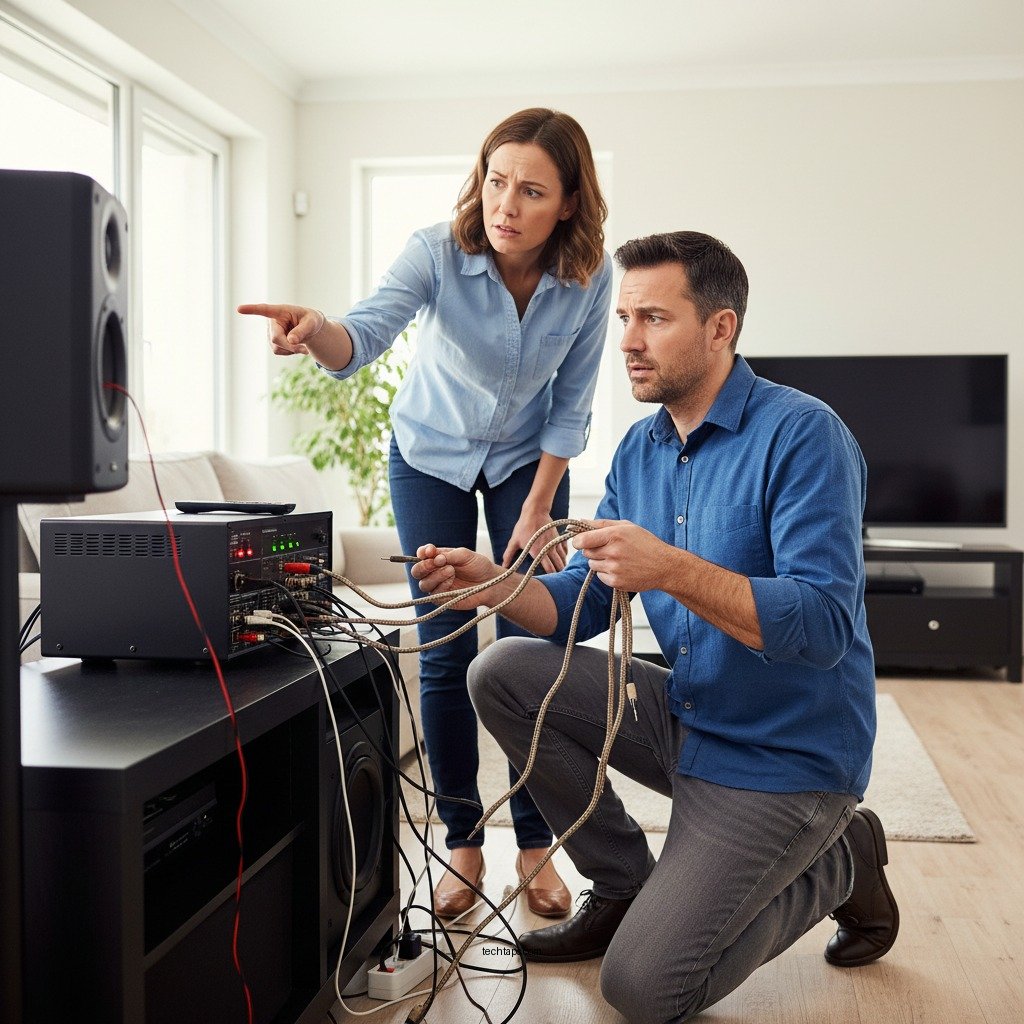
Connectivity issues are another common problem that can disrupt your sound system’s performance. Start by verifying that all cables are properly connected. Loose or frayed cables can lead to sound dropouts or complete disconnection. Regularly inspecting your cables for damage and replacing them if necessary is an essential maintenance step.
Additionally, restarting your device can often resolve temporary connectivity bugs. It’s also advisable to check for software updates, as manufacturers frequently release patches that can fix known issues. Ensuring that your devices are running the latest firmware not only helps maintain connectivity but can also enhance overall system performance.
Distorted Audio
Distorted audio can ruin the listening experience, often resulting from excessive volume levels. To prevent clipping and distortion, it is advisable to lower the volume level to a range that maintains clarity without sacrificing quality. Many sound systems have a maximum threshold; exceeding this can lead to undesirable distortion, especially with certain types of music or soundtracks.
Furthermore, inspecting the source material is vital. If you’re streaming music or playing audio from a low-quality file, it can produce distortion regardless of how good your sound system is. Always ensure that you’re using high-quality formats and sources to get the best audio output.
Common Sound System Issues and Fixes (2023)
| # | Issue | Common Causes | Solutions |
|---|---|---|---|
| 1 | Poor Sound Quality | Speaker Placement | Reposition speakers for optimal sound |
| 2 | Connectivity Issues | Loose Cables | Check and secure all connections |
| 3 | Distorted Audio | High Volume Levels | Lower volume to prevent clipping |
| 4 | Feedback and Echo | Microphone Placement | Adjust mic settings and placement |
| 5 | Power Problems | Unstable Power Source | Ensure stable power supply |
| 6 | Wireless Interference | Overlapping Frequencies | Change Wi-Fi channel |
| 7 | Equipment Compatibility | Outdated Firmware | Update firmware/drivers |
Feedback and Echo
Feedback and echo are issues often encountered in live sound settings or when using microphones. Feedback occurs when the sound from speakers loops back into the microphone, causing a loud screeching sound. To minimize feedback, consider adjusting the microphone placement—keeping it further away from the speaker source can significantly reduce the chances of feedback loops. Additionally, adjusting the gain settings on your mixing board can help control the sensitivity of the microphone.
Echo, on the other hand, is often a result of room acoustics. Spaces with hard surfaces—like tile or wood floors—can reflect sound waves, leading to an echo effect. Implementing acoustic treatment solutions such as foam panels, carpets, or drapes can absorb sound and minimize echo. These adjustments will not only enhance audio clarity but also create a more pleasant listening environment.
Power Problems
Power problems are a significant concern for any sound system. A stable power source is essential for the optimal performance of audio equipment. To mitigate power issues, ensure that all equipment is plugged in correctly and check that the power source is not overloaded. It is also wise to use surge protectors to prevent damage from power surges.
In cases where equipment does not power on, inspect the power cables for any signs of wear or damage. Replacing blown fuses or faulty power cords can often restore functionality. Regular maintenance checks on power sources and equipment can prevent unexpected failures during critical moments.
Wireless Interference
Wireless devices have become increasingly common in modern sound systems, but they are not without their challenges. Wireless interference can cause dropouts or inconsistent sound. To combat this, consider changing the Wi-Fi channel on which your wireless devices operate. Moving the wireless receiver closer to the transmitter can also help improve the signal strength.
Additionally, be cautious about the placement of wireless devices. Keeping them away from other electronic devices, such as microwaves or cordless phones, can mitigate interference. By ensuring a clear line of sight between the transmitter and receiver, you can achieve a more stable connection.
Equipment Compatibility
Lastly, ensuring that all components of your sound system are compatible is crucial. Incompatibilities can lead to operational issues and degraded audio quality. Before purchasing new equipment, double-check specifications to confirm that they can work together seamlessly.
Updating firmware or drivers for all devices is also an essential practice to maintain compatibility. Manufacturers often release updates that enhance performance and resolve existing compatibility issues, so keeping your system up to date can help you avoid potential problems.
By understanding these common sound system issues and their solutions, you can effectively troubleshoot and enhance your audio experience. Don’t hesitate to apply these tips and take action to improve your sound system today! Proper maintenance and proactive fixes will ensure that you enjoy high-quality audio for years to come.
Frequently Asked Questions
What are the most common sound system issues and how can I identify them?
The most common sound system issues include poor sound quality, distorted audio, and connectivity problems. To identify these issues, listen for any unexpected noises, check the connections between components, and ensure all equipment is properly powered on. Keeping an ear out for hums or feedback can also help pinpoint specific problems.
How can I troubleshoot distorted audio in my sound system?
To troubleshoot distorted audio, start by checking the volume levels on both the source device and the amplifier. Ensure that the speakers are not overloaded and are compatible with the amplifier’s output. Additionally, inspect all cables for damage and try using different audio sources to see if the distortion persists.
Why does my sound system produce a humming noise, and how can I fix it?
A humming noise in your sound system may be caused by ground loops or interference from other electronic devices. To fix this issue, try using a ground loop isolator or rearranging the placement of your components to minimize interference. Additionally, ensure all cables are securely connected and consider using shielded cables to reduce noise.
What is the best way to improve the overall sound quality of my home audio system?
To improve the overall sound quality of your home audio system, start by placing speakers at optimal heights and distances from walls. Upgrading to high-quality cables and using an equalizer can also enhance audio clarity. Regularly maintaining and cleaning your equipment, along with experimenting with placement, can lead to noticeable improvements in sound performance.
Which common sound system connectivity issues should I be aware of?
Common connectivity issues include Bluetooth pairing failures, loose or damaged cables, and incompatible devices. To resolve these problems, ensure that devices are within range, restart both the audio source and receiving device, and check all connections for tightness. Using compatible, high-quality cables can also help prevent connectivity issues and ensure stable performance.
References
- Sound system
https://en.wikipedia.org/wiki/Sound_system - https://www.ncbi.nlm.nih.gov/pmc/articles/PMC6513876/
https://www.ncbi.nlm.nih.gov/pmc/articles/PMC6513876/ - https://www.mayoclinic.org/healthy-lifestyle/adult-health/in-depth/hearing-loss/art-20045514
https://www.mayoclinic.org/healthy-lifestyle/adult-health/in-depth/hearing-loss/art-20045514 - https://www.cdc.gov/nceh/hearing_loss/what_noises_cause_hearing_loss.html
https://www.cdc.gov/nceh/hearing_loss/what_noises_cause_hearing_loss.html - https://www.sciencedirect.com/topics/engineering/sound-system
https://www.sciencedirect.com/topics/engineering/sound-system - https://www.nature.com/articles/s41598-020-70562-4
https://www.nature.com/articles/s41598-020-70562-4 - Google Scholar Google Scholar
https://scholar.google.com/scholar?q=Common+Sound+System+Issues+and+How+to+Solve+Them - Google Scholar Google Scholar
https://scholar.google.com/scholar?q=Audio+system+troubleshooting+techniques - Google Scholar Google Scholar
https://scholar.google.com/scholar?q=Sound+system+problems+solutions - https://www.theguardian.com/technology/2021/feb/18/sound-system-issues-how-to-fix-them
https://www.theguardian.com/technology/2021/feb/18/sound-system-issues-how-to-fix-them