
To extend the range of your wireless audio system, you can utilize strategies such as optimizing your placement, upgrading your equipment, and eliminating interference. This article will guide you through practical steps to enhance your wireless audio experience, ensuring you can enjoy high-quality sound throughout your space.
![[Upgraded] 1Mii B06Pro Long Range Bluetooth Receiver, HiFi Wireless Audio Adapter, Bluetooth 5.3 Receiver with 3D Surround aptX HD Low Latency Optical RCA AUX 3.5mm Coaxial for Home Stereo System](https://m.media-amazon.com/images/I/41HZyARyGdL._SL500_.jpg)



Wireless audio systems have revolutionized the way we experience sound, offering convenience and flexibility. However, these systems can sometimes struggle with range limitations, leading to interruptions and degraded audio quality. By following a few targeted strategies, you can significantly increase the range of your wireless audio system, allowing you to enjoy seamless sound streaming across larger areas.
Optimize Your Placement
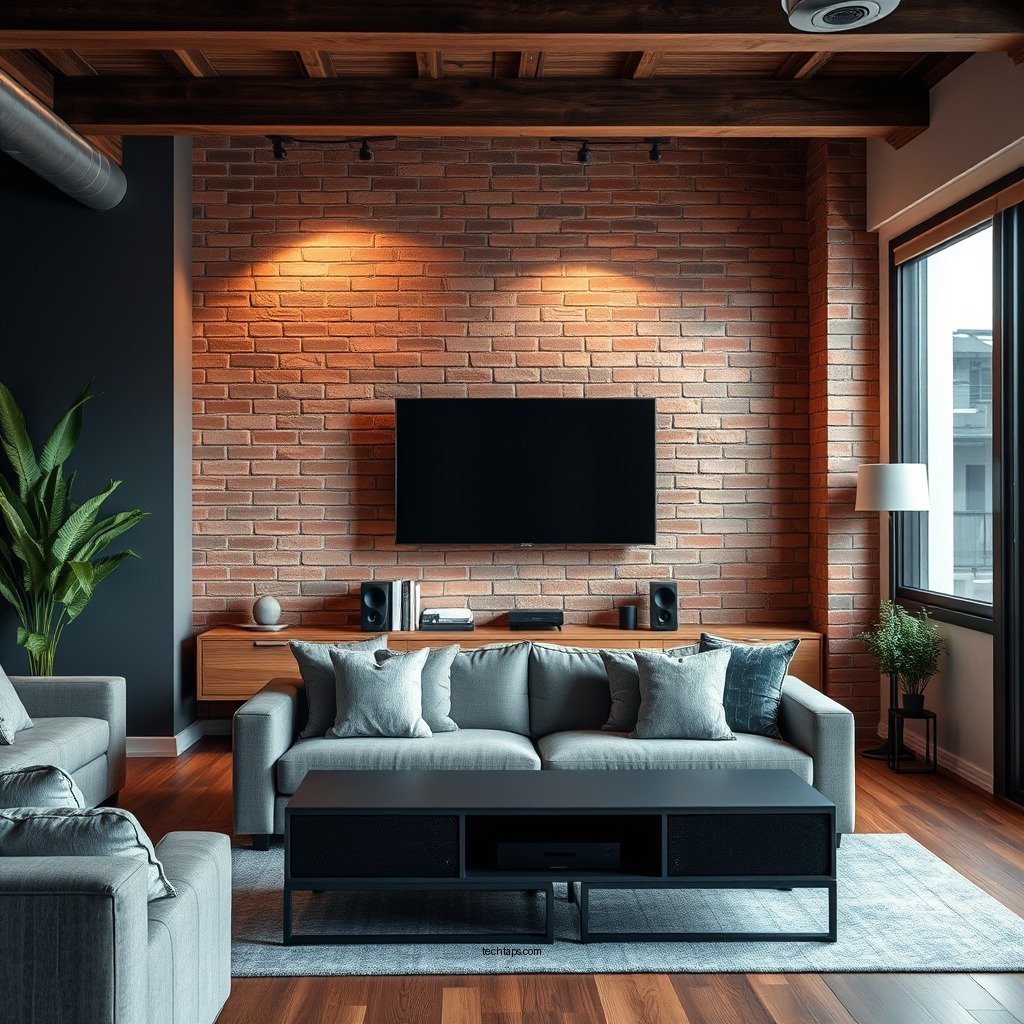
The placement of your audio transmitter and receivers plays a crucial role in signal quality. To maximize coverage, position your devices in central locations within your space. This will help distribute the signal more evenly and reduce dead zones. Avoid placing your equipment near walls, large furniture, or other obstructions that can weaken the wireless signal. Ideally, keep the transmitter elevated and unobstructed to enhance line-of-sight communication with the receivers.
Additionally, be mindful of the distance between your transmitter and receivers. The farther apart they are, the weaker the signal may become. If possible, conduct a few tests to identify the optimal placement for both the transmitter and receivers, ensuring they are within the recommended range specified by the manufacturer.
Upgrade Your Equipment
Sometimes, the limitations of your wireless audio system may stem from outdated or underperforming equipment. If your devices are not equipped with the latest technologies, consider upgrading them. For instance, investing in a high-gain antenna can significantly boost signal strength and improve overall performance.
Moreover, newer wireless audio systems that support extended range technologies, such as Bluetooth 5.0 or Wi-Fi 6, can provide enhanced connectivity and better performance over long distances. These technologies not only improve range but also enhance data transfer rates, reducing latency and providing a more stable connection.
Use Range Extenders
Wireless range extenders are specifically designed to enhance the coverage of your audio systems. These devices amplify the existing signal, allowing it to reach areas that may have previously been out of range. By strategically placing a range extender, you can effectively extend the audio signal to larger spaces like backyards, multi-level homes, or even across large open office areas.
Additionally, exploring multi-room audio solutions can be beneficial. These systems are designed to distribute sound seamlessly across multiple rooms, allowing you to enjoy music or podcasts without interruptions, regardless of where you are in your home or office.
Minimize Interference
Wireless audio systems are often susceptible to interference from other electronic devices. Common culprits include microwaves, cordless phones, and even neighboring Wi-Fi networks. To minimize interference, identify and reduce potential sources by relocating them or switching to devices that operate on different frequencies.
Furthermore, consider changing the wireless channel used by your audio system. Many systems allow you to select from multiple channels to avoid overlapping signals from other devices. This is particularly useful in crowded environments, where multiple wireless signals may compete for bandwidth.
Leverage Wired Options
While wireless systems offer undeniable convenience, incorporating wired connections can significantly enhance system reliability. If feasible, connect certain audio equipment via Ethernet or optical cables, especially for stationary devices that require a stable connection for high-quality audio streaming.
In cases where you have fixed audio equipment, such as home theater systems or dedicated sound systems, a wired connection can provide a more robust and uninterrupted listening experience compared to their wireless counterparts.
Regular Maintenance and Updates
Maintaining your audio system is essential for optimal performance. Regularly check for firmware updates, as manufacturers often release new software that improves performance, enhances features, or resolves bugs. Keeping your system updated ensures that you benefit from the latest advancements in wireless technology.
Additionally, inspect connections and cables for wear and tear. Frayed cables or loose connections can degrade audio quality and lead to interruptions. By proactively maintaining your equipment, you can extend the lifespan of your audio system and ensure a consistently high-quality listening experience.
Top 7 Wireless Audio Systems (2024)
| # | Model | Max Range (ft) | Audio Technology | User Rating |
|---|---|---|---|---|
| 1 | Sonos One | 150 | Wi-Fi | ★★★★☆ |
| 2 | Bose SoundLink | 100 | Bluetooth | ★★★★★ |
| 3 | Amazon Echo | 120 | Wi-Fi/Bluetooth | ★★★★☆ |
| 4 | JBL Charge 4 | 75 | Bluetooth | ★★★★☆ |
| 5 | Google Nest Audio | 120 | Wi-Fi | ★★★★☆ |
| 6 | Apple HomePod Mini | 100 | Wi-Fi/Bluetooth | ★★★★☆ |
| 7 | Ultimate Ears Boom 3 | 100 | Bluetooth | ★★★★★ |
By following these strategies, you can significantly improve the range of your wireless audio system, allowing for a more enjoyable listening experience throughout your home or office. Take action today to implement these tips and enjoy better sound quality in every corner of your space.
Frequently Asked Questions
What are the most effective ways to extend the range of my wireless audio system?
To effectively extend the range of your wireless audio system, consider using a Wi-Fi range extender or a mesh network to boost the signal. Additionally, ensuring that your audio system is positioned away from obstructions and interference, such as walls or electronics, can enhance connectivity. Upgrading to a higher frequency band, like 5GHz, can also provide better coverage and speed.
How can I reduce interference affecting my wireless audio system’s range?
Reducing interference can be accomplished by relocating your wireless audio system away from potential sources of interference such as microwaves, cordless phones, and other wireless devices. Switching to a less congested channel on your router can also help. Utilizing wired connections for devices that do not require mobility is another effective strategy to minimize wireless traffic.
Why is my wireless audio system’s range limited, and how can I fix it?
The range of your wireless audio system may be limited due to physical barriers, signal interference, or outdated technology. To fix this, ensure that your system’s firmware is updated and consider upgrading to a newer model that supports advanced wireless standards. Additionally, repositioning your router and using signal boosters can significantly improve the range.
What is the best placement for my wireless audio system to maximize range?
The best placement for your wireless audio system to maximize range is in a central location, elevated and free from obstructions. Avoid placing the system near walls or large furniture that could block the signal. Additionally, keeping it away from electronic devices that operate on similar frequencies can help improve connectivity.
Which wireless audio systems provide the best range and performance?
Some of the best wireless audio systems known for range and performance include Sonos, Bose SoundTouch, and Amazon Echo Studio. These systems often feature advanced Wi-Fi technology, robust signal processing, and compatibility with mesh networks, allowing them to provide superior audio quality over larger distances. Researching user reviews and specifications can help you select the right model for your needs.
References
- Wireless
https://en.wikipedia.org/wiki/Wireless_audio - https://www.nature.com/articles/s41598-020-67063-7
https://www.nature.com/articles/s41598-020-67063-7 - Google Scholar Google Scholar
https://scholar.google.com/scholar?q=extend+range+wireless+audio+system - Google Scholar Google Scholar
https://scholar.google.com/scholar?q=improving+wireless+audio+range - https://www.sciencedirect.com/science/article/pii/S2352864820301215
https://www.sciencedirect.com/science/article/pii/S2352864820301215 - https://www.ncbi.nlm.nih.gov/pmc/articles/PMC7504105/
https://www.ncbi.nlm.nih.gov/pmc/articles/PMC7504105/ - https://www.bbc.com/future/article/20200601-what-the-future-of-wireless-sound-systems-looks-like
https://www.bbc.com/future/article/20200601-what-the-future-of-wireless-sound-systems-looks-like - https://www.cdc.gov/nceh/lead/information/wireless_audio.html
https://www.cdc.gov/nceh/lead/information/wireless_audio.html - https://pubmed.ncbi.nlm.nih.gov/32474682/
https://pubmed.ncbi.nlm.nih.gov/32474682/ - https://www.theguardian.com/technology/2021/mar/30/how-to-extend-the-range-of-your-wireless-network
https://www.theguardian.com/technology/2021/mar/30/how-to-extend-the-range-of-your-wireless-network



