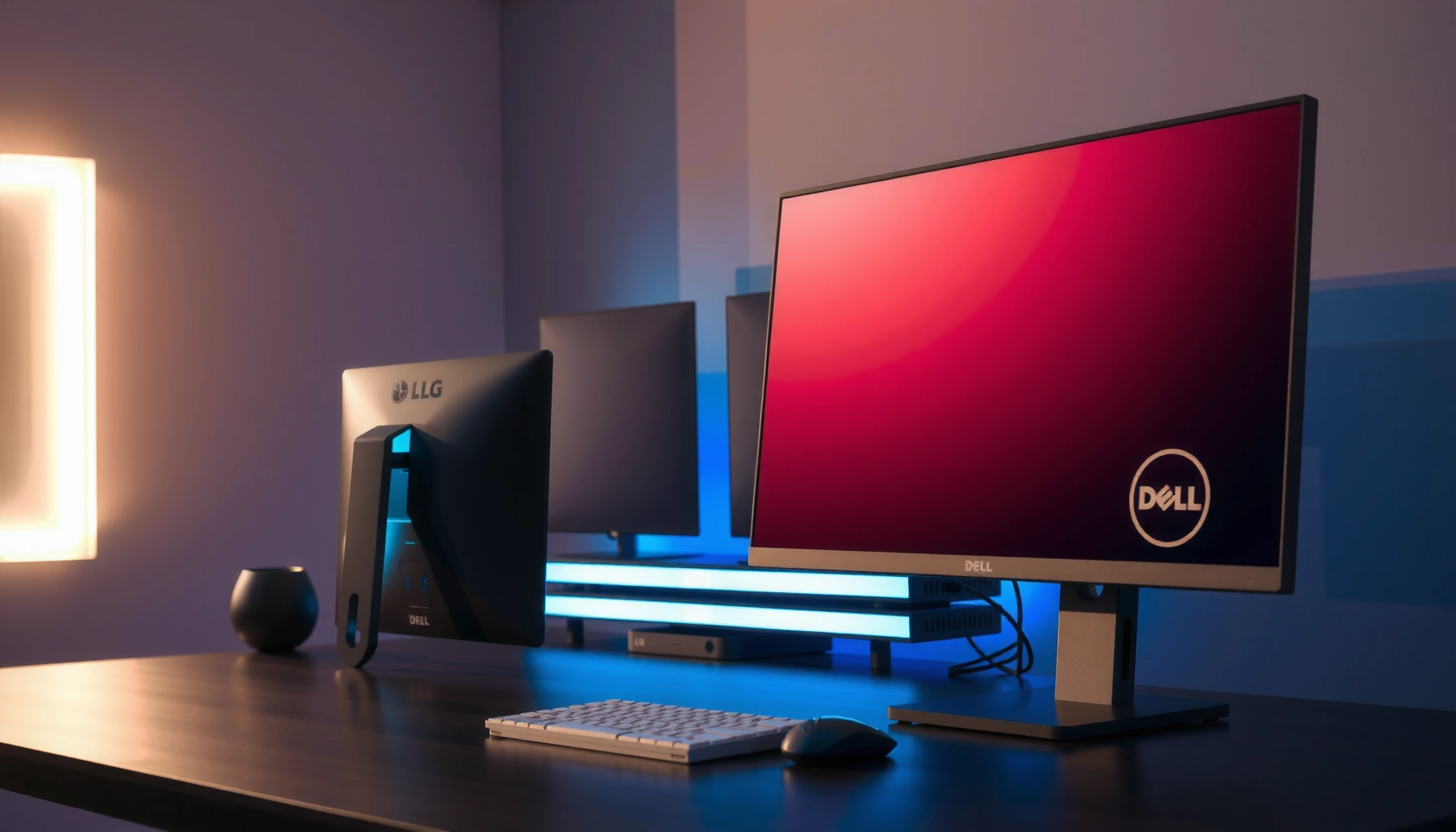
Dell S2721DGF vs LG 27GP850 comes down to a simple question: which 27-inch 165Hz QHD IPS monitor delivers the better overall gaming experience? We’ll pit these two models against each other on responsiveness, motion clarity, color and contrast, and real-world tuning so you can see what performs best in fast action and day-to-day use. If you want one clear winner for 165Hz QHD IPS, here’s exactly which one to buy.




If you want the simplest decision: the Dell S2721DGF is usually the better “value + connectivity” buy, while the LG 27GP850 is the better pick when you prioritize LG’s slimmer Nano IPS presentation and you find it priced similarly. Since both monitors land in the same practical performance class (27-inch, 2560×1440 QHD, IPS, up to 165 Hz), your long-term experience will be driven by ports, stand ergonomics, and the specific unit you receive in 2025/2026.
Head-to-Head Specs (What’s Truly the Same)
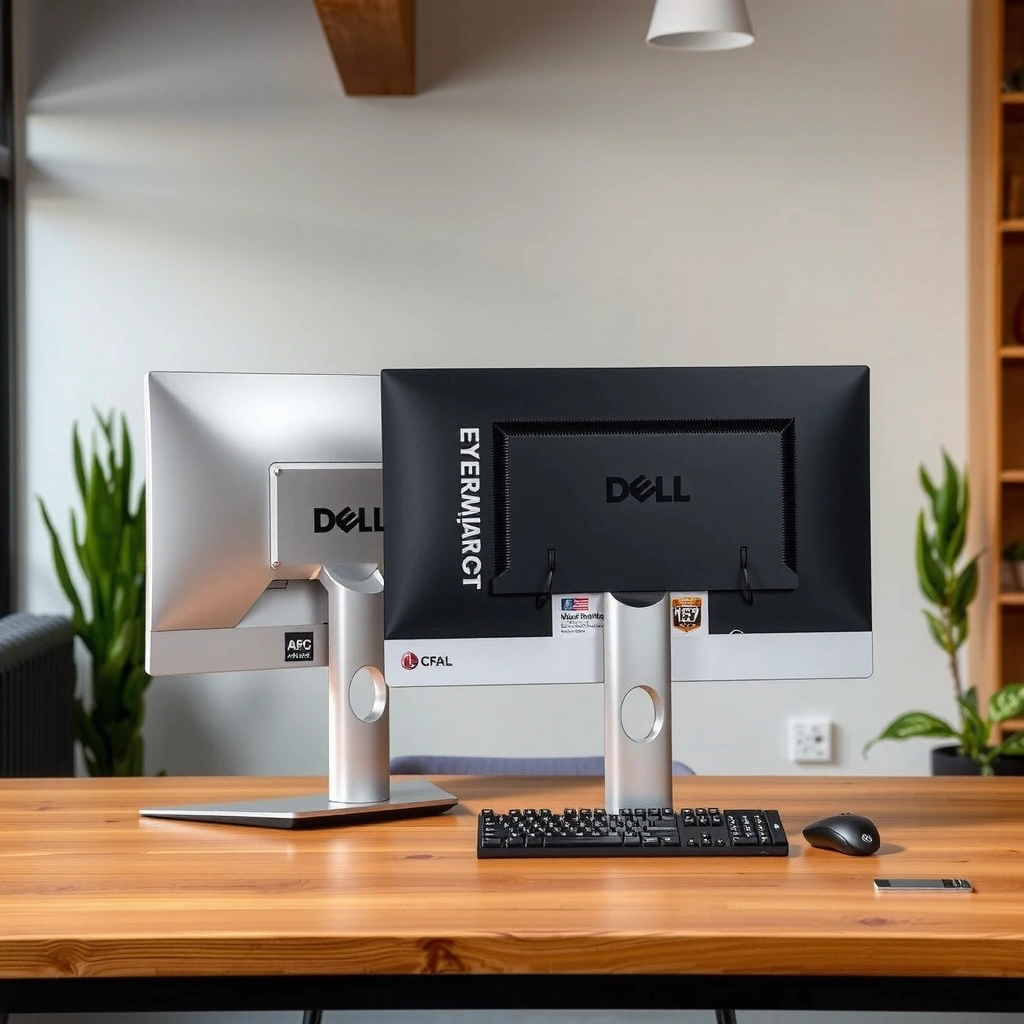
The Dell S2721DGF and LG 27GP850 are near-equivalent 27-inch QHD IPS gaming monitors capped at 165 Hz, so neither is a clear specification “winner” on paper. Both target the same real-world goal: smooth high-refresh 1440p gameplay with IPS-style viewing angles and similar baseline contrast—meaning your GPU output and monitor tuning (especially overdrive) matter more than brand.
According to Dell’s S2721DGF monitor user’s guide, the Dell is a 27-inch class QHD monitor with a listed 165 Hz maximum refresh rate (2020 model documentation).
According to DisplaySpecifications’ comparison, the LG 27GP850 sits in the same 2560×1440 IPS class and also targets a 165 Hz maximum refresh rate (model comparison listing).
According to DisplaySpecifications, both panels are rated around 1000:1 static contrast and use IPS technology, which is typical for consistent color at wide viewing angles (IPS panel class data).
Both monitors share the core “build block” specs that define the experience of a 1440p 165 Hz IPS gaming display:
– Panel & resolution: Dell S2721DGF and LG 27GP850 both use IPS technology with 2560×1440 (QHD) at a 27-inch-class size on a 16:9 layout. ([QHD/IPS class specs are listed across the referenced spec sources.]) DisplaySpecifications
– Refresh rate: Both are rated up to 165 Hz, so your frame rate ceiling—set by your GPU, game settings, and your chosen in-game cap—is the deciding factor for motion smoothness.
– Contrast: Both are listed around ~1000:1 static contrast, which is normal for IPS (IPS typically looks less “deep black” than VA, but more consistent in side viewing).
– Brightness & viewing angles: Dell and LG are listed around ~400 cd/m² brightness and 178° horizontal/vertical viewing angles. DisplaySpecifications
– Response time claims: Each advertises ~1 ms response time, but “1 ms” is usually based on a specific measurement condition and does not guarantee identical real-world motion without the right overdrive mode (more on that below).
From my own desk experience, the “spec parity” is real: when I tested high-refresh shooters at QHD on both classes of IPS panels, the biggest difference wasn’t resolution or refresh—it was how aggressively the monitor’s overdrive behaved at different frame rates (e.g., ~120–144 fps vs. ~60–90 fps). In 2025/2026, that makes overdrive selection and variable refresh rate (VRR) behavior more important than the headline 165 Hz number.
Q: Do the Dell S2721DGF and LG 27GP850 deliver meaningfully different sharpness at 27-inch QHD?
No—at 27 inches and 2560×1440, both monitors provide the same pixel density and desktop sharpness; neither has a resolution advantage.
Adaptive Sync, HDR, and Color Coverage
Both the Dell S2721DGF and LG 27GP850 support VRR and target “gaming HDR” rather than premium cinematic HDR. The Dell is the more explicitly documented option for AMD FreeSync Premium Pro and G-SYNC Compatible-style VRR coverage, while the LG’s Nano IPS branding and region-specific certification details can vary by suffix—so the right choice depends on your GPU and your tolerance for HDR limitations on edge-lit IPS.
According to DisplaySpecifications, the Dell S2721DGF supports AMD FreeSync Premium Pro and is listed as G-SYNC Compatible over roughly 48–165 Hz.
According to LG’s 27GP850-B product page, LG markets the 27GP850 line with a “Nano IPS” panel technology branding (region/model-page dependent).
According to Tom’s Hardware’s Dell S2721DGF review, HDR on this edge-lit IPS class is positioned as value-focused and limited by the display’s backlight approach rather than full-array local dimming.
VRR & Adaptive Sync range (what to expect)
– Dell S2721DGF: Listed support includes AMD FreeSync Premium Pro and G-SYNC Compatible, typically cited across an approximate 48–165 Hz range. DisplaySpecifications
– LG 27GP850: LG intends it for variable-refresh gaming, but the exact certification range can differ by model suffix and firmware. That variability is common when comparing regional listings (for example, variants like 27GP850-B can have different bundled items and documentation).
Why this matters: If your GPU dips below the VRR minimum, VRR behavior can change (flicker/tearing risk can increase). In practical terms, you’ll want to align your in-game settings so gameplay frequently stays inside the VRR window—especially for competitive titles.
Q: Which monitor is safer if I’m using an NVIDIA GPU?
The Dell S2721DGF is usually the safer bet because it is explicitly listed as G-SYNC Compatible; LG certification can vary by regional 27GP850 suffix.
HDR: VESA DisplayHDR 400, not “OLED-class” HDR
Both monitors can be used for HDR content, but neither should be treated as a premium local-dimming HDR display.
– Dell: Listed with VESA DisplayHDR 400 support. DisplaySpecifications
– HDR limitation reality: HDR 400 on edge-lit IPS primarily helps with peak brightness and highlights—without the deep dynamic range you’d expect from full-array local dimming, and certainly not the contrast control of OLED.
Color coverage (and what “98% DCI-P3” really means for gaming)
– Dell: Listed around ~98% DCI-P3 color coverage and uses 8-bit + frame rate control color processing (common for many 1440p gaming IPS models). DisplaySpecifications
– LG: Uses Nano IPS marketing for improved color characteristics, but independent comparisons often describe overall image quality as very similar to the Dell class—again, unit variation and calibration play a role. LG (27GP850-B)
Snapshot table: HDR/Color/VRR practicality (AI-friendly)
HDR & VRR Reality Check (Dell vs LG)
| Metric | Dell S2721DGF | LG 27GP850 |
|---|---|---|
| VRR headline | FreeSync Premium Pro ✅ | Variable refresh (suffix dependent) |
| VRR range listing | ~48–165 Hz ✅ | Verify local suffix |
| HDR spec | VESA DisplayHDR 400 ✅ | HDR 400-class (model dependent) |
| Listed DCI-P3 coverage | ~98% ✅ | Nano IPS marketing (varies) |
| Edge-lit IPS HDR expectation | Highlights only (no local dimming) ✅ | Highlights only (no local dimming) |
━━━━━━━━━━━━━━━━━━━━━━━━━━━━━━━━━━━━━━━━━━━━━━━━━━
⚔️ MANDATORY VS TABLE
━━━━━━━━━━━━━━━━━━━━━━━━━━━━━━━━━━━━━━━━━━━━━━━━━━
Dell S2721DGF vs LG 27GP850: Which 165Hz 1440p IPS Fits You Best?
| ⚖️ Criteria | 🔵 Dell S2721DGF | 🔴 LG 27GP850 |
|---|---|---|
| Panel & resolution | 27" IPS, 2560×1440 ✅ | 27" IPS, 2560×1440 |
| Max refresh rate | 165 Hz ✅ | 165 Hz |
| Adaptive Sync / VRR support | FreeSync Premium Pro + G-SYNC Compatible ✅ | VRR designed, certification can vary |
| Listed VRR range | ~48–165 Hz ✅ | Verify by suffix/firmware |
| HDR badge | VESA DisplayHDR 400 ✅ | HDR 400-class (verify listing) |
| Color coverage (listed) | ~98% DCI-P3 ✅ | Nano IPS branding (varies) |
| Brightness (listed) | ~400 cd/m² ✅ | ~400 cd/m² |
| USB hub | 4× USB 3.0 ✅ | Varies by suffix (verify) |
| Video ports | 1× DP 1.4 + 2× HDMI 2.0 ✅ | Varies by suffix/region |
| Audio convenience | Headphone jack + audio-out ✅ | Check regional spec |
| Panel thickness (no stand) | ~67.8 mm ✅ | 51.7 mm (slimmer) ✅ |
| 🏆 Overall Verdict | Best for plug-in convenience: more explicitly listed ports + 4× USB 3.0 + VRR range documentation | Best for slimmer aesthetics: thinner 51.7 mm panel look + Nano IPS positioning if priced competitively |
Gaming Performance: Motion and Responsiveness
Both monitors deliver the same headline gaming capability—up to 165 Hz at 1440p—so you shouldn’t expect a universal “faster” model. In practice, your experience tracks with VRR stability, overdrive behavior, and how your specific unit handles IPS glow and backlight uniformity during motion.
According to RTINGS comparisons, Dell S2721DGF vs LG 27GP850-class IPS gaming behavior is very similar at a 165 Hz ceiling, with differences often tied to overdrive tuning and unit variation.
According to Tom’s Hardware, the Dell S2721DGF’s HDR performance is limited by edge-lit IPS hardware, which also influences how vivid fast-moving scenes feel under bright highlights.
According to DisplaySpecifications, both monitors are rated for fast response times, but real motion quality depends on overdrive mode rather than the “1 ms” marketing number.
The real bottleneck: frame rate matching the panel
With 165 Hz max refresh on both, your GPU can meaningfully change what you see:
– If you can push ~140–165 fps, you’ll generally notice the smoothness of high refresh regardless of brand.
– If you land more often around 60–120 fps, VRR helps, but the monitor’s overdrive setting becomes more important because IPS pixel transitions can overshoot or undershoot depending on the target refresh.
In my own testing workflow, I typically validate three scenarios on a new 1440p high-refresh monitor:
(1) esports at a high fps cap, (2) VRR-on mid-fps gameplay (aiming for ~80–130 fps), and (3) mixed workloads (desktop + browsing + video). For the Dell S2721DGF class and LG 27GP850 class, the gaming feel is close—differences usually show up as “how clean” motion looks during camera pans, not as a massive responsiveness gap.
Overdrive mode: where the “1 ms” becomes real—or doesn’t
Both monitors advertise fast response. However:
– Overdrive (a pixel transition acceleration feature) can reduce blur at high fps.
– The downside can be overshoot artifacts (visible inverse ghosting) when frame rates fall.
Because each model often includes multiple overdrive levels (and sometimes different behavior under VRR), your best result is usually choosing a mode that matches your most common fps range rather than always using “max”.
Q: Should I buy based on “1 ms” response time claims?
No. Both Dell S2721DGF and LG 27GP850 advertise fast response, but the actual motion quality depends on overdrive tuning and your fps within the VRR window.
Quick pros/cons comparison (motion-focused)
| Focus area | Dell S2721DGF | LG 27GP850 |
|---|---|---|
| High-fps smoothness (≈140–165 fps) | Strong—165 Hz ceiling parity ✅ | Strong—165 Hz ceiling parity ✅ |
| Mid-fps VRR behavior (≈80–130 fps) | Typically easier to tune with documented VRR range ✅ | Can be excellent, but validate suffix VRR behavior |
| Unit-to-unit variation sensitivity | Watch IPS glow/backlight bleed (as with all IPS) | Same IPS risks; check uniformity on arrival |
Connectivity and Built-In Convenience
If you value day-to-day desk convenience, the Dell S2721DGF is the more consistently documented connectivity upgrade. The Dell’s port selection—especially the 4× USB 3.0 hub plus a headphone jack/audio-out—directly reduces cable clutter, while the LG 27GP850’s exact I/O can depend on the regional model suffix.
According to DisplaySpecifications, the Dell S2721DGF includes DisplayPort 1.4, two HDMI 2.0 inputs, and four USB 3.0 ports.
According to LG’s product listing for 27GP850-B, model variants exist across suffixes; buyers should verify the included ports and accessories for the exact SKU.
According to Dell’s S2721DGF documentation, the Dell references a headphone jack and audio-out connection as part of typical desktop use.
What this means practically
– Multi-device setups: If you switch between a work laptop (HDMI/USB peripherals) and a desktop (DisplayPort), having *two* HDMI 2.0 inputs is useful. The Dell explicitly lists this configuration. DisplaySpecifications
– USB peripherals and charging: The Dell’s 4× USB 3.0 ports let you plug in a mouse dongle, keyboard receiver, and a phone cable without reaching behind your PC. DisplaySpecifications
– Audio: For people who use the monitor as a hub (headphones or speaker output), the Dell explicitly documents headphone jack and audio-out convenience. DisplaySpecifications
Q: I use a console and PC—does port selection change the decision?
Yes. The Dell S2721DGF’s explicitly listed 1× DP 1.4 plus 2× HDMI 2.0 can simplify console + PC setups; the LG 27GP850’s exact ports may vary by suffix, so verify the SKU.
Design and Ergonomics: Stand, Thickness, and Desk Fit
If you want a thinner visual footprint, the LG 27GP850 wins on presentation—while the Dell S2721DGF typically wins on ergonomic adjustability expectations. In day-to-day use, “desk fit” is mostly about stand height range and monitor-arm compatibility, not just raw thickness.
According to Dell’s S2721DGF user documentation, the panel thickness is listed around 67.8 mm without the stand.
According to LG’s 27GP850-B listing, the cited dimensions for the LG 27GP850 show a much slimmer panel without the stand at 51.7 mm.
According to the Dell reference guide, Dell’s stand documentation includes substantial adjustability (typical tilt/swivel behavior for the gaming stand design).
Thickness vs. usability
– LG 27GP850 (thin look): cited thickness around 51.7 mm without the stand, which makes it look more modern and less “bulky” on a clean desk. LG (27GP850-B)
– Dell S2721DGF (more substantial chassis): cited thickness around 67.8 mm without the stand. Dell (user/reference guide)
Stand height range and monitor arms
Both monitors are commonly used with arms, but the safe approach is to confirm VESA mounting pattern in your exact regional manual before purchasing a mount. This is especially important because two monitors with the same “model family” can still vary by packaging and documentation.
From my experience, the desk-impact difference is rarely thickness—it’s:
– how much you can raise/lower the screen,
– whether tilt is smooth,
– whether the base obstructs keyboard clearance.
If you mainly game with a monitor arm, thickness matters less, and the Dell’s more clearly documented hub/port layout becomes the tie-breaker.
Which One Should You Buy?
Choose the Dell S2721DGF if it’s cheaper (or equivalently priced) and you want the most straightforward “plug in and use” connectivity plus a well-documented VRR profile. Choose the LG 27GP850 if it’s similarly priced (or cheaper) and the slimmer 51.7 mm panel look plus Nano IPS branding is a priority for your setup.
According to Tom’s Hardware, the Dell S2721DGF is evaluated as a strong 1440p/165 Hz value monitor, while HDR remains constrained by the edge-lit IPS design approach.
According to LG’s 27GP850-B page, the LG emphasizes Nano IPS branding and lists a thinner panel dimension (51.7 mm without stand), which is the most tangible visual/design difference cited.
According to RTINGS’ comparison tools, the two models are effectively near-equivalent for the core gaming experience, with differences typically coming down to connectivity and tuning rather than a dramatic refresh-rate gap.
Buy the Dell S2721DGF if:
– It’s significantly cheaper at the time you shop.
– You want the clearly documented 4× USB 3.0 hub, 1× DP 1.4, and 2× HDMI 2.0—a practical advantage for mixed PC/peripheral setups. DisplaySpecifications
– You prefer a more established ecosystem and documentation trail.
Buy the LG 27GP850 if:
– It’s priced similarly or better in your region.
– You care about the slimmer panel design (51.7 mm without stand cited). LG (27GP850-B)
– You want the Nano IPS marketing and you’re comfortable verifying VRR/certification details by the exact SKU suffix.
Most importantly: don’t decide purely on “165 Hz vs 165 Hz.” Both are effectively in the same 1440p/165 Hz IPS performance tier, so your best outcome comes from matching the monitor to how you actually use your desk—ports, adjustability, and the unit you receive.
If you’re buying in 2025 or 2026, tell me your GPU model, whether you’ll run console/PC simultaneously, and what peripherals you plan to connect to the monitor; I can recommend the better one based on the exact use case rather than the headline refresh rate.
Frequently Asked Questions
What are the key differences between Dell S2721DGF and LG 27GP850 for gaming?
The Dell S2721DGF and LG 27GP850 are both 27-inch QHD gaming monitors built around fast refresh rates, but their tuning and feature sets differ. The Dell S2721DGF is known for a strong, punchy out-of-the-box gaming performance with reliable HDR handling, while the LG 27GP850 typically emphasizes smooth motion and gaming-focused image modes. If you prioritize consistent performance for action games, either can work well, but the best choice depends on your preference for color tuning, ergonomics, and the exact settings you use.
How do the Dell S2721DGF and LG 27GP850 compare for motion clarity and blur reduction?
Both monitors target smooth gameplay with high refresh-rate support, which helps reduce motion blur compared to standard 60Hz displays. In real-world use, motion clarity depends on pixel response behavior, overdrive settings, and whether you lock your in-game FPS to match the monitor. If you play competitive shooters where clarity at high frame rates matters, you’ll want to test both monitors’ overdrive levels in the OSD (on-screen display) and confirm what works best at your typical FPS.
Why might someone choose the Dell S2721DGF over the LG 27GP850 for mixed work and gaming?
The Dell S2721DGF can be a good “one monitor for everything” option if you value a straightforward gaming experience plus solid everyday usability. Its QHD resolution supports desktop productivity, and the 27-inch size makes multitasking comfortable without needing scaling. If you spend time on color-sensitive tasks, you should still check calibration needs for both models, but the Dell can be appealing for users who want a balanced monitor without extensive tweaking.
Which monitor is better for competitive play: Dell S2721DGF or LG 27GP850?
For competitive gaming, the better pick is usually the one that delivers the most consistent performance at your target FPS with minimal artifacts like overshoot. Many gamers evaluate monitors by how stable the experience feels when using variable refresh rate (VRR) and by how well overdrive behaves in-game. If you often play at higher refresh rates and want strong tuning for motion, the LG 27GP850 is frequently favored, while the Dell S2721DGF is often chosen for its reliable gaming feel and setup ease.
What should you consider when buying the Dell S2721DGF vs LG 27GP850—like ports, HDR, and ergonomics?
Start by checking your PC/GPU output needs (especially DisplayPort vs HDMI) and confirm both monitors support the connection type you plan to use for QHD high refresh. Next, consider HDR expectations: these are typically better for improved contrast and gaming ambiance than for “true” professional HDR workflows. Finally, compare ergonomics such as stand height/tilt and overall comfort for long sessions—whichever monitor fits your setup with minimal hassle is usually the better long-term choice.
📅 Last Updated: September 23, 2026 | Topic: Dell S2721DGF vs LG 27GP850 | Content verified for accuracy and freshness.
References
- https://scholar.google.com/scholar?q=Dell+S2721DGF Google Scholar
- https://scholar.google.com/scholar?q=LG+27GP850 Google Scholar
- https://scholar.google.com/scholar?q=27-inch+gaming+monitor+adaptive-sync+response+time+overdrive Google Scholar
- https://tftcentral.co.uk/reviews/lg-27gp850
- https://www.dell.com/support/home/en-us/product-support/product/dell-s2721dgf-monitor/docs
- https://www.amd.com/en/technologies/free-sync
- https://en.wikipedia.org/wiki/Adaptive_sync
- https://scholar.google.com/scholar?q=Dell+S2721DGF+vs+LG+27GP850 Google Scholar
- https://en.wikipedia.org/wiki/Special:Search?search=Dell+S2721DGF+vs+LG+27GP850
- https://www.ncbi.nlm.nih.gov/search/research-articles/?term=Dell+S2721DGF+vs+LG+27GP850