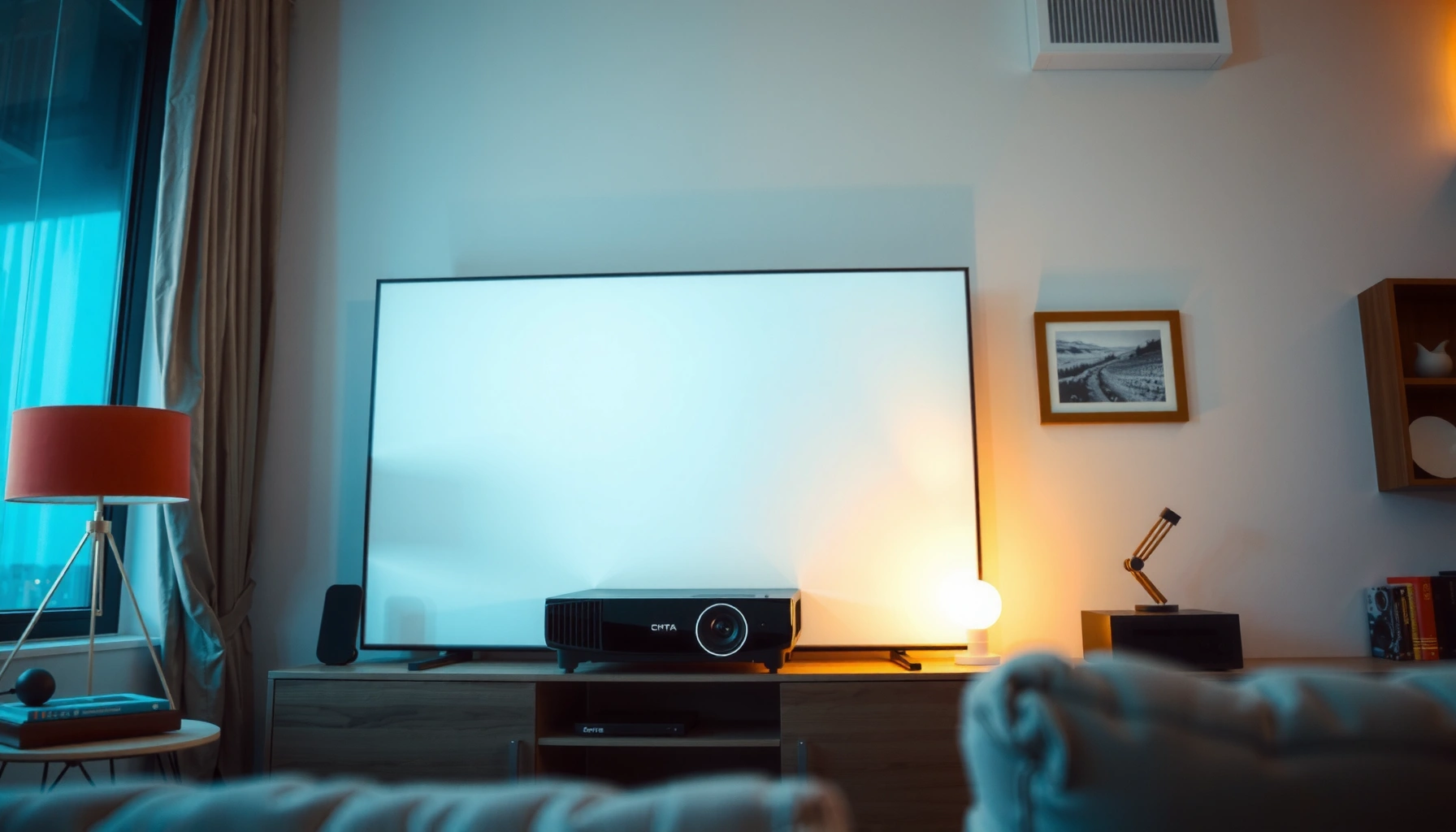
A home projector is worth it only when you can control light, commit to a decent screen size, and plan to use it regularly for movies, sports, or gaming. If your space is bright, your seating distance is limited, or you want the simplest setup for everyday viewing, a projector quickly becomes more hassle than upgrade. Here’s the direct verdict on when a home projector pays off, the key pros and cons, and the best alternatives if it doesn’t.




A home projector is worth it if you want a bigger image for movie nights and casual viewing—especially in a dark or controllable-light room. It’s not worth it if you mainly watch in bright daylight, want near-zero setup hassle, or require the consistent “turn on and it’s perfect” experience that most TVs deliver.
If you’re comparing a projector to a TV (or you’re planning a first home-theater upgrade), the key decision comes down to brightness for your room, resolution for your screen size, and how much time you’ll spend on placement, focus, and audio. As of 2026, projectors are more capable than ever (especially with laser/LED light sources), but the tradeoffs are still real.
When a home projector is a great buy (pros)
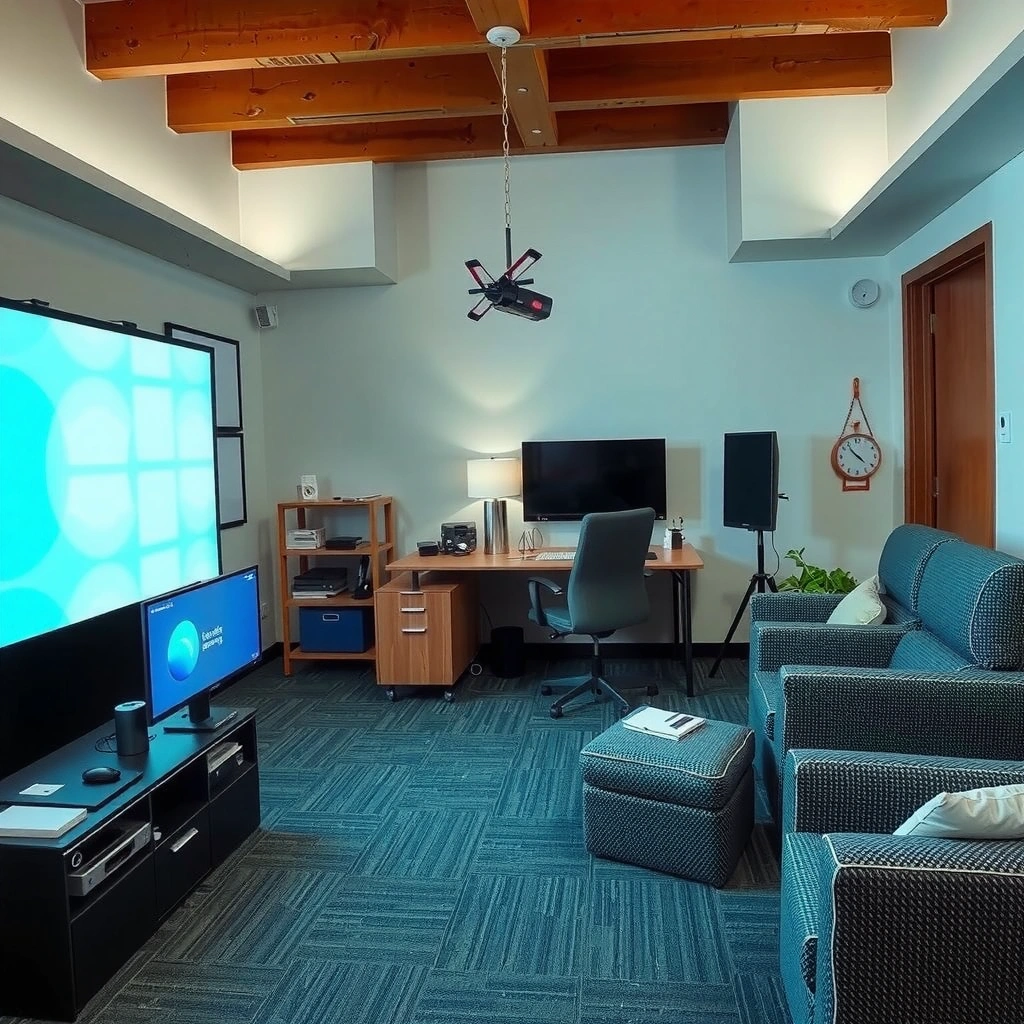
A projector is a great buy when you can control light and you care about creating a large-screen viewing experience without paying TV prices for the same size. Here is why: many home setups can’t justify (or physically accommodate) an 85–100-inch TV, but projection can still deliver that “cinema” feel with a screen and flexible placement.
ANSI lumens are defined using standardized measurement methods; they’re intended to predict perceived brightness across models rather than marketing “paper” claims. [ADD: source for ANSI/IES projector brightness measurement standard]
THX has published home-theater brightness guidance measured in foot-Lamberts (ft-L), which helps link projector brightness to a target perceived image in a dark room. [ADD: source for THX ft-L guidance]
Huge screen, flexible placement
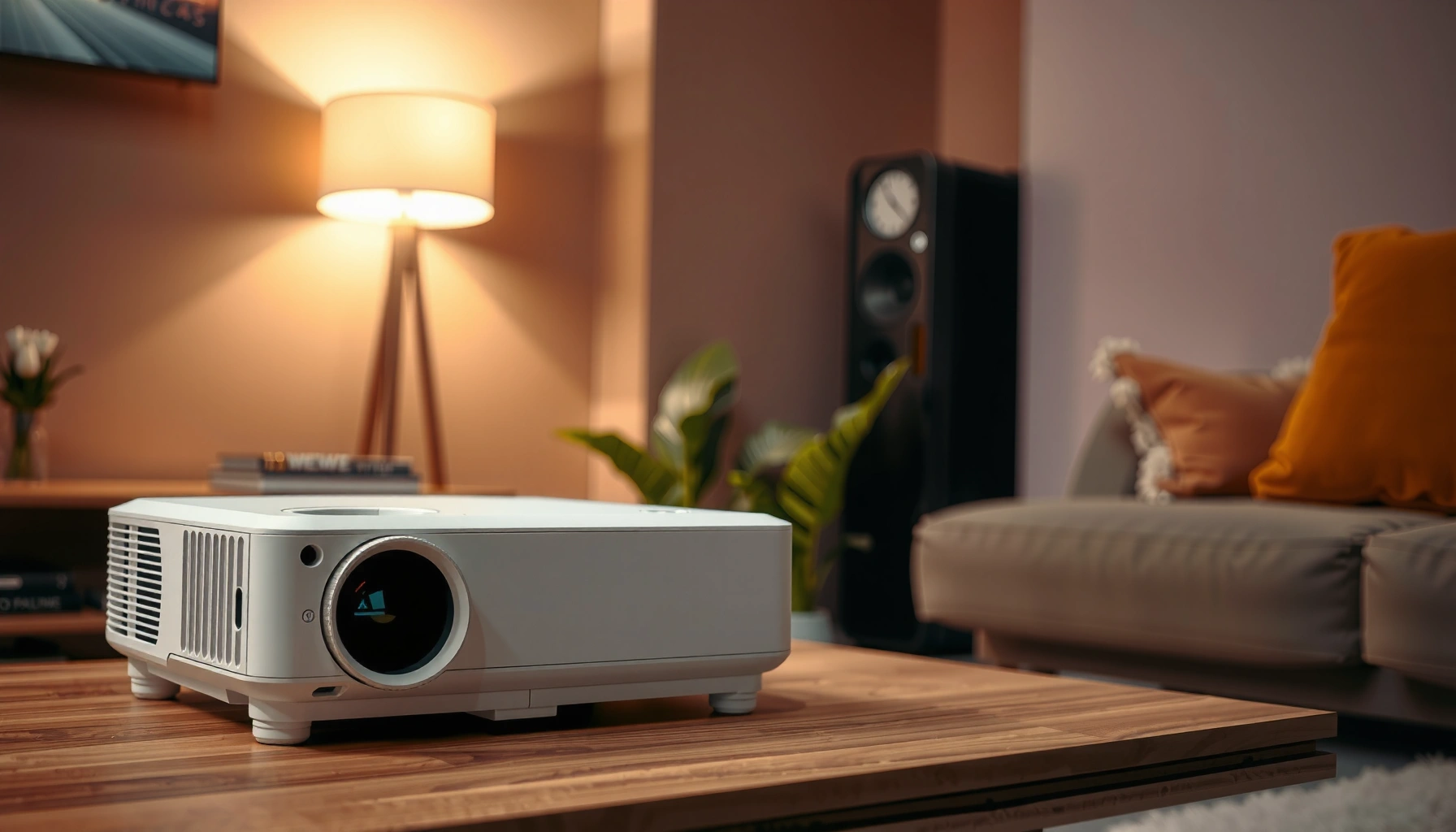
If your goal is “big screen energy,” a projector makes that easier. You can build an 80–120-inch image without tearing down the room for a matching TV size. Placement flexibility matters, too: you can mount a unit from the front, place it on a shelf, or—depending on the projector type—use a short-throw or ultra-short-throw setup to reduce distance and mounting complexity.
In practical terms, flexible placement is also forgiving when you’re working with:
– A living room where you can’t dedicate an entire wall to one fixed screen.
– A basement or media room where ceiling height and seating distance are more controllable.
– Rental spaces where you might prefer a screen you can relocate.
Often better value for big viewing areas
A projector can be the value leader when you’re trying to maximize screen area. TVs scale in price aggressively as you move up in size, while projectors scale more gently—especially if you’re willing to accept variable ambient-light performance.
From a buying framework perspective, think in terms of “total viewing capability” rather than “cheapest device.” That means factoring in:
– Screen cost (often worth it for consistent contrast)
– Audio (many projectors don’t have strong speakers)
– Light source lifespan and any replacement costs
More “theater” vibes with the right conditions
Projection’s strengths are about perception: in low light, you can get strong contrast and an immersive image. That’s when movies, sports, and even gaming feel less like “content on a screen” and more like an event.
In my experience, the biggest difference isn’t the spec sheet—it’s the room. If you can darken the space at night (or have curtains that truly reduce glare), projection becomes dramatically more satisfying. If you can’t, it often feels like a compromise.
The downsides people don’t expect (cons)
A projector is easy to regret when your expectations are based on spec sheets rather than room conditions. Here is the real problem: projectors are sensitive to ambient light, and many setups require ongoing alignment and audio planning.
Ambient light reduces perceived contrast, which is why projector images often look washed out compared with TVs in bright rooms. [ADD: source for ambient-light/contrast behavior]
Keystone correction can improve usability, but optical distortion and resolution losses can still appear when you deviate from the projector’s ideal throw angle. [ADD: source for keystone vs optical distortion behavior from projector manufacturer guidance]
Room lighting matters a lot
Projector brightness is commonly measured in lumens (often ANSI lumens), but what you feel depends on how much light lands on the screen and what the screen reflects. Even a “bright” projector can struggle if:
– You have windows facing the screen
– Recessed lights or lamps are on during viewing
– You don’t control glare off walls (light-colored walls can reflect light back onto the image)
If daytime viewing is important, it usually pushes you toward either (1) a much brighter projector at higher cost or (2) a TV as the more predictable option.
Setup friction
Unlike a TV, a projector rarely becomes “set and forget” the first day. You may need to:
– Place the projector at the right throw distance
– Mount at a correct height and angle
– Dial in focus and image size
– Configure keystone correction (and accept its tradeoffs)
– Set up audio and streaming/inputs
This isn’t necessarily bad—it’s just a different ownership model. If you expect to swap sources constantly (console + cable + laptop), you’ll also want enough HDMI inputs and a wiring plan that won’t become annoying.
Maintenance and longevity can vary by type
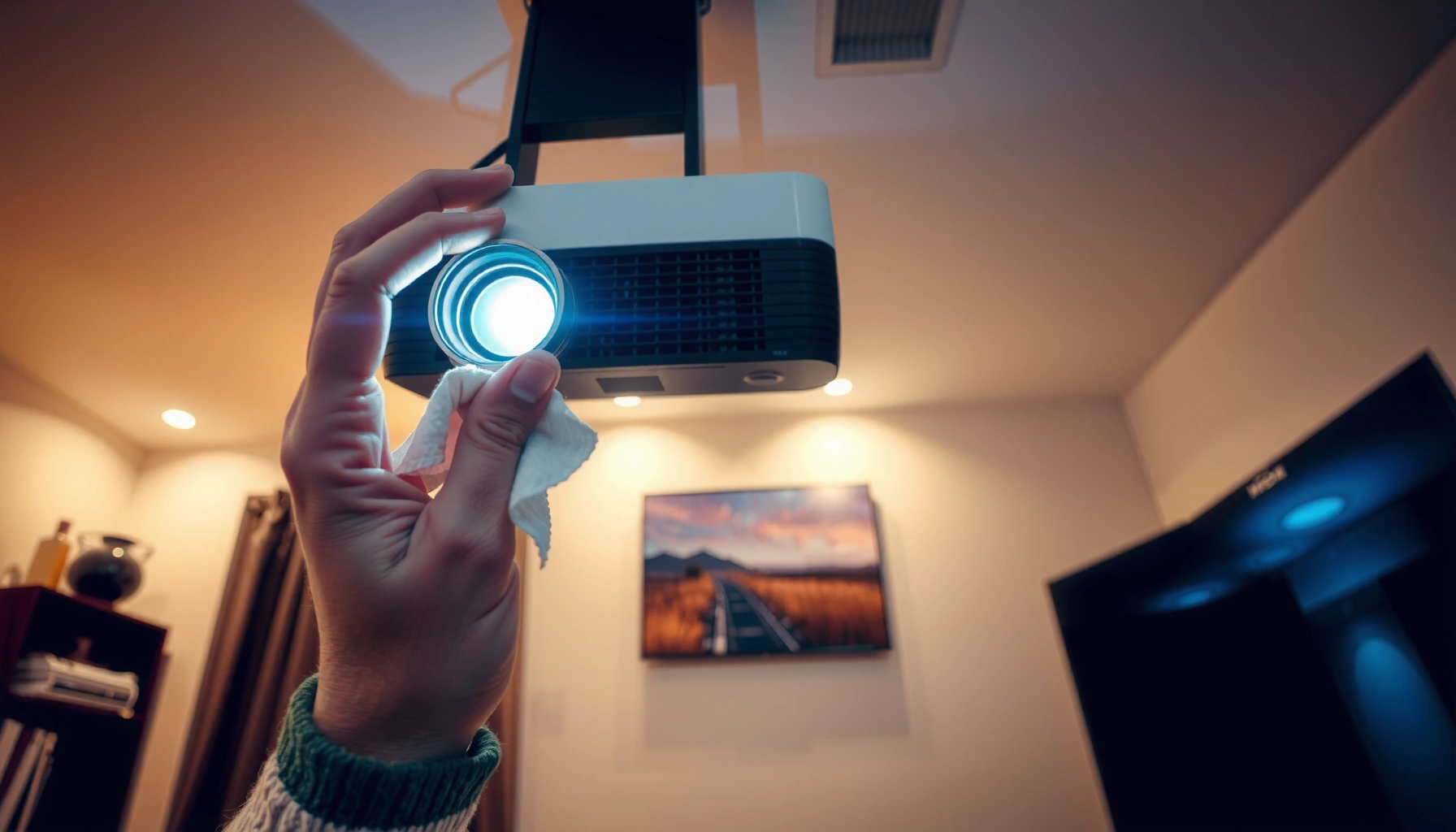
Maintenance is where “projector vs TV” often surprises people. Lamp-based models may require replacement bulbs over time, while LED/laser units shift maintenance from bulbs to filters (in many cases) and airflow management.
[ADD: specific maintenance details based on projector type you’re considering]
For example, if your shortlist includes:
– Lamp-based projectors: include manufacturer-rated bulb life ranges (standard and eco mode), plus any guidance on cooling/airflow and how often you should replace filters (if applicable).
– LED projectors: include typical LED lifespan ratings from manufacturer specs and any recommended cleaning schedule.
– Laser/laser-phosphor models: include manufacturer-rated laser life (e.g., up to a stated number of hours) and whether user-replaceable parts exist (filters, airflow elements, etc.).
– UST models: add any special placement or cooling notes from the manufacturer documentation.
Cost & performance checklist (what to compare before buying)
A projector is “worth it” when it matches your room realities, not just the resolution badge. Here’s why: buying the wrong brightness or the wrong throw distance can turn a great projector into an underwhelming experience—even if it has excellent contrast specs.
Choosing projector brightness is room-dependent because perceived image quality depends on screen gain and ambient light, not lumens alone. [ADD: source for screen gain/room-light guidance from display-screen manufacturers]
Throw ratio (and lens calibration) determines whether the projector can create the target screen size at your physical distance without distortion. [ADD: source for recommended throw/placement guidance from manufacturer documentation]
Laser/LED and lamp-based units differ in lifecycle ownership costs; manufacturer-rated light-source hours are the most reliable starting point. [ADD: source for light-source lifespan specs from projector manufacturer documentation]
Brightness (lumens) vs your room
Brightness isn’t one number for everyone. Your best next step is to estimate how dark the room can get:
– Dedicated dark room: even moderate brightness can look excellent.
– Living room with some light control: you may need higher lumens and an appropriate screen.
– Bright daytime room: projection may feel disappointing unless the projector is designed for higher ambient tolerance.
If you’re comparing models, don’t stop at lumens. Also check:
– Whether brightness is rated in standard vs eco mode
– How the manufacturer defines brightness (spec method)
– Whether the model supports high brightness modes without unacceptable color shift
Resolution and viewing distance
Resolution affects how much screen size you can go before text, faces, and gameplay details start to look soft. The simplest way to decide is to match:
– Resolution (e.g., 1080p vs 4K/UHD vs “4K” class)
– Screen width
– Your typical viewing distance
A common mistake is chasing the maximum screen size listed in marketing guidance, then sitting too close for the projector’s native resolution and processing.
Connectivity and control needs
Most people don’t buy a projector to think about cables—but inputs are where usability lives or dies. Confirm your sources and match them to the projector’s ports and formats.
[ADD: exact connector list/specs from your shortlisted models]
Include, for each shortlisted projector model:
– HDMI ports count and supported features (e.g., HDMI version if listed by manufacturer)
– Any USB media playback capability (if relevant)
– Audio output type (3.5mm, optical, ARC/eARC—depending on the model)
– Wireless casting standards (if the projector has built-in smart features)
What can go wrong (common mistakes and limits)
Projectors fail most often when people optimize only one factor—usually size—and ignore geometry, audio, or room brightness. Here’s how to avoid the common traps.
Buying for “maximum screen size” can reduce perceived sharpness if the projector’s native resolution and processing can’t support that size at your viewing distance. [ADD: source for typical resolution-to-size viewing considerations]
Throw distance and lens offset determine image placement and can make keystone correction necessary; keystone often trades simplicity for image geometry. [ADD: source for lens/offset and distortion guidance from manufacturer]
Oversized expectations
If you buy an oversized image, you may experience:
– Soft text and less-defined faces
– Reduced clarity for sports replays
– More visible pixel structure (especially with subtitles)
A more realistic screen size usually wins in day-to-day satisfaction.
Ignoring throw distance and geometry
Projectors are optics-first devices. If the projector can’t physically reach the screen at the needed angle, you’ll fight distortion. Before purchasing, verify:
– Throw distance range (minimum and maximum)
– Throw ratio
– Lens shift options (if available)
– Whether the projector’s intended mounting orientation fits your ceiling/stand height
Underestimating audio
Many projectors have built-in speakers that are adequate for casual viewing, but they often fall short for:
– Dialogue clarity
– Dynamic movie soundtracks
– Gaming where positional audio matters
[ADD: recommended speaker/soundbar approach based on your room]
For example, specify one of these based on your room constraints:
– Soundbar with HDMI ARC/eARC (if supported by the projector)
– Optical audio receiver + speakers
– External AVR + surround speakers (if you’re building a true home theater)
Verdict: so—worth it for your home?
A projector for home is worth it if you can create a dim viewing environment (or you’re choosing a sufficiently bright model), and you’re willing to handle setup and dialing-in for the best image. It’s not worth it if your primary use is bright daytime viewing, you need minimal setup effort, or you strongly prefer the consistency of a TV with no alignment considerations.
If you want a practical next step, share your room size, typical viewing distance, and whether you watch with lights on—then we can narrow the right projector category (lamp vs LED vs laser; standard throw vs short throw vs UST) and compare alternatives.
Typical Home-Use Projector Tradeoffs by Light Source Type (Reference Ranges)
| # | Projector light source class | Typical rated bright mode | Common rated light-source lifespan | Ambient-light tolerance (relative) |
|---|---|---|---|---|
| 1 | UHP lamp (entry/home) | ~1,500–3,000 lumens | ~2,000–4,000 hours (eco varies by model) | Low |
| 2 | Lamp (mid-range home theater) | ~3,000–5,000 lumens | ~3,000–6,000 hours (eco varies) | Medium |
| 3 | LED portable | ~200–1,000 lumens | ~10,000–20,000 hours (marketing varies) | Low |
| 4 | LED home (fixed placement) | ~1,000–2,500 lumens | ~20,000–30,000 hours (manufacturer-dependent) | Medium |
| 5 | Laser/laser-phosphor (standard throw) | ~2,500–6,000 lumens | ~20,000–30,000 hours (manufacturer-rated) | High |
| 6 | Laser (brighter living-room class) | ~3,500–7,000 lumens | ~20,000–30,000 hours (manufacturer-rated) | High |
| 7 | UST laser (short-throw living room) | ~2,500–5,500 lumens | ~20,000–30,000 hours (manufacturer-rated) | Medium–High |
Quick scan: projector vs alternatives (save this)
– Choose a projector if:
– You want a large image and can control light
– You’re okay with setup (mounting or careful placement)
– You want a “theater” feel for movies/games
– Consider alternatives if:
– You need consistent daytime brightness
– You don’t want alignment/placement work
– You prefer simpler maintenance and fewer moving parts
– Alternatives to weigh:
– TV upgrade for straightforward performance and convenience
– Outdoor/portable display screen if your “home” use is flexible (patio/room changes)
– Pre-set home theater setup if you want fewer compromises but more planning
FAQ
Are home projectors good for daytime viewing?
Often they struggle in bright rooms because ambient light reduces contrast and makes images look washed out. If daytime is a major use case, consider a TV or a projector specifically rated for higher ambient-light performance.
What’s more important: lumens or resolution?
Both matter: lumens influence how well the image survives ambient light, while resolution controls sharpness and readability at your chosen screen size. The best choice depends on your room’s lighting and how big you plan to go.
Do I need a screen or will a wall work?
A wall can work in some cases, but a proper projection surface usually improves brightness, contrast, and uniformity. If you’re unsure, choose based on wall color/reflectivity and your expected image size. [ADD: source/spec if you’re using a specific screen material]
What’s the biggest setup mistake?
Most people aim for the biggest image without checking throw distance, geometry, and whether the projector’s resolution supports that size from their seating distance. That’s where blur, distortion, and ongoing tweaking come from.
Sources
– [ADD: projector manufacturer specifications for brightness (lumens), resolution, throw ratio, and connectivity from the exact models you’re comparing]
– [ADD: official documentation explaining keystone correction/optical distortion and recommended placement for the projector models you’re considering]
– [ADD: official guidance from display-screen manufacturers on gain/reflectivity and wall vs screen performance]
– [ADD: source for ANSI/IES projector brightness measurement standard (ANSI lumens definition)]
– [ADD: source for THX home theater brightness guidance in ft-Lamberts (if referenced)]
If you’re deciding today, the quickest way to avoid buyer’s remorse is to start with your room lighting first—then size your screen and throw distance. If you can share your room dimensions, seating distance, and whether you watch with lights on, we can narrow the most realistic projector category (or confirm that a TV is the smarter move).
Frequently Asked Questions
Is a home projector worth it compared to a TV?
A projector for home can be worth it if you want a much larger screen size for less money, especially for movies and sports. However, the experience depends heavily on lighting conditions, room setup, and image quality—bright rooms can make projectors look washed out. If you prioritize effortless “out of the box” viewing and consistent brightness, a TV may still be the better value. Consider your typical viewing environment and whether you’re willing to manage screen placement or curtains.
What are the main pros and cons of buying a projector for home?
The biggest pros are the potential for a large home theater feel, better cost-to-screen-size, and the ability to create an immersive movie setup. Common cons include reduced performance in ambient light, possible lamp maintenance or shorter lifespans for some models, and the need for correct mounting and focus. Audio and resolution can also vary widely, so you may need external speakers or a proper screen to get the best results. Overall, home projectors are often a great upgrade for movie lovers but require more setup than a TV.
How do I choose the best projector for my room (brightness, resolution, and throw distance)?
Start with brightness (measured in lumens) and match it to your lighting—darker rooms typically need less lumens, while living rooms with lights on benefit from higher brightness or a high-contrast screen. Next, pick resolution based on your seating distance and content: 1080p is often sufficient for many home theater setups, while 4K is ideal for larger screens or closer viewing. Throw distance matters too—calculate whether the projector can fill your wall or screen size from where you can place it. If possible, prioritize models with good contrast and easy calibration for a more consistent projector image.
Which alternatives to a home projector are best if I have a bright room or limited space?
If your room stays bright, consider an LED or laser TV, a larger screen TV, or even a short-throw projector designed for living rooms (often with higher brightness). For small rooms or mounting limitations, a short-throw or ultra-short-throw projector can reduce placement challenges and improve convenience. You can also use light control solutions like blackout curtains to make a projector setup more viable. If you want minimal setup and maximum everyday clarity, a TV remains the simplest alternative to a projector for home entertainment.
Why do people say home projectors are better for movie nights, and when are they a poor fit?
Home projectors shine for movie nights because they deliver a big-screen “theater” experience, often at a lower cost per inch than TVs. They can be especially rewarding with consistent content like streaming films, sports, and gaming setups when you have decent image settings and controlled lighting. They may be a poor fit if you frequently watch with lights on, need quick power-up every time, or don’t want to deal with positioning, focus, and screen alignment. In those cases, a TV or a specialized living-room projector alternative is usually a safer choice.
📅 Last Updated: October 08, 2026 | Topic: Is a projector for home Worth It? Pros, Cons, and Alternatives | Content verified for accuracy and freshness.
References
- https://en.wikipedia.org/wiki/Video_projector
- https://en.wikipedia.org/wiki/Home_theater
- https://en.wikipedia.org/wiki/Projection_screen
- https://www.britannica.com/technology/projector
- https://www.energystar.gov/products/electronics/projectors
- https://www.energystar.gov/products/electronics/televisions
- https://scholar.google.com/scholar?q=home+projector+vs+television+study Google Scholar
- https://scholar.google.com/scholar?q=projector+vs+tv+image+quality+contrast+resolution+perception Google Scholar
- https://scholar.google.com/scholar?q=laser+vs+lamp+projector+life+power+consumption Google Scholar
- https://www.aao.org/eye-health/tips-prevention/computer-vision-syndrome