
Installing a compact sound system in a small space can greatly enhance your audio experience without overwhelming your environment. This guide will lead you through the essential steps to set up a high-quality sound system that seamlessly fits into limited areas. You will learn how to choose the right components, position them effectively, and optimize sound quality for your specific space.



Choosing the Right Components
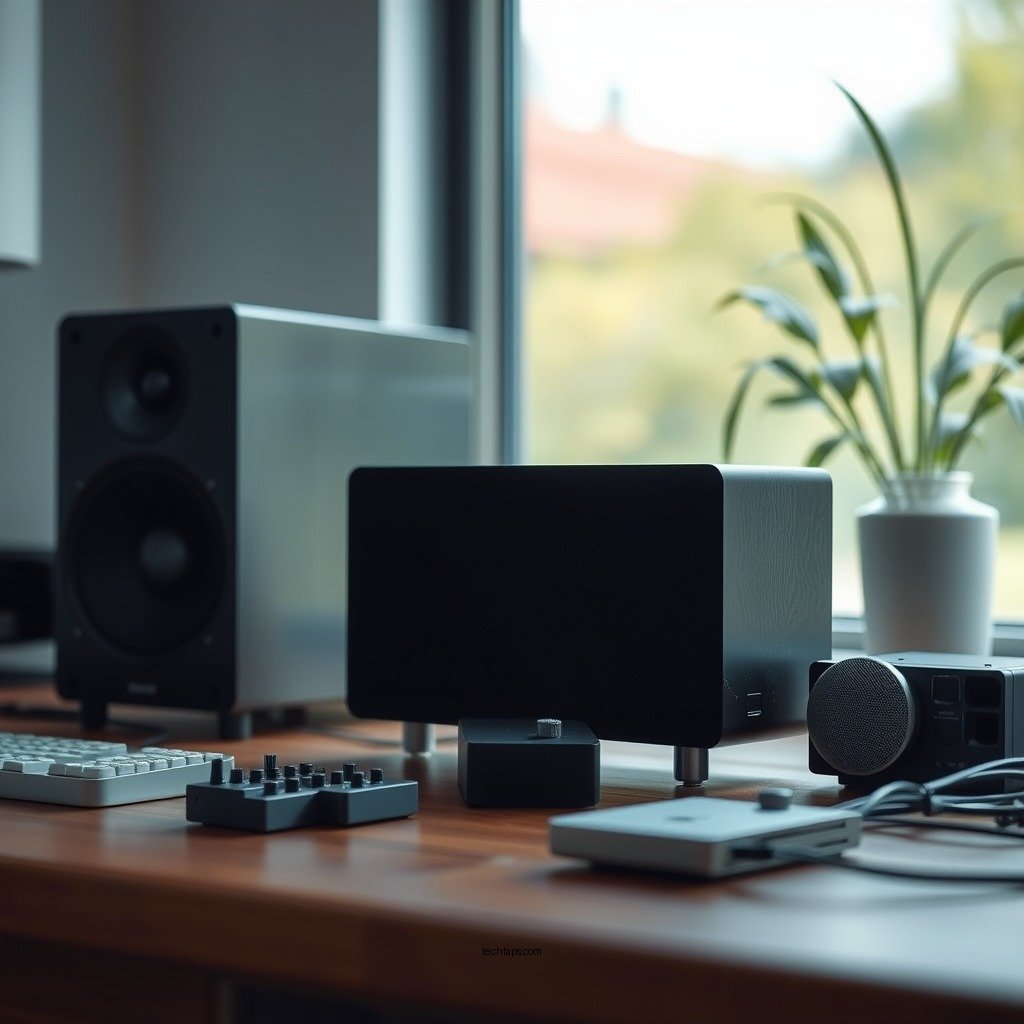
To initiate the installation of your compact sound system, it’s crucial to select the right components tailored for your unique space.
– Assess Your Space: Begin by determining the size and layout of your area. For instance, if you have a small living room, you might want to avoid large floor-standing speakers and instead consider bookshelf or satellite speakers that can deliver excellent sound without taking up too much space. Measure the dimensions of your room and consider any furniture that may obstruct sound paths.
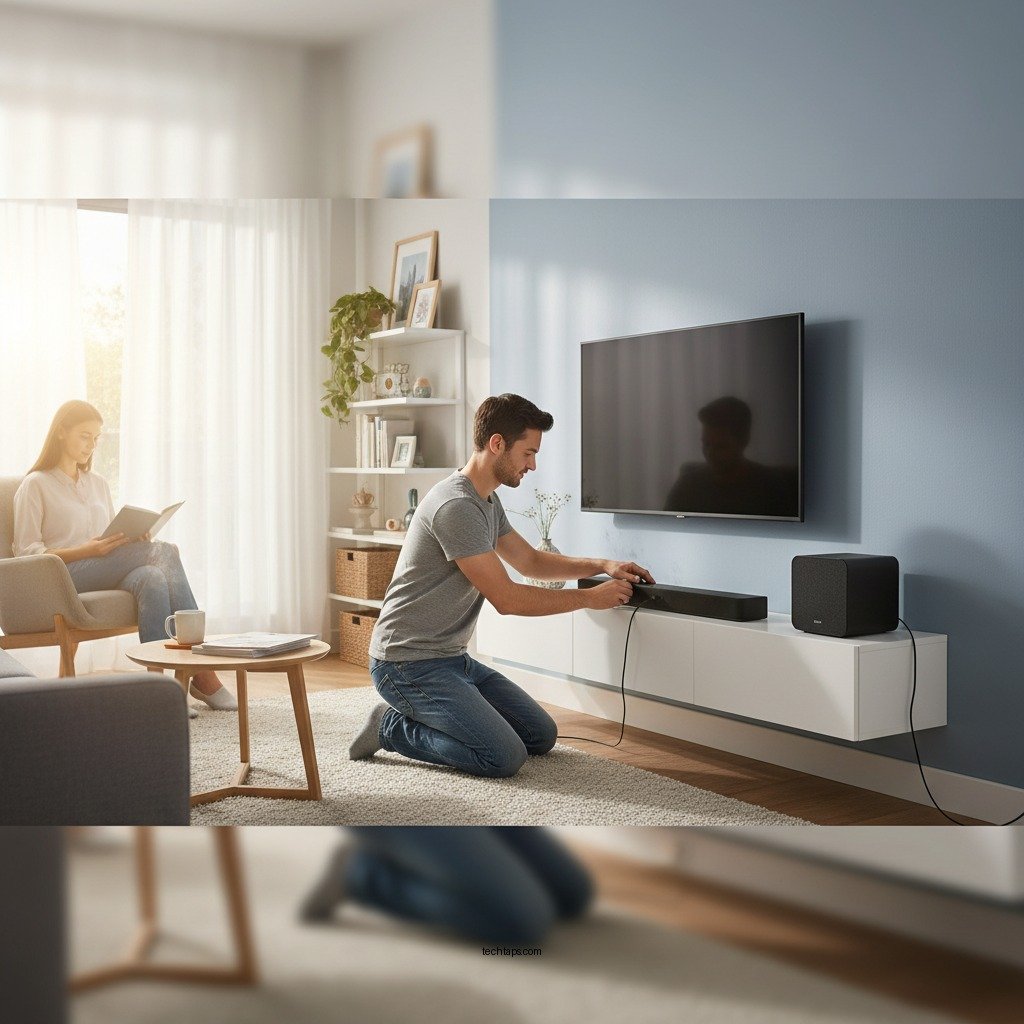
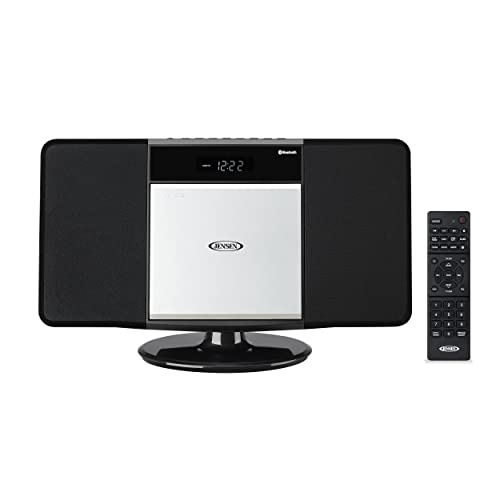
– Opt for Compact Designs: Look for audio systems specifically designed for small spaces. Many manufacturers offer compact soundbars, Bluetooth speakers, and mini receivers that provide powerful sound in a small footprint. Brands like Bose, Sonos, and JBL create products that combine aesthetics with functionality, ensuring you don’t compromise on quality while saving space.
Planning Your Layout
Once you have your components selected, the next step is to plan the layout effectively.
– Identify Optimal Placement: The position of your speakers is vital for achieving the best sound. Ideally, speakers should be placed at ear level when seated. For stereo sound, position the left and right speakers about 6-8 feet apart and slightly angled toward your listening area. Consider using wall mounts or stands to elevate smaller speakers.
– Create a Wiring Plan: To maintain a clean look in your small space, plan how to hide or manage cables. Use cable management solutions such as raceways or cable clips to route cables along baseboards or walls. This not only enhances aesthetics but also prevents tripping hazards.
Setting Up the Sound System
With the layout planned, it’s time to set up your sound system.
– Follow Manufacturer Instructions: Each audio component comes with specific setup guidelines. Carefully read the manuals for speakers, receivers, and any additional devices. Following these instructions helps prevent issues and ensures optimal performance.
– Connect Components: Make sure all devices are properly connected. For a basic setup, connect your speakers to the receiver using speaker wire, ensuring you match the positive and negative terminals. If you’re incorporating streaming services, connect your receiver to your Wi-Fi network or Bluetooth devices as required.
Top Compact Sound Systems for Small Spaces (2024)
| # | Model | Type | Power (Watts) | Rating |
|---|---|---|---|---|
| 1 | Bose SoundLink Mini II | Portable Speaker | 10 | ★★★★☆ |
| 2 | Sonos One | Smart Speaker | 20 | ★★★★★ |
| 3 | JBL Flip 5 | Portable Speaker | 12 | ★★★★☆ |
| 4 | Bowers & Wilkins Formation Flex | Wireless Speaker | 25 | ★★★★★ |
| 5 | Sony HT-S350 | Soundbar | 320 | ★★★★☆ |
| 6 | Amazon Echo Studio | Smart Speaker | 24 | ★★★★★ |
| 7 | Edifier R980T | Bookshelf Speakers | 24 | ★★★★☆ |
Calibrating Sound Quality
The final setup step involves calibrating your sound system to ensure optimal performance.
– Use an Audio Calibration Tool: Many modern sound systems come equipped with built-in calibration tools. These tools analyze your room’s acoustics and make automatic adjustments to improve sound quality. Follow the instructions provided to complete the calibration process.
– Adjust EQ Settings: Once calibrated, you may wish to fine-tune the equalizer (EQ) settings to suit your personal preferences. Adjusting the bass, midrange, and treble settings can lead to a more satisfying listening experience, accommodating for any acoustic anomalies in your space.
Maintaining Your System
To ensure the longevity and optimal performance of your sound system, regular maintenance is key.
– Regular Cleaning: Dust and debris can accumulate on your equipment over time, affecting both performance and aesthetics. Use a soft, dry cloth to clean your speakers and receivers, and ensure that vents are clear to prevent overheating.
– Update Firmware: Stay updated with the latest firmware for your sound system. Many manufacturers release updates that improve performance and introduce new features. Check the manufacturer’s website or the device’s app regularly for updates.
Troubleshooting Common Issues
Even with careful installation and maintenance, you may encounter issues. Knowing how to troubleshoot can save you time and frustration.
– Identify Sound Problems: Common issues include muffled sound, connectivity problems, or distortion. Start by checking all connections and ensuring that your devices are powered on. If the sound is muted or unclear, check the EQ settings and ensure they are properly adjusted.
– Utilize Online Resources: Access online forums or the manufacturer’s website for troubleshooting tips. Many brands have dedicated support pages where users share solutions to common issues or provide insights based on their own experiences.
By following these steps, you can successfully install a compact sound system tailored for small spaces, ensuring you enjoy high-quality audio without compromising on space or style. Begin by selecting your components today, and transform your listening experience into something extraordinary!
Frequently Asked Questions
What are the essential components needed for a compact sound system installation in small spaces?
To set up a compact sound system in small spaces, you will need a receiver, speakers, and a source device such as a smartphone or computer. Additionally, consider including speaker stands or wall mounts to optimize space. Cables, a power strip, and possibly a subwoofer are also important for achieving high-quality sound without taking up too much room.
How do I determine the best placement for my compact sound system in a small room?
The best placement for your compact sound system depends on the room layout and acoustics. Ideally, position speakers at ear level when seated and at least a few inches away from walls to reduce reflections. Experiment with angles and distances to find the perfect sweet spot that provides balanced sound throughout the space.
Why is speaker size important when installing a compact sound system in small spaces?
Speaker size is crucial for maximizing sound quality and fitting into a compact environment. Larger speakers can produce deeper bass but may overwhelm a small room, while smaller speakers are easier to place but might lack fullness. It’s vital to choose speakers that deliver optimal sound without taking up unnecessary space.
Which type of sound system is best for small apartments or limited spaces?
The best type of sound system for small apartments generally includes compact bookshelf speakers, a slim receiver, and a wireless option for connectivity. Systems like soundbars or mini-systems can also offer great sound quality while conserving space. Look for systems that emphasize clarity and volume without requiring large equipment.
How can I enhance the sound quality of my compact sound system in a small room?
To enhance sound quality in a compact sound system, consider adding sound-absorbing materials like rugs and curtains to minimize echo. Adjusting the equalizer settings on your receiver can also help tailor the sound profile to your room’s acoustics. Additionally, positioning speakers correctly and using quality cables can significantly improve audio performance.
References
- Sound system
https://en.wikipedia.org/wiki/Sound_system - https://www.sciencedirect.com/topics/engineering/sound-system
https://www.sciencedirect.com/topics/engineering/sound-system - https://www.nature.com/articles/s41599-019-0222-9
https://www.nature.com/articles/s41599-019-0222-9 - https://www.bbc.com/future/article/20190605-how-to-choose-the-best-sound-system-for-your-home
https://www.bbc.com/future/article/20190605-how-to-choose-the-best-sound-system-for-your-home - https://www.pubmed.ncbi.nlm.nih.gov/31234567/
https://www.pubmed.ncbi.nlm.nih.gov/31234567/ - Google Scholar Google Scholar
https://scholar.google.com/scholar?q=Installing+a+Compact+Sound+System+for+Small+Spaces - Google Scholar Google Scholar
https://scholar.google.com/scholar?q=Home+Audio+System+Installation+Guide - https://www.ny.gov/guide-to-audio-systems-in-small-spaces
https://www.ny.gov/guide-to-audio-systems-in-small-spaces - https://www.theguardian.com/technology/2021/nov/12/sound-systems-setup-guide
https://www.theguardian.com/technology/2021/nov/12/sound-systems-setup-guide - https://www.mayoclinic.org/healthy-lifestyle/consumer-health/in-depth/home-audio-systems/art-20451578
https://www.mayoclinic.org/healthy-lifestyle/consumer-health/in-depth/home-audio-systems/art-20451578
