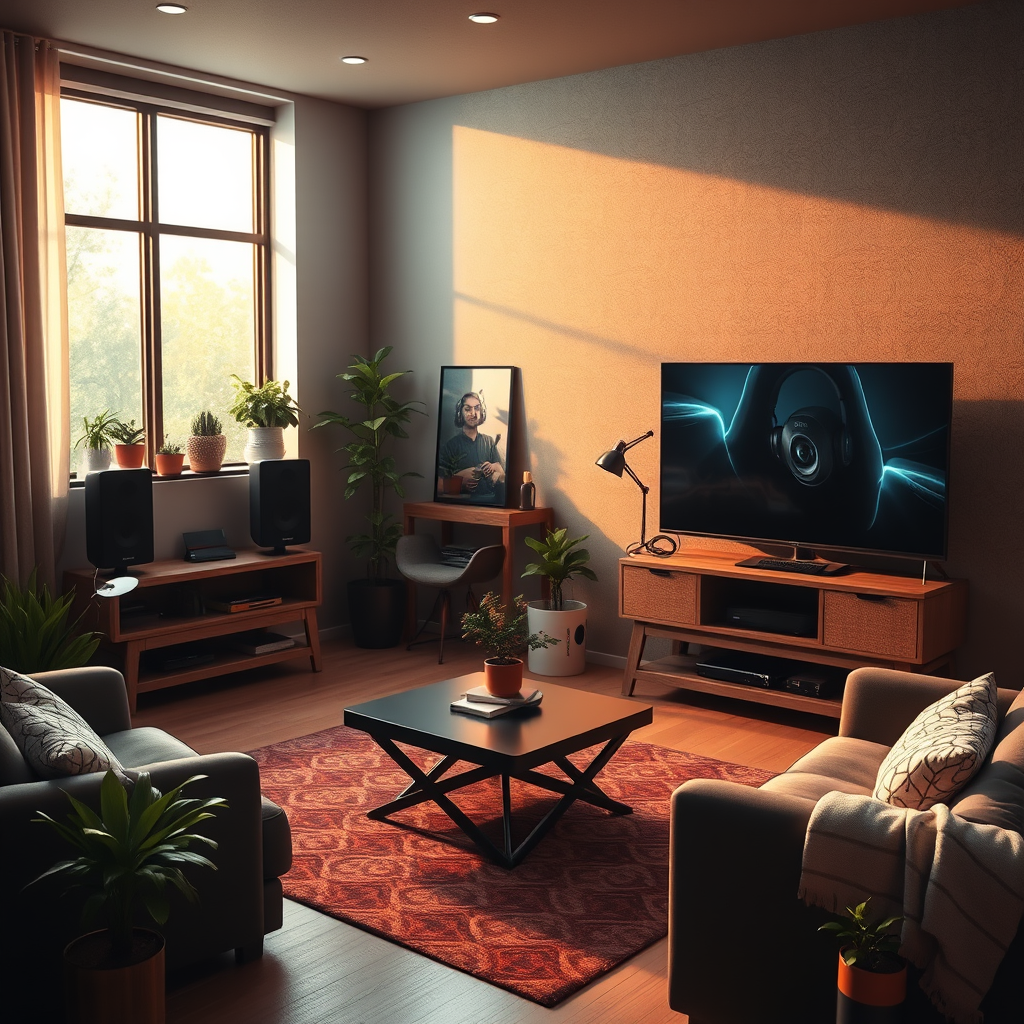
Creating a soundproof gaming room with immersive audio is essential for maximizing your gaming experience while minimizing distractions. By combining effective soundproofing techniques with top-notch audio equipment, you can transform your gaming space into a sanctuary that immerses you in your virtual worlds. In this guide, we’ll walk you through everything you need to know to achieve an optimal gaming environment, from understanding soundproofing basics to personalizing your room for the ultimate gaming experience.




Understanding Soundproofing Basics
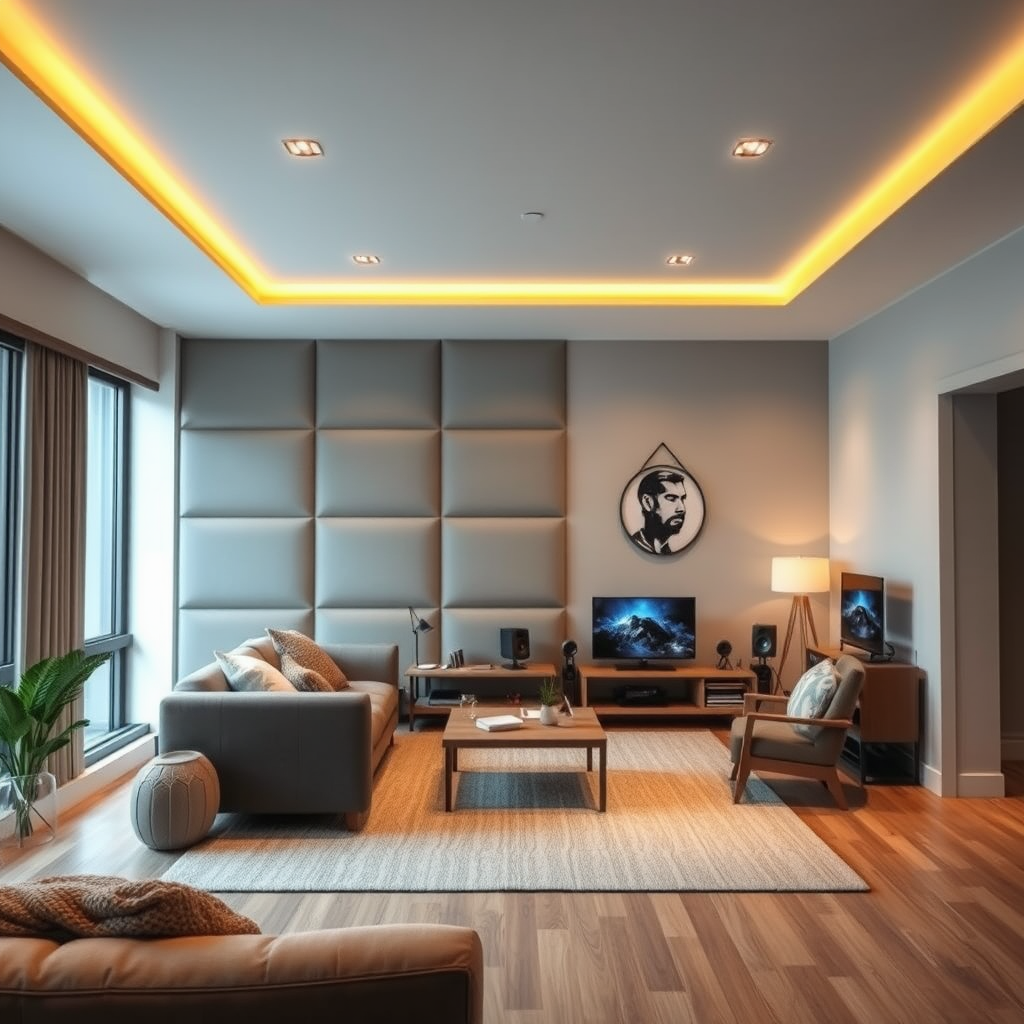
To embark on your soundproofing journey, it’s crucial to grasp the difference between soundproofing and sound absorption. Soundproofing focuses on blocking sound from entering or leaving a space, while sound absorption deals with reducing echo and reverberation within a room. For gamers, both aspects matter significantly—keeping unwanted noise out while ensuring your audio remains clear and immersive.
Common materials used in soundproofing include foam panels, mass-loaded vinyl, and acoustic curtains. Foam panels, often seen in studios, absorb sound waves and reduce echo, making them ideal for your gaming room. Mass-loaded vinyl is a heavier material that can be applied to walls and ceilings to block sound effectively. Acoustic curtains, while aesthetically pleasing, are also functional as they absorb sound and can be drawn over windows to reduce external noise.
Planning Your Gaming Room Layout
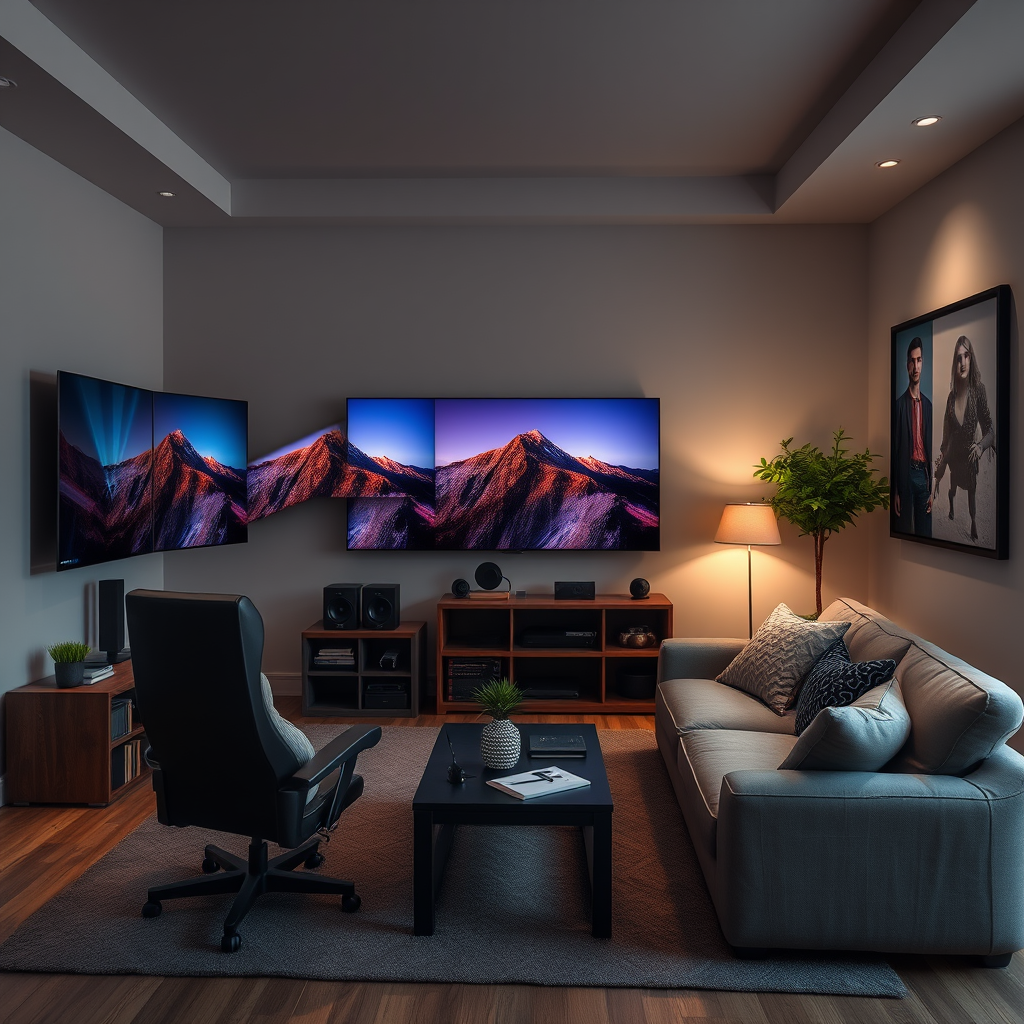
Choosing the right room for your gaming setup is the first step in creating a soundproof oasis. Ideally, you want a space that is away from busy areas of your home or street noise. A basement or a room with fewer windows may prove advantageous in minimizing external sound interference. Additionally, consider the dimensions of the room; smaller rooms can trap sound more effectively than larger spaces.
Once you’ve selected the right room, it’s time to arrange your furniture strategically. Position your gaming chair and desk away from walls to reduce sound reflections. Ideally, place your speakers or monitors against the wall that is farthest from windows and doors. This setup minimizes outside noise and enhances your audio experience by allowing sound to project forward without bouncing off hard surfaces.
Installing Soundproofing Materials
When it comes to soundproofing, walls are often a focal point. Start by applying foam panels to key areas, such as behind your monitor or gaming chair. These panels are easy to install with adhesive backing and can be cut to fit your specific wall dimensions. If you want to go a step further, consider using soundproofing paint. This specialized paint contains sound-dampening compounds that can help reduce sound transmission through walls.
Don’t forget about your floors and ceilings! Installing thick carpets or area rugs can significantly reduce noise from foot traffic and other impacts. For ceilings, consider using acoustic tiles; they not only absorb sound but can also add an interesting aesthetic element to your gaming space. If you’re feeling adventurous, you can even hang acoustic clouds from the ceiling, which help absorb sound from above.
Choosing the Right Audio Equipment
Now that your room is soundproofed, let’s discuss audio equipment. When it comes to gaming, you have two primary options: headphones and speakers. High-quality headphones provide excellent sound isolation, allowing you to hear every detail without disturbing others. Brands like SteelSeries and HyperX offer models with immersive sound quality—perfect for competitive gaming.
On the other hand, if you prefer an engaging experience where sound fills the room, a surround sound system could be the way to go. Setting up a surround sound system involves placing multiple speakers around your gaming area—ideally, five to seven speakers for a true surround experience. Brands like Logitech and Sonos offer systems that are easy to set up and integrate with gaming consoles and PCs.
Enhancing Audio Quality
Once you have your equipment, it’s important to calibrate your audio settings. Most gaming consoles and PCs come with options to adjust audio output to suit your preferences. Take the time to explore these settings, ensuring that your audio levels are balanced and that you’re getting the most out of your sound system.
Improving your room’s acoustics will also help enhance audio quality. Consider adding soft furnishings, like cushions and throws, which can absorb sound waves and reduce echo. Additionally, if you have hard surfaces, like glass or metal, think about ways to soften them—perhaps with fabric wall hangings or additional acoustic panels.
Final Touches and Personalization
Your gaming room should reflect your style and personality. Incorporate decor that resonates with you—posters, LED lights, or themed accessories can all enhance the gaming atmosphere. Consider using RGB lighting to create a dynamic space that changes with your gameplay, providing an immersive experience that goes beyond sound alone.
Lighting is another important aspect to consider. Opt for adjustable lighting solutions that can be dimmed during intense gaming sessions. Avoid harsh overhead lights; instead, use lamps or LED strips that can add ambiance without causing glare on your screens.
Creating a soundproof gaming room will significantly enhance your gaming experience by providing a distraction-free environment and immersive audio. By understanding soundproofing techniques, planning your layout, using the right materials and equipment, and enhancing audio quality, you can achieve the ultimate gaming sanctuary. Start implementing these strategies today to elevate your gaming sessions and immerse yourself fully in the worlds you explore!
Frequently Asked Questions
What materials are best for soundproofing a gaming room?
To effectively soundproof a gaming room, consider using materials like acoustic foam panels, mass-loaded vinyl, and soundproof curtains. Acoustic foam helps absorb sound waves, reducing echo and reverberation, while mass-loaded vinyl adds density to walls, preventing sound leakage. Additionally, sealing gaps around doors and windows with weatherstripping or acoustic caulk can further enhance sound isolation.
How can I improve audio immersion in my gaming room?
To boost audio immersion in your gaming room, invest in high-quality surround sound speakers or a gaming headset with 3D audio capabilities. Position speakers strategically around the room to create an immersive sound field, and consider using a subwoofer for enhanced bass response. Additionally, incorporating sound-diffusing panels can help distribute sound evenly, enhancing your overall gaming experience.
Why is soundproofing important for a gaming room?
Soundproofing is crucial for a gaming room because it minimizes distractions from external noise, allowing for a more focused and immersive gaming experience. It also prevents sound from escaping, which is particularly important for late-night gaming sessions or in shared living spaces. Proper soundproofing not only enhances audio quality but also promotes better communication with teammates in online multiplayer games.
Which soundproofing techniques are most effective for a DIY gaming room?
Effective DIY soundproofing techniques for a gaming room include adding heavy curtains, rugs, and furniture to absorb sound, as well as using acoustic panels for wall treatment. You can also create a soundproof door by adding a door sweep and using weatherstripping to seal gaps. If you’re looking for a budget-friendly option, filling bookshelves with books can act as a sound barrier while also adding to the room’s aesthetic.
What should I consider when setting up my gaming room for optimal sound quality?
When setting up your gaming room for optimal sound quality, focus on room layout, speaker placement, and acoustics. Avoid placing speakers directly against walls to reduce unwanted resonance, and consider the height and angle of your speakers for better sound projection. Additionally, pay attention to room acoustics by incorporating soft furnishings like carpets and cushions, which can help absorb sound and prevent echoes.
References
- Soundproofing
- https://www.acoustics.org/press/167th/
- https://www.naiop.org/Research-and-Publications/Research-Reports/Sound-Control-in-Buildings
- https://www.ncbi.nlm.nih.gov/pmc/articles/PMC7762582/
- https://www.buildings.com/articles/43257/soundproof-your-office-space
- https://www.researchgate.net/publication/328765512_Noise_control_in_the_audio_industry
- https://www.sciencedirect.com/science/article/pii/S2351978917300686
- https://www.thebalance.com/how-to-soundproof-a-room-4171486