
Setting up a high-end sound system for home DJing is all about selecting the right equipment and optimizing your space for the best audio experience. By carefully choosing components and arranging them thoughtfully, you can create an immersive sound environment that rivals any professional setup. In this guide, we’ll walk you through the essential elements needed to elevate your DJing experience at home.




Choosing the Right Equipment
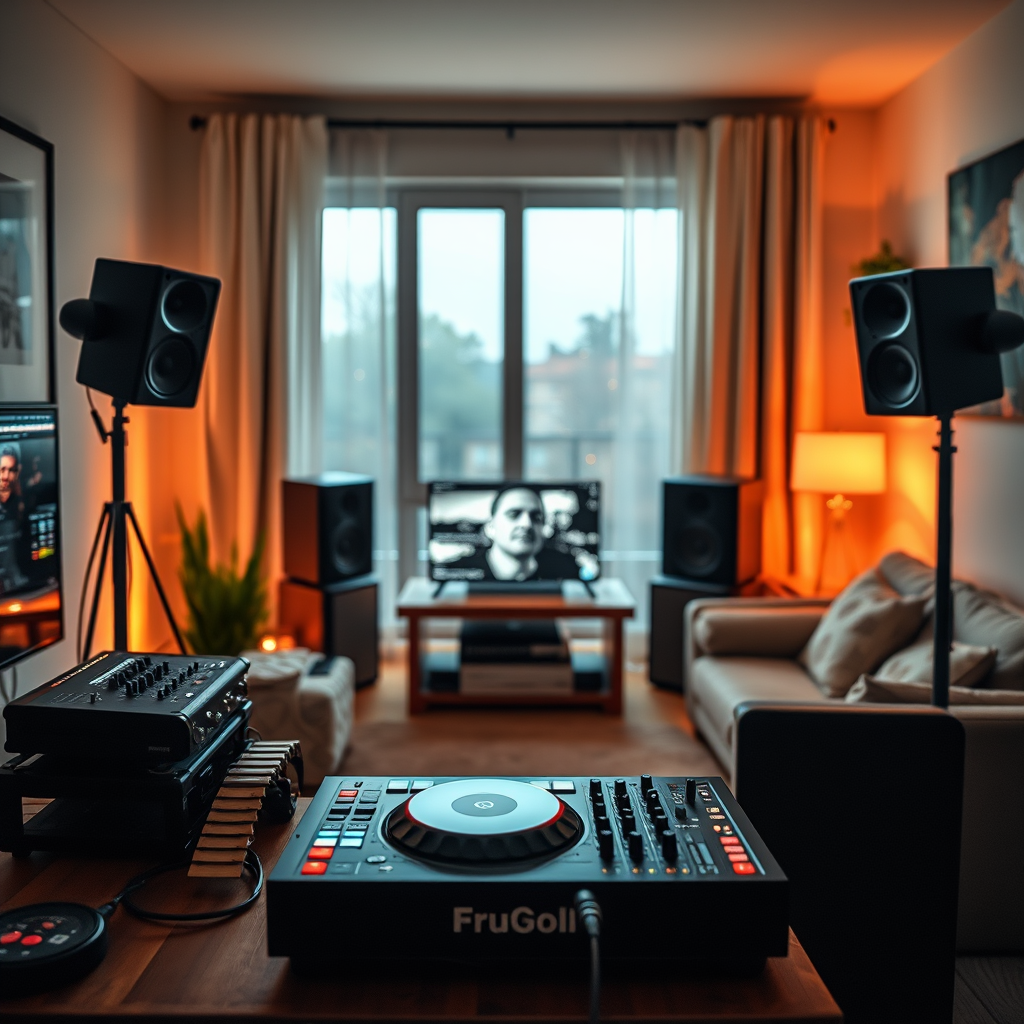
The first step in creating a high-end sound system is identifying the main components: speakers, mixer, and audio interface. The speakers are arguably the most crucial element, as they determine how your mixes will sound. Look for studio monitors that offer a flat frequency response, which means they reproduce sound accurately without coloring the audio. Brands like KRK, Yamaha, and JBL are popular choices among DJs for their reliability and sound quality.
Next, invest in a quality mixer. A good DJ mixer allows for seamless transitions between tracks and provides the necessary controls for effects and EQ adjustments. Popular options include the Pioneer DJM series and the Allen & Heath Xone mixers, which are favored for their durability and performance.
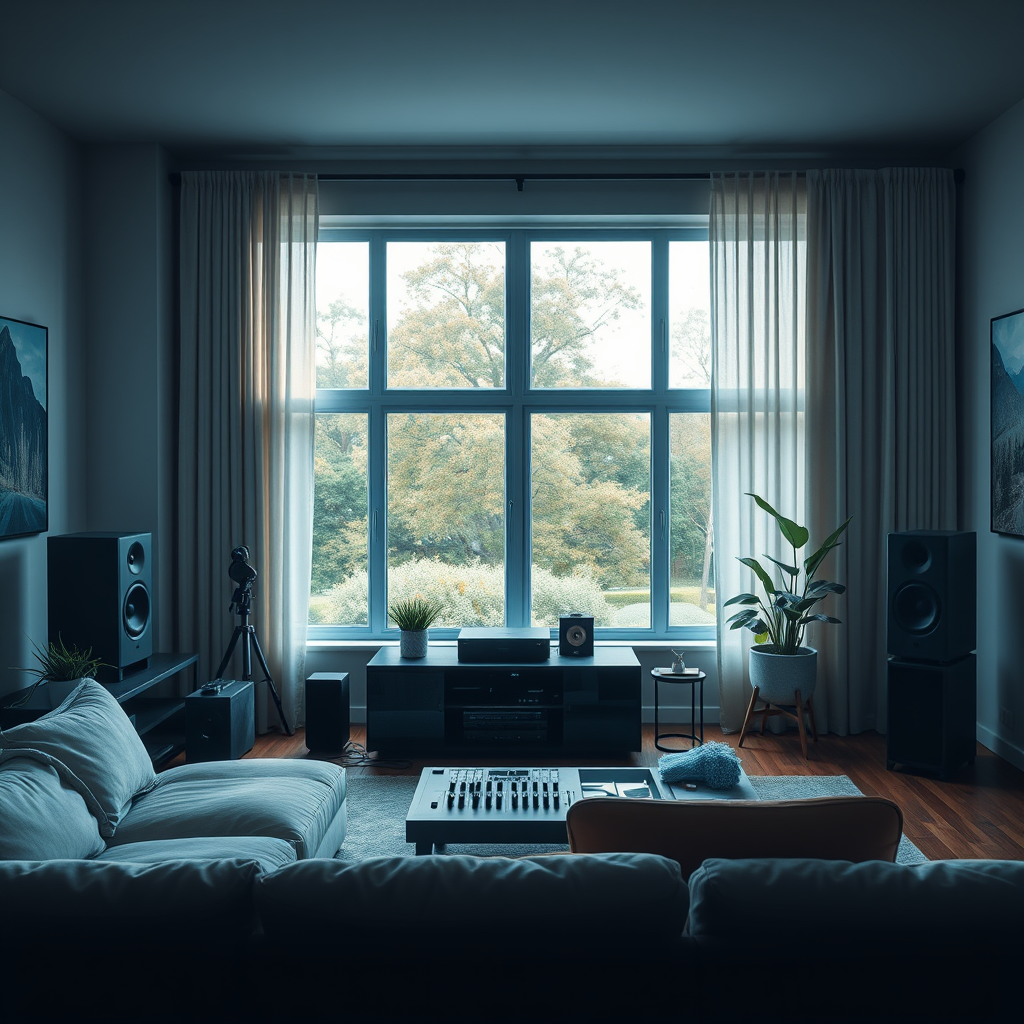
Finally, don’t overlook the audio interface, which connects your computer to your sound system. A high-quality audio interface, such as those from Focusrite or Native Instruments, can enhance sound clarity and reduce latency, ensuring your mixes sound as good as possible.
When selecting your equipment, consider the power and sound quality needed for your space. If you’re mixing in a small room, a pair of 5-6 inch monitors should suffice, while larger spaces may require bigger speakers to fill the room with sound.
Speaker Placement and Setup
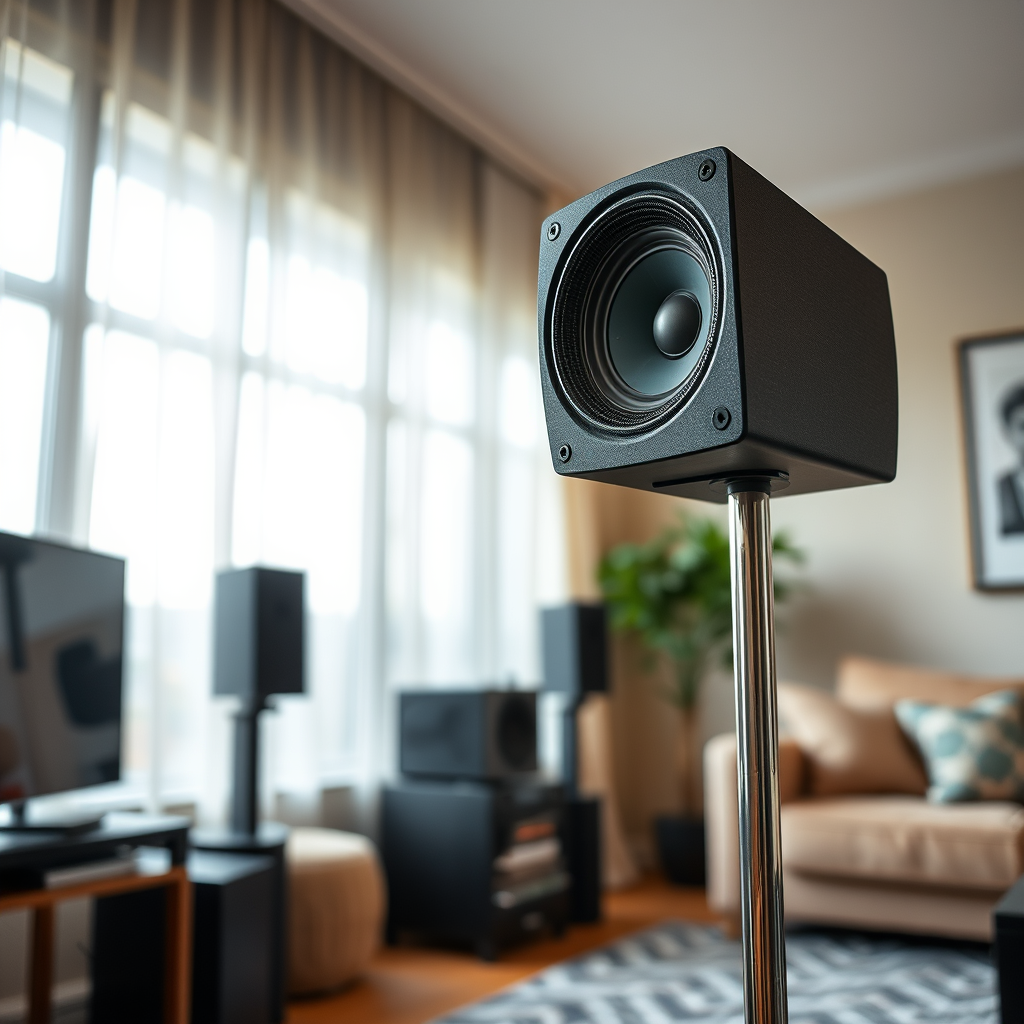
Once you’ve chosen your equipment, the next step is to position your speakers correctly. For optimal sound, aim to have your speakers at ear level. This positioning helps ensure that the audio reaches you directly without being distorted by the floor or ceiling. If you’re using floor-standing monitors, consider speaker stands to elevate them to the right height.
Spacing is also critical. Place your speakers at least a few feet away from walls to prevent reflections that can muddy your sound. A common rule of thumb is to form an equilateral triangle between your speakers and mixing position. This setup helps avoid phase cancellation, where sounds can cancel each other out, leading to an imbalanced audio experience.
Additionally, consider the angle of your speakers. Aim them slightly towards your listening position to create a focused soundstage, allowing you to hear the nuances in your mixes clearly.
Acoustic Treatment for Your Space
Acoustic treatment is essential for achieving a professional sound in your home. Most rooms have reflections and echoes that can interfere with how you perceive sound. To address this, you can add sound-absorbing materials such as foam panels or acoustic curtains. These materials help reduce echo and create a more controlled listening environment.
Another important aspect of acoustic treatment is installing bass traps in the corners of your room. Bass frequencies tend to build up in corners, leading to a muddy sound. By placing bass traps, you can manage these low frequencies, resulting in clearer sound reproduction. Many companies offer affordable DIY options for acoustic panels, making it easier to treat your space without breaking the bank.
Connecting Your Equipment
Now that you have your equipment and space set up, it’s time to connect everything properly. Start by ensuring that you have the right cables for your mixer, speakers, and audio interface. Opt for high-quality cables that minimize signal loss and interference, as this can greatly impact sound quality. Brands like Mogami and Monster Cable are renowned for their durability and performance.
When connecting your devices, make sure to follow the correct signal flow: your audio interface should connect to your mixer, which then connects to your speakers. This ensures that the signal travels from your computer through the mixer and finally to the speakers in the intended manner.
Lastly, double-check all connections for any loose cables or faulty inputs, as these can lead to unexpected sound issues during your sets.
Configuring Your Sound System
After connecting everything, it’s time to configure your sound system. Begin by adjusting the equalization (EQ) settings on your mixer. Tailor the bass, midrange, and treble frequencies to suit your room’s acoustics and your personal taste. For instance, if you notice excessive bass, you may want to cut some low frequencies to achieve a more balanced sound.
Testing and calibrating levels is crucial to prevent distortion while mixing. Use a decibel meter or a sound level app to measure sound levels across different genres. This process helps ensure that your sound system performs optimally for various music styles, allowing you to mix with confidence.
Software and DJ Tools
Choosing the right DJ software is vital for maximizing your setup’s potential. Look for software that integrates well with your audio interface and mixer. Popular options such as Serato DJ, Traktor, and Rekordbox offer user-friendly interfaces and powerful features that can enhance your mixing experience.
In addition to the software, explore plugins and effects that can elevate your mixes. Reverb, delay, and compression effects can add depth and character to your tracks. Many software options provide built-in effects, but third-party plugins can also offer unique sounds and capabilities that can set your mixes apart.
Maintenance and Upgrades
To ensure your high-end sound system remains in top condition, regular maintenance is essential. Keep your equipment clean and free of dust, which can affect performance. Wipe down your mixer and speakers regularly, and inspect cables for wear and tear.
Stay informed about the latest technologies and innovations in the DJ world. As new equipment and software updates are released, consider upgrading components of your system. This could mean investing in new speakers or exploring advanced software features that can enhance your DJing capabilities.
By regularly maintaining your setup and being open to upgrades, you’ll not only keep your system performing at its best but also remain inspired to push your DJing skills further.
Creating a high-end sound system for home DJing is an exciting journey that combines the right equipment, thoughtful space optimization, and careful configuration. By investing in quality components and taking the time to set everything up correctly, you can achieve an audio experience that rivals professional setups. Remember to keep your equipment maintained and stay updated with the latest tools to continually enhance your mixing experience. Happy mixing!
Frequently Asked Questions
What equipment do I need to set up a high-end sound system for DJing at home?
To create a high-end sound system for DJing at home, you’ll need several key components: a quality mixer, powerful speakers, a subwoofer for deep bass, and a reliable audio interface. Additionally, consider investing in high-quality headphones for monitoring, a laptop or DJ controller for mixing, and soundproofing materials to enhance acoustics. Each piece of equipment plays a crucial role in ensuring sound clarity and performance during your DJ sessions.
How do I choose the right speakers for my home DJ sound system?
When selecting speakers for your home DJ sound system, consider factors such as power output (measured in watts), frequency response, and speaker type (active vs. passive). Active speakers have built-in amplifiers and are often easier to set up, while passive speakers require external amplification. Aim for speakers with a wide frequency range and good reviews for clarity and durability, ensuring they can handle the bass-heavy sounds typical of DJing.
Why is room acoustics important when setting up a DJ system at home?
Room acoustics significantly affect sound quality, making it essential to optimize your space for DJing. Hard surfaces can cause sound reflections that lead to muddiness, while soft furnishings can absorb sound and improve clarity. To achieve the best sound quality, consider using acoustic panels, carpets, and curtains to manage reflections and enhance the overall listening experience, allowing your high-end sound system to perform at its best.
What are the best practices for wiring and connecting my DJ sound system?
The best practices for wiring and connecting your DJ sound system include using high-quality cables to minimize signal loss and interference. Start by connecting your audio interface or mixer to the speakers, ensuring that you match the input/output levels correctly. Organize cables neatly to prevent tangling, and label them if necessary for easier troubleshooting in the future. Proper grounding of your equipment can also help reduce hum and noise issues.
Which software should I use for DJing at home with my high-end sound system?
The best DJ software for home use largely depends on your skill level and preferred features; popular options include Serato DJ Pro, Traktor Pro, and Ableton Live. These programs offer a range of functionalities, from traditional mixing to advanced creative tools like looping and effects. Choose software that integrates seamlessly with your hardware and matches your DJing style, ensuring a smooth and enjoyable experience while you perform at home.
References
- https://en.wikipedia.org/wiki/DJ_equipment
- https://www.bbc.com/news/technology-46945018
- https://www.theguardian.com/music/2020/feb/24/how-to-set-up-a-home-recording-studio
- https://www.techradar.com/news/how-to-set-up-a-dj-setup-at-home
- https://www.grammy.com/news/how-to-build-home-recording-studio-audio-engineering
- https://www.soundonsound.com/techniques/dj-setups-creating-your-dream-dj-rig
- https://www.huffpost.com/entry/how-to-set-up-a-dj-booth-at-home_n_5e5c8a9bc5b6ee1bbd371f4b
