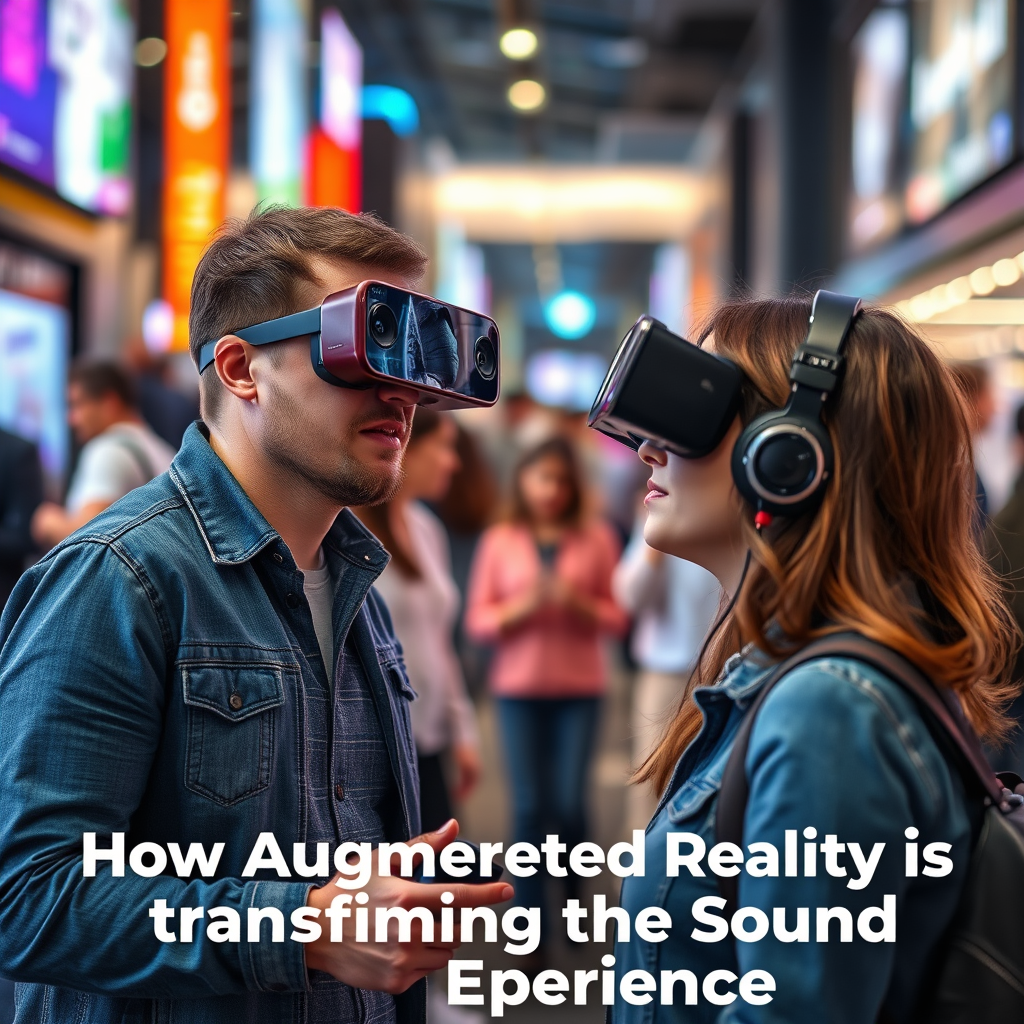
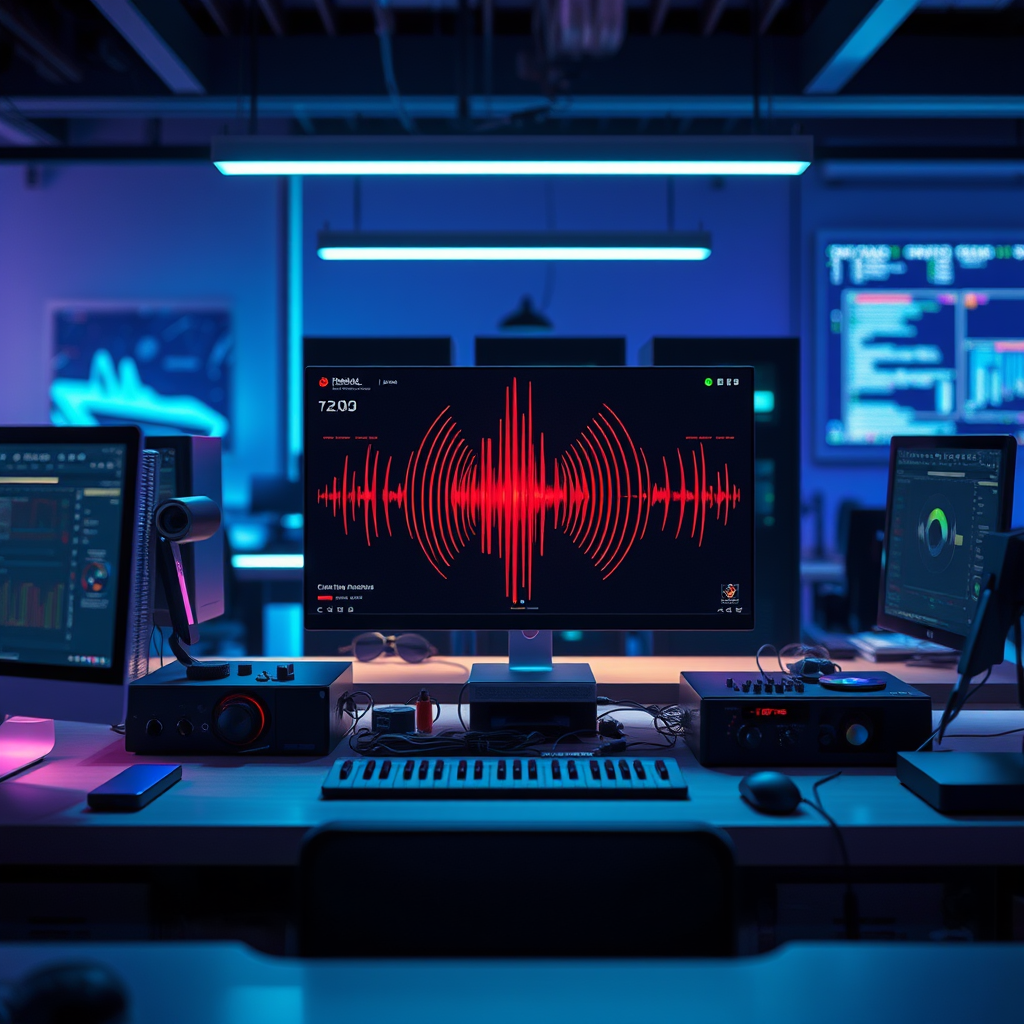
Creating an immersive 8D audio setup at home is all about selecting the right equipment and configuring your space for the best listening experience. By investing in quality headphones and speakers, arranging your environment thoughtfully, and utilizing the right software, you can transform your listening sessions into captivating sonic journeys. This guide will walk you through the essentials needed to dive into the world of 8D audio, helping you craft a setup that envelops you in sound from every direction.


Understanding 8D Audio

8D audio is an innovative sound technology that allows listeners to experience music in a three-dimensional space, creating an effect of sound moving around and through them. Unlike traditional stereo audio, where sound is typically channeled through two speakers, 8D audio employs multiple sound layers and spatial effects to produce a more immersive experience. This technology uses binaural recording techniques that simulate how humans naturally hear sounds, making it feel as if audio elements are coming from various angles and distances.
The beauty of 8D audio lies in its ability to evoke emotions and enhance the listening experience. It can take you on a journey, making you feel as if you are right in the middle of a concert or a serene forest. This contrasts starkly with the flatness of stereo audio, where sounds can sometimes feel confined and less engaging. With 8D audio, every beat, instrument, and vocal can feel dynamic and alive, inviting you to lose yourself in the moment.
Essential Equipment for 8D Audio

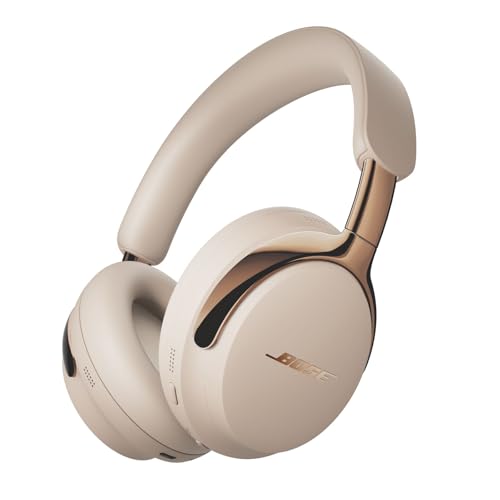
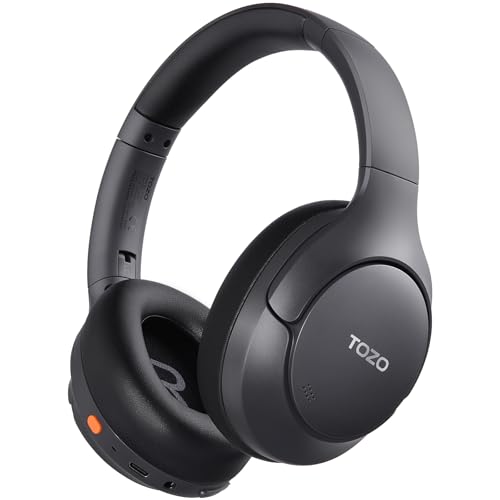
To create an authentic 8D audio experience, you’ll need a few key pieces of hardware. First and foremost, quality headphones are crucial. Look for closed-back headphones that provide good isolation and a wide soundstage. Brands like Audio-Technica, Sennheiser, and Bose offer excellent options that can help you appreciate the intricacies of 8D sound.
If you prefer a speaker setup, a good pair of surround sound speakers can also do the trick. Brands like Klipsch and JBL have models that cater specifically to immersive audio experiences. Additionally, an audio interface or digital-to-analog converter (DAC) can enhance the sound quality further by providing cleaner audio signals.
Lastly, don’t overlook the importance of a good sound card if you plan to use your computer for audio playback. Many modern computers come with decent onboard sound, but high-quality sound cards from brands like Creative or Asus can vastly improve your listening experience.
Setting Up Your Listening Environment
The right environment can significantly enhance your 8D audio experience. Begin by selecting a quiet room with minimal external noise. Soft furnishings like rugs and curtains can help absorb sound and reduce echo, creating an optimal acoustic environment.
Positioning your speakers or headphones appropriately is also vital. For speakers, try to create an equilateral triangle between your listening position and the speakers themselves, ensuring they are at ear level. If you’re using headphones, ensure they fit comfortably and seal well around your ears for the most immersive experience.
Consider the layout of your room as well; avoid placing speakers too close to walls, as this can cause unwanted reflections and muddy the sound. Experiment with different placements to find what works best for your space.
Software and Audio Sources
To truly enjoy 8D audio, you’ll need access to the right software and audio sources. Platforms like YouTube and SoundCloud have a growing library of 8D audio tracks that can give you a taste of what this technology has to offer. Just search for “8D audio” on these platforms, and you’ll find a plethora of content to explore.
If you want to create your own 8D audio, consider using editing software like Audacity or Adobe Audition. These programs allow you to manipulate sound with binaural effects, panning, and spatialization techniques that are essential for creating an immersive audio experience. There are numerous tutorials available online that can guide you through the process of crafting your own 8D tracks.
Fine-Tuning Your Audio Experience
Once you have your equipment set up and your audio sources ready, it’s time to fine-tune your audio experience. Equalization settings play a significant role in enhancing audio quality. Use an equalizer to adjust frequencies according to your personal taste and the characteristics of your headphones or speakers. Boosting certain frequencies can bring out the best in your audio, making it richer and more dynamic.
Additionally, pay attention to volume levels and spatial effects. When listening to 8D audio, you might notice that certain sounds are intended to be subtle or pronounced, depending on the track. Adjusting the volume to a comfortable level can help you appreciate these nuances without straining your ears.
Experimenting with different audio tracks is essential; not every song will be mixed for 8D audio, so finding those that truly shine in this format can enhance your listening sessions immensely.
Troubleshooting Common Issues
As you set up your 8D audio experience, you may encounter some common challenges. One issue might be sound distortion, which can occur if your audio levels are set too high or if your equipment isn’t properly optimized. Ensure that your headphone or speaker connections are secure and that you’re using quality audio files.
Another common problem is a lack of spatial effects. If you’re not hearing that immersive quality, check your headphone positioning and make sure they fit snugly against your ears. Additionally, revisit your equalization settings to ensure they’re enhancing the sound rather than muddying it.
Regular maintenance of your equipment is crucial for longevity. Keep your headphones clean, store them properly, and avoid exposing your speakers to extreme conditions. This will not only keep your gear in good shape but also ensure that you continue enjoying quality sound for years to come.
Creating an immersive 8D audio setup at home is an exciting journey into the world of sound. By understanding the technology behind it, investing in the right equipment, arranging your space thoughtfully, and experimenting with software and audio sources, you can take your listening experience to new heights. Don’t shy away from tweaking your setup and exploring various audio tracks, as this will help you fully enjoy the mesmerizing effects of 8D audio. Dive in, have fun, and let the music transport you!
Frequently Asked Questions
What do I need to set up an immersive 8D audio experience at home?
To create an immersive 8D audio setup, you will need a few essential components: high-quality headphones or speakers, a computer or audio device capable of processing 8D audio, and software that can produce or play 8D audio tracks. Additionally, a good audio interface may enhance sound quality. Look for audio mixing software that supports spatial audio effects, which are crucial for achieving that enveloping sound experience characteristic of 8D audio.
How can I effectively create 8D audio tracks at home?
To create 8D audio tracks, you can use digital audio workstation (DAW) software like Ableton Live, FL Studio, or Logic Pro. Start by recording or importing audio tracks, then apply panning techniques and spatial effects to simulate 3D sound movement. Utilizing plugins designed for binaural audio can further enhance the immersive quality. Once your track is complete, export it in a suitable format to ensure the best listening experience.
Why is 8D audio so popular and what makes it different from regular stereo sound?
8D audio has gained popularity due to its immersive listening experience, which creates the illusion of sound moving around the listener, simulating a three-dimensional audio environment. Unlike regular stereo sound, which typically provides left and right channel separation, 8D audio uses advanced panning and effects to manipulate sound sources in a spatial format. This captivating experience is particularly appealing for music lovers and those seeking a deeper engagement with their audio content.
What are the best headphones for experiencing 8D audio?
The best headphones for experiencing 8D audio are those that provide excellent sound isolation and a wide frequency range. Over-ear headphones, such as the Sony WH-1000XM4 or the Sennheiser HD 660S, are highly recommended for their comfort and sound quality. Look for headphones with good spatial awareness capabilities, which can enhance the immersive experience of 8D audio by allowing you to perceive sound movement more effectively.
Which free resources or software can I use to find or create 8D audio tracks?
Several free resources and software options are available for discovering or creating 8D audio tracks. YouTube has a plethora of 8D audio playlists that you can enjoy for free. Additionally, software like Audacity is a great free tool for beginners to start creating their own 8D audio. For those seeking more advanced features, consider using Reaper, which offers a free trial period and supports various plugins that can enhance your audio projects.
References
- 3D audio effect
- https://www.wired.com/story/what-is-8d-audio/
- https://www.techradar.com/news/what-is-8d-audio
- https://www.sciencedirect.com/topics/engineering/3d-audio
- https://www.researchgate.net/publication/335181626_3D_Audio_Representation_Techniques
- https://www.itu.int/en/ITU-R/study-groups/r02/Pages/audio.aspx
- https://www.ams.org/publications/journals/notices/201910/rnoti-p1370.pdf
- https://www.npr.org/2020/10/15/920378290/the-science-of-8d-audio-and-why-its-so-great-to-listen-to