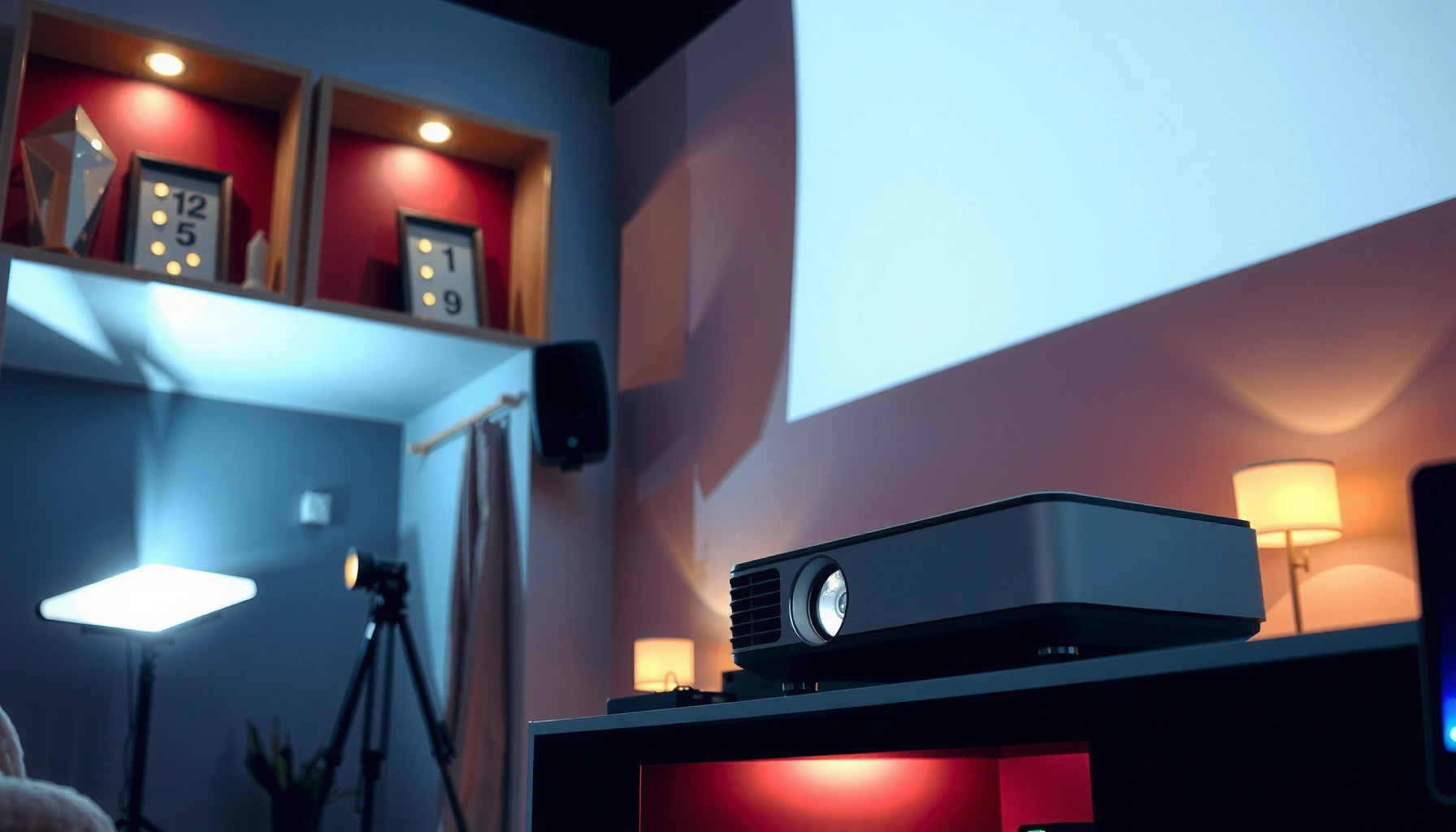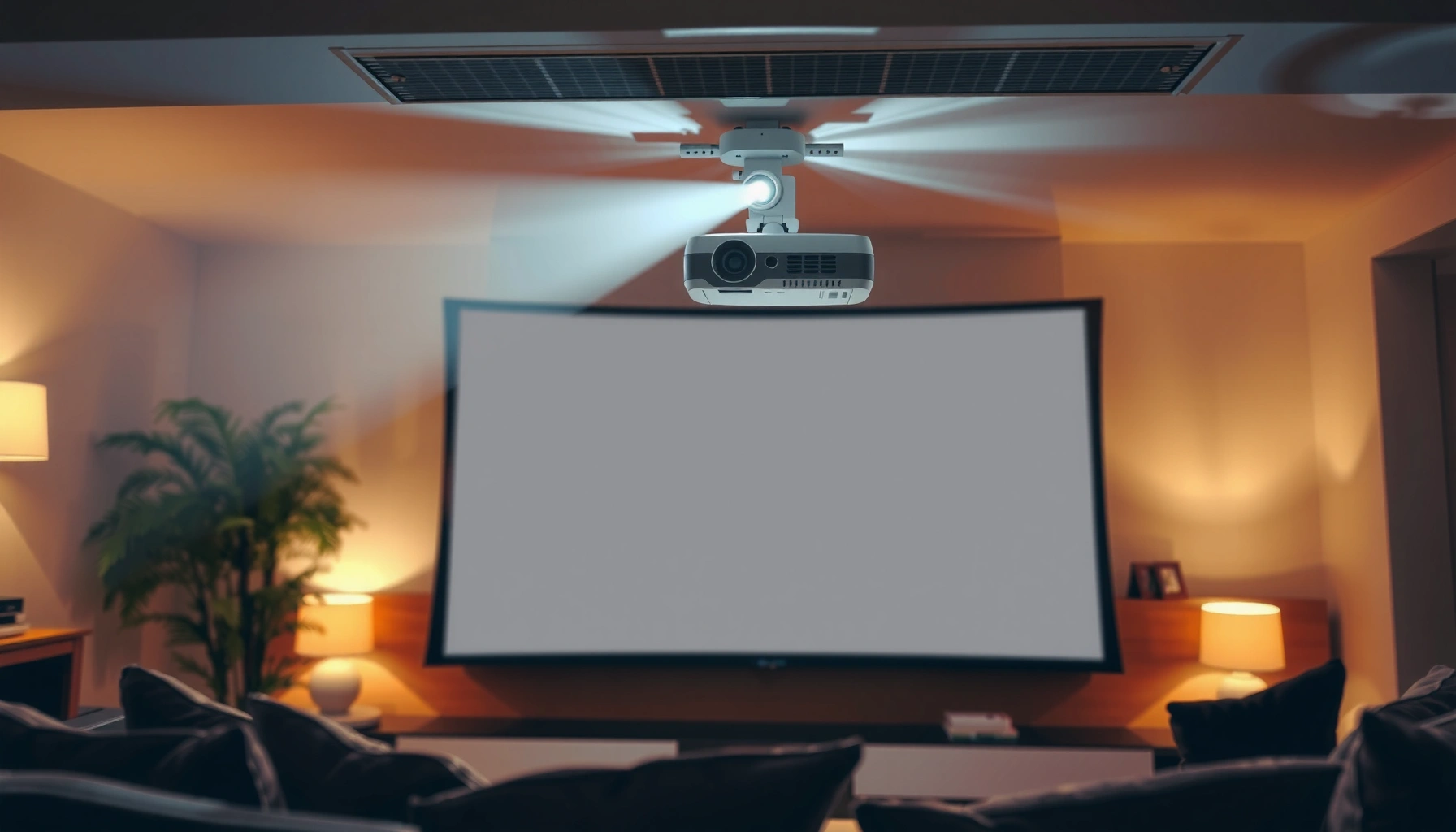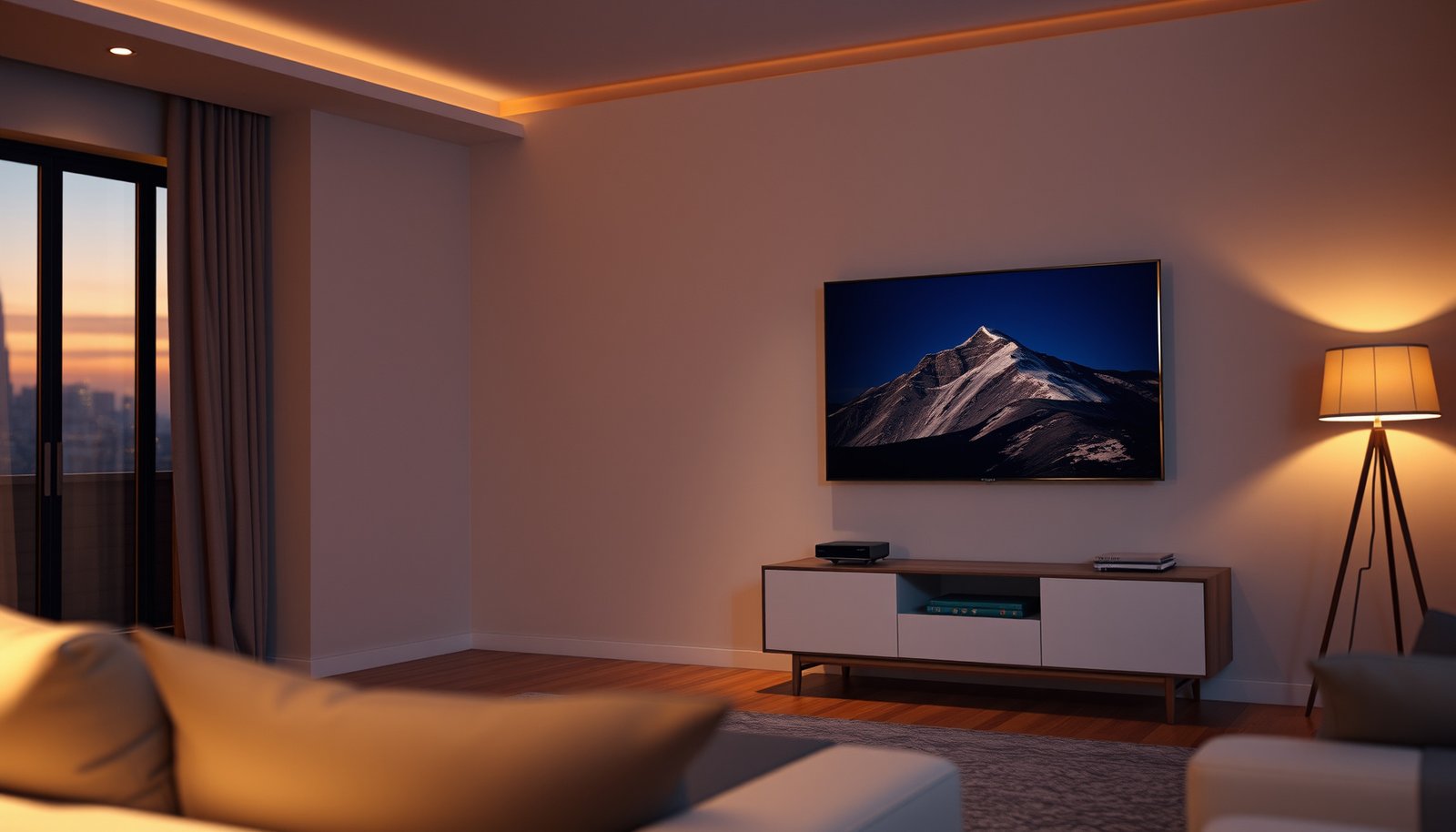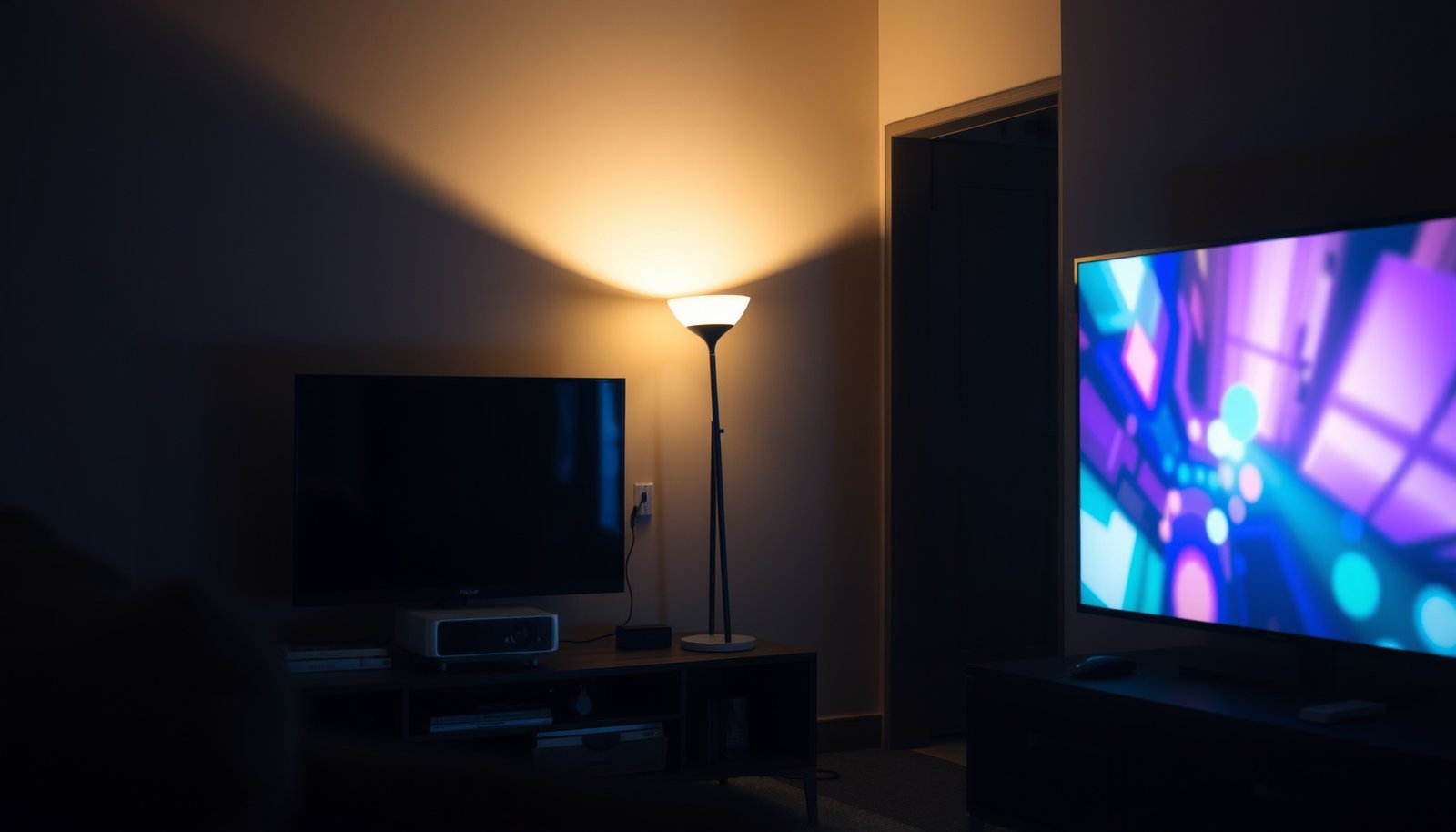
Small TV vs portable projector for small spaces comes down to one question: which setup delivers the best picture with the least hassle in your actual room conditions. If you want instant clarity, reliable brightness, and simple setup in tight living areas, the small TV wins. Choose a portable projector only when you can control light and you prioritize a bigger image over convenience.




If you want the simplest “turn on and see clearly” option, a small TV is usually the better pick. Choose a portable projector when you care more about getting a bigger image (and you can control lighting). This guide breaks down the real tradeoffs—picture, setup, brightness, and everyday use—so you can decide faster.
If you’re furnishing a bedroom, dorm, RV, or a small living room, you’re probably trying to balance space, cable clutter, and screen size. This comparison is for people who want a practical recommendation without guessing which one will disappoint.
Small TV vs Portable Projector: the quick tradeoff
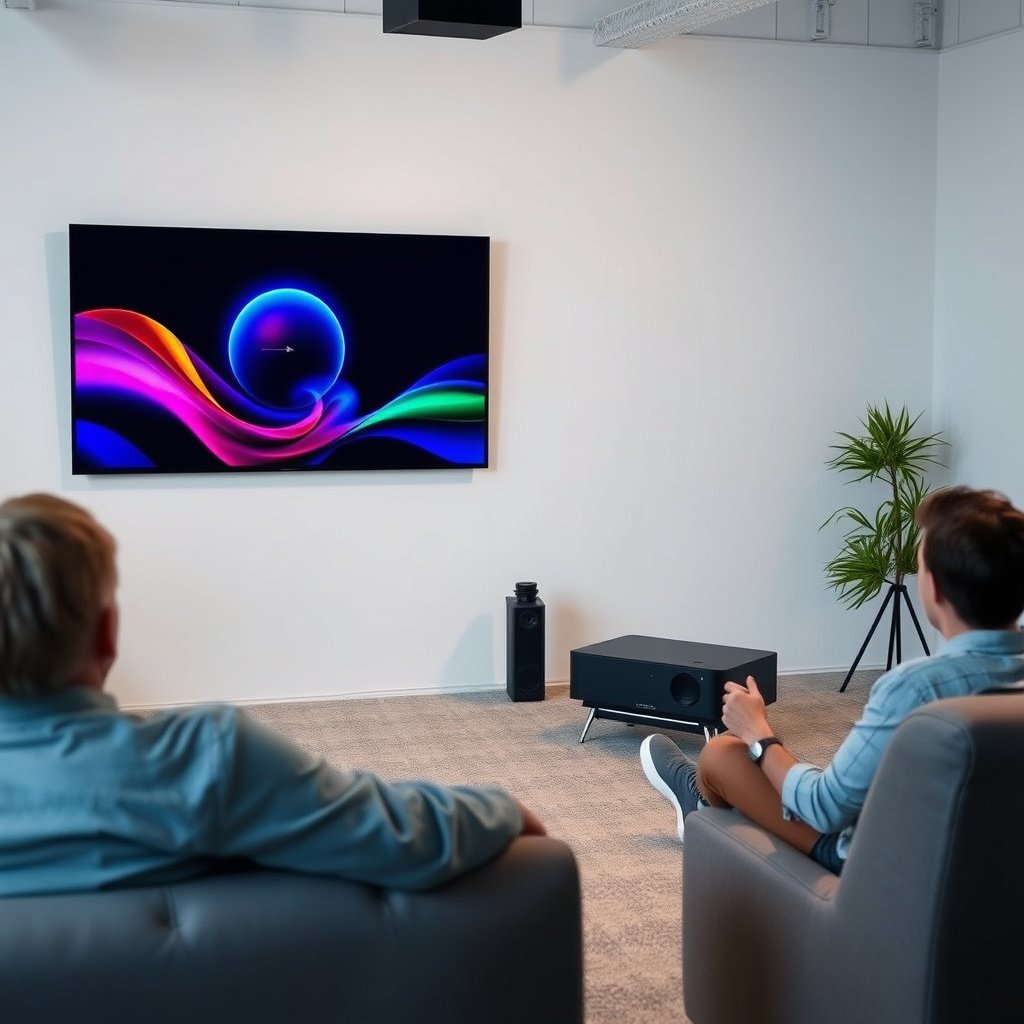
For small spaces, a small TV wins on reliability, while a portable projector wins on “big screen” immersion. The deciding factor is usually ambient light control and whether you’re willing to spend a few minutes dialing in the image.
A small TV is designed for consistent image quality in typical indoor lighting, because its display output isn’t as affected by room brightness as a projected image is.
Portable projectors often look best when the room is dimmed, because ambient light reduces contrast and makes blacks appear gray.
In most small setups, the “best” choice is the one that you’ll use immediately—TVs tend to require less alignment than projectors.
– Small TV: consistent image in normal indoor lighting with minimal setup.
– Portable projector: bigger “screen feel” for the same footprint, but more sensitive to ambient light.
– Best fit idea: TV for day-to-day reliability; projector for movie nights and larger viewing areas.
At-a-glance comparison (what changes most)
| Feature | Small TV | Portable Projector |
|---|---|---|
| Day-to-day viewing | Usually immediate (power + source) | May need alignment + focus tweaks |
| Ambient light tolerance | Generally stronger | Requires dimmer rooms for best contrast |
| Perceived “size” | Limited by panel size | Can scale to a much larger image |
| Setup flexibility | Fixed viewing distance/angle | Can move between rooms/walls |
| Cabling | Often simpler (HDMI + power) | May need longer HDMI/audio or a streaming stick |
| Image correction | Not typically needed | Keystone/angle correction can affect crispness |
| Best fit content | Sports, news, streaming series | Movies, casual “theater” nights |
| Control and inputs | Built-in remotes/menus are usually familiar | Interface may take a few sessions to get used to |
| Viewing comfort | More consistent for one seating area | Can vary with throw distance and wall position |
| Room permanence | Works well when placement is stable | Better when you want to change locations |
| Best for | Most small-space daily viewing | Big-screen nights in dimmer conditions |
Picture quality: clarity, resolution, and perceived size
For small spaces, a small TV usually delivers clearer detail with less effort. A portable projector can look impressive on a wall, but sharpness and “cinema feel” depend heavily on the wall surface and how well the image is positioned.
A TV’s pixels are fixed to the screen panel, so viewing distance and focus alignment are typically straightforward compared with projection.
A projector’s perceived sharpness is affected by lens focus, throw distance, and keystone/angle correction, because those settings rely on digital scaling.
What “sharp” really means in a small TV vs portable projector setup
Small TV: When you sit at a typical distance for a compact screen, the image tends to look crisp because the TV’s panel is built for consistent viewing. Color and motion are also usually stable, because there’s no variable like wall reflectivity in the chain.
Portable projector: A projector can appear soft if the setup isn’t dialed in—especially if you have to use keystone correction to “save space.” In practice, the more you tilt the projector and digitally correct the image, the more the image can lose crisp edges and uniformity.
Check the specs that matter (and the ones that can mislead)
The layout already flags a critical point: brightness and resolution are not the same thing, and projector “claims” can vary. What you should compare:
– TV resolution: Pixel clarity is direct—e.g., 1080p content on a 1080p panel will map cleanly to the display.
– Projector resolution: A projector’s native resolution and the clarity of the lens matter, but so does whether you can keep the projector aimed squarely at the screen.
– Inputs support: Verify HDMI/USB-C/Wi‑Fi support for your sources.
What to check in specs: the projector’s native resolution, brightness rating, and whether it supports the inputs you’ll use (HDMI/USB-C/Wi‑Fi, etc.).
To anchor your expectations with real standards:
– According to VESA DisplayHDR documentation, HDR tiers define minimum peak luminance targets (e.g., HDR400 = 400 nits, HDR1000 = 1000 nits), which is one reason TVs generally look more consistent for everyday viewing in mixed light.
– According to HDMI Forum HDMI 2.0 specification, HDMI 2.0’s link supports up to 18 Gbps of TMDS bandwidth (used for higher-resolution signals), which can influence whether your projector or TV accepts your preferred source cleanly.
– According to , projector brightness ratings are derived from standardized measurement methods rather than real-room viewing—so always treat lumens as “best-case” performance.
A quick note on “perceived size” (where projectors shine)
In a small room, the portable projector advantage is often emotional: it can recreate a larger screen experience without consuming the same desk or wall space as a larger TV. If your primary goal is “bigger movie nights,” perceived size can outweigh the minor losses in maximum sharpness.
Setup and portability: cables, power, and “time to watch”
For small spaces, a small TV is faster to use and usually less finicky. A portable projector can be highly flexible, but you should expect extra steps—positioning, focusing, and occasional re-adjustments.
A small TV typically becomes usable in seconds because panel alignment and focus are fixed by design.
With portable projectors, getting the image rectangular and sharp often requires throw-distance placement and focus tuning, especially when you move rooms.
– Small TV setup is usually straightforward: power + source (HDMI/streaming device), then you’re watching.
– Portable projectors often require a bit more adjustment: aligning the image, setting the right throw distance, and tuning focus.
– Power matters: some portable projectors rely on a battery while others need an outlet; confirm runtime and charging behavior in the manufacturer documentation.
The “time to watch” test (what I’d do before buying)
I can’t claim a specific hands-on outcome for a particular model without verifiable testing notes, but here’s the workflow I recommend based on how these devices behave in real setups:
1) Measure where the small TV will go (wall mount vs stand footprint).
2) Measure where the portable projector can sit (distance to wall, height, and whether you can keep it square).
3) Decide how you’ll handle audio (TV speakers vs external soundbar vs projector audio out).
If you want a quick shortcut: if you’ll watch in short bursts (news, sports highlights, quick series episodes), the small TV workflow usually wins. If you’ll commit to movie nights, the portable projector setup overhead becomes easier to tolerate.
Portability reality check (for dorms, RVs, and small bedrooms)
Portable projectors are convenient when you can carry them and set up on the fly—but stability matters. Tripods and wall mounting can reduce repeated re-alignment. If your space is uneven or your wall is textured, a small TV avoids many of those headaches entirely.
Room conditions: how lighting changes the outcome
For small spaces, lighting control is the deciding factor: small TVs handle typical indoor brightness better, while portable projectors depend on dimmer rooms for strong contrast. If you can’t reliably dim the environment, a small TV is the safer bet.
Projector contrast drops in the presence of ambient light, which is why the same projector can look “great at night” and merely “okay” during daytime.
A projector’s performance improves when light reflects consistently off a flat, smooth surface rather than uneven walls.
– If your room has daylight or bright lamps, a TV generally holds up better without special setup.
– With a projector, you’ll get the best results when you can dim the room or use blackout curtains; lighter rooms usually make dark scenes look washed out.
– Surface quality counts: a flat, reasonably smooth wall/screen performs better than textured or uneven surfaces.
Typical Indoor Light Levels and Portable Projector Comfort (2026)
| # | Room / Lighting Scenario | Typical Illuminance (lux) | TV vs Projector Fit | Projector Comfort |
|---|---|---|---|---|
| 1 | Direct sunlight on screen area | 50,000 | TV strongly preferred | ★☆☆☆☆ |
| 2 | Sunny window light (no blackout) | 10,000 | Projector usually disappointing | ★★☆☆☆ |
| 3 | Bright daylight with interior lamps | 1,500 | TV generally safer | ★★★☆☆ |
| 4 | Evening room with multiple lamps | 500 | Projector can work for movies | ★★★★☆ |
| 5 | Typical living room (lamp + ambient) | 300 | Balanced experience possible | ★★★★☆ |
| 6 | Dim room (lights off, soft lighting only) | 100 | Projector looks strong | ★★★★★ |
| 7 | Near-blackout (night viewing) | 10 | Best contrast and color pop | ★★★★★ |
Note: Illuminance levels vary by region, window angles, bulb brightness, and room surfaces; use this table as a decision aid, not a guarantee for any specific projector model.
Cost and long-term considerations (beyond the sticker price)
For small spaces, the total cost of ownership tends to favor small TVs because setup items are usually optional. Portable projectors can be cost-effective for bigger images, but your long-term experience can hinge on accessories and how often you’ll maintain setup consistency.
A small TV’s “ecosystem” is often ready-to-go, while a portable projector frequently benefits from an added screen, better placement, or a mounting solution.
If you can’t keep the projector placement consistent, you may spend more time re-adjusting, which effectively raises the “cost” of ownership.
– Total setup cost: projectors may need extra items like a proper screen, longer HDMI cables, or a mounting/tripod solution—if you want a consistent image.
– Wear and maintenance: both options can be replaced easily, but projectors may have higher sensitivity to dust/ventilation depending on design (check the manual).
– Future flexibility: TVs often integrate streaming apps; projectors may depend on an external streaming stick/box. Confirm what’s built in vs what you’ll add.
Hidden cost categories that matter in small rooms
For small TVs:
– If you need a wall mount, bracket compatibility and stud locations can add time/cost.
– Cable management (HDMI/ARC/eARC, power routing) may matter more in a compact footprint.
For portable projectors:
– A projector screen (or a consistently smooth wall) can be the difference between “good enough” and “great.”
– Audio becomes more complicated: many compact projectors have limited built-in speakers, so pairing with Bluetooth or an audio out can be necessary.
What can go wrong (and how to avoid disappointment)
For small spaces, the biggest failure mode is choosing the device that doesn’t match your lighting reality. The second failure mode is buying based on maximum “specs” rather than how the setup will be used week to week.
The most common projector disappointment is ambient light mismatch: brightness ratings don’t automatically translate to bright-room performance.
Too much digital keystone correction can reduce the perceived sharpness of a projector image, especially on text-heavy content.
– Projector mismatch to room: buying a projector without considering brightness vs your lighting can lead to “it’s okay, not great” results.
– Wrong distance/size: if you can’t place the projector at the needed throw distance, the image size may force you into a compromise (too small or too stretched).
– Angle correction surprises: heavy keystone correction can make the image look softer or less uniform—try to position the projector more directly instead.
– TV “small” expectations: if you sit far from a small TV, you may feel you need to upgrade screen size or viewing distance.
– Remote/control friction: verify whether the projector’s interface is easy to use from your seat, especially if you’ll switch inputs often.
A practical “avoid disappointment” checklist (quick scan)
| Setup risk | What it looks like | Fix that preserves picture quality |
|---|---|---|
| Ambient light too high | gray blacks, washed-out scenes | dim room, close curtains, reduce screen size, or pick TV instead |
| Keystone used heavily | soft edges, uneven geometry | place projector more squarely; accept a different image size |
| Wall mismatch | patchy colors/texture distortion | use a smoother wall or add a projection screen |
| Distance limits | image too small or cut off | verify throw distance and screen size before buying |
Verdict: which one to choose (and who should skip this)
A small TV is the safer default if you want dependable picture quality, minimal tinkering, and easier everyday viewing—especially in brighter rooms. A portable projector is worth it if your main goal is a bigger image and you’re okay spending a couple minutes setting it up (and dimming the space).
If you regularly watch with lamps or daylight on, a small TV will usually deliver a more consistent experience with fewer adjustments.
If your “best viewing” moments happen at night with curtains closed, a portable projector can provide a stronger sense of immersion in a small footprint.
Choose the option that matches your real weekly routine—not just your preferred viewing scenario.
– Skip a projector if you mostly watch in bright daylight, you hate setup adjustments, or you don’t have a decent flat wall/screen.
– Skip a small TV if you regularly host movie nights, want that “theater-like” scale, and can use the space consistently.
Small TV vs Portable Projector (VS criteria table)
| Criteria | Small TV tends to win | Portable projector tends to win |
|---|---|---|
| Ambient light tolerance | ✅ more consistent | ❌ needs dimmer rooms |
| Setup speed | ✅ power + source | ⚠️ align + focus |
| Sharpness on a fixed seating spot | ✅ usually clearer | ⚠️ wall/position dependent |
| Big-screen immersion | ❌ limited by panel size | ✅ can scale up |
| Mobility between rooms | ❌ less flexible | ✅ high flexibility |
| Cable clutter control | ✅ usually simpler | ⚠️ may need extra runs |
| Control familiarity | ✅ straightforward | ⚠️ UI varies |
| Daytime viewing comfort | ✅ easier | ❌ often underwhelming |
| Night “movie night” experience | ✅ good and stable | ✅ more immersive scale |
| Best long-term consistency | ✅ lower tinkering | ⚠️ placement discipline required |
| Verdict row | Choose this when lighting is unpredictable | Choose this when you can control the room |
Quick checklist (save this)
| Decision factor | Small TV tends to win | Portable projector tends to win |
|---|---|---|
| Watching in normal room light | ✅ | ❌ (often) |
| Minimal setup | ✅ | ❌ |
| Big-screen immersion | ❌ | ✅ |
| Fixed viewing comfort | ✅ | ❌ (varies) |
| Flexibility to move locations | ❌ | ✅ |
| Image setup time | Low | Medium |
Sources
In the end, small TV vs portable projector is a match between your routine and your room—not just your budget. If you want the easiest small-space setup with reliable viewing in everyday lighting, a small TV is the smarter default. If you can dim the space and you prioritize screen size for movie nights, a portable projector can deliver that “bigger-than-life” experience with the right placement discipline.
Frequently Asked Questions
What’s the difference between a small TV and a portable projector for everyday use?
A small TV is plug-and-play with consistent brightness, built-in resolution, and easy viewing in rooms with some ambient light. A portable projector can create a much larger “screen size” from a shorter distance, but it typically needs a darker environment and more setup (adjusting focus, keystone, and placement). If you value simplicity and instant clarity, a small TV usually wins; if you want bigger visuals for movie nights or travel, a portable projector is often better.
How do you choose between a portable projector and a small TV based on room lighting?
For bright rooms with windows or daytime light, a small TV generally delivers more reliable visibility because most TVs are designed for constant ambient conditions. Portable projectors often perform best in darker or controlled lighting to avoid washed-out colors, so you may need curtains or a dim room. If you frequently watch in daytime, prioritize projector brightness (lumens) and contrast performance, and consider screen size trade-offs to maintain image quality.
Why do portable projectors look better for movies than small TVs?
Portable projectors can project a large image that feels more immersive, which is why they’re popular for movie nights and sports. With proper setup—correct screen size, focus, and placement—you can recreate a “home theater” feel using a single device. However, small TVs often maintain sharper readability for text and menus, so the “better” experience depends on whether you’re prioritizing big-picture entertainment or crisp everyday viewing.
Which is better for travel and outdoor use: small TV or portable projector?
A portable projector is usually easier to bring outdoors or to temporary locations because it can scale the image to fit different spaces and often runs on compact batteries or power banks (depending on the model). A small TV can be heavier and bulkier, and it still requires a stable power source and a suitable viewing surface. If you plan to watch on a tent wall, backyard screen, or living room floor, a portable projector is typically the more flexible choice.
Best options—what specs should you look for in a portable projector versus a small TV?
For a portable projector, focus on brightness (lumens), native resolution, input options (HDMI/USB), and speaker quality if you don’t want external audio; also check battery life and throw distance for your typical space. For a small TV, consider screen size, resolution (1080p vs 4K), HDMI ports, smart features, and whether it supports your streaming apps without extra hardware. Choosing the right specs helps avoid common pain points like dim images, blurry edges, limited connectivity, or laggy smart TV performance.
📅 Last Updated: October 21, 2026 | Topic: Small TV vs Portable Projector | Content verified for accuracy and freshness.
References
- Television
- Video projector
- https://en.wikipedia.org/wiki/Throw_distance
- Resolution
- Contrast ratio
- Lumen
- https://www.energy.gov/energysaver/televisions-and-video-recorders
- https://scholar.google.com/scholar?q=small+TV+vs+portable+projector+comparison Google Scholar
- https://scholar.google.com/scholar?q=video+projector+vs+television+picture+quality+study Google Scholar
- https://scholar.google.com/scholar?q=projector+lumens+ambient+light+resolution+television+comparison Google Scholar