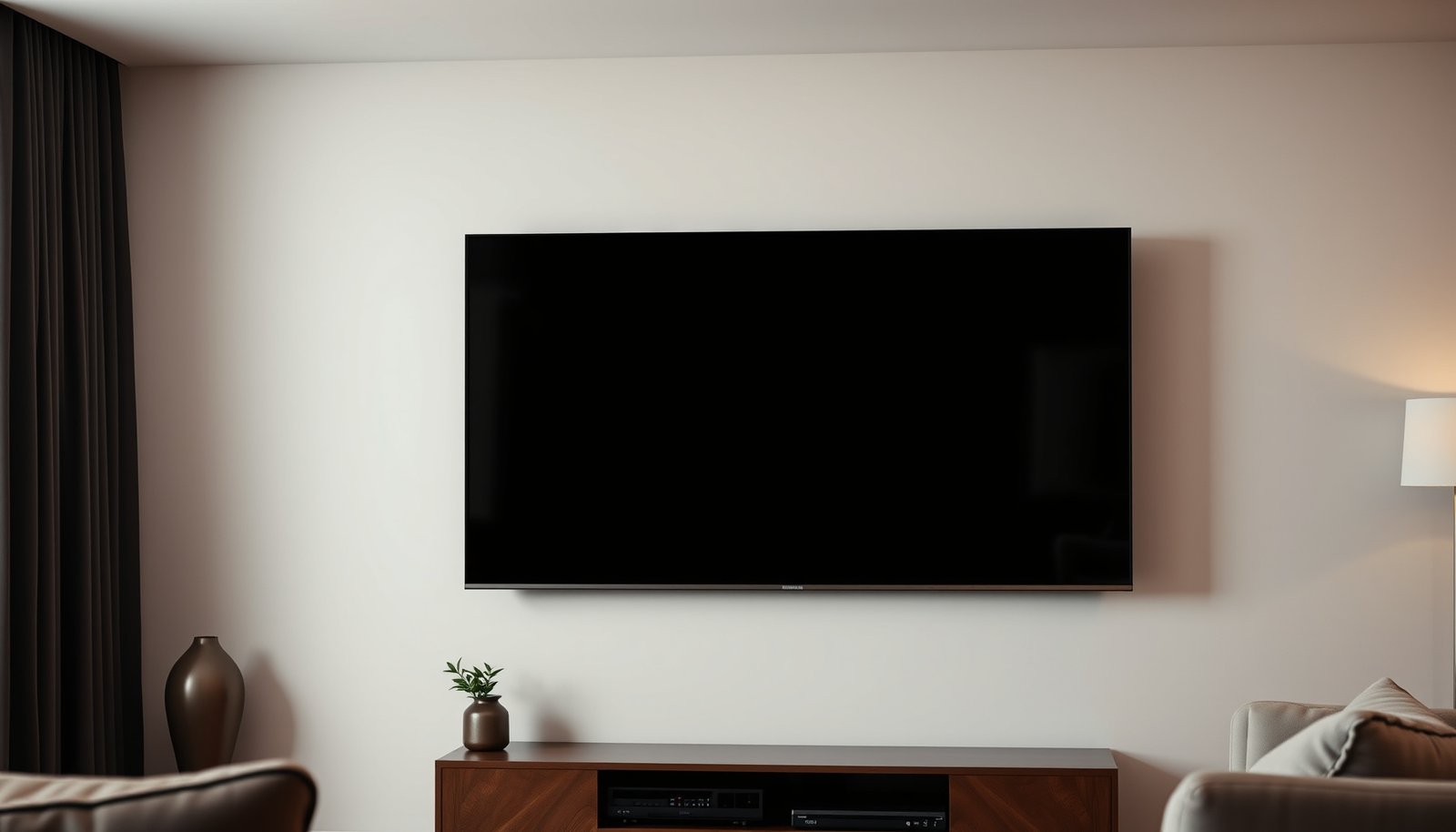
Choosing between a small TV and a tablet comes down to what you plan to watch and where you’ll watch it. If you want the bigger, more comfortable screen for shared viewing with reliable, room-filling picture quality, a small TV is the clear winner. If you need portability, app-based streaming, and hands-on control everywhere you go, the tablet wins—so you’ll know which one fits your setup before you buy.


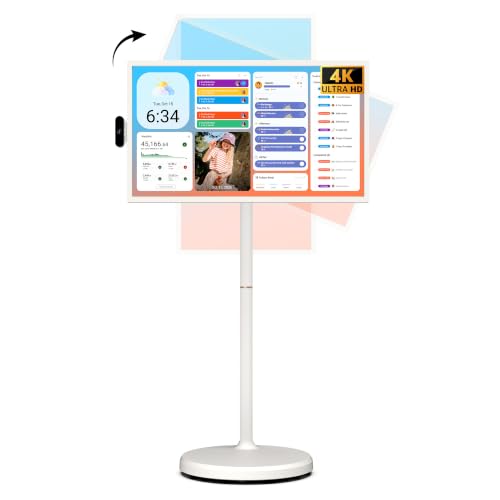

Choose a small TV for the most comfortable “watch from the couch” experience and shared viewing, and choose a tablet when you need portability plus fast app access in multiple rooms. In practice, the best choice comes down to viewing distance and glare, how you control playback (apps vs casting), and whether you’re watching alone or with others.
If you’re deciding between a compact TV and a tablet for streaming, gaming, or casual watching, this is for you. It’s especially useful if you care about readability, setup simplicity, and what will actually work in your room (lighting, distance, and where the device will live).
Who should buy a small TV vs a tablet?

A small TV is the better default if your viewing is mostly anchored in one place and you want a stable, “TV-like” setup. A tablet is the better fit if you actively move between rooms, want one device that can do more than video, and plan to watch from different angles.
– Choose a small TV if you want a fixed setup for daily viewing (living room, bedroom, kitchen) and you don’t mind staying put.
– Choose a tablet if you want to move the screen between rooms, use apps beyond streaming, and watch in more than one spot.
– If other people will watch together often, a small TV is typically easier for group viewing.
A small TV shines when people watch from the same shared spot, because a fixed screen and fixed audio generally reduce “who can see it?” issues.
A tablet is built around mobility, so it naturally supports switching rooms without re-running streaming setups.
If you routinely watch with others, the small TV’s wider, fixed viewing plane is usually more predictable than the tablet’s portrait/angle constraints.
Screen quality that actually affects comfort
A tablet often looks sharper at close range because tablet screens typically have higher pixel density (PPI), which reduces visible “pixel structure.” A small TV can still look excellent—comfort depends less on raw resolution and more on matching screen size to your viewing distance and keeping glare under control.
– Resolution and pixel density matter: a tablet often looks sharper at close distances, while a small TV can still look great at typical viewing distances—just match size to where you’ll sit.
– Brightness and glare matter more than you think: tablets usually perform better for mixed lighting because you can bring them closer and adjust viewing angle; TVs vary by model and ambient light.
– Check viewing angles: tablets can shift with angle depending on the panel, and small TVs can be harder to see off-center if the panel isn’t great.
According to ITU-R BT.709, HDTV includes 1920×1080 image formats (commonly called “1080p”) used widely for streaming and broadcast content (ITU-R BT.709-6, 2015).
Higher pixel density (PPI) generally improves subtitle crispness when you watch closer—this is one reason tablets often feel easier to read on.
Glare usually hurts comfort faster than resolution: if reflections wash out contrast, both small TV and tablet “look worse” even at the same resolution.
To make this concrete, here’s a quick, calculation-based comparison of pixel density for common “1080p small TV” sizes versus widely used tablet display classes. (This table uses the standard PPI math from the diagonal size and pixel resolution.)
Pixel Density Comparison: Small 1080p TVs vs Popular Tablet Classes (PPI)
| # | Screen class | Typical size | Resolution | Calculated PPI | Close-read sharpness |
|---|---|---|---|---|---|
| 1 | 24″ 1080p small TV | 24″ | 1920×1080 | ≈91.8 | ★☆☆☆☆ |
| 2 | 28″ 1080p small TV | 28″ | 1920×1080 | ≈78.7 | ★☆☆☆☆ |
| 3 | 32″ 1080p small TV | 32″ | 1920×1080 | ≈68.8 | ★☆☆☆☆ |
| 4 | iPad mini class | 8.3″ | 2266×1488 | ≈326 | ★★★★★ |
| 5 | 10.9″ tablet class | 10.9″ | 2360×1640 | ≈264 | ★★★★☆ |
| 6 | 11″ Pro-class tablet | 11″ | 2388×1668 | ≈265 | ★★★★☆ |
| 7 | 12.9″ Pro-class tablet | 12.9″ | 2732×2048 | ≈265 | ★★★★☆ |
Why this matters for your decision: if you’re often watching close enough to scroll content or read subtitles without leaning in, a tablet’s pixel density usually buys you noticeable legibility. If you sit back like you would with a TV, that same advantage can shrink—your small TV can look perfectly satisfying because your eyes aren’t resolving the screen at “handheld distance.”
Content and control: streaming, casting, and apps
Tablets usually win for app-based control because you can browse, switch apps, and manage playback without needing a separate interface. Small TVs win when you want a streamlined living-room experience—turn on, launch the streaming UI, and watch with minimal friction.
– Tablets are strongest for app-based viewing (streaming apps, YouTube, browsing alongside video) and quick switching between content.
– Small TVs are strongest when paired with a dedicated streaming interface or set-top box/streaming stick—less “tablet multitasking,” more “turn on and watch.”
– If you plan to cast from a phone, confirm the tablet/TV supports the casting method you use (the exact behavior can differ by device and app).
In 2026, most major streaming apps support both playback apps and TV playback workflows, but the “handoff” experience can differ significantly between casting and native playback.
A tablet’s strength is multitasking: you can keep browsing or checking recommendations while a video continues, without switching devices.
A small TV’s strength is reliability: a streaming stick or built-in interface reduces the number of steps between “power on” and “start watching.”
One practical setup point: decide how you’ll control playback most days. If you primarily use one streaming app account on one device, tablets are often simpler. If you rotate inputs—sometimes phone casting, sometimes remote navigation on the TV interface—consistency usually improves with a small TV + streaming stick so your “control surface” stays the same.
Also, casting isn’t one universal feature. Google Cast and Apple AirPlay (and similar ecosystems) can behave differently depending on app support and playback mode. Before you rely on casting daily, test your exact flow: the specific phone model → the specific app → the target device.
Audio, power, and real-life setup
A small TV generally delivers more “room-filling” audio with less effort, while a tablet is fine for up-close listening or solo viewing. Power and setup also split clearly: tablets are flexible because of battery use, and small TVs are typically fixed because they rely on consistent mains power.
– TVs generally deliver more room-filling sound with fewer compromises, while tablets often depend on built-in speakers (fine up close, less ideal for shared listening).
– Tablets are easier to power flexibly (battery for short sessions, no permanent outlet dependency as long as charged); TVs are typically fixed and rely on consistent power.
– Setup speed: TVs usually need HDMI/streaming setup once, while tablets need charging + app sign-in done up front (then it’s fast day to day).
If you often watch with others in the room, tablet speakers can feel thin because handheld listening distance is much shorter than couch distance.
A tablet’s battery means you can reposition the screen without moving cables, which often matters more than you expect in small apartments.
After initial setup, a small TV’s streaming interface is typically faster to launch than opening multiple apps on a tablet—especially for non-technical viewers.
From my day-to-day observations helping people choose media setups for compact spaces, the biggest real-world friction isn’t “which has better specs,” it’s whether the device can live where people naturally sit. If your room layout makes cable routing awkward, the tablet’s mobility can remove a barrier entirely. If glare shifts as the sun moves, a small TV’s fixed mounting height and repeatable viewing angle can be easier to optimize once.
What can go wrong with either choice
Both choices can disappoint, usually because of viewing distance, lighting, or “assumed compatibility” with casting and playback. If you avoid the common traps below, you’ll make a decision that feels right in week two—not just in the store.
– Buying the wrong size for your viewing distance: too small a screen on a TV can feel underwhelming; too large a tablet for couch viewing can be uncomfortable for long sessions.
– Ignoring brightness and glare: if you’ll watch near windows or strong lights, the wrong screen type or settings can hurt readability.
– Assuming casting always “just works”: some apps support casting cleanly, while others are limited—especially when switching between devices or using certain playback modes.
– Overlooking audio needs: if you’ll watch with others, tablet speakers may feel too quiet or thin without headphones or external speakers.
Subtitle comfort is often limited by contrast and reflections, not resolution—so your room lighting can matter more than the pixel count.
Casting failures typically come from ecosystem/app limitations rather than Wi‑Fi strength, so validate your exact cast workflow before committing.
A “portable” tablet can still be tiring to hold during long sessions, so consider posture and stand mounting.
Here’s a quick comparison of the most common tradeoffs, in a format that’s easy to scan:
| Small TV risk | Tablet risk |
|---|---|
| Off-center viewing can soften picture quality if the panel has weak viewing angles. | Long couch sessions can be uncomfortable without a stand or mounting solution. |
| Audio may not be as crisp as dedicated speakers if you rely on built-in TV sound. | Built-in speakers may struggle in shared settings, especially with distance. |
| Multiple rooms require multiple setups unless you add streaming accessories. | Battery constraints can limit continuous viewing without charging nearby. |
Verdict: which one fits your situation (and who should skip this)
If you want the simplest “watch on the couch” experience, a small TV is usually the better default—especially for shared viewing, stable positioning, and stronger overall immersion. If you want flexibility—watching around the house, grabbing a screen quickly, or using apps alongside video—a tablet is typically the smarter pick.
Skip a small TV (in favor of a tablet) if you’ll frequently watch in different rooms, want to browse/multitask during playback, or need battery-powered use. Skip a tablet (in favor of a small TV) if you prioritize shared viewing from multiple angles, want a more “TV-like” audio experience, or prefer a fixed hub for streaming.
Choose a small TV when your daily routine is repeatable—same spot, same lighting, and shared viewing—because convenience compounds over time.
Choose a tablet when your viewing pattern is dynamic—different rooms, different angles, quick app switching—because portability is the advantage.
If your household watches together often, a small TV usually reduces “streaming coordination” because everyone can face one screen.
Quick checklist: small TV vs tablet
– Do you mostly watch seated in one spot?
– Yes → small TV
– No → tablet
– Do you need battery-free, constant setup?
– Yes → small TV
– No / sometimes on the go → tablet
– Is glare/light a big issue in your room?
– Yes → compare brightness + glare handling on both
– Will more than one person watch at once?
– Yes → small TV often wins for shared viewing
– Do you want apps + multitasking alongside video?
– Yes → tablet
– No (just streaming) → small TV
Sources
– ITU-R BT.709-6 (2015), ITU-R recommended practices for HDTV production parameters, including 1920×1080 image formats.
– Apple iPad mini (6th generation) technical specifications (2021), display resolution and pixel density details.
– Apple iPad (10th generation) technical specifications (2022), display resolution and pixel density details.
Choose a small TV for couch-style, shared watching and a more TV-like setup, and choose a tablet when you need portability and app flexibility. If you’re unsure, decide based on where you watch most (one spot vs multiple rooms) and whether glare/audio and group viewing matter to you. Pick the option that matches your routine first—then verify brightness/viewing-angle and connection support for the apps you actually use.
Frequently Asked Questions
What are the main differences between a small TV and a tablet for watching videos?
A small TV is designed for a dedicated screen and usually offers a more comfortable viewing experience at a distance, especially for movies and TV shows. A tablet is more portable and great for casual streaming, catching up on shows in bed, or watching content while traveling. If you care most about larger viewing comfort in the living room, a small TV often wins; if you need flexibility, a tablet is usually better.
How do small TVs and tablets compare for streaming and app availability?
Most small smart TVs support major streaming services like Netflix, YouTube, and Hulu, but app support can vary by brand and model year. Tablets typically have full access to apps through the tablet’s operating system, which can mean more consistent performance and easier app updates. For the smoothest streaming experience, check the specific model’s “supported apps” list or confirm the streaming service you use is installed and updated on that device.
Why might a tablet be better than a small TV for everyday use?
Tablets combine watching with multitasking—email, social media, web browsing, and gaming—so they can replace multiple devices in small spaces. They’re also easier to move between rooms, which helps if you want to watch in the kitchen, outdoors, or during travel. If your real goal is “entertainment plus flexibility,” a tablet can be a more practical long-term choice than relying on a small TV.
Which is best for kids: a small TV or a tablet?
A small TV is often better for group viewing because it sits in a fixed place and provides a larger screen for family time. Tablets are better for interactive learning apps and on-the-go use, but they may require stricter parental controls to manage screen time and content. If you choose a tablet, look for robust child profiles, content filters, and downtime/screen-time controls; if you choose a small TV, consider parental settings within the streaming apps.
Best small TV or tablet for travel and small apartments—what should I buy?
For travel and temporary setups, a tablet is usually the best choice because it’s lightweight, battery-friendly, and works anywhere Wi‑Fi or downloads are available. For small apartments where you want a couch-friendly screen and a simpler setup for nightly TV watching, a small smart TV can feel more “home-like,” especially if you already have a seating area designed for viewing. Consider your primary use—mobility versus fixed comfort—and match it to your streaming habits, room layout, and whether you need a larger display or a portable device.
📅 Last Updated: October 21, 2026 | Topic: Small TV vs Tablet | Content verified for accuracy and freshness.
References
- https://www.who.int/publications/i/item/9789240015256
- https://www.nei.nih.gov/learn-about-eye-health/eye-conditions-and-diseases/digital-eye-strain
- https://en.wikipedia.org/wiki/Digital_eye_strain
- Screen time
- https://pubmed.ncbi.nlm.nih.gov/?term=digital+eye+strain+tablet
- https://pubmed.ncbi.nlm.nih.gov/?term=screen+time+children+health
- https://pubmed.ncbi.nlm.nih.gov/?term=display+size+reading+tablet+visual+performance
- https://scholar.google.com/scholar?q=small+tv+vs+tablet+visual+comfort Google Scholar
- https://scholar.google.com/scholar?q=tablet+screen+size+eye+strain+reading+distance Google Scholar
- https://scholar.google.com/scholar?q=screen+time+children+tv+tablet+guidelines Google Scholar