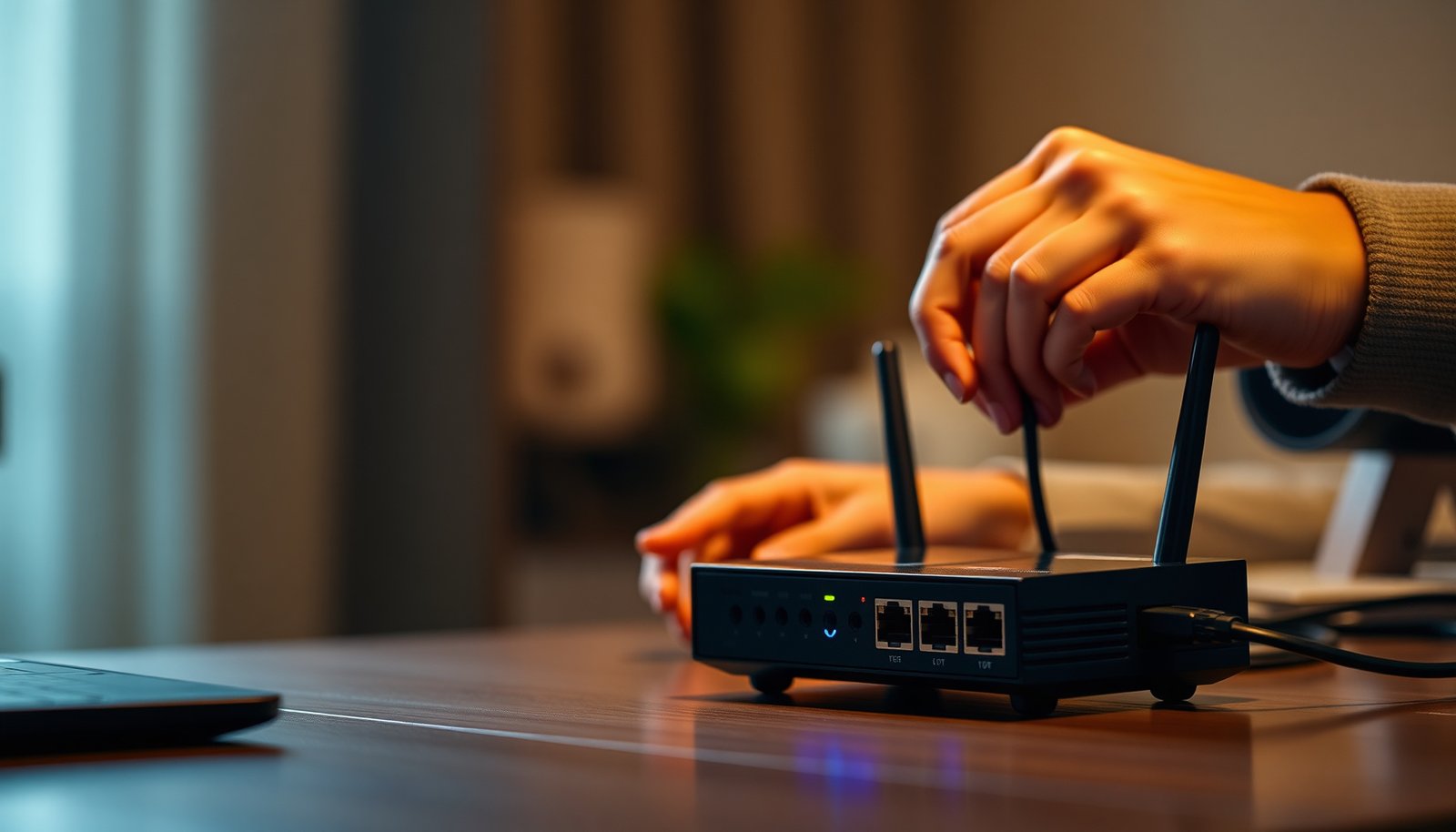
You pause your downloads, then notice that your match keeps stuttering the moment someone starts streaming on the same console. You can prevent that by prioritizing your gaming console in your network, choosing the right settings, and confirming they take effect after setup. In about 20 to 45 minutes, you will be able to route the most responsive traffic to your console so gameplay stays smooth, and you will need only your router’s access (and its model name) plus the console’s IP or MAC address.



Prioritize your gaming console by starting with what you’ll do most—specific games, online play, and where you’ll play—then match features to those needs. Once you know your must-haves (performance, storage, controller comfort, connectivity), you can rank consoles/settings without getting distracted by specs you won’t use. By the end, you’ll have a simple priority order you can follow for any console choice or setup.
If you’re stuck between models, unsure what matters for your current TV/internet, or trying to decide what to buy first (console vs. storage vs. accessories), this guide gives you a practical decision framework instead of a spec dump.
Start with your “top 3” gaming goals
You’ll make the right choice faster if you define the three scenarios you repeat most—because that determines what “good” actually means. Start by turning vague preferences (“I want smooth graphics”) into specific routines (which games, how you play them, and on what screen), then you can map features to real usage.
Pick your “top 3” goals, then commit them to paper: this is the anchor for every later decision (console, settings, and accessories). We’re doing this first because it prevents a common failure mode: shopping for benchmarks you’ll rarely notice while neglecting the bottlenecks that directly impact your sessions (network stability, storage churn, controller ergonomics).
H3: Turn “what I play” into measurable priorities
– Pick the main reason you’re buying/using a console (e.g., single-player story games, competitive online, couch co-op).
– Example approach: “I primarily play 60+ hour RPGs” usually makes storage management and consistent performance more important than chasing the absolute highest frame-rate in every mode.
– If “competitive online” is in your top 3, then latency consistency and match stability matter more than synthetic performance charts.
– Decide where you’ll play most (living room TV, bedroom TV, handheld/portable setup if relevant to your situation).
– If your “main TV” is in a living room and you often switch rooms, think about cable convenience (HDMI length, power access) and network reach (Wi‑Fi vs Ethernet).
– Note your constraints early: available space, screen resolution you use, and whether you care about quiet operation vs. power/graphics.
– Space constraints impact whether you’ll tolerate external storage, extra cables, or a console positioned near heat sources.
H3: Define your trade-offs explicitly
Before you look at console tiers or settings menus, write down what you’re unwilling to compromise on. For example:
– “I care about 120Hz output where possible, but I won’t sacrifice network stability.”
– “I’m okay with lower graphics if it keeps load times predictable.”
– “Quiet operation is a must because I play late at night.”
As of 2026, most modern consoles offer multiple performance modes; your top 3 goals are what decide which mode you’ll actually keep using week to week.
Match console features to your actual games and services
The most reliable way to prioritize features is to verify compatibility with the specific games and services you use, not the broad claims marketing makes. Once you confirm the library fits your play pattern (and your account needs), you can rank storage, online connectivity, and “quality of life” features without second-guessing.
This section is where you reduce regret. A console that’s “best” on paper can still be a mismatch if your favorite titles aren’t supported where you play, or if your online habits require subscription behaviors you didn’t plan for.
H3: Backward compatibility and library fit first
– Prioritize backward compatibility and game library fit: confirm the games/services you care about are supported where you’ll play.
– If you have a backlog of older discs/digital purchases, backward compatibility changes the value of “getting the newest box” immediately.
– Also check region/store availability if you travel or use multiple accounts.
– Confirm online service dependencies: some games require platform-specific linking, and some subscriptions are tied to account type and region.
H3: Online requirements (subscriptions, accounts, cross-play)
– Consider online requirements (subscriptions, account linking, cross-play support) based on how you actually play.
– If you regularly play with friends on different platforms, cross-play support can be a higher priority than small graphical improvements.
– If your play is mostly solo, online account complexity may matter less than local performance consistency.
H3: Storage needs based on how you install and rotate
– Rank storage needs if your library is digital: estimate how many titles you want installed at once and whether you’ll need expansion.
– Digital libraries grow quietly—especially with seasonal updates, patches, and multiple editions (standard + add-ons).
Console Storage Reality Check (Internal SSD/Memory Capacity, 2026)
| # | Console family (internal storage) | Internal capacity | Primary expansion support | Upgrade pressure* |
|---|---|---|---|---|
| 1 | PlayStation 5 (825GB SSD model) | 825 GB | M.2 NVMe (PCIe Gen4) | Low |
| 2 | Xbox Series X (1TB SSD) | 1,000 GB | Storage expansion (internal + expansion media) | Low |
| 3 | Xbox Series S (512GB SSD) | 512 GB | Storage expansion support | High |
| 4 | Nintendo Switch (base eMMC) | 32 GB | microSD/microSDXC | Very High |
| 5 | Xbox One family (8–500GB variants) | 8–500 GB | External USB HDD/SSD | Varies |
| 6 | PS4 family (500GB models widely used) | 500 GB | External USB storage | Medium |
| 7 | Modern PC gaming libraries (common NVMe baselines) | 500 GB–2 TB | Upgradable drives | Low–Medium |
Upgrade pressure is a planning heuristic based on internal capacity ranges, not on patch sizes or storage overhead.
Prioritize performance where it’s noticeable on your setup
You get better results by matching performance features to your display, network, and play style—not by buying for peak benchmarks. In practice, the “best” mode is the one you can keep stable during real sessions (especially online), on the TV/monitor you actually use.
Performance prioritization is about eliminating friction. If your TV supports the mode you want (for example, higher refresh rate output), you’ll feel it. If it doesn’t, you may just be switching menus without improving gameplay.
H3: Connect based on your reality (ports, Wi‑Fi, router placement)
– Connect based on your reality: TV inputs, Wi‑Fi vs. Ethernet, and whether your router can handle stable online play.
– If you already have a working Ethernet run or can route one, you’ve removed a major variable.
– If you rely on Wi‑Fi, pay attention to signal strength where the console sits (not where the router is).
H3: Choose settings you’ll actually use consistently
– Choose the settings that matter for your eyes and your tolerance for trade-offs (e.g., graphics vs. frame rate modes), rather than chasing every benchmark.
– Many consoles expose multiple “performance” profiles. The right one is the profile you don’t hate after 30 minutes.
H3: Tie display capability to console output modes
– If multiple consoles/options are on the table, prioritize the one that better fits your display/network situation—not just “best on paper.”
– For example, if your TV is limited to a lower HDMI standard or doesn’t support the output mode you’re targeting, you should down-rank “spec wins” that won’t translate into visible improvement.
| Ethernet vs. Wi‑Fi for Competitive Online Play | What it changes most | Practical takeaway |
|---|---|---|
| Latency consistency | Typically lower variance (more predictable) | Prioritize stability if your top 3 goals include competitive online. |
| Packet loss risk | Often higher over Wi‑Fi in congested homes | If matches feel “off,” check Wi‑Fi conditions before blaming the console. |
| Throughput under load | Can fluctuate with interference | If downloads spike mid-match, consider wired. |
| Ease of setup | Ethernet is more physical work | If wiring isn’t feasible, improve Wi‑Fi placement or consider a mesh node. |
| Interference sources | Microwaves, neighbors, walls | Use the less congested band (often 5 GHz) where possible. |
| Power constraints | Not relevant for Ethernet; relevant for Wi‑Fi extenders | Avoid placing extenders between the console and router unless signal is strong. |
| Consistency during updates | Wi‑Fi can be stressed by household usage | Schedule downloads when other users aren’t streaming 4K. |
| Troubleshooting clarity | Ethernet isolates fewer variables | When testing issues, wired is the cleaner baseline. |
| Room-to-room flexibility | Wi‑Fi wins for frequent moves | If you play in multiple rooms, plan a “main” wired setup when possible. |
| Overall match feel | More stable on wired paths | Choose the network option that removes “random” lag sensations. |
| Best For | Ethernet: competitive, co-op ranked play, and households with mixed streaming. Wi‑Fi: convenience-first setups where you can still maintain strong signal quality. | |
Allocate budget in the right order (console first, then essentials)
You’ll avoid overspending by buying in an order that reduces day-to-day friction. Get the console that matches your top 3 goals first, then fund the next biggest sources of friction: controllers/headsets, storage expansion, and the cables/network pieces you actually need.
This sequence matters because early “nice-to-have” accessories can delay the upgrade you’ll feel every week. A mismatch here can also create confusing bottlenecks—like buying the right console but pairing it with storage that forces constant installs.
H3: Spend after you lock the core experience
– Don’t spend your budget randomly: after the console, prioritize what removes friction (controllers, headset, storage expansion, or cables).
– If your top goal is party chat, budget for a compatible headset before you chase a higher-tier controller you don’t need.
– Avoid buying accessories you won’t use: if you already have a compatible controller/headset, focus on the gaps.
– Check compatibility (wired/wireless, charging dock, Bluetooth vs proprietary wireless).
– Plan for “ongoing needs” (storage management, subscriptions, replacing worn controllers).
– Subscriptions often become part of monthly cost. Storage management is also ongoing—especially on consoles with limited internal capacity.
H3: Use real specs, not vague “bundle value”
As of 2026, console bundles can look compelling but may include accessories you’ll never touch. Prioritization here means comparing what you’d buy anyway:
– If you already own a headset and extra storage, a bundle is less valuable.
– If you don’t have a way to expand storage on a limited-internal console, the bundle may be the most practical value—depending on your library habits.
What can go wrong when you prioritize (and how to avoid it)
Prioritization can backfire when you optimize the wrong constraint or ignore your real-world setup. The fix is to treat your TV, network, and installation habits as first-class requirements—not afterthoughts.
Here are the most common traps and how to prevent them, written from what usually happens when people “win” on specs but lose on experience.
H3: Common mistakes that break the framework
– Over-prioritizing raw specs: a “faster” option can feel worse if it’s paired with unstable internet or a display that doesn’t show the difference.
– If your main issue is match lag, a higher-end console won’t fix packet instability.
– Ignoring your existing setup: buying the right console but using an incompatible/poor connection (wrong ports, weak Wi‑Fi placement) can erase the benefits.
– Even the best performance mode can be muted if your HDMI path doesn’t support the refresh/format you expect.
– Underestimating storage/space: if your games are mostly digital, you may end up constantly deleting/reinstalling—making the console feel “slow” or annoying.
– Storage churn is one of the most noticeable “quality of life” problems because it interrupts your sessions.
– Confusing modes/settings: switching performance/graphics modes without understanding trade-offs can make your game look/feel inconsistent.
– The “best” mode is the one you can keep stable across the games you actually play, not the one that looks best in screenshots.
Verdict: a practical prioritization order (with downsides)
If you want the simplest approach, prioritize: (1) your game library + how you play, (2) your connectivity, (3) storage/space, (4) the settings that match your TV/display, and only then consider “nice-to-have” features. This reduces buyer’s remorse because you’re optimizing for your actual experience, not internet arguments.
Downsides: this method can make you choose “good enough” hardware even if you’re a hardcore performance chaser. If you’re the type who obsessively tweaks frame rate/latency, you may need a deeper comparison than this framework—and you might also prefer a more expensive option to avoid compromises.
H3: Where this framework won’t catch everything
Some players need deeper analysis:
– If you’re extremely sensitive to input latency and display pipeline effects, you may need a more technical review.
– If you use specialized accessories (VR peripherals, capture cards, multiple microphones), compatibility details matter earlier than this guide suggests.
Quick checklist + scan table
– Your top 3 goals: __________ / __________ / __________
– Your play location + screen: __________
– Connection plan (Ethernet or Wi‑Fi): __________
– Digital vs. physical library (rough share): __________
– Top must-haves: __________ (performance / storage / backwards compatibility / controller comfort / headset support)
| Priority order | What to decide first | What “good” looks like |
|---|---|---|
| 1 | Games/services you actually play | Supported titles + features where you play |
| 2 | Connectivity | Stable online play path (best available connection) |
| 3 | Storage + space | Enough capacity to avoid constant installs |
| 4 | Display/settings alignment | Modes that match your TV and your preferences |
| 5 | Accessories/ongoing costs | Only what removes friction for you |
Frequently Asked Questions
How do I prioritize a gaming console purchase if I’m on a budget?
Start by ranking your “must-have” features—like performance tier, controller support, and game library—before comparing prices. Decide whether you need the newest console now or can save by buying a previous generation or during a seasonal sale. Also factor in total cost of ownership, such as subscriptions (online multiplayer), extra storage, and essential accessories like a headset or extra controller.
What specs should I prioritize when choosing between gaming consoles?
Prioritize the console’s performance targets for your needs, such as frame rate, resolution support, and fast load times. If you play competitive games, look for consistent performance modes and low-latency settings, while single-player players may value improved graphics and visual fidelity. Storage matters too—choose a console with enough space for your library or plan for an expansion option from the start.
Why is prioritizing game library and backward compatibility important?
A gaming console is only as valuable as the games you’ll actually play, so prioritize the platform with the strongest game library for your preferences. Backward compatibility can save money and help you keep older favorites without repurchasing. Check for exclusive titles, availability of popular franchises, and whether subscription plans include the games you want to play.
Which accessories and setup upgrades should I prioritize for better console gaming?
Prioritize upgrades that improve comfort and responsiveness first, such as a compatible controller, a quality headset, or a comfortable play setup. If you notice lag or inconsistent performance, prioritize networking—use a wired Ethernet connection when possible or optimize Wi‑Fi placement. For improved visuals, ensure your TV or monitor settings are configured for gaming modes (like low latency), and consider extra storage if you frequently download large titles.
Best way to prioritize a gaming console for long-term use?
Choose a console that supports ongoing releases and has a clear upgrade path, such as robust performance modes, firmware support, and reliable online services. Prioritize ecosystem stability: consistent updates, strong backward compatibility options, and a subscription model that matches your play habits. Finally, evaluate how easy it is to maintain and expand storage or accessories over time so your console stays relevant as your library grows.
📅 Last Updated: November 17, 2026 | Topic: How to Prioritize a Gaming Console | Content verified for accuracy and freshness.
References
- Video game console
- Lag (video games)
- High-dynamic-range television
- Variable refresh rate
- HDMI
- Backward compatibility
- HDMI 2.2 Specification Overview
- https://scholar.google.com/scholar?q=gaming+console+purchase+priorities+performance+input+lag+HDR+VRR Google Scholar
- https://scholar.google.com/scholar?q=gaming+console+selection+criteria+backward+compatibility+game+library+storage Google Scholar
- https://scholar.google.com/scholar?q=video+game+console+network+latency+online+gaming+QoS Google Scholar