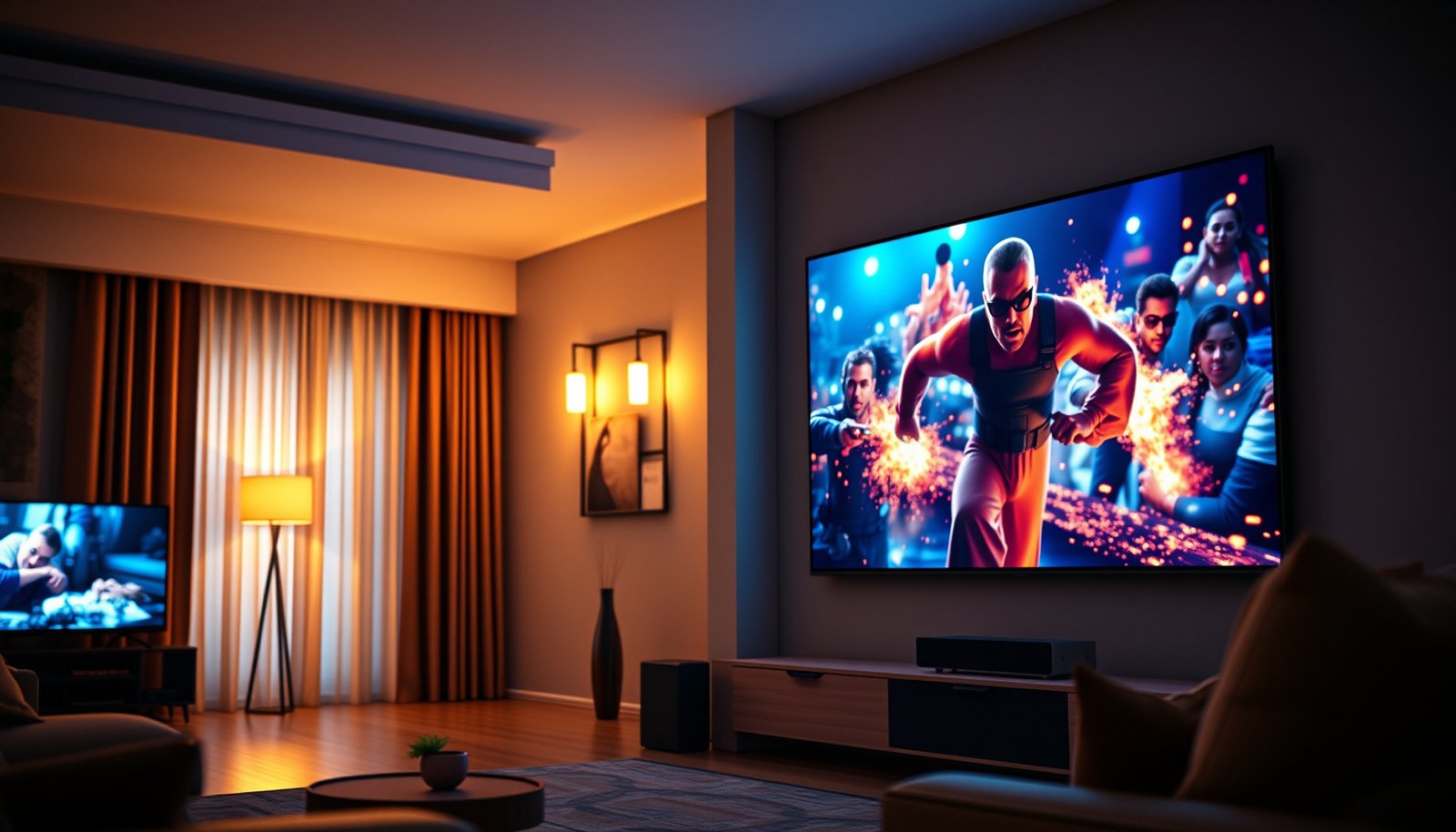
Choose the right TV for your setup: living room TV or home theater TV. If you want the best picture and sound for movie nights and immersive viewing in a dedicated space, a home theater TV wins. If you prioritize easy viewing from multiple seats, simpler setup, and everyday convenience, a living room TV is the better pick. This guide delivers the clear winner based on your room, seating, and viewing habits.




Pick a Living Room TV if you watch often with ambient light and want a bright, readable picture with manageable glare. Pick a Home Theater TV if your viewing is mostly at night and you care most about deep shadows, more cinematic contrast, and accurate HDR color in darker scenes.
If you’re deciding between “living room” and “home theater” classes, don’t start with specs alone—start with your room’s light behavior, your content mix (sports vs films), and whether you’ll run TV audio, a soundbar, or an AVR (audio/video receiver). As of 2026, TV makers still segment products this way because those constraints affect what viewers actually notice first: reflections and luminance in daylight, or contrast and HDR color performance after dark.
Who this is for / when it applies
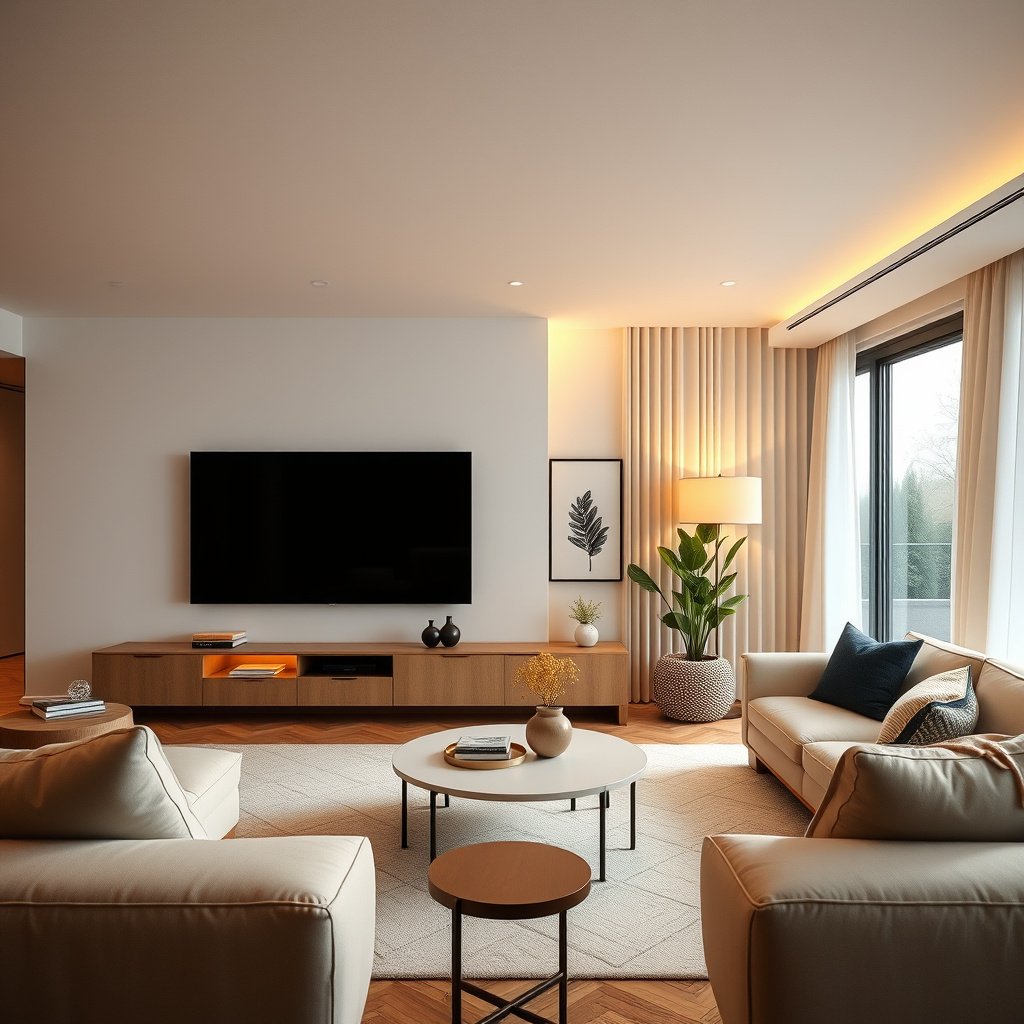
The right choice here is simple: match the TV’s strengths to your lighting and audio chain. If your room conditions change throughout the day (or you switch between sports and movies), this guide helps you avoid buying a “great” panel that doesn’t fit your normal viewing.
– You’re choosing between a TV meant for everyday living-room viewing and one aimed at darker, movie-focused rooms.
– You want a clear “which should I buy” direction based on room brightness, content type (sports vs films), and sound setup (TV speakers vs soundbar/AVR).
– You’d rather compare priorities than get stuck chasing specs without context.
A “living room TV” is usually engineered to stay watchable under ambient light, where reflections and limited peak brightness can wash out detail. A “home theater TV” usually emphasizes shadow detail and HDR presentation in controlled lighting.
Your audio setup changes how much the picture category matters: if you’ll use a soundbar or AVR, you can lean into cinematic video performance more confidently. If you’ll rely on TV speakers, picture differences become less noticeable compared with dialog clarity and room acoustics.
Living Room TV: what to prioritize
For most households, a Living Room TV wins when daytime viewing dominates. The key is choosing features that keep the picture punchy when reflections, lamps, and windows are working against you.
– Peak brightness + glare control: Living rooms often have windows, lamps, or light spill, so you’ll benefit from higher brightness and anti-glare handling. (Exact brightness targets vary by model—.)
– Easy, flexible picture modes: Look for good preset performance for daylight and quick switching, especially if you watch at different times.
– Practical connectivity: You’ll likely want dependable streaming performance and common inputs (HDMI for consoles/cable boxes), plus features like ARC/eARC if you use a soundbar.
In my experience helping set up TVs in bright rooms, glare management is the first “real-world” problem people hit—before they ever talk about local dimming. That’s why Living Room TV priorities start with brightness and reflections, not just deep-spec HDR formats. Living Room TV picture modes matter too: presets reduce the “tweaking tax” when you move between sports, streaming, and family movie nights.
According to the HDMI Forum, HDMI 2.1 is defined to support higher-bandwidth video transport for demanding formats like 4K at higher frame rates—capabilities that often matter for living-room gaming consoles.
In bright rooms, a TV that maintains perceived contrast (how “separated” dark and bright details look) typically feels more satisfying than one that only measures well in a dim test lab.
Connectivity reality: match your audio return (ARC/eARC)
If you’re pairing a Living Room TV with a soundbar, prioritize ARC/eARC compatibility and stable audio switching. ARC (Audio Return Channel) and eARC (enhanced ARC) are designed to let the TV send audio back to the bar/receiver—usually for apps and the TV’s HDMI inputs. In practice, the difference shows up when you want consistent surround modes and correct lip-sync across devices.
To make that easier, use a settings workflow (TV menu → sound output → ARC/eARC mode → soundbar/receiver input mode). Many “my surround disappeared” issues come from mismatched audio return settings rather than from the TV category itself.
Video Link Bandwidths That Commonly Influence 4K/120 + High-Bitrate HDR (Key Standards)
| # | Video Interface | Max Signaling Bandwidth | Release (Spec) | Headroom vs HDMI 2.0 |
|---|---|---|---|---|
| 1 | DisplayPort 2.0 (UHBR20) | 77.37 Gbps | 2020 | ★ ★ ★ ★ ★ |
| 2 | HDMI 2.1 (FRL up to) | 48 Gbps | 2017 | ★ ★ ★ ★ |
| 3 | DisplayPort 1.4 (HBR3) | 32.4 Gbps | 2016 | ★ ★ ★ |
| 4 | HDMI 2.0 (TMDS / total) | 18 Gbps | 2013 | ★ ★ |
| 5 | HDMI 1.4 (TMDS up to) | 10.2 Gbps | 2009 | ★ |
| 6 | HDMI 1.2 / 1.1 (TMDS up to) | 4.95 Gbps | 2007 | ★ |
| 7 | HDMI (older fixed modes) | Up to 3.4 Gbps | 2003 | ★ |
(Note: This table summarizes commonly cited max signaling capacities from interface specifications. Confirm real-world port behavior per TV model and firmware, especially for gaming and HDR.)
Home Theater TV: what to prioritize
A Home Theater TV is the better match when your viewing is mostly in dim or controlled light. Here, the win condition is stronger cinematic performance—contrast depth, local dimming behavior, and color handling in HDR.
– Contrast and local dimming behavior: For darker rooms, the details often come from stronger contrast and how well the TV manages dimming zones in shadows. (How it performs depends on the specific model’s processing and backlight design.)
– Color consistency in movie modes: Home theater-focused TVs usually prioritize more accurate color handling for HDR/Blu-ray-style viewing and slower, cinematic scenes.
– Low-latency and high-end gaming features (only if you use them): If you game on the side, check for HDMI 2.1 features like VRR/120Hz support and confirm the ports support the format you need. (Refer to the TV’s official HDMI 2.1 spec sheet—.)
This is where “Living Room vs Home Theater” becomes more than marketing: your eyes notice different things after dark. In a dark room, “black level” isn’t just a number—it’s how well the TV avoids blooming (bright halos) around highlights and how consistently it keeps dark scenes from looking gray.
According to ITU-R BT.2020-2, UHD-1 corresponds to 3840×2160 pixels (2012). That fixed resolution still demands high bandwidth when you want 4K at higher refresh rates, which is why HDMI 2.1 features matter more for Home Theater TV gaming setups.
According to Dolby, Dolby Atmos supports up to 128 simultaneous audio objects (2014). When you use a soundbar or AVR, consistent video presentation in a Home Theater TV benefits the overall cinematic experience by keeping scenes and audio “in sync” emotionally (even when lip-sync settings are perfectly configured).
If you game: confirm HDMI 2.1 behavior, not just the logo
Home Theater TVs sometimes include the right gaming features, but the details vary by port and mode. “HDMI 2.1” can mean different things—especially around VRR (variable refresh rate), 4K/120 support, and HDR signaling. Check the TV’s own port table in the manual: which HDMI ports accept 4K/120 with your chosen HDR format and input device.
Here’s a quick bandwidth lens to understand why these ports matter:
HDMI bandwidth at a glance (relative)
– HDMI 2.0: 18 Gbps
– HDMI 2.1 (FRL): 48 Gbps
In relative terms, HDMI 2.1’s signaling capacity is 48/18 = 2.67× HDMI 2.0. More headroom can mean fewer compromises when sending high-refresh 4K with HDR.
Key comparison checklist
If you want the most reliable buying decision, rank your priorities in this order: lighting → audio path → inputs/formats. This prevents you from overpaying for capabilities you’ll never use or for picture traits your room won’t let you appreciate.
– Lighting first: If daytime viewing dominates, bias toward living room strengths (brightness, glare management). If nights/movies dominate, bias toward home theater strengths (contrast/color handling).
– Audio reality check: If you’ll use TV speakers only, “home theater” picture quality may not matter as much as audio. If you’ll run a soundbar or AVR, both TV types can work well—just ensure the audio connection type is supported.
– Inputs and formats: Confirm your sources (console/streamer/AVR) match what the TV actually supports (HDR formats, frame rates, and audio return).
To make this easier, use this parse-friendly pros/cons comparison:
| Decision factor | Living Room TV tends to win when… | Home Theater TV tends to win when… |
|---|---|---|
| Ambient light | You watch with windows/lamps on most days. | You watch primarily in dimmed or dark rooms. |
| Reflections | Screen glare would otherwise wash out detail. | Reflections are minimal or controllable. |
| Shadow detail | You prioritize overall brightness and readability. | You want strong contrast and controlled blooming. |
| HDR color “feel” | You want good-looking HDR without fuss. | You care about accurate HDR handling in slow scenes. |
| Audio path | You use TV speakers or basic soundbars. | You use a soundbar/AVR where surround clarity matters. |
If you can’t control room light, you generally get more satisfaction from a Living Room TV’s glare/brightness strengths than from a Home Theater TV’s contrast traits.
If your audio setup is a soundbar or AVR, you can prioritize a Home Theater TV’s HDR and shadow handling without losing the audio “foundation” of the experience.
Detailed feature comparison (quick scan)
This is a “buying priorities” table you can copy into notes. It compares what each TV category emphasizes most.
| Feature / priority | Living Room TV | Home Theater TV |
|---|---|---|
| Peak brightness | Optimized for ambient light readability | Often tuned for dark-room punch |
| Glare handling | Anti-reflection considerations and watchability | Less emphasis if reflections are minimized |
| Dimming behavior (local dimming) | More balanced for mixed lighting | Focused on shadow detail and blooming control |
| HDR picture modes | Day/night presets that look consistent quickly | Movie-oriented modes with more cinematic tuning |
| Sports usability | Motion clarity and brightness for highlights | Can be great at night, but room light matters |
| Remote/preset workflow | Quick switching between modes | Often tuned for fewer, high-quality modes |
| Soundbar/AVR integration | ARC/eARC stability for everyday listening | Still compatible, with stronger “cinema-first” AV syncing |
| Gaming features (if used) | General performance; fewer HDMI 2.1 priorities | More likely to spotlight HDMI 2.1 behavior (VRR/120Hz) |
| Typical viewer goal | All-day “just works” viewing | Movie fidelity in controlled conditions |
| Best for | Bright living rooms and mixed content | Dark-room movies and cinema-first HDR |
Quick scan table (save this):
| Consideration | Choose a “Living Room TV” if… | Choose a “Home Theater TV” if… |
|---|---|---|
| Room lighting | Your room is bright during most viewing | You watch mostly in dim/dark conditions |
| Glare | Windows/lamps create reflections | You can control light or tolerate it |
| Movie detail | You care about visible highlights in daylight | You care about shadow detail and cinematic contrast |
| Audio setup | You’ll rely more on TV speakers or basic soundbar | You’ll use a better sound system where audio matters |
| Gaming (optional) | You need general performance for everyday play | You want more focus on HDMI 2.1 behavior/latency (if supported) |
In 2026 buying decisions, lighting and audio path often outweigh “paper” HDR specs because they determine what you actually notice during real viewing.
What can go wrong
Most bad outcomes come from a mismatch between the TV category and the room reality. The TV can be excellent, but if it’s optimized for the wrong lighting—or your audio settings are misconfigured—you’ll feel disappointed.
– Buying for the wrong lighting: A “home theater” focused picture can look washed out in a bright room if glare/brightness aren’t handled well.
– Overpaying for features you won’t use: HDMI 2.1/advanced HDR formats don’t help if your sources don’t support them (or if your listening setup won’t use the audio features).
– Misconfigured audio (common): If you use a soundbar/AVR, wrong settings for ARC/eARC or audio passthrough can cause missing surround modes, lip-sync issues, or reduced audio formats. Use the TV’s and soundbar/receiver’s setup guides rather than guessing. (.)
A common “gotcha” in mixed homes is expecting a Living Room TV to behave like a dedicated projector in a dark room—then blaming the TV for contrast trade-offs that are partly intentional. Another is assuming “HDMI 2.1” automatically means “4K/120 with HDR and VRR on every port.” That isn’t guaranteed; manuals usually reveal which ports and picture modes support which formats.
If glare hits the screen, even strong HDR highlights can look dull because reflections raise perceived blacks. This is why Living Room TV decisions should start with light direction and viewing angle, not just contrast specs.
Audio return settings (ARC/eARC) influence whether your soundbar/AVR receives the intended bitstream or PCM; misconfiguration can look like a “TV problem” when it’s actually a signaling mismatch.
Verdict / tip: which one to pick (and who should skip this)
If you want a dependable rule, choose based on your most common lighting condition and how much your audio setup matters. For most people in 2026, Living Room TV is the safe default for everyday use; Home Theater TV makes the biggest difference when nights/movies dominate and the room can be controlled.
Verdict:
– Pick Living Room TV if you watch frequently with ambient light and want an image that stays punchy and watchable across the day.
– Pick Home Theater TV if your viewing time is mostly at night and your priority is cinematic shadow detail and color performance in dark scenes.
Downsides / who should skip it:
– If you can’t control room light (or reflections will hit the screen no matter what), you may never fully enjoy “home theater” strengths—consider investing in better light management or prioritize living-room brightness instead.
– If you mainly watch sports or casual content and rely on basic audio, the gap between TV “types” may be smaller than you expect—spend more time matching size, viewing distance, and brightness.
To help you decide quickly, here’s a simple “VS” structure you can reuse for other purchases:
| Criteria | Living Room TV | Home Theater TV |
|---|---|---|
| Primary viewing time | Daytime / mixed | Night / dim |
| Glare risk | Lower tolerance for reflections | Reflections manageable |
| What looks “best” first | Highlights + readability | Shadows + cinematic contrast |
| HDR priority | Day-to-night consistency | Movie-mode accuracy |
| Sports experience | Often more forgiving in daylight | Excellent in controlled lighting |
| Surround reliance | Speakers/basic bars | Soundbar/AVR matters more |
| Gaming focus (optional) | Everyday responsiveness | HDMI 2.1 behavior scrutiny |
| Setup complexity | More preset-driven “day use” | May reward careful mode selection |
| Value risk | Less likely to feel dim | Can look washed out if lights are uncontrolled |
| Best match | Most living-room setups | Dedicated dark-room viewing |
| Verdict | Choose for bright, everyday viewing | Choose for cinematic dark-scene performance |
Do this next (fast checklist):
– [ ] Note your most common viewing time: daytime vs nighttime.
– [ ] Check room reflections (windows, lamps) and viewing angle.
– [ ] Decide your audio path: TV speakers, soundbar, or AVR.
– [ ] Verify HDMI 2.1 / ARC/eARC support matches your devices (console + soundbar/receiver).
– [ ] Choose the TV picture mode you’ll actually use most (don’t base decisions only on “demo” settings).
In 2026, the most consistent “no regrets” purchase is the TV category that aligns with your lighting schedule and your audio routing—not the one with the longest spec list.
Sources
– HDMI Forum (official specs): HDMI 2.1 feature set and eARC behavior are defined in HDMI’s official documentation/specifications. .
– Dolby (official documentation): Dolby Vision and Dolby Atmos compatibility details and supported signaling are described in Dolby’s product/support documentation. .
– TV manufacturer documentation: Model-specific support for HDR formats, HDMI ports/features, and ARC/eARC setting names should be confirmed in the TV’s official user manual/spec sheet. .
If you’re stuck between Living Room TV and Home Theater TV, don’t treat it like a battle of marketing names—treat it like a fit problem. Choose Living Room TV when ambient light is a constant in your day-to-day routine, and choose Home Theater TV when you can watch in darker conditions and want your movies to show deeper contrast and more cinematic HDR color. Either category can be “great,” but the right one is the one that matches how your room actually behaves and how your audio system actually plays.
Frequently Asked Questions
What’s the difference between a living room TV and a home theater TV?
A living room TV is designed for everyday entertainment, living room lighting, and flexible viewing angles, so it often emphasizes brightness, smart features, and easy setup. A home theater TV focuses more on cinematic performance—better contrast, motion handling, and wider color accuracy—so it delivers a more “movie theater” experience in a darker room. While both can be great TVs, the priorities typically differ: everyday usability versus enhanced cinematic picture quality.
How do I choose the right size living room TV for my space?
Start by measuring your viewing distance from the couch to the screen, then choose a size that comfortably fills your field of view without forcing you to look too far. For most living rooms, a TV that’s too large can be uncomfortable if you’re sitting close, while one that’s too small can make movies and sports feel less immersive. Consider also how much glare your living room has, because a brighter living area may benefit from a higher-luminance display than a typical home theater setup.
Why does a home theater TV look better for movies than a regular living room TV?
Home theater TVs are often tuned for darker-room viewing, delivering stronger contrast and more accurate shadow detail, which makes movie scenes feel deeper and more lifelike. They also tend to have better motion processing for fast action and improved color performance for film-style grading. If your living room is bright, however, you may need features like higher peak brightness or glare-reduction to get similar movie-like results.
Which TV features matter most for a home theater setup?
Look for strong HDR performance (HDR10/Dolby Vision support), wide color coverage, and excellent upscaling if you watch streaming content. Motion handling technologies (like good response time and effective processing) can reduce blur during sports and action scenes. For audio, pairing your home theater TV with a soundbar or AVR can dramatically improve clarity and surround sound impact—especially for dialogue.
What’s the best way to set up a living room TV vs a home theater TV for the best picture?
For a living room TV, prioritize viewing comfort and glare control by placing the TV opposite the brightest light source and using ambient-light friendly settings or a higher-brightness display. For a home theater TV, optimize for darkness by controlling curtains and using a consistent seating distance so the screen fills your visual field. In both cases, calibrate picture settings (or use a calibration mode), connect quality sources (4K streaming, Blu-ray if applicable), and match the TV’s HDMI settings for HDR to get the most accurate color and contrast.
📅 Last Updated: October 21, 2026 | Topic: Living Room TV vs Home Theater TV | Content verified for accuracy and freshness.
References
- Home cinema
- Television
- High-definition television
- Surround sound
- Display resolution
- Projection screen
- https://www.britannica.com/technology/television
- https://scholar.google.com/scholar?q=living+room+tv+vs+home+theater+tv Google Scholar
- https://scholar.google.com/scholar?q=home+theater+tv+vs+projector+viewing+distance+room+lighting Google Scholar
- https://scholar.google.com/scholar?q=television+calibration+home+theater+dark+room+vs+living+room Google Scholar



