Setting up a home karaoke system is straightforward and can transform your living space into a lively entertainment hub. All you need is the right equipment, some planning, and a bit of enthusiasm to create an atmosphere where everyone can unleash their inner rock star. This guide will walk you through everything you need to know to get started, ensuring that your karaoke nights are filled with fun and laughter.




Choosing the Right Karaoke Equipment
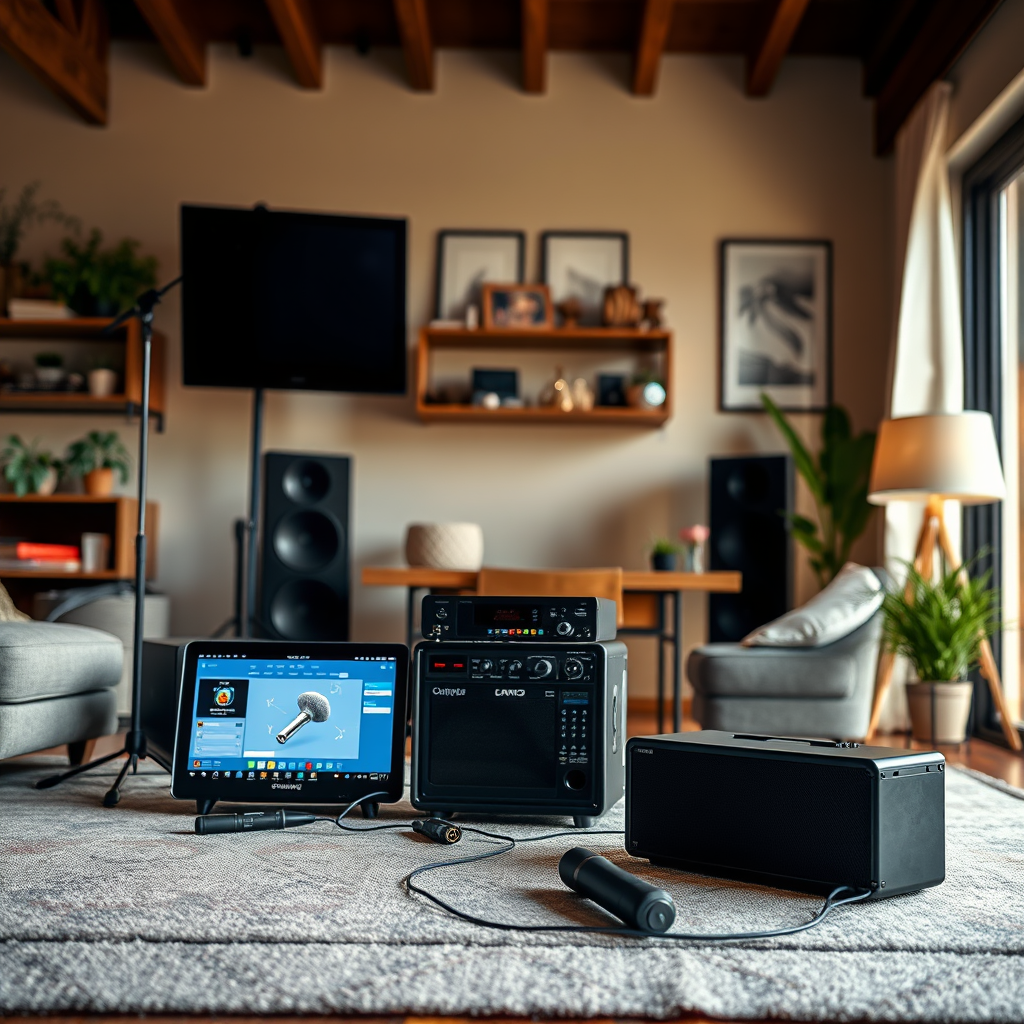
The first step in setting up your home karaoke system is selecting the right equipment that matches your audio needs. Start by identifying what you require in terms of microphones, speakers, and an amplifier. If you’re hosting larger gatherings, opt for high-quality, wireless microphones for mobility and ease of use. Brands like Shure and Sennheiser offer excellent options that can cater to both amateurs and seasoned performers.
Next, consider whether you want a standalone karaoke machine or if you prefer to use karaoke apps on your smart devices. Standalone machines often come with built-in screens, a vast library of songs, and user-friendly interfaces. Popular choices include the karaoke machines from Singing Machine or Ion Audio, which can be connected to your TV for a larger display. Alternatively, apps like Smule, Karaoke, and Yokee provide access to thousands of songs right on your smartphone or tablet, making them a flexible and cost-effective option.
Setting Up the Sound System
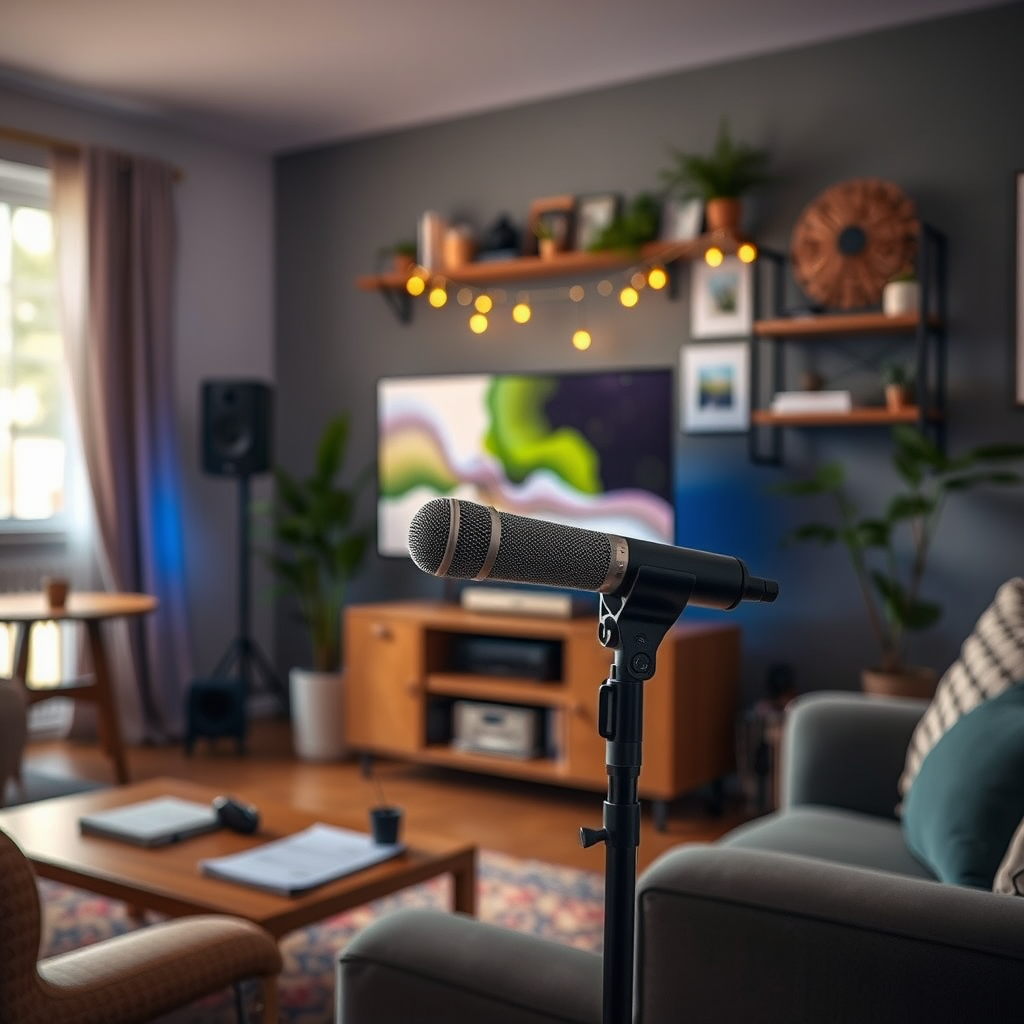
Once you have your equipment, it’s time to set up your sound system. Start by connecting all your devices based on the manufacturer’s instructions. For most setups, you’ll need to connect your microphone to the mixer or amplifier and then link the amplifier to your speakers. If you’re using a karaoke machine, follow the specific setup steps outlined in your machine’s manual.
Optimizing the placement of your speakers and microphone is crucial for achieving the best sound quality. Position the speakers at ear level and at an equal distance from the singing area to ensure a balanced sound. Avoid placing the microphone too close to the speakers to prevent feedback, which can ruin the fun. Experiment with different placements to find what works best for your space.
Selecting Karaoke Software or Songs
Now that your equipment is set up, it’s time to choose your karaoke software or songs. There are plenty of platforms available that cater to a variety of music tastes. Apps like Karafun and The Voice Karaoke provide expansive libraries with the latest hits and classic favorites. You can explore popular YouTube karaoke channels as well, which offer a plethora of sing-along tracks complete with lyrics.
Creating playlists is another way to enhance your karaoke experience. Curate your favorite tracks in advance to ensure that you won’t waste time searching for songs during your karaoke sessions. This can also help you manage the flow of the night, keeping the energy high and the fun rolling smoothly.
Enhancing Your Karaoke Experience
To take your karaoke nights to the next level, consider adding visual elements. A projector or a large TV screen can display lyrics, creating a more immersive experience for your guests. If you opt for a projector, ensure that you have a blank wall or a screen for clear visibility.
Investing in accessories can also elevate your karaoke setup. Additional microphones are a great choice if you have multiple singers, making it easy for everyone to join in without waiting. Adding LED lights or a disco ball can create a fun, party-like atmosphere. If you have the space, even a small stage setup can make your living room feel like a real concert venue!
Inviting Friends and Hosting a Karaoke Night
The key to a successful karaoke night is in the planning. Set a date and invite your friends, making sure to create an inviting atmosphere filled with snacks and drinks. Think about crafting a theme for the night, such as a decade-specific playlist or a karaoke battle for a fun competition.
Organizing song rotations can keep the night flowing smoothly. You can create a simple sign-up sheet or use an app that allows guests to queue their songs. This way, everyone knows when it’s their turn, and you can maintain the excitement without long pauses between performances.
Troubleshooting Common Issues
As with any tech setup, you may encounter some common issues while enjoying your karaoke night. Audio problems, such as echo or feedback, can usually be resolved by adjusting the microphone volume or repositioning the speakers. If you hear echo, try lowering the reverb settings on your mixer or karaoke machine.
It’s also helpful to familiarize yourself with the troubleshooting sections of your equipment’s manuals. If you encounter persistent issues that you can’t resolve, don’t hesitate to reach out to customer support or seek help from online forums. Many users share their experiences and solutions, which can provide valuable insights.
Your home karaoke system can become a centerpiece for fun and laughter with the right setup. By following these steps, you’ll create an enjoyable environment for yourself and your guests. So, gather your friends, pick your favorite songs, and let the singing begin! Remember, the goal is to have fun and make memories, no matter how pitchy those notes may be!
Frequently Asked Questions
What equipment do I need to set up a home karaoke system?
To set up a home karaoke system, you will need a few essential pieces of equipment: a karaoke machine or a karaoke software application, a microphone, speakers, and a screen or TV for displaying lyrics. Additionally, you may want an audio mixer for sound control, and cables to connect everything. Depending on your budget, you can opt for all-in-one karaoke machines or build a more sophisticated setup using a computer and external hardware.
How do I connect my karaoke system to my TV?
Connecting your karaoke system to your TV is typically straightforward. If you’re using a karaoke machine, you can connect it to your TV using an HDMI cable or RCA cables (the red, white, and yellow connectors). For software-based systems, you can connect your computer to the TV via HDMI. Once connected, ensure the TV input source is set to the correct HDMI or AV channel to display the karaoke lyrics on the screen.
Why is my karaoke system producing poor sound quality?
Poor sound quality in a karaoke system can result from several factors, such as improper speaker placement, low-quality microphones, or incorrect audio settings. Ensure that your speakers are positioned at ear level and facing the audience for optimal sound distribution. Additionally, check the microphone connections, adjust the volume levels, and consider investing in higher-quality audio equipment if necessary.
What are the best karaoke apps for home use?
Some of the best karaoke apps for home use include Smule, Karaoke by Tkaraoke, and Singa. These apps offer a vast library of songs, user-friendly interfaces, and features like pitch correction and vocal effects. Many of them also allow you to connect to smart TVs or Bluetooth speakers, making it easy to create a fun karaoke experience at home.
Which microphone is best for a home karaoke setup?
The best microphone for a home karaoke setup largely depends on your budget and preferences. Wired dynamic microphones, such as the Shure SM58, are popular for their durability and sound quality. If you prefer wireless options, consider a UHF wireless microphone system, which offers greater mobility without sacrificing audio quality. Always look for microphones with good feedback rejection to enhance your karaoke experience.
References
- Karaoke
- https://www.wikihow.com/Set-Up-a-Karaoke-System
- https://www.techhive.com/article/3237051/how-to-set-up-an-at-home-karaoke-system.html
- https://www.lifewire.com/how-to-set-up-a-karaoke-system-3105731
- https://www.soundonsound.com/techniques/setting-karaoke-system-home
- https://www.consumerreports.org/entertainment/how-to-choose-the-best-karaoke-machine/
- https://www.cnet.com/home/audio/how-to-set-up-a-karaoke-system-at-home/