
Setting up a 9.1.4 home theater system is essential for achieving an immersive audio experience that truly elevates your entertainment. This configuration, which includes nine speakers, one subwoofer, and four overhead speakers, allows you to enjoy sound that surrounds you from every angle, making your movie nights or gaming sessions incredibly dynamic. By following this guide, you’ll learn how to select the right equipment, position your speakers effectively, and optimize your room’s acoustics to create a sound environment that rivals commercial theaters.




Understanding 9.1.4 Home Theater Systems
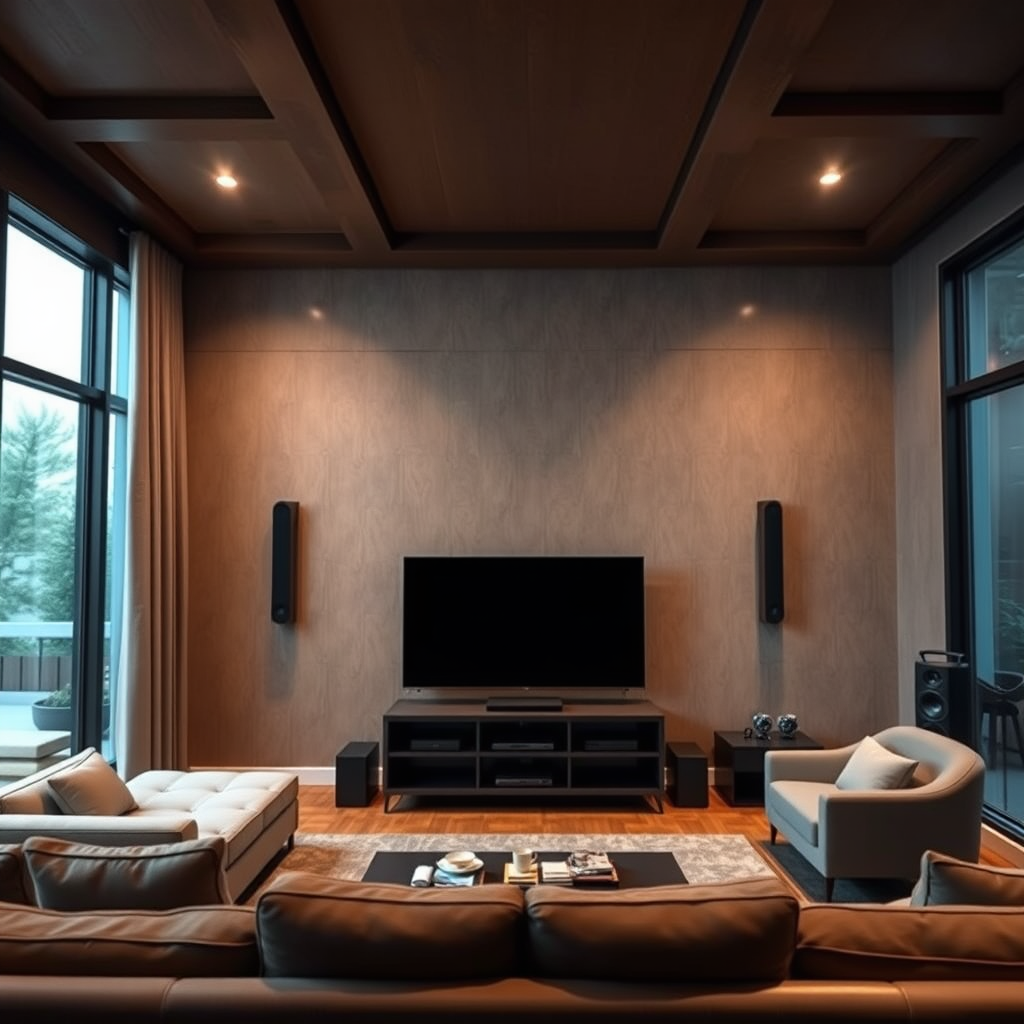
A 9.1.4 home theater system consists of nine traditional surround sound speakers, one subwoofer for deep bass, and four overhead speakers designed for enhanced height effects. This configuration allows for a more immersive listening experience, particularly when using formats like Dolby Atmos or DTS:X, which utilize height channels to create soundscapes that envelop viewers.
One of the primary benefits of a 9.1.4 system is its ability to deliver an unparalleled surround sound experience. With speakers positioned around the room and overhead, you can enjoy audio that feels as if it’s coming from all directions, enhancing the realism of the content you’re watching or listening to. Whether it’s the sound of raindrops, the roar of an explosion, or the subtle rustle of leaves, a well-configured 9.1.4 system can transport you right into the action.
Choosing the Right Equipment
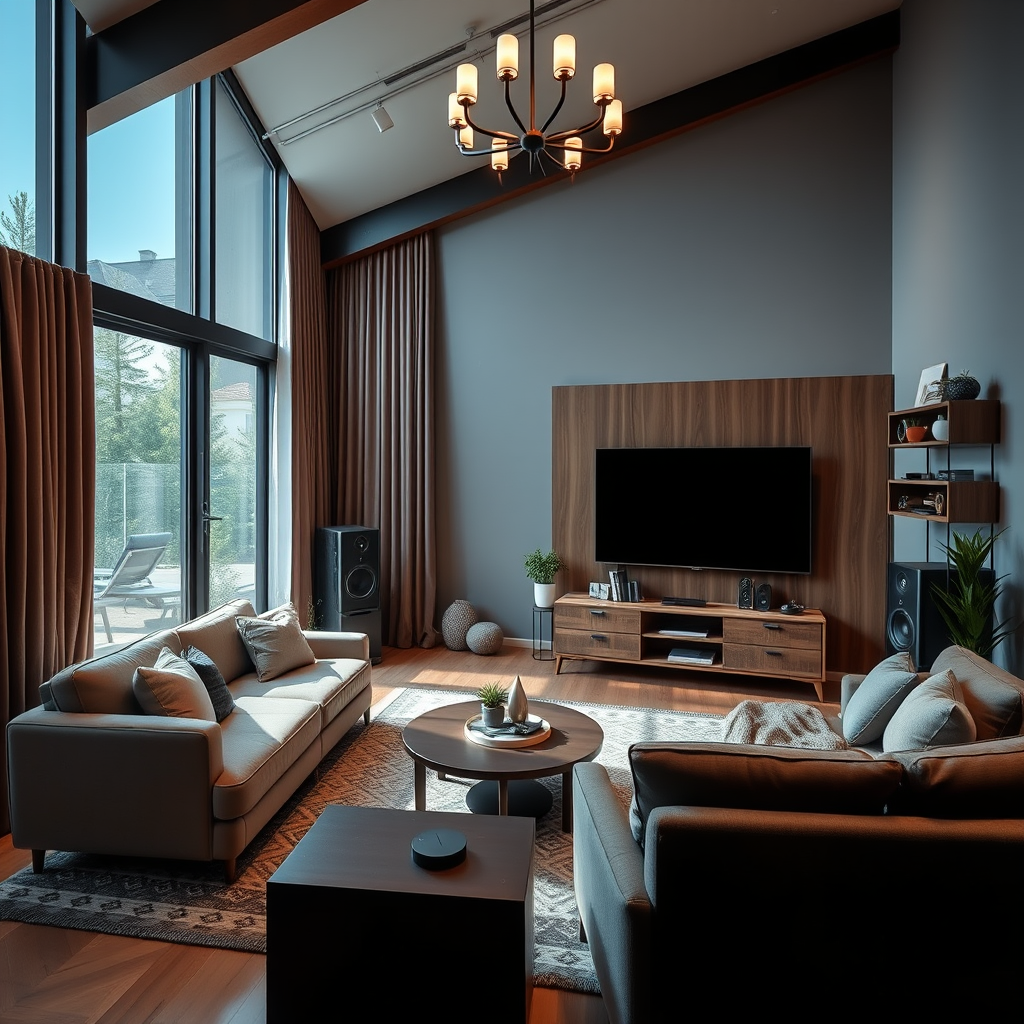
The foundation of a great 9.1.4 home theater system lies in its components. Key equipment includes a compatible AV receiver, nine high-quality speakers, and a powerful subwoofer. When selecting your AV receiver, ensure it supports the 9.1.4 configuration and has enough power to drive all your speakers effectively. Look for brands like Denon, Yamaha, or Onkyo, which are known for their reliable performance and feature-rich options.
For speakers, consider a mix of floor-standing and bookshelf models for the front channels, with smaller satellite speakers for the surround and overhead positions. It’s crucial to choose speakers that match in terms of quality and impedance to maintain consistent sound across all channels. Don’t forget about the subwoofer—an excellent choice is a model with adjustable settings to tailor bass output to your room’s acoustics.
Compatibility is key; ensure all components can communicate effectively, particularly with formats like Dolby Atmos or DTS:X. Quality matters as well—invest in good cables and connectors to ensure your sound remains crystal clear.
Speaker Placement Strategies
Proper speaker placement is vital to maximizing your 9.1.4 system’s potential. As a general rule, the front speakers should be positioned at ear level, angled slightly towards the listening area. The center channel should be directly above or below your screen, ensuring dialogue is clear and anchored to the visuals.
For surround speakers, place them at ear level on the side walls, about 1-2 feet above your seating position. The overhead speakers are crucial for a Dolby Atmos experience; ideally, they should be mounted directly above your seating area or angled downwards if ceiling-mounted, depending on your room layout. Refer to the Dolby Atmos guidelines for precise placement, as they offer detailed diagrams and recommendations that can help you achieve the best sound field.
Room Acoustics and Treatment
Room acoustics play a significant role in the overall sound quality of your home theater. Hard surfaces like tile or bare walls can reflect sound waves, creating echoes and muddiness, while softer surfaces absorb sound and minimize these issues.
To enhance your audio performance, consider investing in acoustic treatments. Wall panels can help reduce reflections, while area rugs or carpets can dampen sound on the floor. Heavy curtains can also assist in controlling sound reflections, especially if your windows are large.
Additionally, furniture placement can impact acoustics; avoid placing large items directly in front of speakers, and consider using bookshelves or corner bass traps to improve sound quality.
Calibration and Tuning
Once your system is set up, calibration is essential for achieving balanced sound. Most modern AV receivers come with built-in calibration tools that use a microphone to assess your room’s acoustics and adjust speaker levels accordingly. Follow the instructions provided with your receiver to perform the calibration—this typically involves placing the microphone at your main listening position and allowing the system to make automatic adjustments.
After the initial calibration, fine-tuning may be necessary. Adjust speaker levels manually if you notice discrepancies in sound, such as one channel being too loud or soft. Experiment with settings until you find the balance that works best for your listening environment. Remember, the goal is to create a seamless audio experience that immerses you completely in your content.
Testing and Troubleshooting
After setting up and calibrating your home theater system, it’s time for testing. Play a variety of media—movies, music, and games—to evaluate how well your system performs across different formats. Pay close attention to dialogue clarity, surround effects, and bass response.
If you encounter issues, don’t worry—troubleshooting is part of the setup process. Common problems may include audio lag or issues with specific channels. Check your receiver settings, ensure all connections are secure, and refer to your equipment manuals for additional troubleshooting tips. Sometimes, simply repositioning a speaker can make a significant difference in sound quality.
Maintenance and Upgrades
To keep your 9.1.4 home theater system performing at its best, regular maintenance is necessary. Dust your speakers and equipment periodically, and check all connections to ensure nothing has come loose. Additionally, keep your software and firmware updated to benefit from the latest features and improvements.
As technology evolves, consider future upgrades to enhance your audio quality. Newer models of AV receivers may offer improved processing capabilities and additional features. You might also explore upgrading speakers or adding a second subwoofer for even deeper bass. Staying informed about the latest audio technology can help you make savvy decisions about when and how to upgrade your system.
Setting up a 9.1.4 home theater system can seem daunting, but by following the steps outlined in this guide, you can create an exceptional audio experience in your home. From selecting the right equipment and positioning your speakers to optimizing your room’s acoustics and regularly maintaining your system, each step plays a critical role in achieving the best sound possible. Ready to transform your home entertainment? Start setting up today!
Frequently Asked Questions
What components do I need to set up a 9.1.4 home theater system?
To set up a 9.1.4 home theater system, you’ll need a compatible AV receiver that supports at least 9 channels and 4 ceiling or upward-firing speakers for the immersive sound experience. Additionally, you’ll require nine main speakers, including front left, front right, center, two surround speakers, and two rear surround speakers, along with a subwoofer for deep bass. Lastly, ensure you have the necessary speaker cables, HDMI cables, and a source device (like a Blu-ray player or streaming device) to enjoy high-quality audio and video.
How do I position the speakers in a 9.1.4 home theater setup?
Proper speaker placement is crucial for achieving optimal sound quality in a 9.1.4 home theater system. The front speakers should be positioned at ear level, with the center speaker directly above or below the screen. The surround speakers should be placed slightly above ear level and positioned 90-110 degrees from the listening position, while the rear surround speakers should be placed 135-150 degrees behind the listener. The four overhead speakers can be either in-ceiling or upward-firing models, installed to create an enveloping sound field that enhances the immersive experience.
Why is a 9.1.4 home theater system better than a traditional 5.1 setup?
A 9.1.4 home theater system offers a more immersive audio experience compared to a traditional 5.1 setup by incorporating additional channels and height speakers. The extra surround channels (two more than 5.1) provide a more detailed soundstage, allowing for more precise placement of sound effects. The addition of four overhead speakers enhances the three-dimensional aspect of audio, making it feel as though sound is coming from above, which is particularly beneficial for modern content that utilizes object-based audio formats like Dolby Atmos.
Which AV receiver is the best for a 9.1.4 home theater system?
When selecting the best AV receiver for a 9.1.4 home theater system, look for models that support Dolby Atmos and DTS:X for immersive audio experiences. Popular options include the Denon AVR-X6700H and the Yamaha AVENTAGE RX-A3080, both of which provide ample power and support for all nine channels and four height speakers. Additionally, ensure the receiver has multiple HDMI inputs to accommodate various source devices and supports 4K video passthrough for optimal picture quality.
How do I calibrate my 9.1.4 home theater system for the best sound quality?
To calibrate your 9.1.4 home theater system for optimal sound quality, use the built-in room calibration tools found in most modern AV receivers, such as Audyssey or YPAO. These systems utilize a microphone to analyze your room’s acoustics and adjust speaker levels, distances, and crossover frequencies accordingly. Additionally, manually fine-tune settings based on your listening preferences and room characteristics, such as adjusting the subwoofer level for balanced bass, to achieve the best audio experience tailored to your environment.
References
- Home cinema
- https://www.soundandvision.com/content/how-set-home-theater
- https://www.cnet.com/home/theater/how-to-set-up-a-home-theater-system/
- https://www.lifewire.com/home-theater-guide-2646025
- https://www.techhive.com/article/3070318/how-to-set-up-your-home-theater.html
- https://www.theverge.com/2019/10/23/20929304/home-theater-setup-guide-ultimate-audio-video-experience
- https://www.hdreport.com/2020/08/10/how-to-set-up-a-home-theater-system/
